1. הקדמה
The MARATHON 100 Hour Direct Entry Digital Tabletop Timer is designed to assist with precise time management for various tasks. Featuring a large, easy-to-read LCD display and a direct entry keypad, this timer offers both countdown and count-up functionalities, a clock mode, and memory presets for repetitive events. Its robust design includes a magnetic back and an integrated kickstand for versatile placement.
2. פּראָדוקט איבערview
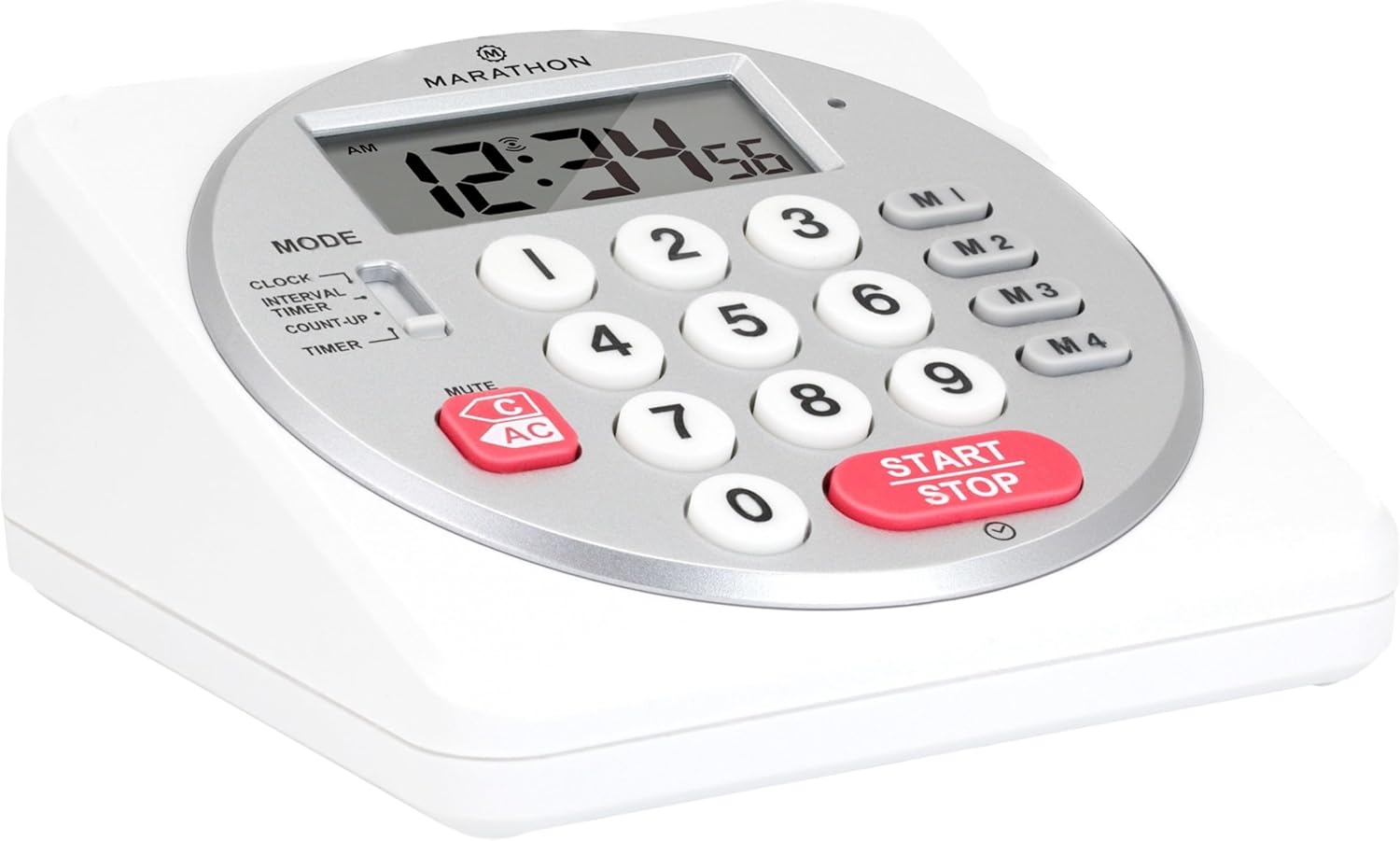
פיגורע 1: פראָנט view of the Marathon Digital Timer.
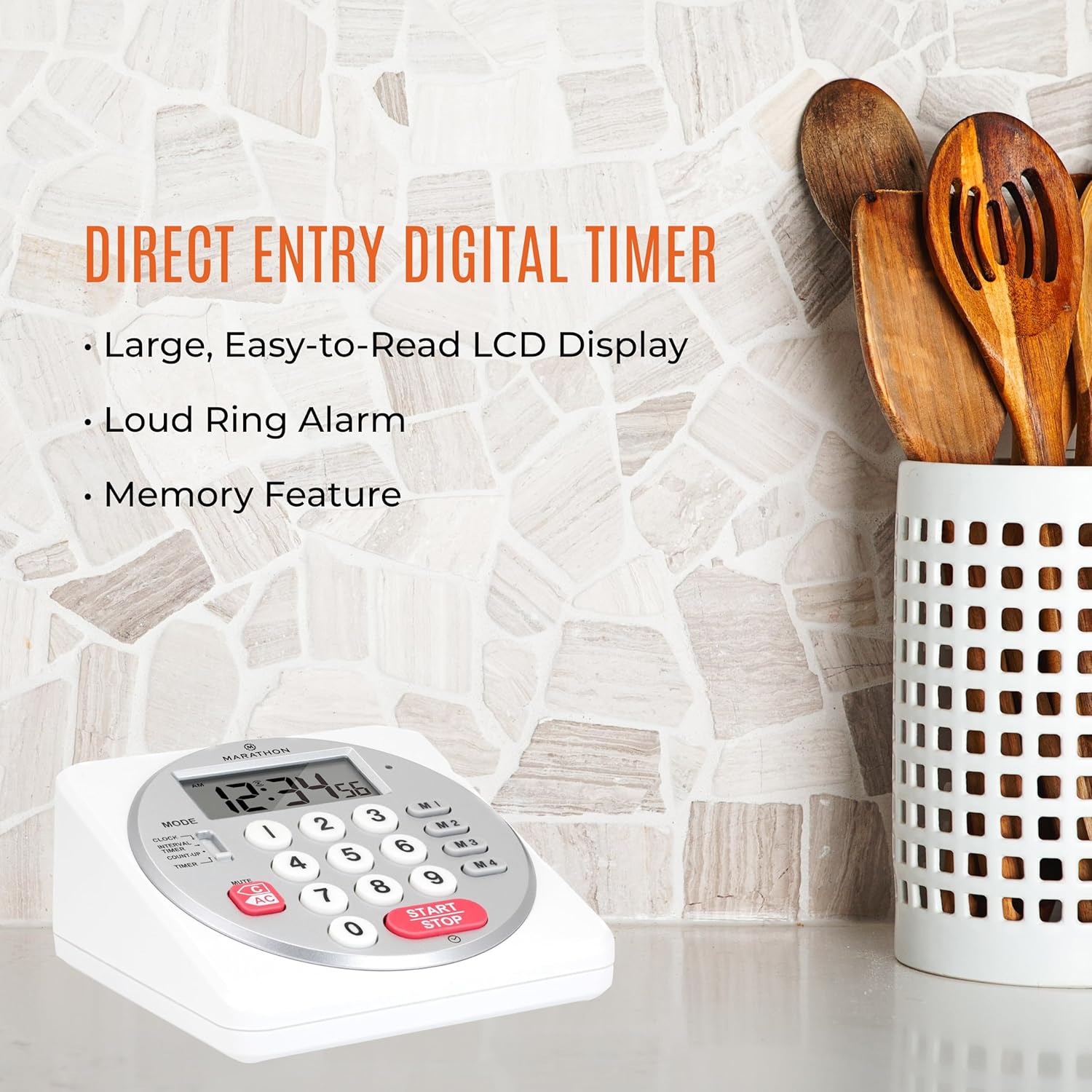
Figure 2: Timer on a kitchen counter, highlighting large display and loud alarm.

Figure 3: Timer showcasing dual function, included batteries, and versatile memory.
שליסל פֿעיִקייטן:
- Direct Entry Keypad: For quick and precise time setting.
- גרויס לקד ווייַז: Easy-to-read numbers for clear visibility.
- Dual Function Alarm: Supports both countdown and count-up timing up to 99 hours, 59 minutes, and 59 seconds.
- Loud Ring Alarm: Audible across a room.
- LED ינדיקאַטאָר: Flashing light for silent alarm or hearing impairment assistance.
- Clock Feature: Displays time in 12-hour or 24-hour format when not in timer mode.
- Built-in Memory Function: Stores up to four consecutive times for interval timing and four memory presets for repetitive events.
- ווערסאַטאַל אָרט: Integrated kickstand for tabletop use and magnetic back for attachment to metal surfaces.
- באַטעריז אַרייַנגערעכנט: קומט מיט 2 אַאַ באַטעריז.
3. סעטאַפּ
3.1. באַטאַרייע ייַנמאָנטירונג
- געפינט דעם דעקל פון דעם באַטעריע אָפּטייל אויף דער צוריקזייט פון דעם טייַמער.
- רוק די דעקל עפענען.
- Insert two (2) AA batteries, ensuring correct polarity (+/-) as indicated inside the compartment. The timer comes with batteries included.
- פאַרבייַטן די באַטאַרייע אָפּטייל דעקן סיקיורלי.

פיגורע 4: צוריק view with battery compartment and kickstand.
4. אַפּערייטינג ינסטרוקטיאָנס
4.1. מאָדע סעלעקציע
ניצן די מאָדע switch located on the side of the timer to select between different functions:
- זייגער: דיספּלייז די קראַנט צייט.
- INTERVAL TIMER: For setting multiple consecutive timers.
- COUNT-UP: Functions as a stopwatch.
- טיימער: For setting a single countdown timer.

Figure 5: MODE switch for function selection.
4.2. באַשטעטיקן די זייגער
- רוק די מאָדע באַשטימען צו זייגער.
- דריקן און האַלטן די שטעלן button until the time digits begin to flash.
- Use the number keypad (0-9) to enter the desired time (HH:MM).
- דרוק שטעלן again to confirm and exit clock setting mode.
- צו בייטן צווישן 12-שעה און 24-שעה פֿאָרמאַט, דריק די 12/24ה button (if available, or refer to specific model instructions).
4.3. Setting a Countdown Timer (TIMER Mode)
- רוק די מאָדע באַשטימען צו TIMER.
- Use the number keypad (0-9) to directly enter the desired countdown time (HH:MM:SS). The timer supports up to 99 hours, 59 minutes, 59 seconds.
- דרוק די אָנהייב / האַלטן קנעפּל צו אָנהייבן דעם ציילן.
- To pause the timer, press אָנהייב / האַלטן נאכאמאל. דריק עס נאך אמאל צו אנהייבן.
- When the countdown reaches zero, the alarm will sound, and the LED indicator will flash. The timer will then automatically begin counting up to show elapsed time since the alarm.
- To stop the alarm and clear the display, press the קלאָר קנעפּל.
4.4. Using the Count-Up Timer (COUNT-UP Mode)
- רוק די מאָדע באַשטימען צו COUNT-UP.
- Ensure the display shows 00:00:00. If not, press קלאָר.
- דרוק די אָנהייב / האַלטן קנעפּל צו אָנהייבן ציילן אַרויף.
- צו פּויזירן דעם ציילן-אַרויף, דריק אָנהייב / האַלטן נאכאמאל. דריק עס נאך אמאל צו אנהייבן.
- To reset the count-up timer to zero, press קלאָר.
4.5. Using Memory Functions (M1-M4 Presets)
The timer features four memory buttons (M1, M2, M3, M4) for storing and recalling frequently used times or for interval timing.
- In TIMER mode, enter the desired time using the number keypad.
- Press and hold one of the memory buttons (M1-M4) until the display confirms the time has been saved.
- To recall a saved time, simply press the corresponding memory button (M1-M4). The saved time will appear on the display, ready to start.
- For interval timing, set the first interval, save it to M1. Then set the second interval, save it to M2, and so on. You can then cycle through these presets as needed.
4.6. אַדזשאַסטירן אַלאַרם באַנד
The timer features a volume switch, typically located on the side or back, allowing you to select between different alarm levels (e.g., High, Low, Mute) or a flashing LED indicator for silent operation.
5. וישאַלט
- ריין די טייַמער מיט אַ ווייך, דamp טוך. ניצט נישט קיין שרײַבנדיקע רייניגער און טונקט נישט אײַן דעם אַפּאַראַט אין וואַסער.
- פֿאַרמײַדן אויסצושטעלן דעם טײַמער צו עקסטרעמע טעמפּעראַטורן אָדער דירעקטע זון פֿאַר פֿאַרלענגערטע פּעריאָדן.
- If the display becomes dim or the alarm weakens, replace the batteries promptly.
6. טראָובלעשאָאָטינג
| פּראָבלעם | מעגלעך סיבה | לייזונג |
|---|---|---|
| Timer not turning on. | באַטעריז זענען טויט אָדער ינקערעקטלי אינסטאַלירן. | קאָנטראָלירט די פּאָלאַריטעט פון די באַטעריע אָדער פאַרבייטן מיט נייע AA באַטעריעס. |
| ווייַז איז טונקל. | נידעריק באַטאַרייע מאַכט. | פאַרבייַטן באַטעריז. |
| דער אַלאַרם קלינגט נישט. | Alarm volume is set to mute or low. | Check the alarm volume switch and adjust as needed. |
| דער טייַמער רעאַגירט נישט אויף קנעפּל דריקונגען. | Unit may be in a locked state (if applicable) or requires a reset. | Remove and reinsert batteries to perform a hard reset. Check for any lock switches. |
7. ספּעסאַפאַקיישאַנז
- מאָדעל: TI030018WH
- סאָרט: MARATHON
- מאַטעריאַל: פּלאַסטיק
- דימענסיעס: 4.45 X 2.64 X 4.45 אינטשעס
- נומער וואָג: 7.1 אונסעס
- מאַכט מקור: 2 x אַאַ באַטעריז (אַרייַנגערעכנט)
- Max Timer Duration: 99 שעה, 59 מינוט, 59 סעקונדעס
- פֿעיִקייטן: Direct Entry, Dual Function (Count-up/Count-down), Clock, Memory Presets, LED Indicator, Magnetic Back, Kickstand
- UPC: 063442000342

פיגור 6: פּראָדוקט דימענסיעס.
8. וואָראַנטי און שטיצן
פֿאַר וואָראַנטי אינפֿאָרמאַציע אָדער טעכנישע שטיצע, ביטע זען די פאַבריקאַנט'ס באַאַמטער webזייטל אדער קאנטאקט זייער קאסטומער סערוויס דעפארטמענט. האלט אייער קויף קוויטל אלס באווייז פון קויפן.


