1. הקדמה
This manual provides essential information for the safe and efficient operation of your ULTIMEA Poseidon M20 Pro U2203 2.1ch Sound Bar. Please read it thoroughly before using the product and retain it for future reference.
The ULTIMEA Poseidon M20 Pro U2203 is an all-in-one 2.1 channel sound bar designed to enhance your audio experience for TV, gaming, and music. It features a built-in subwoofer, app control, and multiple connectivity options.
2. שליסל פֿעיִקייטן
- אַלע-אין-איין פּלאַן: Built-in dual speakers, a 3-inch subwoofer, and side-firing bass ports deliver deeper lows and expand surround effects. The 2.1ch sound offers a superior audio experience for movies, music, or games.
- Compact Size with Enhanced Bass: ULTIMEA's exclusive BassMX technology enhances low frequencies with adjustable bass. The compact design allows for versatile placement on a stand, cabinet, under the TV, or wall-mounted.
- ULTIMEA Smart App Control: Control your sound bar with the ULTIMEA smart app, allowing you to switch multiple EQ modes, adjust bands, and matrix settings. Regular OTA updates ensure optimized performance.
- 121 Preset EQ Matrices: The ULTIMEA App provides 121 preset equalizer matrices, tailored for four distinct sonic preferences: Bass, Pop, Classical, and Rock. Precise tuning and dynamic adjustments enable a finely-tuned listening experience.
- 10-Band Equalizer Settings: Enhance your audio with 6 tailored EQ modes: Movie, Music, Voice, Sport, Game, and Night. Use the ULTIMEA App's "Customize" feature for fine-tuning to match personal taste and environment.
- Multi Connections: Supports optical, AUX, Bluetooth 5.4, and USB inputs for universal compatibility. Bluetooth 5.4 ensures fast, stable wireless streaming. An additional "SUB OUT" port allows connection of an active subwoofer for enhanced bass.
3. וואָס איז אין דער קעסטל
Please check that all components are present upon unpacking:
- 1 x ULTIMEA Poseidon M20 Pro U2203 Sound Bar
- 1 x Remote Control (Batteries Not Included)
- 1 x באַניצער מאַנואַל
- 1 x Power Adaptor for Soundbar (2m)
- 1 x Stereo 3.5mm to 3.5mm Audio Cable (1.5m AUX Cable)
- 1 x Digital Optical Cable (1.5m)
- 4 רענטגענ וואנט בארג קיט
- 2 רענטגענ וואנט קלאַמער
- 2 x Mounting Screw on Speakers
4. פּראָדוקט איבערview
4.1 קאָנטראָלס און ינדיקאַטאָרס
The sound bar features intuitive controls for easy operation.
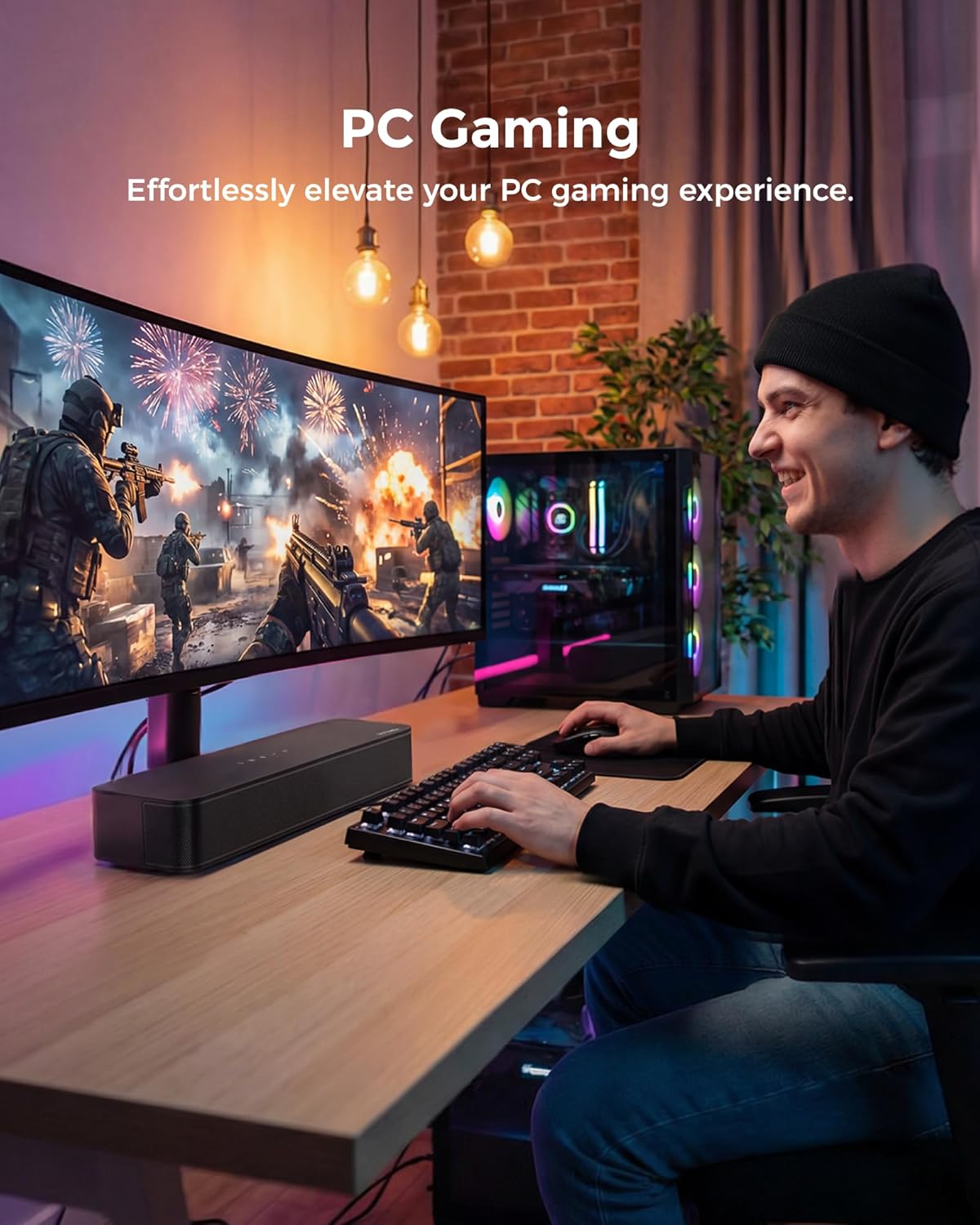
Image: Top panel controls of the ULTIMEA Poseidon M20 Pro U2203 soundbar.
4.2 דערציען פּאַנעל קאַנעקשאַנז
The rear panel provides various ports for connecting to your audio sources.

Image: Rear panel connections of the ULTIMEA Poseidon M20 Pro U2203 soundbar.
- דק אין: מאַכט אַרייַנשרייַב פּאָרט.
- AUX: 3.5mm audio input for analog devices.
- אָפּטיש: Optical audio input for digital audio sources.
- וסב: USB input for media playback (supports MP3 files with 128GB max memory).
- SUB OUT: Output port for connecting an external active subwoofer.
5. סעטאַפּ
5.1 מאַכט אויף
- פאַרבינדן די מאַכט אַדאַפּטער צו די DC IN port on the back of the sound bar.
- צאַפּן די אנדערע סוף פון די מאַכט אַדאַפּטער אין אַ וואַנט ווענטיל.
- Press the power button on the sound bar or remote control to turn it on.
5.2 פּלאַצירונג אָפּציעס
The sound bar can be placed on a TV stand or wall-mounted.

Image: Flexible placement options for the soundbar.
5.3 פֿאַרבינדן זיך צו דיין טעלעוויזיע
קלייַבט איינע פון די פאלגענדע פֿאַרבינדונג מעטאָדן באַזירט אויף די בנימצא פּאָרץ פון דיין טעלעוויזיע:
5.3.1 אָפּטישע פֿאַרבינדונג
- Connect one end of the Digital Optical Cable to the אָפּטיש פּאָרט אויף די געזונט באַר.
- Connect the other end of the Digital Optical Cable to the Optical Digital Audio Out port on your TV.
- On your TV's audio settings, select "Optical" as the audio output and set the digital sound out format to "PCM" or "Passthrough".

Image: Optical connection diagram.
5.3.2 AUX קאַנעקשאַן
- Connect one end of the 3.5mm Audio Cable to the AUX פּאָרט אויף די געזונט באַר.
- Connect the other end of the 3.5mm Audio Cable to the 3.5mm Audio Out (Headphone) port on your TV.
- On your TV's audio settings, select "Headset" or "External Speaker" as the audio output.

Image: AUX connection diagram.
5.3.3 בלועטאָאָטה קאַנעקשאַן
- דרוק די BT button on the remote or the sound bar to switch to Bluetooth mode. The LED indicator will flash.
- געבן בלועטאָאָטה אויף דיין סמאַרטפאָנע אָדער אנדערע מיטל.
- Select "Poseidon M20 Pro" from the list of available Bluetooth devices to pair. The LED indicator will turn solid blue once connected.

Image: Bluetooth connection diagram.
6. Operating the Sound Bar
6.1 יקערדיק פאַנגקשאַנז
- מאַכט אויף / אַוועק: Short press the power button to turn on, long press for 2 seconds to turn off.
- באַנד קאָנטראָל: Use the '+' and '-' buttons on the sound bar or remote to adjust volume.
- איינגאַבע מאָדע אויסוואַל: Short press the power button (after turning on) or use the dedicated buttons on the remote (OPT, AUX, BT) to switch between input modes.
6.2 EQ Modes and Customization
The ULTIMEA Poseidon M20 Pro U2203 offers various EQ modes and customization options via the remote control and the ULTIMEA Smart App.
6.2.1 Preset EQ Modes
Select from 6 tailored EQ modes for different content:
- פֿילם: אָפּטימיזירט פֿאַר סינעמאַטיש געזונט.
- מוזיק: פֿאַרבעסערט פֿאַר מוזיקאַלישע ווידערשפּיל.
- קול: Improves dialogue clarity.
- ספּאָרט: Suitable for sports broadcasts.
- שפּיל: גיט אימערסיווע גיימינג אַודיאָ.
- נאַכט: רעדוצירט די דינאַמישע קייט פֿאַר שפּעט-נאַכט צוגעהערן.
6.2.2 ULTIMEA Smart App Customization
For advanced control, download the ULTIMEA Smart App:
- 121 Preset EQ Matrices: Choose from matrices tailored for Bass, Pop, Classical, and Rock.
- 10-באַנד עקוואַליזער: Fine-tune Bass, Midrange, and Treble frequencies to your preference.

Image: ULTIMEA App showing 121 preset EQ matrices.

Image: ULTIMEA App showing 10-band equalizer settings.
7. וישאַלט
- רייניקונג: Use a soft, dry cloth to clean the surface of the sound bar. Do not use liquid cleaners or aerosols.
- סטאָרידזש: If not in use for an extended period, unplug the sound bar from the power outlet and store it in a cool, dry place.
- ויסמיידן נעץ: Keep the sound bar away from water, moisture, and direct sunlight.
8. טראָובלעשאָאָטינג
| פּראָבלעם | מעגלעך סיבה | לייזונג |
|---|---|---|
| קיין מאַכט | עלעקטרישע שנור נישט פארבונדן אדער די ווענטיל ארבעט נישט. | Ensure power cord is securely connected and try a different outlet. |
| קיין געזונט | Incorrect input mode selected or TV audio settings incorrect. | Select the correct input mode (Optical, AUX, BT) on the sound bar. Check TV audio output settings (e.g., set to PCM for Optical). |
| בלועטאָאָטה קשר פיילז | Sound bar not in pairing mode or device too far. | Ensure sound bar is in Bluetooth mode (LED flashing). Move device closer to the sound bar. Forget device on your phone and re-pair. |
| געזונט דיסטאָרשאַן | Volume too high or audio source quality is low. | Reduce volume. Try a different audio source or cable. |
9. ספּעסאַפאַקיישאַנז
- מאָדעל נאָמען: Poseidon M20 Pro
- נומער מאָדעל נומער: U2203
- רעדנער טיפּ: סאָונדבאַר
- רעדנער מאַקסימום רעזולטאַט מאַכט: 132 Watts (Peak Power)
- אָפטקייַט ענטפער: 70 הז
- מאַונטינג טיפּ: טיש מאָונט / וואַנט מאָונט
- פּראָדוקט דימענשאַנז: 10.8D x 40W x 7H סענטימעטער
- נומער וואָג: 2.24 קג
- קאַנעקטיוויטי: Bluetooth 5.4, Optical, AUX, USB
- ספּעציעלע פֿעיִקייטן: All-in-one Design, ULTIMEA Smart App Control, 10 Band Equalizer Settings, 121 Preset Equalizer Matrices, Adjustable Bass & Midrange & Treble, BassMX Technology, Built-in Subwoofer
- פאַבריקאַנט: ULTIMEA
- לאַנד פון אָריגין: כינע
10. וואָראַנטי און שטיצן
For warranty information, technical support, or customer service inquiries, please refer to the warranty card included with your product or visit the official ULTIMEA webזייטל. האַלט אייער קויף קוויטל ווי אַ באַווייַז פון קויפן.


