1. הקדמה
This manual provides essential information for setting up, operating, maintaining, and troubleshooting your Sharp Aquos QLED 55 Inch 4K Ultra HD Xumo Smart TV. Please read this manual thoroughly before using your television and retain it for future reference.
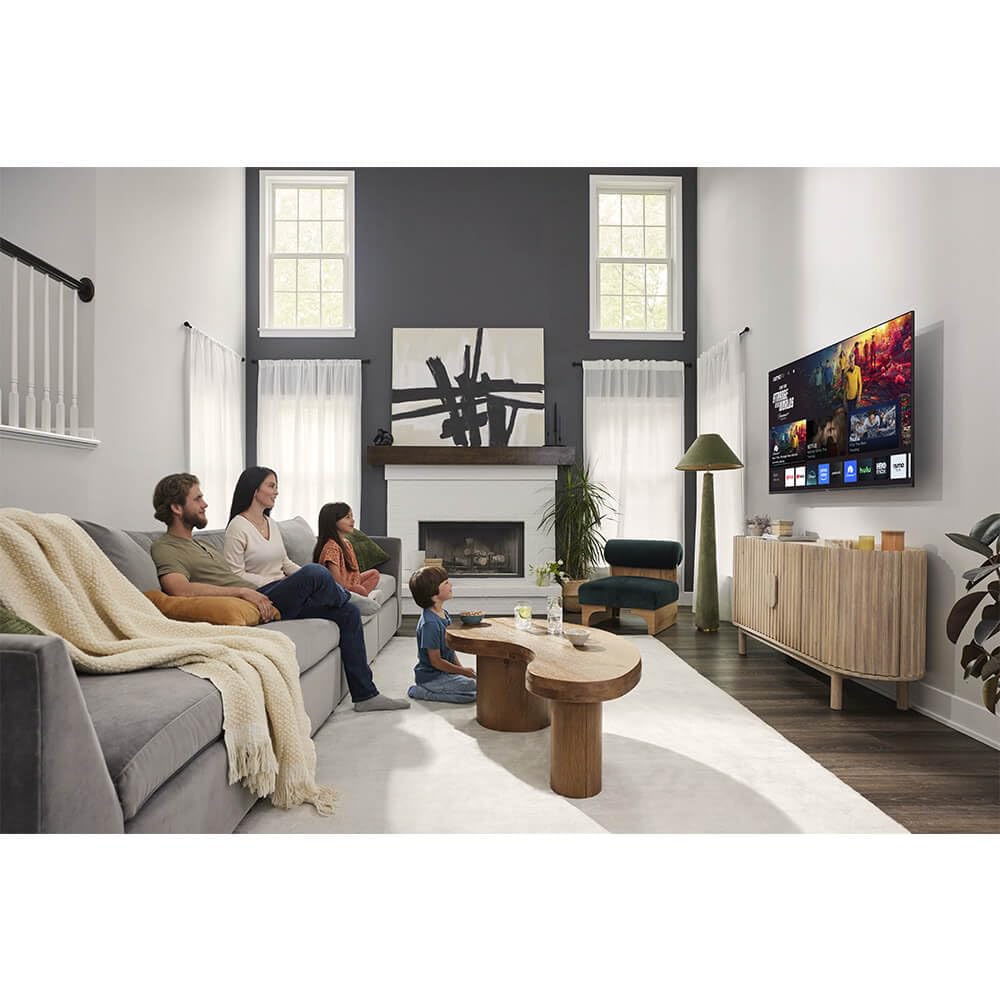
בילד: פראָנט view of the Sharp Aquos QLED 55 Inch 4K Ultra HD Xumo Smart TV.
2. זיכערקייַט אינפֿאָרמאַציע
Always follow basic safety precautions when using this television to reduce the risk of fire, electric shock, and injury. Keep the television away from moisture, direct sunlight, and heat sources. Ensure proper ventilation and do not block any ventilation openings. Use only the power cord and accessories specified by the manufacturer. Refer to the full safety guidelines in the included printed manual.
3. וואָס איז אין דער קעסטל
Your Sharp Aquos QLED 55 Inch 4K Ultra HD Xumo Smart TV package includes:
- Sharp Aquos QLED 55 Inch 4K Ultra HD Xumo Smart TV
- קול רימאָוט קאָנטראָל
- טעלעוויזיע שטאַנד (2 שטיק)
- שרויפן פֿאַר טעלעוויזיע שטאַנד
- מאַכט שנור
- באַניצער מאַנואַל (דעם דאָקומענט)
- שנעל אָנהייב גייד
4. סעטאַפּ
4.1 אנשטעלן דעם טעלעוויזיע שטאנד
- לייגט פֿאָרזיכטיק דעם טעלעוויזיע־עקראַן אַראָפּ אויף אַ ווייכער, גלאַטער ייבערפֿלאַך כּדי צו פֿאַרמייַדן שאָדן.
- גלייכט יעדן שטאַנד שטיק מיט די קאָרעספּאָנדירנדיקע שרויף לעכער אויף דער אונטערשטער טייל פון דער טעלעוויזיע.
- באַפעסטיקט יעדן שטאַנד שטיק מיט די צוגעשטעלטע שרויפן. מאַכט זיכער אַז זיי זענען פעסט אָנגעצויגן.
4.2 וואַנט מאָונטינג (אָפּציאָנאַל)
If you choose to wall mount your TV, ensure you use a VESA-compatible wall mount kit (sold separately) that supports the 55-inch screen size and weight. Follow the instructions provided with your wall mount kit. Remove the TV stand before mounting.
4.3 קאַנעקטינג דעוויסעס
Connect your external devices (cable box, gaming console, soundbar, etc.) to the appropriate ports on the back of the TV. The Sharp Aquos QLED TV features multiple HDMI inputs for versatile connectivity.

בילד: הינטערשטע view of the Sharp Aquos QLED TV showing cable management through the stand.
4.4 מאַכט קאַנעקשאַן
Plug the power cord into the TV's power input, then into a wall outlet. The TV is now ready for initial setup.
5. אַפּערייטינג ינסטרוקטיאָנס
5.1 ערשטע סעטאַפּ און נעץ פֿאַרבינדונג
Upon first power-on, the TV will guide you through the initial setup process. This includes selecting your language, connecting to your Wi-Fi network (dual-band Wi-Fi supported for reliable streaming), and agreeing to terms and conditions. Follow the on-screen prompts.
5.2 רימאָוט קאָנטראָל פאַנגקשאַנז
The included voice remote allows for intuitive navigation. Use the directional pad to move through menus, the OK button to select, and dedicated buttons for popular streaming services. The built-in voice search feature provides hands-free control for launching apps, adjusting volume, and switching inputs.
5.3 Xumo Smart TV Platform
The Xumo Smart TV system offers fast and intuitive access to your favorite streaming applications. The clean home screen allows for easy navigation and personalized content recommendations.
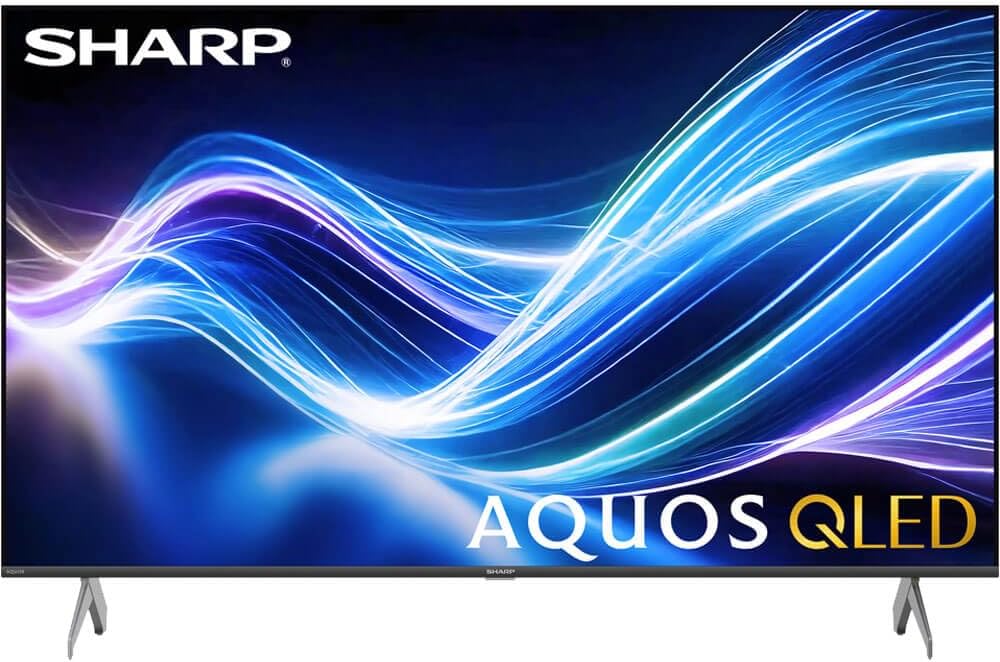
Image: The Xumo Smart TV home screen displaying various streaming apps and voice search functionality.
5.4 בילד און קלאַנג סעטטינגס
Your Sharp Aquos QLED TV supports advanced picture and sound technologies:
- 4K QLED דיספּליי: Enjoy vibrant, lifelike images with Quantum Dot color and enhanced brightness.
- דאָלבי וויזשאַן און HDR10: These premium HDR formats optimize contrast, depth, and clarity for cinematic picture quality. Access picture settings via the TV menu to fine-tune brightness, contrast, color, and sharpness.
- יממערסיווע אַודיאָ: The TV features optimized sound processing for clear dialogue and enhanced bass. Connect Bluetooth headphones or speakers for wireless listening. Adjust audio modes (Standard, Music, Movie, Speech, Custom) in the sound settings.
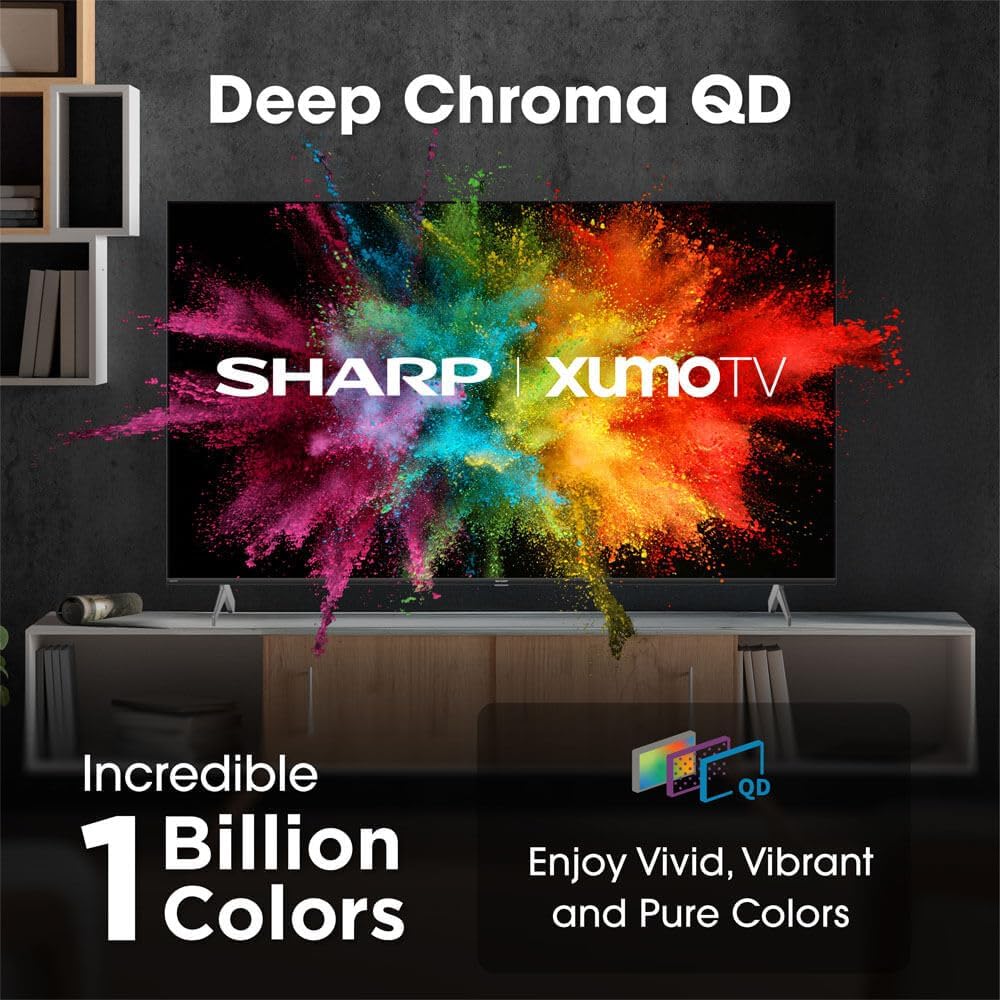
Image: Comparison of Dolby Vision enhanced picture quality against a standard display.

Image: Visual representation of Dolby Atmos creating immersive sound in a living room setting.
6. וישאַלט
6.1 רייניקן דעם טעלעוויזאר
צו רייניקן דעם עקראַן, ווישט עס אָפּ מיט אַ ווייכן, לינט-פֿרייעם שטאָף. פֿאַר שווערע פֿלעקן, ווישט עס אַ ביסל.ampen the cloth with water or a screen-cleaning solution. Never spray liquid directly onto the screen. Clean the TV's exterior with a soft, dry cloth.
6.2 ווייכווארג דערהייַנטיקונגען
אייער טעלעוויזיע קען באַקומען אויטאָמאַטישע ווייכווארג דערהייַנטיקונגען צו פֿאַרבעסערן פאָרשטעלונג און צולייגן נייַע פֿעיִקייטן. זיכער מאַכן אַז אייער טעלעוויזיע איז פארבונדן צום אינטערנעט צו באַקומען די דערהייַנטיקונגען. איר קענט אויך מאַנועל קאָנטראָלירן פֿאַר דערהייַנטיקונגען אין די טעלעוויזיע ס סעטטינגס מעניו.
7. טראָובלעשאָאָטינג
| פּראָבלעם | מעגלעך סיבה | לייזונג |
|---|---|---|
| קיין מאַכט | Power cord not connected, power outlet not working. | Check power cord connection, try a different outlet. |
| קיין בילד / געזונט | Incorrect input selected, external device off/disconnected. | Verify input source, check device power and connections. |
| ווייַט ניט ארבעטן | Batteries low/dead, obstruction between remote and TV. | טוישט די באַטעריעס, אַראָפּנעמט שטערונגען, און פאַרבינדט די ווײַטקאָנטראָלירטע סיסטעם אויב נייטיק. |
| ווי-פי קשר ישוז | Router issues, incorrect password, weak signal. | Restart router, re-enter Wi-Fi password, move TV closer to router or use Ethernet. |
8. ספּעסאַפאַקיישאַנז
- סאָרט: שאַרף
- מאָדעל נומער: 4TC55HP7050U
- פאַרשטעלן גרייס: 55 אינטשעס
- ווייַז טעכנאָלאָגיע: QLED Smart
- רעזאלוציע: 4K Ultra HD
- דערפרישן קורס: 60 הז
- ספּעציעלע פֿעיִקייטן: Flat, Dolby Vision, HDR10, Xumo Smart TV, Voice Remote, Bluetooth, Dual-band Wi-Fi
- קאַנעקטיוויטי טעכנאָלאָגיע: RCA, HDMI (multiple ports)
- שטיצט אינטערנעט באַדינונגס: Netflix, Hulu, Amazon Prime Video (and more via Xumo platform)
- נומער וואָג: 32 פונט
- קאָליר: שוואַרץ
9. וואָראַנטי און שטיצן
For warranty information and technical support, please refer to the warranty card included with your product or visit the official Sharp webזייטל. האַלט אייער קויף קוויטל ווי אַ באַווייַז פון קויפן פֿאַר וואָראַנטי קליימז.


