הקדמה
The AOC MS200 Wireless Optical Mouse is designed to provide freedom, precision, and comfort for your daily computing tasks. Featuring a stable 2.4 GHz wireless connection, an adjustable optical sensor, and an ergonomic, lightweight design, this mouse is suitable for various applications, from general browsing to tasks requiring higher precision.
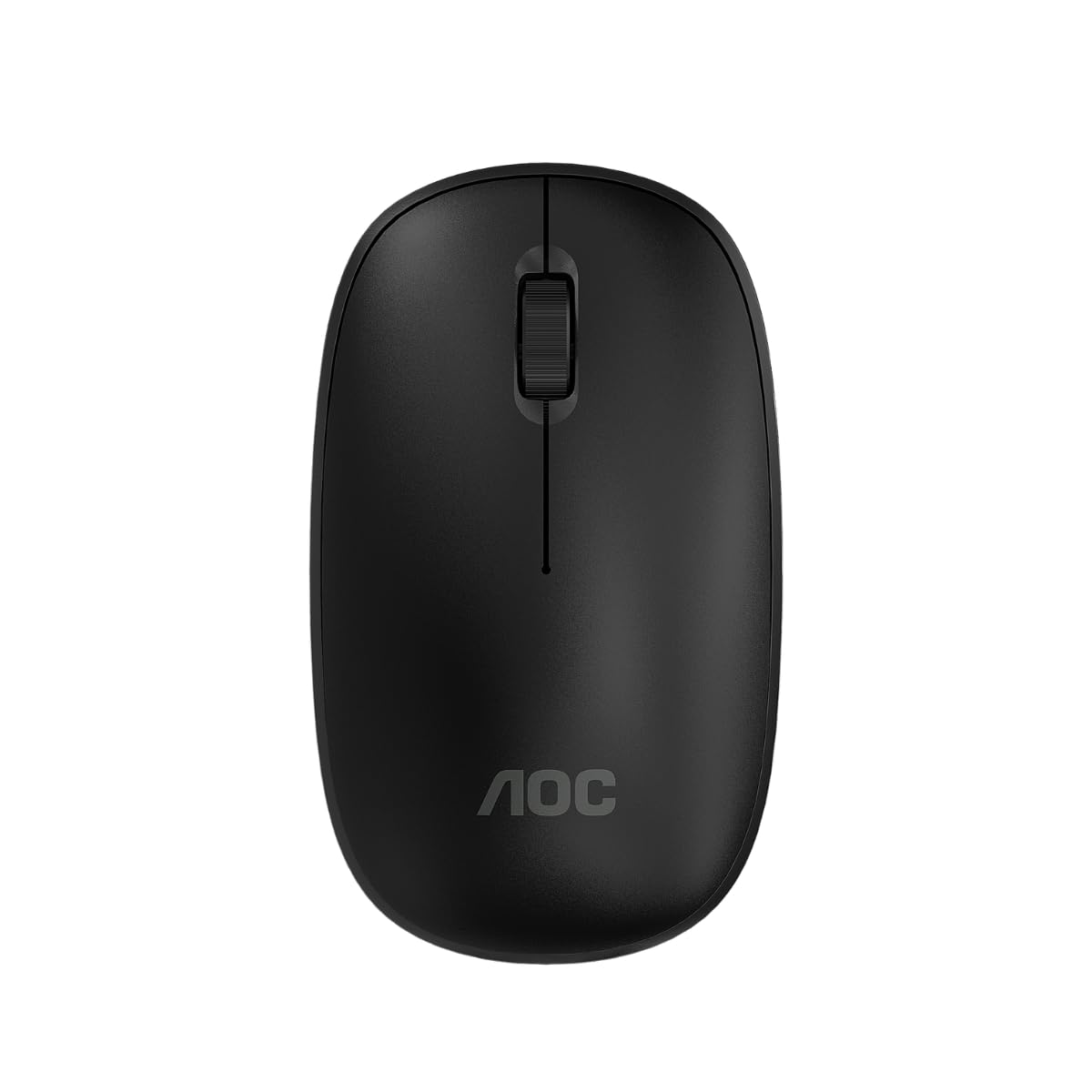
Image: The AOC MS200 Wireless Optical Mouse shown alongside its retail packaging.
פּעקל אינהאַלט
ביטע טשעקט די אינהאַלט פון די פּאַקעט צו זיכער מאַכן אַז אַלע זאכן זענען דאָרט:
- AOC MS200 Wireless Optical Mouse
- USB 2.4 GHz Receiver
- באַניצער מאַנואַל (דעם דאָקומענט)
באַמערקונג: באַטעריעס זענען נישט אַרייַנגערעכנט און מוזן זיין געקויפט באַזונדער.
סעטאַפּ
- אַרייַנלייגן באַטערי: Open the battery compartment cover located on the underside of the mouse. Insert one AA battery (not included), ensuring correct polarity (+/-). Close the cover securely.
- פאַרבינדן וסב ופנעמער: Locate the USB 2.4 GHz receiver, usually stored within the battery compartment or packaged separately. Plug the USB receiver into an available USB port on your computer.
- מאַכט אויף די מויז: Turn on the mouse using the power switch, typically located on the underside of the device. The mouse should automatically connect to your computer.
- דרייווער ינסטאַלירונג: אייער אפערירן סיסטעם זאָל אויטאָמאַטיש דעטעקטירן און אינסטאַלירן די נויטיקע דרייווערס. קיין מאַנועלע דרייווער אינסטאַלאַציע איז טיפּיש נישט נויטיק.

Image: The underside of the AOC MS200 mouse, illustrating the optical sensor and the battery compartment.
אַפּערייטינג ינסטראַקשאַנז
The AOC MS200 mouse features a standard three-button layout with a scroll wheel for intuitive navigation.
- לינקס קנעפּל: Primary click function for selecting items, opening links, etc.
- רעכט קנעפּל: Secondary click function, typically opens context menus.
- סקראָל ראָד: סקראָלן אַרויף אָדער אַראָפּ דורך דאָקומענטן און web בלעטער. די סקראָל ראָד פונקציאָנירט אויך ווי אַ מיטל קנעפּל ווען מען דריקט עס.
דפּי אַדזשאַסטמאַנט
The MS200 mouse features an adjustable DPI (Dots Per Inch) setting, allowing you to change cursor sensitivity. The mouse supports 800 and 1200 DPI settings. To switch between DPI modes, press the DPI button located on the top of the mouse, usually below the scroll wheel. Each press cycles through the available DPI settings.

בילד: אויבן view of the AOC MS200 mouse, highlighting the left and right click buttons, scroll wheel, and DPI adjustment button.
וישאַלט
רייניקונג
כּדי צו האַלטן די אָפּטימאַלע פאָרשטעלונג און היגיענע, רייניקט אייער מויז רעגולער:
- ניצן אַ ווייך, לינט-פֿרייַ שטאָף אַ ביסל דampמיט וואַסער אָדער אַ מילד רייניקונג לייזונג.
- ויסמיידן ניצן שטרענגע כעמיקאַלן, אַברייסיוו רייניגער, אָדער סאָלוואַנץ.
- Do not allow liquids to enter the mouse casing.
- Clean the optical sensor on the underside of the mouse with a dry cotton swab to prevent tracking issues.
באַטערי פאַרבייַט
When the mouse performance degrades or it stops responding, it is likely time to replace the battery:
- עפֿנט דעם באַטעריע־אָפּטייל אויף דער אונטערשטער זײַט פֿון דער מויז.
- אַרויסנעמען די אַלטע AA באַטאַרייע.
- אַרײַנשטעלן אַ נײַע AA באַטעריע, און זיכער מאַכן אַז די פּאָלאַריטעט איז ריכטיק.
- נאָענט די דעקן פון די באַטאַרייע אָפּטייל.
טראָובלעשאָאָטינג
If you encounter issues with your AOC MS200 mouse, refer to the following common solutions:
- מויז ענטפערט נישט:
- קוק אויב די מויז איז פּאַוערד אויף.
- Ensure the battery is correctly inserted and has sufficient charge. Replace if necessary.
- Verify that the USB receiver is securely plugged into a working USB port on your computer. Try a different USB port.
- זיכער מאַכן אַז די מויז איז אין דער 10-מעטער וויירלעסער ראַנגע פֿון דעם ופנעמער.
- ריסטאַרט דיין קאָמפּיוטער.
- Erratic cursor movement or no tracking:
- רייניקט דעם אָפּטישן סענסאָר אויף דער אונטערשטער זײַט פֿון דער מויז.
- Ensure you are using the mouse on a suitable surface. Highly reflective, transparent, or uneven surfaces may affect tracking.
- Lag or delayed response:
- פארקלענערן די דיסטאַנץ צווישן דער מויז און דעם USB ופנעמער.
- Move the receiver to a front USB port if possible, to avoid interference from other devices.
- Ensure there are no large metal objects or other wireless devices causing interference between the mouse and receiver.
ספּעסאַפאַקיישאַנז
| שטריך | באַשרייַבונג |
|---|---|
| מאָדעל נומער | AOCMS200B-LA |
| קאַנעקטיוויטי טעכנאָלאָגיע | דראָטלאָז (2.4 GHz) |
| ווירעלעסס ראַנגע | אַרויף צו 10 מעטער |
| סענסאָר טעכנאָלאָגיע | אָפּטיש |
| דפּי סעטטינגס | 800 / 1200 DPI (אַדזשאַסטאַבאַל) |
| נומער פון קנעפּלעך | 3 (Left, Right, Scroll Wheel/Middle) |
| מאַכט מקור | באַטעריע געטריבן (1x AA, נישט אַרייַנגערעכנט) |
| מאַטעריאַל | פּלאַסטיק |
| פּראָדוקט וואָג | 43 ג |
| פּראָדוקט דימענשאַנז | 10.4 X 6.1 X 0.1 סענטימעטער (L X W X H) |
| געווער | Switches with up to 2 million clicks lifespan |
| קאָליר | שוואַרץ |
וואָראַנטי אינפֿאָרמאַציע
AOC products are manufactured to the highest quality standards. This product is covered by a manufacturer's warranty. Please refer to the warranty card included with your purchase or visit the official AOC webוועבזייטל פֿאַר דעטאַלירטע וואָראַנטי טערמינען און באַדינגונגען ספּעציפֿיש פֿאַר אייער געגנט.
שטיצן
For further assistance, technical support, or to inquire about replacement parts, please contact AOC customer service. You can find contact information and additional resources on the official AOC webפּלאַץ:
When contacting support, please have your product model (MS200) and any relevant purchase information ready.


