1. הקדמה
Welcome to your new Xiaomi 32-inch G QLED Smart TV. This manual provides essential information for setting up, operating, and maintaining your television. Please read it thoroughly before use and retain it for future reference.
זיכערקייַט אינפֿאָרמאַציע
- ענשור געהעריק ווענטאַליישאַן אַרום די טעלעוויזיע.
- דו זאלסט נישט ויסשטעלן די טעלעוויזיע צו רעגן אָדער נעץ.
- Avoid placing the TV near heat sources or in direct sunlight.
- ניצט נאָר דעם עלעקטרישן שנור וואָס ווערט צוגעשטעלט מיטן טעלעוויזאָר.
- אָפּשיקן אַלע סערוויסעס צו קוואַלאַפייד סערוויס פּערסאַנעל.

פיגורע 1.1: פראָנט view of the Xiaomi 32-inch G QLED Smart TV.
2. וואָס איז אין דער קעסטל
באַשטעטיקן אַז אַלע קאָמפּאָנענטן זענען פאַראַן אין דער פּאַקאַדזשינג:
- 1 x Xiaomi 32-inch G QLED Smart TV
- 1 x רימאָוט קאָנטראָל
- 1 x באַניצער מאַנואַל (דאָס דאָקומענט)
- 2 x TV Stands
- 4 רענטגענ סקרוז פֿאַר טעלעוויזיע סטאַנדז
- 2 x AAA באַטעריעס (פֿאַר ווײַטקאָנטראָל)
- קסנומקס X מאַכט קאָרד

Figure 2.1: Illustration of included items in the product packaging.
3. סעטאַפּ
3.1 באַפעסטיקן די טעלעוויזיע שטאַנדן
- לייגט פֿאָרזיכטיק דעם טעלעוויזאָר מיטן פּנים אַראָפּ אויף אַ ווייכער, גלאַטער ייבערפֿלאַך כּדי צו פֿאַרמייַדן שאָדן צום עקראַן.
- גלייכט יעדן שטאַנד מיט די קאָרעספּאָנדירנדיקע שרויף לעכער אויף דער אונטערשטער טייל פון דער טעלעוויזיע.
- Secure each stand using the provided screws.
- הייבט דעם טעלעוויזאר אויפגעשטעלט און שטעלט אים אויף א סטאבילן, גלייכן אויבערפלאך.
3.2 וואַנט מאָונטינג (אָפּציאָנאַל)
If you choose to wall mount your TV, ensure you use a compatible VESA mount (not included) and follow the instructions provided with the wall mount kit. Professional installation is recommended.
3.3 קאַנעקטינג פּעריפעראַלס
Refer to the port diagram below for connecting external devices.
פיגורע 3.1: דערציען view of the TV showing various input/output ports.
- HDMI פּאָרטן (x2): Connect Blu-ray players, gaming consoles, set-top boxes.
- USB פּאָרטן (x2): פֿאַרבינדט USB סטאָרידזש דעוויסעס פֿאַר מעדיע ווידערשפּיל.
- נעץ (עטהערנעט): פֿאַרבינד זיך צו אייער היים נעץ דורך אַ דראָט פֿאַרבינדונג.
- אַנטענע אַרייַנשרייַב: פֿאַרבינדט אַן אַנטענע פֿאַר איבער-די-לופֿט בראָדקאַסץ.
- AV אַרייַנשרייַב: פֿאַרבינדט עלטערע דעווייסעס ניצנדיק קאָמפּאָזיט ווידעאָ און סטערעאָ אַודיאָ קייבלס.
- 3.5 מם אַודיאָ דזשאַק: פֿאַרבינדט עקסטערנע כעדפאָונז אָדער רעדנערס.
3.4 מאַכט קאַנעקשאַן
פֿאַרבינדט דעם עלעקטרישן שנור צום טעלעוויזאָר'ס עלעקטרישן אַרײַנגאַנג און דערנאָך צו אַ וואַנט אַוטלעט. דער טעלעוויזאָר וועט אַרײַן אין סטענדביי מאָדע.
4. אַפּערייטינג דיין טעלעוויזיע
4.1 רימאָוט קאָנטראָל
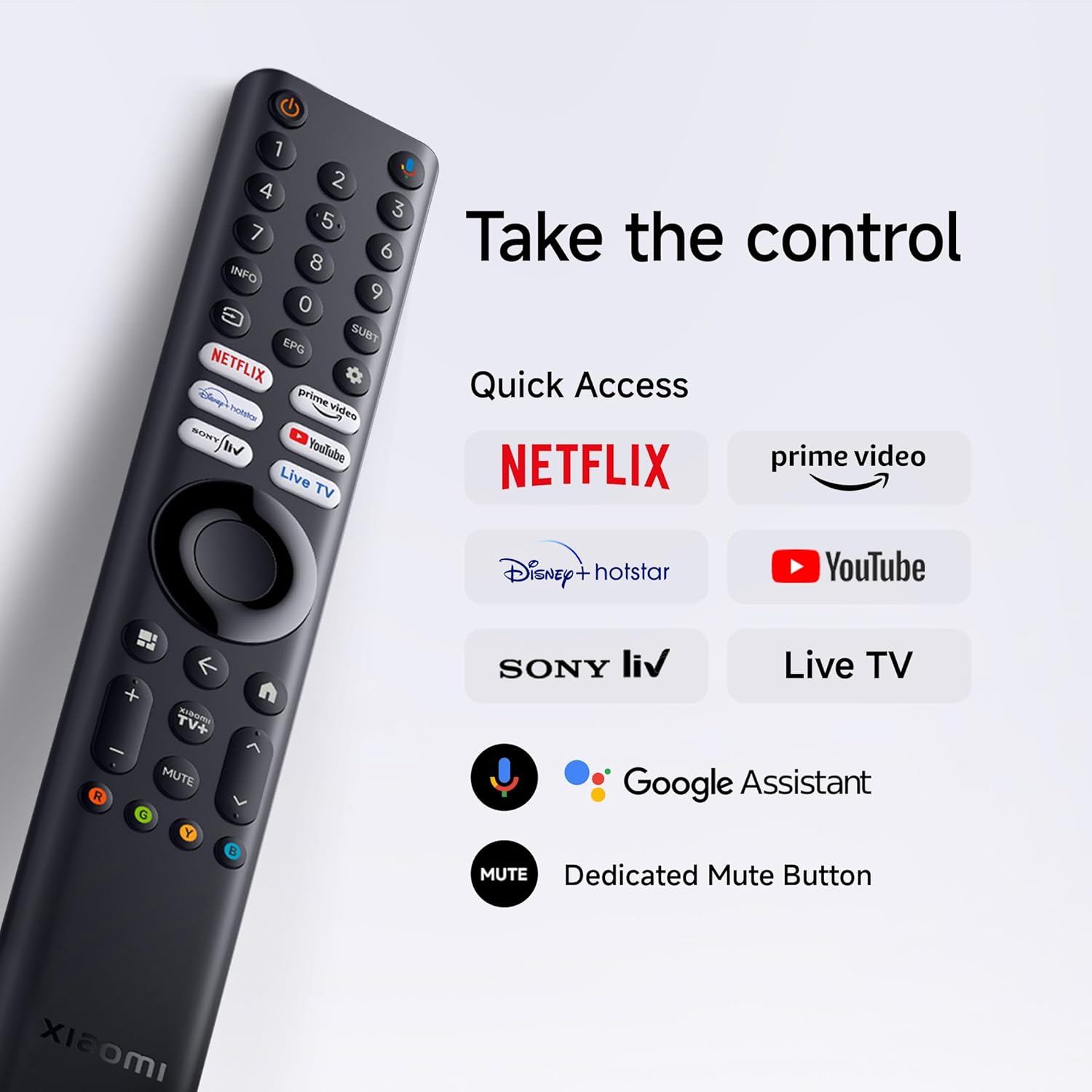
Insert the two AAA batteries into the remote control, observing polarity. The remote allows navigation, volume control, channel selection, and quick access to streaming services and Google Assistant.
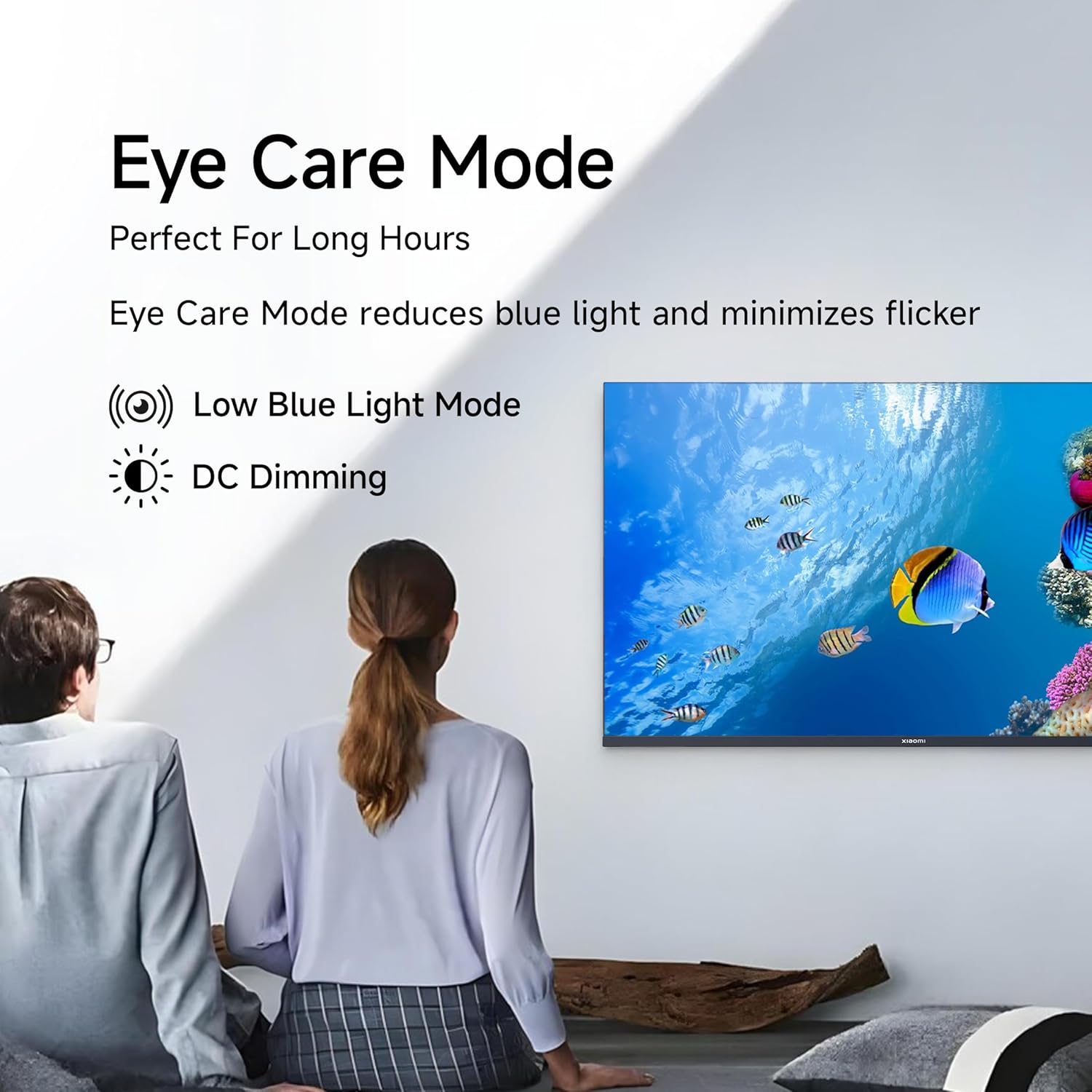
Figure 4.1: Xiaomi Smart TV remote control layout.
- מאַכט קנעפּל: שטעלט אן/אויס דעם טעלעוויזאר אדער גייט אין סטענדביי.
- נאַוויגאַציע פּאַד: פֿאַר מעניו נאַוויגאַציע.
- OK קנעפּל: קאַנפערמז סאַלעקשאַנז.
- צוריק קנעפּל: קערט צו די פריערדיקע פאַרשטעלן.
- היים קנעפּל: גייט אריין אין גוגל טיווי היים עקראַן.
- באנד +/-: אַדדזשוסץ באַנד.
- שטיל קנעפּל: מיוטעס / אַנמיוט אַודיאָ.
- גוגל אַסיסטאַנט קנעפּל: אַקטיוויזירט שטימע קאָנטראָל.
- שנעלע צוטריט קנעפּלעך: Dedicated buttons for Netflix, Prime Video, YouTube, and other streaming services.
4.2 סמאַרט טעלעוויזיע פֿעיִטשערז (גוגל טעלעוויזיע)
Your TV runs on Android 14 OS with Google TV, offering a personalized entertainment experience.

פיגורע 4.2: איבערview of Google TV features.
- Content First UI: Prioritizes content discovery.
- פערזענלעכע פּראָfiles: שאַפֿן יחיד פּראָfiles for tailored recommendations.
- גוגל אַססיסטאַנט: ניצט שטימע קאמאנדעס פאר זוכן, קאנטראל, און אינפארמאציע.
- Chromecast Built-in: Cast content from compatible mobile devices.
- וואַך־ליסטע: Keep track of movies and shows you want to watch.
- אַמביאַנט מאָדע: Display photos or useful information when the TV is idle.
- קידס פּראָfile: Curated content and parental controls for children.
- רעקאַמאַנדיישאַנז: Personalized suggestions based on your viewינג געוווינהייטן.
4.3 געשטיצטע אַפּליקאַציעס
The TV comes with pre-installed applications and supports downloads from the Google Play Store. Popular supported apps include Netflix, Prime Video, YouTube, JioCinema, JioHotstar, SonyLiv, and Zee5.

פיגורע 4.3: עקסamples of supported streaming applications.
5. ווייַז פֿעיִקייטן
Experience enhanced visuals with the following display technologies:
- QLED דיספּלעי: Quantum Dot technology delivers vivid, vibrant, and sharp picture quality.
- HD Ready (1366 x 768) Resolution: Provides clear and detailed images.
- HDR 10 & HLG Support: Enhances contrast and color accuracy for compatible content.
- Vivid Picture Engine 2: Proprietary technology that fine-tunes every frame for improved clarity and realism.
- Wide Colour Gamut: Offers a broad spectrum of colors (up to 16.7 million) for rich and vivid visuals.
- אויג טרייסט מאָדע: Reduces blue light and minimizes flicker for comfortable long-term viewing.
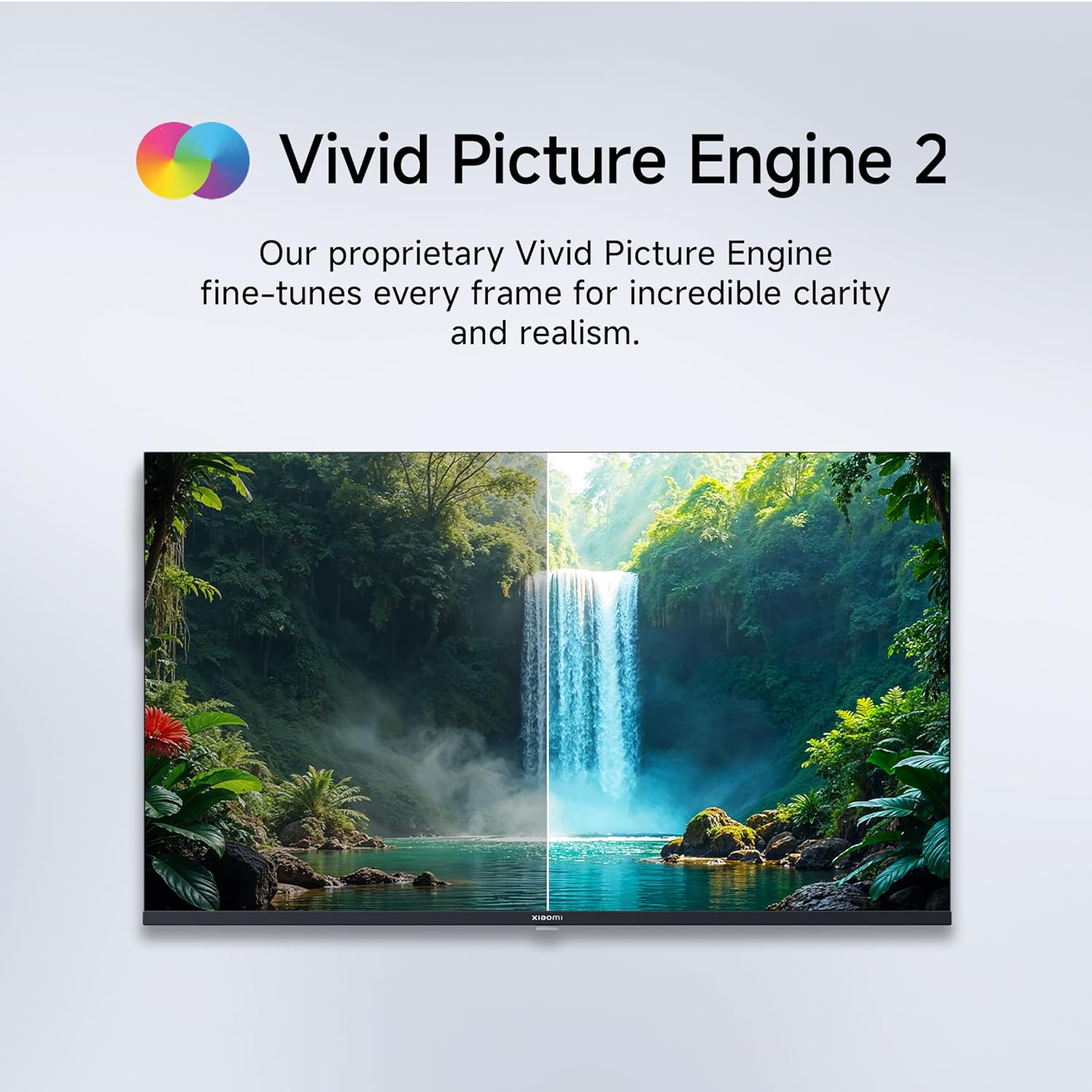
Figure 5.1: Quantum Clarity for exceptional contrast and color.
Figure 5.2: Vivid Picture Engine 2 for enhanced realism.
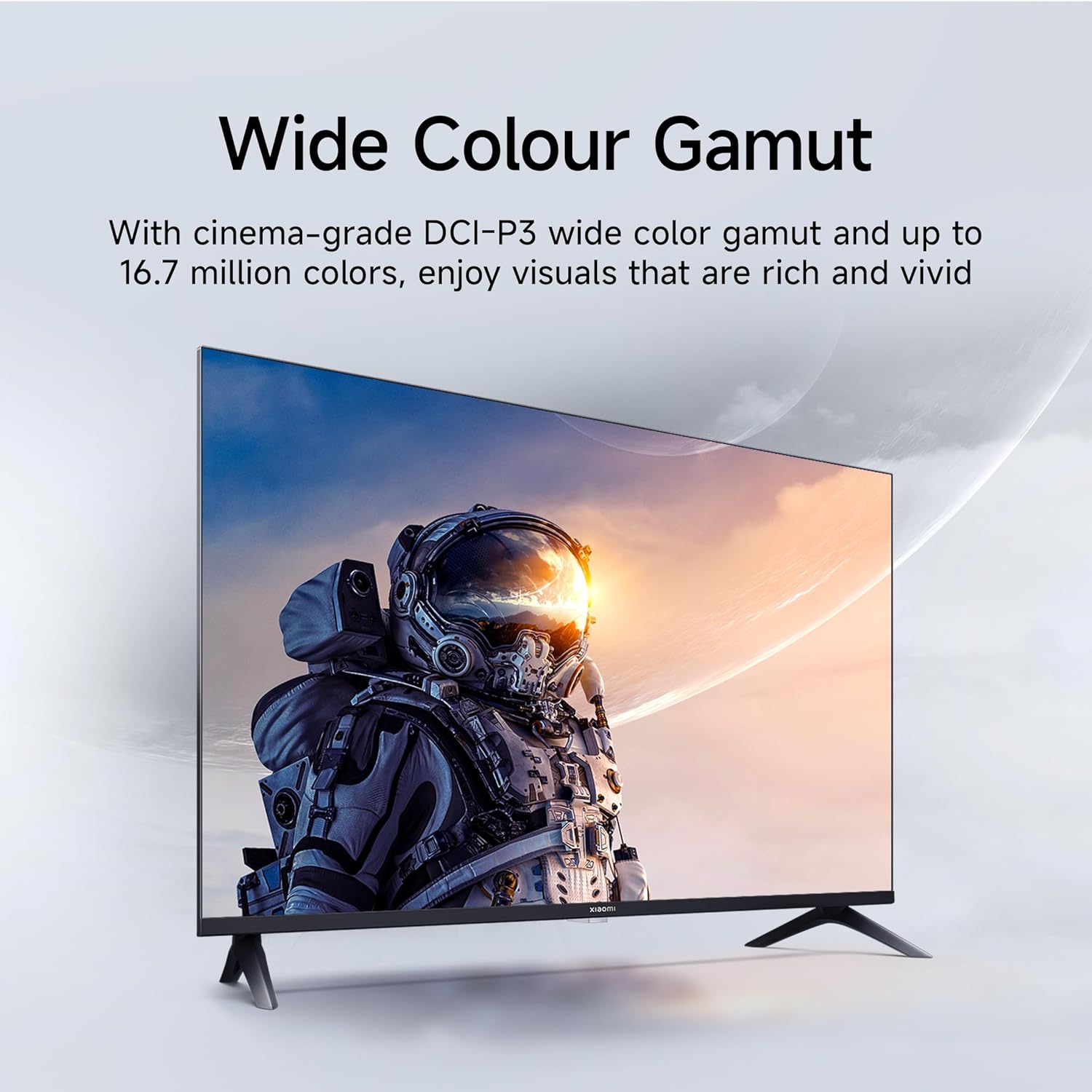
Figure 5.3: Eye Care Mode for reduced eye strain.
6. אַודיאָ פֿעיִטשערז
Your TV is equipped with advanced audio technologies for an immersive sound experience:
- 20 וואטס ארויסגאַנג: Powerful stereo speakers deliver clear and dynamic sound.
- Dolby Audio: Provides rich, clear, and powerful sound for movies, shows, and games.
- DTS-X & DTS Virtual:X: Creates a multi-dimensional audio experience, simulating surround sound without additional speakers.
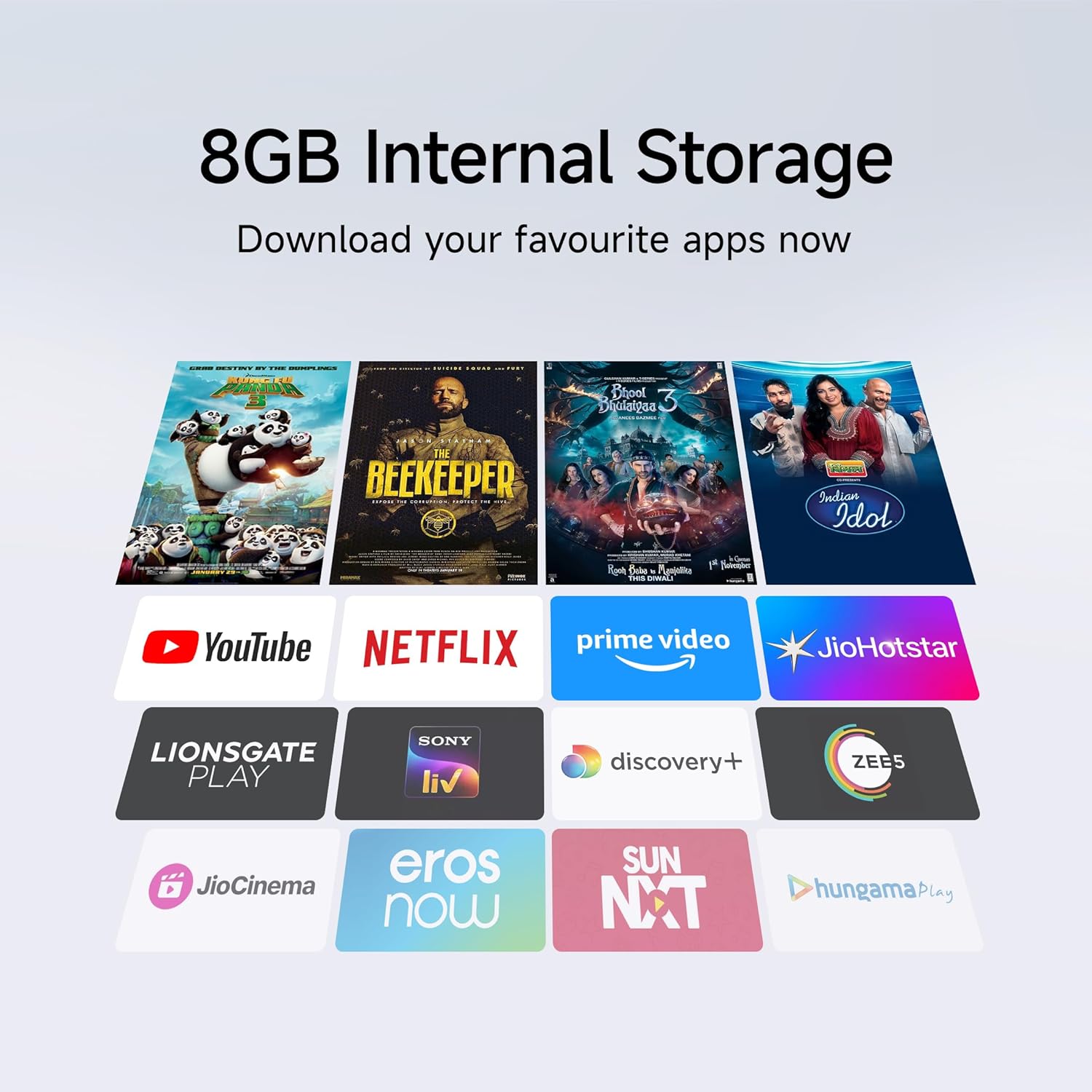
Figure 6.1: Enhanced audio experience with 20W speakers and Dolby/DTS technologies.
7. קאַנעקטיוויטי
The TV offers various options for connecting to networks and other devices:
- צוויי-באַנד Wi-Fi: Connect wirelessly to your home network (2.4GHz and 5GHz).
- עטהערנעט: פֿאַר אַ סטאַבילע דראָטיקע אינטערנעט פֿאַרבינדונג.
- בלועטאָאָטה: Connect wireless headphones, speakers, or other Bluetooth-enabled accessories.
- HDMI (x2) with ARC: Audio Return Channel (ARC) allows audio to be sent from the TV to a compatible sound system via a single HDMI cable.
- וסב (x2): For connecting external storage.
8. וישאַלט
8.1 רייניקן דעם טעלעוויזאר
- שטענדיק אויסשטעקן דעם טעלעוויזאר איידער איר רייניגט.
- ניצט אַ ווייכן, טרוקענעם, לינט-פֿרייעם שטאָף צו ווישן דעם עקראַן און קאַבינעט.
- פֿאַר שווערע פֿלעקן, לײַכט דריקןampווישט דעם שטאָף מיט וואַסער אָדער אַ ספּעציאַליזירטן עקראַן רייניגער (פאַרמייַדט שטרענגע כעמיקאַליען).
- Do not spray liquid directly onto the TV.
8.2 אַלגעמיינע קער
- ויסמיידן פּלייסינג שווער אַבדזשעקץ אויף די טעלעוויזיע.
- Protect the TV from extreme temperatures and humidity.
- אויב איר רוקט דעם טעלעוויזאר, זאָרגט אַז עס איז ריכטיק געשטיצט און געהאַנדלט צו פאַרמייַדן שאָדן.
9. טראָובלעשאָאָטינג
איידער איר קאָנטאַקטירט קונה שטיצע, פּרוּווט די געוויינלעכע לייזונגען:
| פּראָבלעם | מעגלעך סיבה | לייזונג |
|---|---|---|
| קיין מאַכט | שטראָם שנור אפגעריסן; פּראָבלעם מיט שטראָם אַוטלעט | קאָנטראָלירט די פֿאַרבינדונג פֿון דער עלעקטרישער שנור; פּרובירט די אַוטלעט מיט אַן אַנדער אַפּאַראַט. |
| קיין בילד נישט, אבער סאונד איז דא | Incorrect input source; Loose HDMI/AV cable | Press the "Input" button on the remote to select the correct source; Reconnect cables securely. |
| קיין קלאַנג, אָבער בילד איז דאָ | Volume muted or too low; External audio device issue | Unmute or increase volume; Check connections to external audio systems. |
| ווייַט קאָנטראָל נישט ארבעטן | טויטע באַטעריעס; שטערונג צווישן ווײַטקאָנטראָל און טעלעוויזיע | פאַרבייַטן באַטעריעס; אַראָפּנעמען אַלע שטערונגען. |
| קענען ניט פאַרבינדן צו ווי-פי | אומרעכט פּאַראָל; ראַוטער פּראָבלעם; טעלעוויזיע צו ווייט פֿון ראַוטער | Verify Wi-Fi password; Restart router; Move TV closer or use Ethernet. |
10. ספּעסאַפאַקיישאַנז
| שטריך | דעטאַל |
|---|---|
| סאָרט | XIAOMI |
| מאָדעל | L32MB-APIN |
| פאַרשטעלן גרייס | 32 אינטשעס (80 סענטימעטער) |
| ווייַז טעכנאָלאָגיע | QLED |
| האַכלאָטע | HD גרייט (1366 x 768 פּיקסעלס) |
| דערפרישן קורס | 60 הז |
| אָפּערייטינג סיסטעם | Android 14 OS, Google TV |
| באַראַן זכּרון | 1 גיגאבייט |
| אינערלעכער סטאָרידזש | 8 גיגאבייט |
| פּראַסעסער | A53 Quad Core Processor |
| אַודיאָ רעזולטאַט | 20 וואטס |
| אַודיאָ טעכנאָלאָגיעס | Dolby Audio, DTS-X, DTS Virtual:X |
| קאַנעקטיוויטי | Dual Band Wi-Fi, Bluetooth, 2 x HDMI (ARC), 2 x USB, Ethernet, 3.5mm Audio, AV Input |
| Viewינג אַנגלע | 178 דיגריז |
| פּראָדוקט דימענשאַנז (LxWxH) | 19.8 x 71.6 x 46.9 ס״מ (מיט שטאַנד) |
| פּונקט וואָג | 3.2 קג |
| מאָדעל יאָר | 2025 |

פיגור 10.1: פּראָדוקט דימענסיעס און וואָג.

Figure 10.2: A53 Quad Core Processor for optimal performance.

Figure 10.3: Energy efficiency label.
11. וואָראַנטי און שטיצן
11.1 וואָראַנטי אינפֿאָרמאַציע
Your Xiaomi TV comes with a 1 יאָר פולשטענדיק וואָראַנטי on the product and an additional 1-year warranty on the panel, provided by the brand from the date of purchase. Please retain your purchase receipt for warranty claims.
11.2 קונה שטיצן
For technical assistance, service requests, or warranty claims, please contact Xiaomi customer support. Refer to the official Xiaomi webוועבזייטל אדער אייער קויפן דאקומענטאציע פאר די מערסט אקטועלע קאנטאקט אינפארמאציע.


