1. הקדמה
This manual provides instructions for the PUSOKEI 4G LTE WiFi Router, a portable mobile hotspot designed to convert a 4G LTE signal into a WiFi network. This device supports up to 10 connected devices simultaneously and operates on a 2.4GHz wireless network frequency.
2. פּעקל אינהאַלט
באַשטעטיקן אַז אַלע זאכן זענען פאַראַן אין פּעקל:
- 1 x Portable WiFi Hotspot (PUSOKEI 4G LTE WiFi Router)
- קסנומקס רענטגענ וסב קאַבלע
- 1 x באַניצער מאַנואַל
3. פּראָדוקט איבערview
The PUSOKEI 4G LTE WiFi Router is a compact device that provides wireless internet connectivity. It features a standard SIM card slot and an integrated 10000mAh lithium-ion battery for extended use.
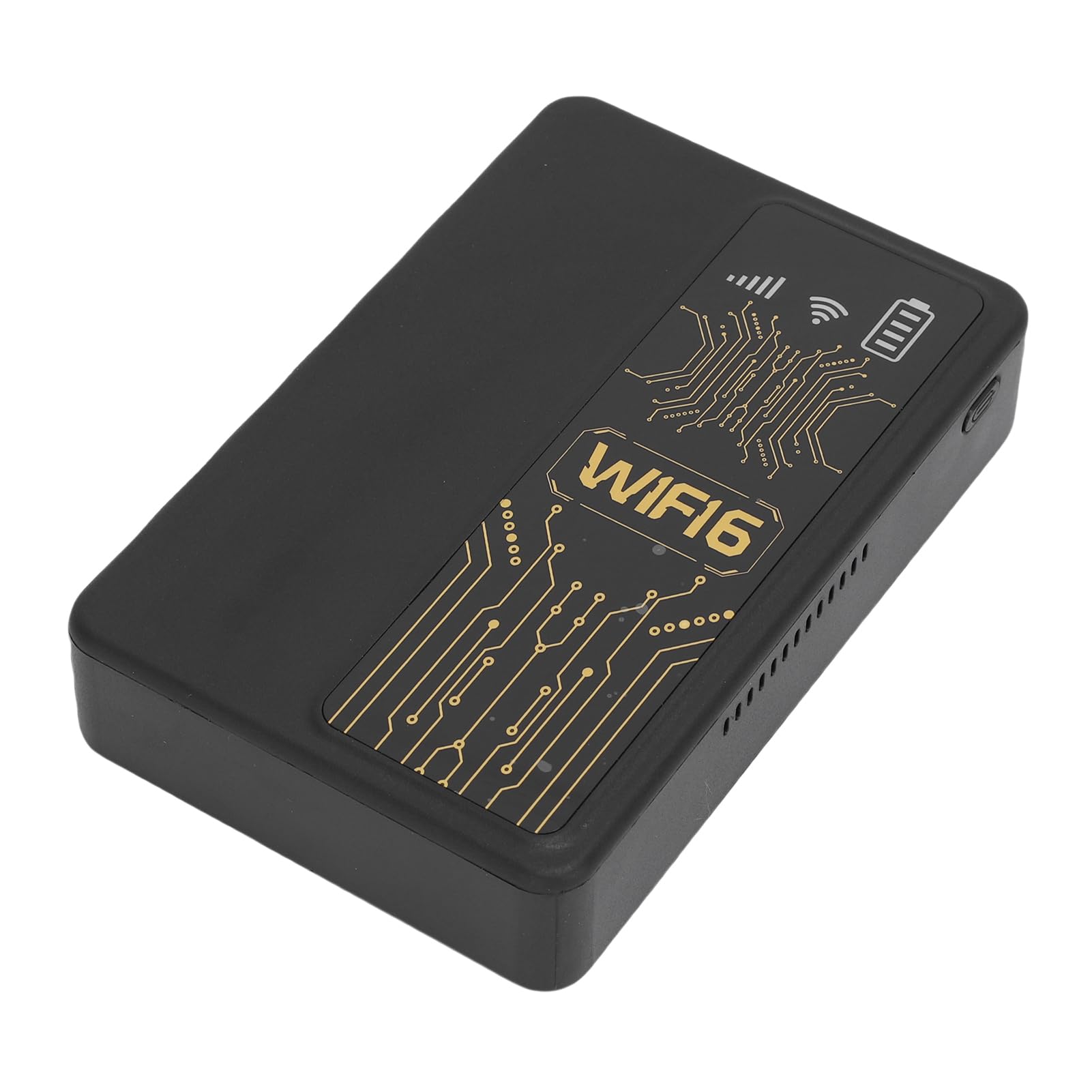
פיגורע 3.1: פראָנט view of the PUSOKEI 4G LTE WiFi Router, showing the display and WiFi6 branding.
שליסל פֿעיִקייטן אַרייַננעמען:
- 4G to WiFi Conversion: Converts 4G LTE signals into a WiFi network.
- טראַנסמיסיע קורס: Provides up to 300Mbps (2.4GHz) WiFi speeds.
- דיווייס קאַנעקטיוויטי: Supports connection for up to 10 wireless devices simultaneously.
- נעץ שטיצן: Operates on 2.4GHz WiFi frequency.
- באַטערי: Equipped with a 10000mAh lithium-ion battery.
4. סעטאַפּ
Follow these steps to set up your PUSOKEI 4G LTE WiFi Router:
- אַרייַנלייגן סים קאָרט: Locate the SIM card slot on the side of the device. Insert a standard small SIM card into the slot. Ensure the SIM card is correctly oriented.
- מאַכט אויף: Press and hold the power button until the device powers on. The device will automatically detect the 4G network signal.
- Network Availability: Once powered on, the device will establish a wireless network. You can then connect your WiFi-enabled devices to this network.

פיגורע 4.1: זייַט view of the router, highlighting the SIM card slot.

Figure 4.2: The router powered on and ready to provide internet access.
5. אַפּערייטינג ינסטרוקטיאָנס
To use your PUSOKEI 4G LTE WiFi Router:
- פאַרבינדן דיווייסאַז: On your WiFi-enabled device (e.g., smartphone, laptop), search for available WiFi networks. Select the network name (SSID) broadcast by your PUSOKEI router.
- אַרייַן פּאַראָל: Enter the WiFi password (usually found on a label inside the device or in the quick start guide) when prompted.
- אינטערנעט אַקסעס: Once connected, your device will have internet access via the 4G LTE network. The router provides a stable connection for various online activities.
- עטלעכע מכשירים: The router can support up to 10 devices simultaneously, making it suitable for sharing internet access in various environments.
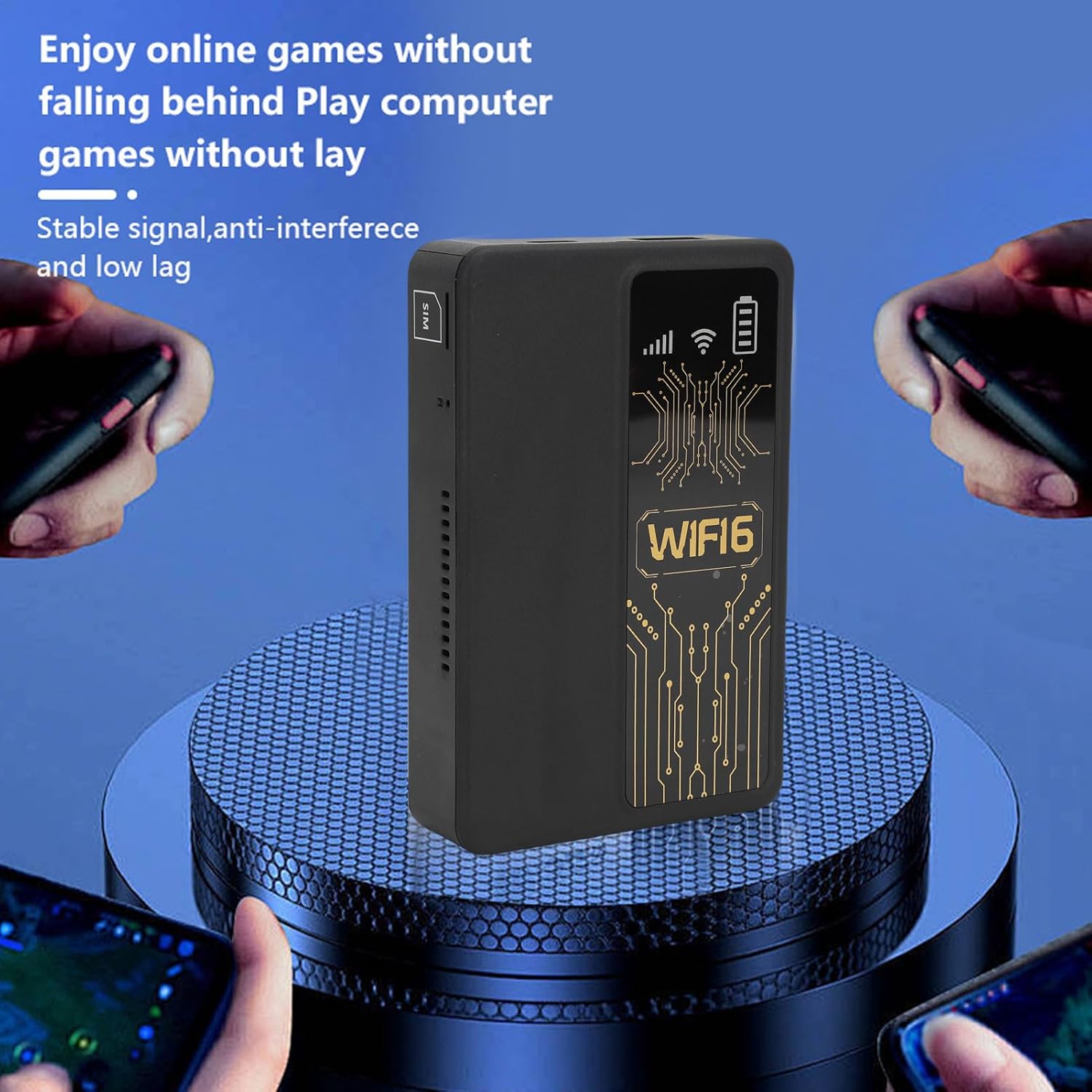
Figure 5.1: A smartphone connected to the router, showing network performance metrics.
6. וישאַלט
Proper maintenance ensures the longevity and optimal performance of your router:
- רייניקונג: ניצט אַ ווייכע, טרוקענע שטאָף צו רייניקן די אויסערלעכע זייט פון דעם אַפּאַראַט. פֿאַרמייַדט ניצן פֿליסיקע רייניקונגס־מיטלען אָדער אַברייסיוו מאַטעריאַלן.
- באַטערי זאָרגן: The router includes a 10000mAh lithium-ion battery. For optimal battery life, avoid extreme temperatures and fully discharge and recharge the battery periodically.
- סטאָרידזש: ווען נישט אין באַנוץ פֿאַר לענגערע פּעריאָדן, האַלט די מיטל אין אַ קיל, טרוקן אָרט.
- Firmware דערהייַנטיקונגען: קוק די פאַבריקאַנט ס webזוכט דעם וועבזייטל פּעריִאָדיש פֿאַר פֿאַראַן פֿירמוואַרע דערהייַנטיקונגען צו ענשור אָפּטימאַלע פאָרשטעלונג און זיכערהייט.
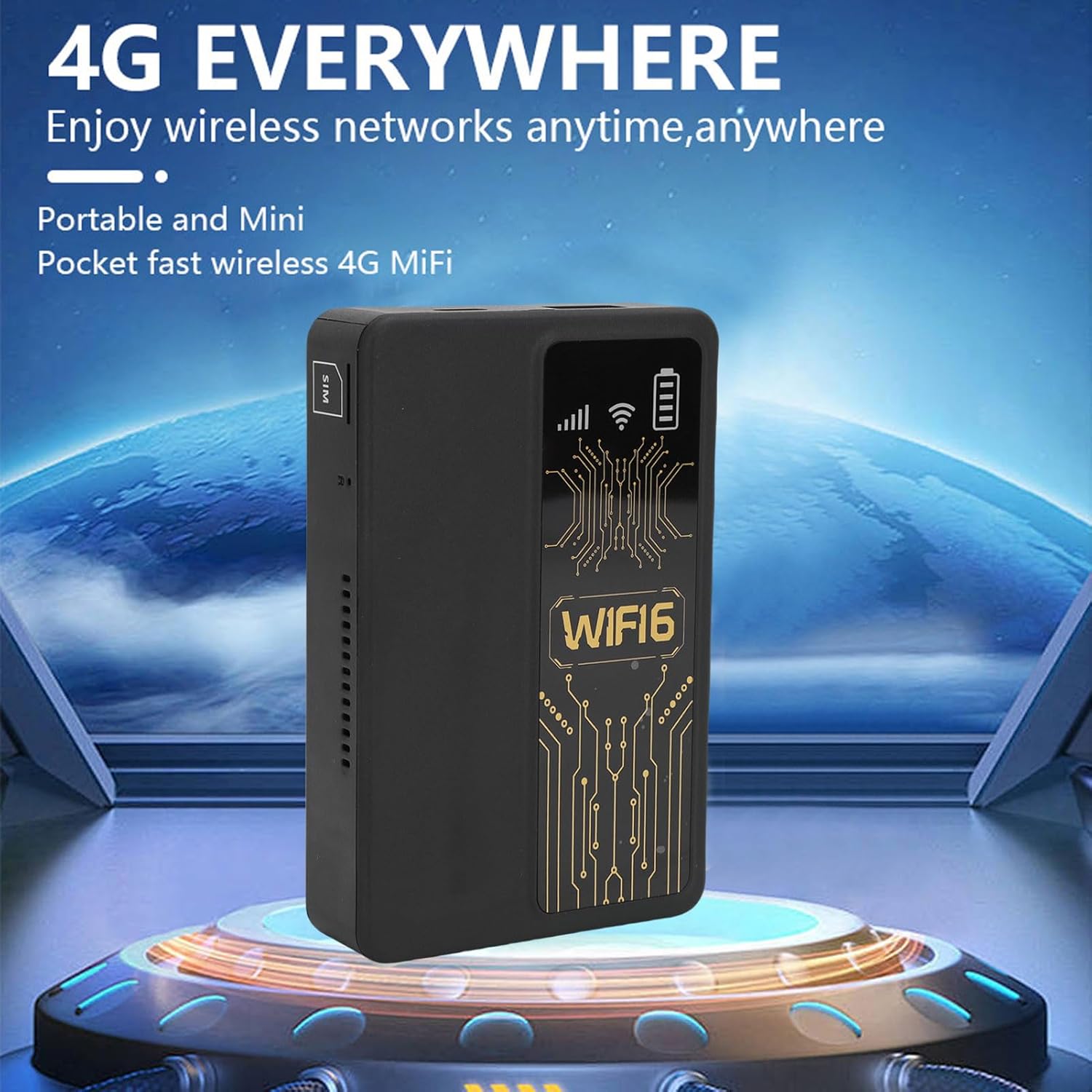
Figure 6.1: The router's internal 10000mAh battery provides extended usage time.
7. טראָובלעשאָאָטינג
אויב איר טרעפט פּראָבלעמען מיט אייער ראַוטער, זעט די פאלגענדע געוויינטלעכע פּראָבלעמען און לייזונגען:
- קיין אינטערנעט פֿאַרבינדונג:
- זיכער מאַכן אַז די סים קאַרטל איז ריכטיק אַרײַנגעשטעלט און אַקטיוו.
- Check if your local SIM card or 4G bands are supported (FDD-LTE B1 B3 B5 B7 B8 B20 TDD-LTE B38 B40 B41).
- ריסטאַרט דעם ראַוטער און דיין פֿאַרבונדענע מיטל.
- באַשטעטיקט אַז אייער סים קאַרטל האט אַן אַקטיוון דאַטן פּלאַן.
- לאַנגזאַמע פֿאַרבינדונג גיכקייט:
- Move to an area with better 4G signal reception.
- רעדוצירן די צאָל פון פֿאַרבונדענע דעוויסעס.
- Ensure no applications are consuming excessive bandwidth.
- אפאראט קאנעקט זיך נישט צו WiFi:
- Confirm you are entering the correct WiFi password.
- Ensure the router is powered on and broadcasting its WiFi signal.
- Restart both the router and the device attempting to connect.
- Router Only Displays '4G' Network:
- The device is designed to display '4G' regardless of whether a 4G or 5G SIM card is inserted. This is normal operation and does not indicate a fault.
8. ספּעסאַפאַקיישאַנז
| שטריך | באַשרייַבונג |
|---|---|
| נומער טיפּ | Portable WiFi Hotspot |
| מאַטעריאַל | ABS |
| Applicable Region | אייראָפּע |
| נעץ אָפטקייַט | FDD-LTE B1 B3 B5 B7 B8 B20 TDD- B38 B40 B41 |
| נעץ | 4G |
| טראַנסמיסיע קורס | 300 מבפּס |
| פּראָטאָקאָל שטיצן | 802.11ac |
| דראָטלאָזע נעץ אָפטקייט | 2.4 גהז |
| איינגעבויטע פיירוואַל | יא |
| געבויט-אין באַטערי | 1 x 10000mAh ליטהיום יאָן באַטאַרייע |
| סים קאָרט שפּעלטל | Small SIM Card (Not Included) |
| פּונקט וואָג | 8.9 אונסעס |
| פּעקל דימענשאַנז | 5.91 X 3.54 X 1.57 אינטשעס |
9. וואָראַנטי אינפֿאָרמאַציע
Please refer to the warranty card included with your product or contact the retailer for specific warranty terms and conditions. Keep your proof of purchase for warranty claims.
10. קונה שטיצן
For technical assistance or further inquiries, please contact PUSOKEI customer support through the contact information provided on the product packaging or the official PUSOKEI webפּלאַץ.