1. פּראָדוקט איבערview
This manual provides detailed instructions for the Gamrombo Wireless Controller, designed for use with Xbox One, Xbox Series X|S, PC, and Windows 10/11 operating systems. Please read this manual carefully before use.
1.1 פּעקל אינהאַלט
- Gamrombo Wireless Controller (x2)
- 2.4GHz USB Adapter (x2)
- USB Type-C טשאַרדזשינג קאַבלע (x2)
- באַניצער מאַנואַל (דעם דאָקומענט)
1.2 קאָנטראָללער אויסלייג
The Gamrombo Wireless Controller features a standard layout with responsive buttons, joysticks, and triggers for an enhanced gaming experience.

בילד 1.1: פראָנט view of the Gamrombo Wireless Controllers and 2.4GHz USB Adapters.

בילד 1.2: דעטאַלירט view of controller buttons, joysticks, and triggers.
2. סעטאַפּ און קאַנעקשאַן
2.1 Connecting to Xbox Consoles (Xbox One, Xbox Series X|S)
- זייט זיכער אז אייער Xbox קאנסאל איז אנגעצונדן.
- Insert the 2.4GHz USB adapter into an available USB port on your Xbox console.
- Press and hold the Home button on the controller for 3 seconds to power it on. The indicator light on the controller will flash rapidly.
- Once the controller connects to the adapter, the indicator light will become solid, indicating a successful connection.
2.2 Connecting to PC (Windows 10/11)
- מאַכן זיכער אַז דיין פּיסי איז פּאַוערד אויף.
- Insert the 2.4GHz USB adapter into an available USB port on your PC. The system will automatically install the necessary drivers.
- Press and hold the Home button on the controller for 3 seconds to power it on. The indicator light on the controller will flash rapidly.
- Once the controller connects to the adapter, the indicator light will become solid. You can now use the controller for PC games.

Image 2.1: Controller compatibility with various platforms.
2.3 טשאַרדזשינג די קאָנטראָללער
To charge the controller, connect the included USB Type-C cable to the charging port on the controller and the other end to a USB power source (e.g., console, PC, or USB wall adapter). The indicator light will show charging status and turn off when fully charged.
3. אַפּערייטינג ינסטרוקטיאָנס
3.1 מאַכט אויף / אַוועק
- מאַכט אויף: דריקן און האַלטן די היים קנעפּל פֿאַר 3 סעקונדעס.
- מאַכט אַוועק: Press and hold the Home button for 5-8 seconds. The controller will automatically power off after 5 minutes of inactivity.
3.2 טורבאָ פונקציע
The Turbo function allows for rapid, repeated input of a button press, which can be beneficial in certain games.
- דריקן און האַלטן די טורבאָ קנעפּל.
- While holding the Turbo button, press the desired action button (e.g., A, B, X, Y, LB, RB, LT, RT). The Turbo function is now activated for that button.
- To deactivate Turbo for a specific button, repeat the process: press and hold the Turbo button, then press the action button again.

Image 3.1: Instructions for activating the Turbo function.
3.3 דואַלע ווייבריישאַן
The controller features dual motors for vibration feedback, providing an immersive gaming experience. Vibration intensity can vary based on game support and in-game settings.

Image 3.2: Dual-motor vibration feedback levels.
3.4 Audio Jack and Volume Control
The controller includes a standard 3.5mm stereo audio jack for connecting headsets. Volume can be adjusted directly on the controller.
- באַנד אַרויף: Push the volume slider to the right (+).
- באַנד אַראָפּ: Push the volume slider to the left (-).
- שטום: Press and hold the middle of the volume slider to mute audio.

Image 3.3: Audio jack and volume control details.
4. וישאַלט
- רייניקונג: ניצט אַ ווייכע, טרוקענע שטאָף צו רייניקן דעם קאָנטראָללער. פֿאַרמייַדט ניצן שטרענגע כעמיקאַלן אָדער אַברייסיוו מאַטעריאַלן.
- סטאָרידזש: האַלט דעם קאָנטראָללער אין אַ קיל, טרוקן אָרט אַוועק פון דירעקט זונשייַן און עקסטרעמע טעמפּעראַטורן.
- באַטערי זאָרגן: To prolong battery life, avoid fully discharging the controller frequently. Charge the controller regularly, even if not in active use.
5. טראָובלעשאָאָטינג
5.1 פֿאַרבינדונג פּראָבלעמען
- קאָנטראָללער פֿאַרבינדט זיך נישט: Ensure the 2.4GHz USB adapter is securely plugged into the console/PC. Make sure the controller is charged. Try re-pairing by powering off and on the controller.
- אומגעריכטע פֿאַרבינדונג: Ensure there are no strong wireless interference sources nearby. Try moving closer to the console/PC.
5.2 Controller Firmware Upgrade
If you experience persistent connection issues, particularly with Xbox consoles, a firmware upgrade may be required. The upgrade process is performed on a Windows PC.

Image 5.1: Information regarding controller firmware upgrade for connection issues.
- Upgrade Program Download: we.tl/t-I78iIsdPhP
- Video Upgrade Steps: youtu.be/2Q_x2bhtcUU
- The upgrade typically takes 2-3 minutes and ensures continued compatibility with Xbox devices.
5.3 אנדערע ישוז
- קנעפּלעך רעאַגירן נישט: Ensure the controller is powered on and connected. Restart the controller and try again.
- ווייבריישאַן אַרבעט נישט: קוק איבער די אין-שפּיל סעטטינגס צו זיכער מאַכן אַז ווייבריישאַן איז ענייבאַלד.
6. ספּעסאַפאַקיישאַנז
| שטריך | דעטאַל |
|---|---|
| קאַנעקטיוויטי | ווירעלעסס 2.4GHz |
| קאַמפּאַטאַבילאַטי | Xbox One, Xbox Series X|S, PC (Windows 10/11) |
| באַטאַרייע קאַפּאַציטעט | 650 מאַה |
| טשאַרדזשינג צייט | 2-3 שעה |
| אַפּערייטינג צייט | 8-10 שעה |
| אַודיאָ דזשאַק | סטערעאָ 3.5 מם |
| ווייבריישאַן | צווייענדיק מאָטאָרס |
| באַוועגונג סענסאָר | 6-Axis (for supported games/platforms) |
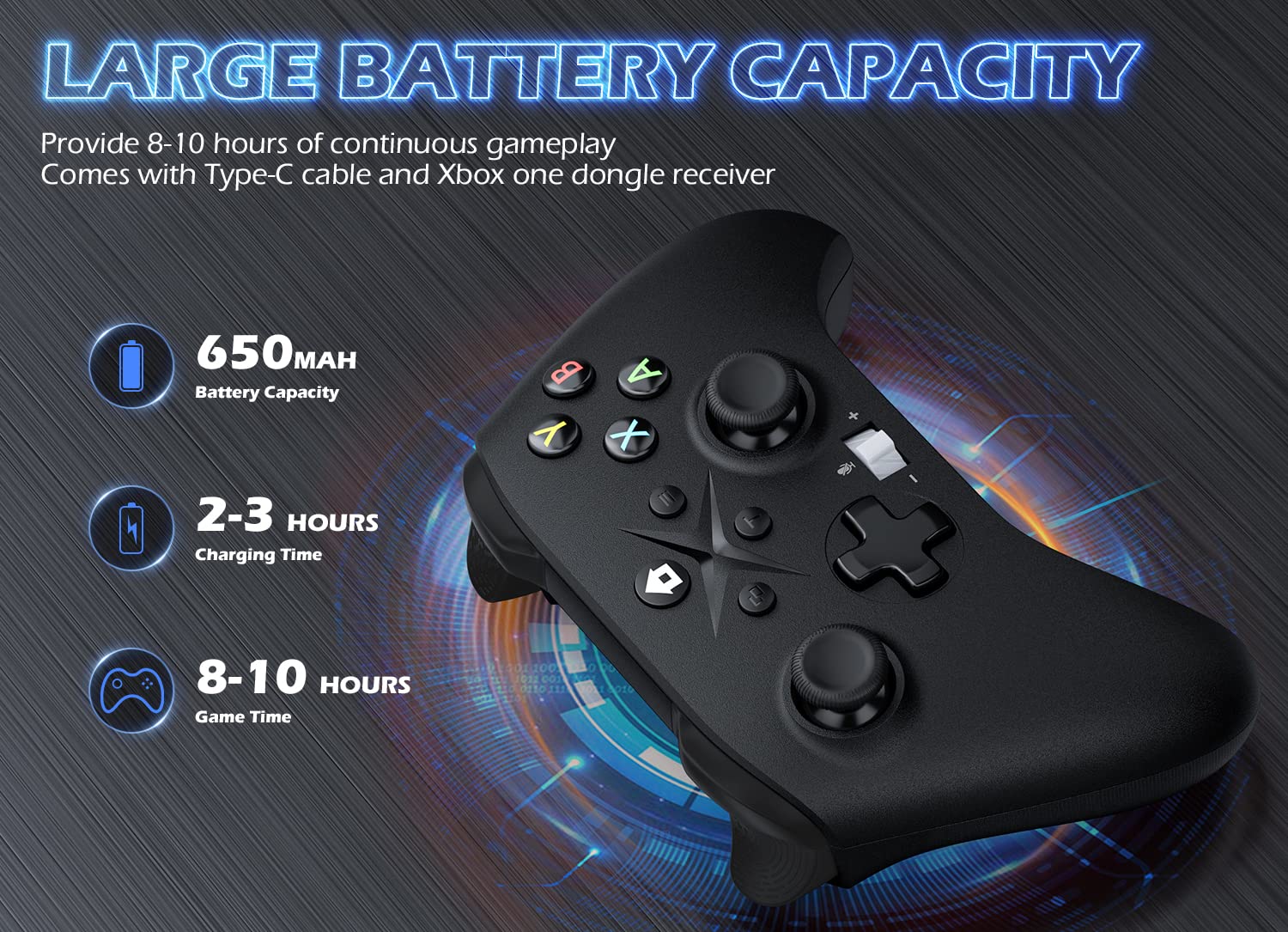
Image 6.1: Battery specifications.
7. וויכטיק סאַפעטי אינפֿאָרמאַציע
- Do not expose the controller to extreme temperatures, humidity, or direct sunlight.
- פֿאַרמײַדט צו לאָזן פאַלן אָדער אויסשטעלן דעם קאָנטראָללער צו שטאַרקע קלאַפּן.
- Do not attempt to disassemble or modify the controller. This may void the warranty and cause damage.
- Keep the controller and its accessories out of reach of small children.
- ניצט נאָר דעם צוגעשטעלטן טשאַרדזשינג קאַבל אָדער אַ סערטיפיצירטן עקוויוואַלענט.
8. קונה שטיצן
For further assistance or inquiries, please contact Gamrombo customer support through the retailer's platform or the official Gamrombo webפּלאַץ.


