1. הקדמה
Thank you for choosing the Dekala Sunrise Alarm Clock with 3-in-1 Wireless Charger. This device combines a sunrise simulation alarm clock, a white noise sound machine, a night lamp with various light settings, and a convenient wireless charging station for compatible devices. This manual provides detailed instructions to help you set up and operate your new alarm clock effectively.
2. פּראָדוקט איבערview
The Dekala Sunrise Alarm Clock is designed to enhance your sleep and wake-up experience. It features a gradual sunrise simulation, a selection of soothing sounds, customizable lighting, and integrated wireless charging capabilities.
שליסל פֿעיִקייטן:
- 3-אין-1 וויירלעס טשאַרדזשינג: Compatible with Qi-enabled smartphones (up to 15W), Apple Watch (up to 3W), and AirPods (up to 5W).
- זונ-אויפֿגאַנג ל.amp: Simulates natural sunrise over 5 to 120 minutes before your alarm.
- ווייַס ראַש סאָונד מאַשין: Offers 15 relaxing sounds for sleep and relaxation.
- צווייענדיק וועקער זייגער: Set two independent alarms with snooze function (9 minutes, up to 5 times).
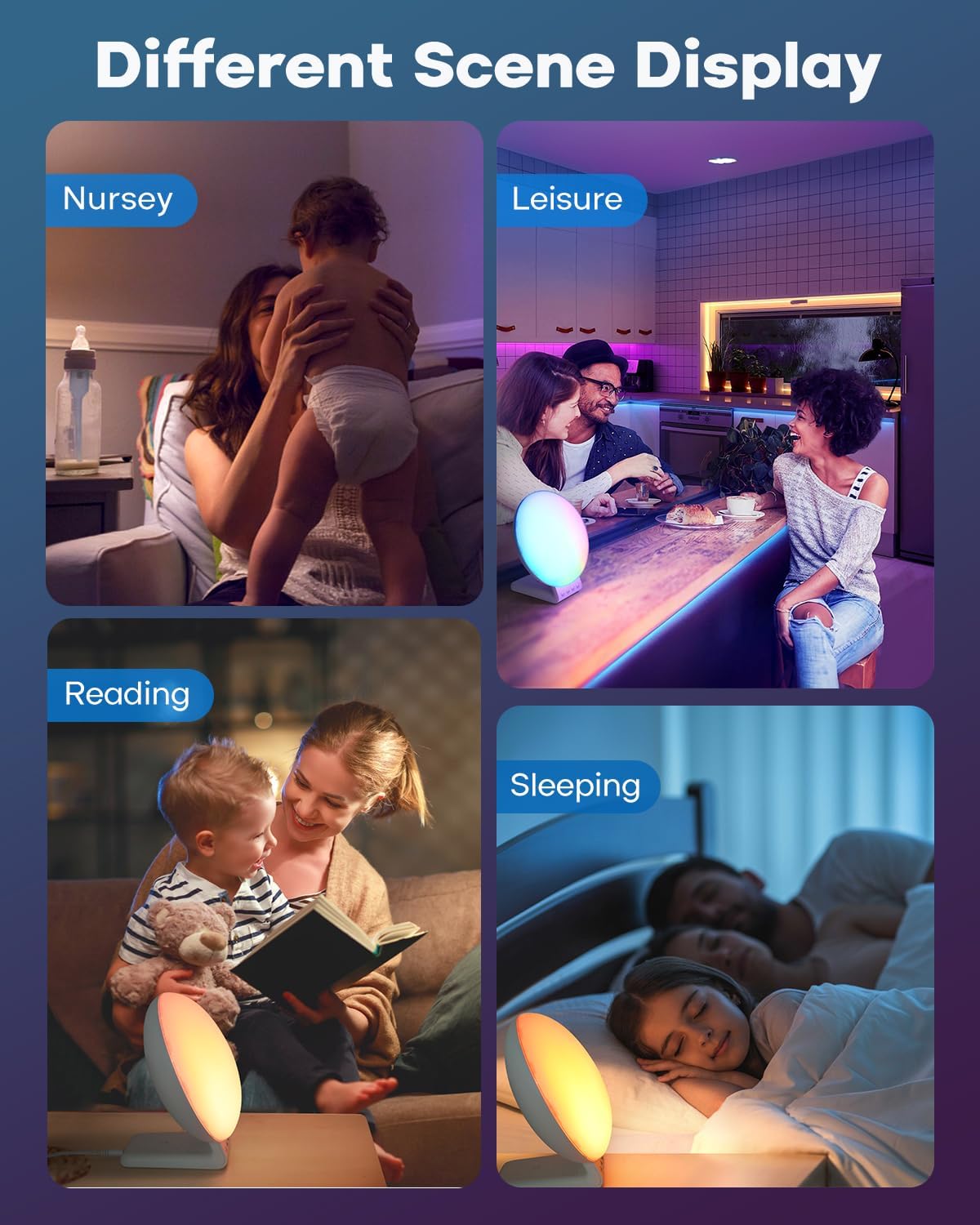
- Versatile Ambient Light: 11 soothing colors and 20 adjustable brightness levels for use as a night light, sunset lamp, אָדער שטימונג ליכט.
פּעקל אינהאַלט:
- Sunrise Alarm Clock X 1
- Smartwatch Charging Dock x 1
- באַניצער מאַנואַל x 1
- מאַכט אַדאַפּטער x 1

3. סעטאַפּ
- אַנפּאַק: קערפאַלי באַזייַטיקן אַלע קאַמפּאָונאַנץ פון די פּאַקקאַגינג.
- פאַרבינדן מאַכט: Plug the provided power adapter into the DC input port on the back of the alarm clock, then plug the adapter into a standard wall outlet. The display will light up.
- ערשטע צייט איינשטעלונג: Upon first power-on, the clock display may flash. Refer to the 'Setting Time' section in Operating Instructions to set the current time.
- Smartwatch Charging Dock: Attach the smartwatch charging dock to the designated port on the alarm clock if you intend to use this feature.
4. אַפּערייטינג ינסטרוקטיאָנס
קנעפּל פאַנגקשאַנז:
The device features several control buttons, typically located on the front base or side. Common buttons include: Time Set, Alarm 1, Alarm 2, Light, Sound, Volume, and Snooze/Dimmer. Refer to the icons on your device for specific button identification.
באַשטעטיקן צייט:
- Press and hold the 'Time Set' button (often indicated by a clock icon). The hour display will start flashing.
- Use the '+' or '-' buttons (or similar navigation buttons) to adjust the hour.
- Press 'Time Set' again to confirm the hour and move to minute adjustment. Adjust minutes using '+' or '-'.
- Press 'Time Set' once more to confirm and exit time setting mode.
Setting Alarms (Alarm 1 & Alarm 2):
The alarm clock supports two independent alarms. The process is similar for both.
- Press and hold the 'Alarm 1' or 'Alarm 2' button (indicated by an alarm clock icon, possibly with '1' or '2'). The alarm hour display will flash.
- Adjust the alarm hour using '+' or '-' buttons.
- Press the 'Alarm' button again to confirm the hour and move to minute adjustment. Adjust minutes using '+' or '-'.
- Press the 'Alarm' button again to select the wake-up sound (e.g., nature sounds, radio). Use '+' or '-' to cycle through options.
- Press the 'Alarm' button again to set the volume level for the alarm sound.
- Press the 'Alarm' button one last time to confirm and activate the alarm. An alarm icon will appear on the display.
- To disable an alarm, press the corresponding 'Alarm' button briefly until the alarm icon disappears.
סנוז פונקציע:
When an alarm sounds, tap the top of the clock or the designated 'Snooze' button to activate the snooze function. The alarm will pause for 9 minutes and then sound again. This can typically be repeated up to 5 times.

5. ווירעלעסס טשאַרדזשינג
The Dekala Sunrise Alarm Clock features a 3-in-1 wireless charging station for compatible devices.
קאַמפּאַטאַבילאַטי:
- סמאַרטפאָנעס: Qi-enabled devices, including iPhone 8/8 Plus, X/XS/XS Max/XR, 11/12/13/14/15/16 series, and various Samsung Galaxy models. (Up to 15W)
- סמאַרטוואַטטשעס: Apple Watch Series 2/3/4/5/SE/6/7/8. (Up to 3W)
- ירפאָונז: AirPods 2/3/Pro wireless earphones. (Up to 5W)
באַניץ:
- זייט זיכער אז דער וועקער זייגער איז אנגעצונדן.
- Place your compatible smartphone on the designated charging pad. For optimal charging, ensure your phone case thickness is within 5mm (0.2 in).
- Place your Apple Watch on the smartwatch charging dock.
- Place your AirPods case on the designated earphone charging area.
- A charging indicator (e.g., LED light or screen icon) should illuminate on your device or the alarm clock to confirm charging has begun.

6. Sunrise Alarm & Sound Machine
זונופגאַנג סימיאַליישאַן:
The sunrise lamp gradually brightens your room, simulating a natural sunrise to help you wake up gently. You can set the duration of the sunrise simulation from 5 to 120 minutes before your alarm time.
- When setting an alarm, you will typically have an option to enable or adjust the sunrise simulation duration.
- The light will gradually increase in brightness, transitioning from a soft red to a bright white, mimicking dawn.

ווייַס ראַש סאָונד מאַשין:
The built-in sound machine offers 15 relaxing sounds to aid in falling asleep or for general relaxation. Sounds include rain, bonfire, night whispers, yoga, zen, white noise, pink noise, and brown noise.
- Press the 'Sound' button (often indicated by a music note icon) to activate the sound machine.
- Use the '+' or '-' buttons to cycle through the available sounds.
- Adjust the volume using the 'Volume' buttons.
- Many devices allow setting a timer for the sound machine to automatically turn off after a certain duration (e.g., 30, 60, 90 minutes) or play all night. Refer to your device's specific controls for timer settings.

7. Night Light & Mood Light
The alarm clock functions as a versatile ambient light with various color and brightness options.
אַדזשאַסטינג ליכט סעטטינגס:
- Press the 'Light' button (often indicated by a light bulb icon) to turn the light on/off or to cycle through different light modes.
- קאָליר סעלעקציע: In mood light mode, use the '+' or '-' buttons to select from 11 soothing colors or a dynamic color-changing mode.
- ברייטנאַס אַדזשאַסטמאַנט: Use the 'Brightness' button or '+' / '-' buttons to adjust the light intensity across 20 levels.

8. וישאַלט
- רייניקונג: ווישט אָפּ דאָס אַפּאַראַט מיט אַ ווייכן, טרוקענעם שטאָף. ניצט נישט קיין שרײַבנדיקע רייניגערס אָדער סאָלווענטן.
- מאַכט: שטענדיק אָפּשטעקן דעם מאַכט אַדאַפּטער איידער רייניקונג אָדער אויב די מיטל וועט נישט ווערן גענוצט פֿאַר אַ לענגערער צייט.
- אָרט: שטעלט דעם אַפּאַראַט אויף אַ סטאַבילער, גלאַטער ייבערפלאַך אַוועק פון דירעקטער זון, היץ-קוואַלן און פייכטקייט.
9. טראָובלעשאָאָטינג
| פּראָבלעם | מעגלעך סיבה | לייזונג |
|---|---|---|
| די מיטל טוט נישט מאַכט אויף. | שטראָם אַדאַפּטער נישט פארבונדן אדער אַ דעפעקטיווע אַוטלעט. | זיכער מאַכן אַז דער מאַכט אַדאַפּטער איז זיכער אַרייַנגעשטעקט אין דעם מיטל און אין אַ אַרבעטנדיקן וואַנט אַוטלעט. פּרוּווט אַן אַנדער אַוטלעט. |
| וויירלעס טשאַרדזשינג אַרבעט נישט. | Device not Qi-enabled, misaligned, or phone case too thick. | Verify your device supports Qi wireless charging. Reposition the device on the charging pad. Remove thick phone cases (over 5mm). Ensure no metal objects are between the device and charger. |
| דער אַלאַרם קלינגט נישט. | Alarm not set, volume too low, or disabled. | Check if the alarm is activated (alarm icon on display). Increase alarm volume. Re-set the alarm. |
| ליכט איז צו שוואַך אָדער צו העל. | ליכטיקייט לעוועל דאַרף אַדזשאַסטמענט. | Use the brightness control buttons to adjust the light intensity to your preference. |
10. ספּעסאַפאַקיישאַנז
- סאָרט: דעקאַלאַ
- מאָדעל נומער: SRWW
- קאָליר: ווייַס
- ווייַז טיפּ: לקד
- ספּעציעלע פֿעיִקייטן: Atmosphere Light, Sunrise Alarm Clock, White Noise Sound Machine, Wireless Charging Station
- פּראָדוקט דימענשאַנז: 3"W x 3"H (approximate, based on provided data)
- מאַכט מקור: קאָרדעד עלעקטריק
- מאַטעריאַל: אַקרילאָניטרילע בוטאַדיענע סטירענע (אַבס) פּלאַסטיק
- נומער וואָג: 1.8 פונט
- אָפּעראַציע מאָדע: מאַנואַל
- נומער פון זאכן: 2 (referring to main unit and charging dock)
11. וואָראַנטי און שטיצן
For warranty information, technical support, or further assistance, please refer to the warranty card included with your product packaging or visit the official Dekala website. Contact information for customer service may also be available on the product packaging.
You can visit the Dekala Store on Amazon for more information: Dekala Store


