פּעקל אינהאַלט
- AOC ACS4311 Portable Bluetooth Speaker x 1
- וסב טשאַרדזשינג קאַבלע רענטגענ 1
- באַניצער מאַנואַל x 1

Image showing the AOC ACS4311 speaker, user manual, and USB-C charging cable included in the box.
Model: ACS4311 | Brand: AOC
This manual provides essential information for the safe and efficient operation of your AOC ACS4311 Portable Bluetooth Speaker. Please read it thoroughly before use and retain it for future reference.
Image showing the AOC ACS4311 speaker, user manual, and USB-C charging cable included in the box.
מאַכט זיך באַקאַנט מיט די קאָמפּאָנענטן פֿונעם רעדנער.

AOC ACS4311 Portable Bluetooth Speaker, front view.
Top view of the AOC ACS4311 speaker, highlighting the microphone and handle strap attachment point.

זייַט view of the AOC ACS4311 speaker, showing the USB-C charging port.
פארן ערשטן באַנוץ, לאָדן דעם רעדנער גאָר אויף.
To achieve a wider, more immersive sound experience, you can pair two AOC ACS4311 speakers together.

Diagram illustrating the True Wireless Stereo (TWS) pairing process between two AOC ACS4311 speakers.
The built-in microphone allows for hands-free communication when connected to a smartphone.

Image depicting the AOC ACS4311 speaker next to a smartphone, indicating its built-in microphone for clear calls.
ניצט אַ ווייכע, טרוקענע שטאָף צו רייניקן דעם רעדנער. ניצט נישט קיין שרײַבנדיקע רייניגערס אדער סאָלווענטן.
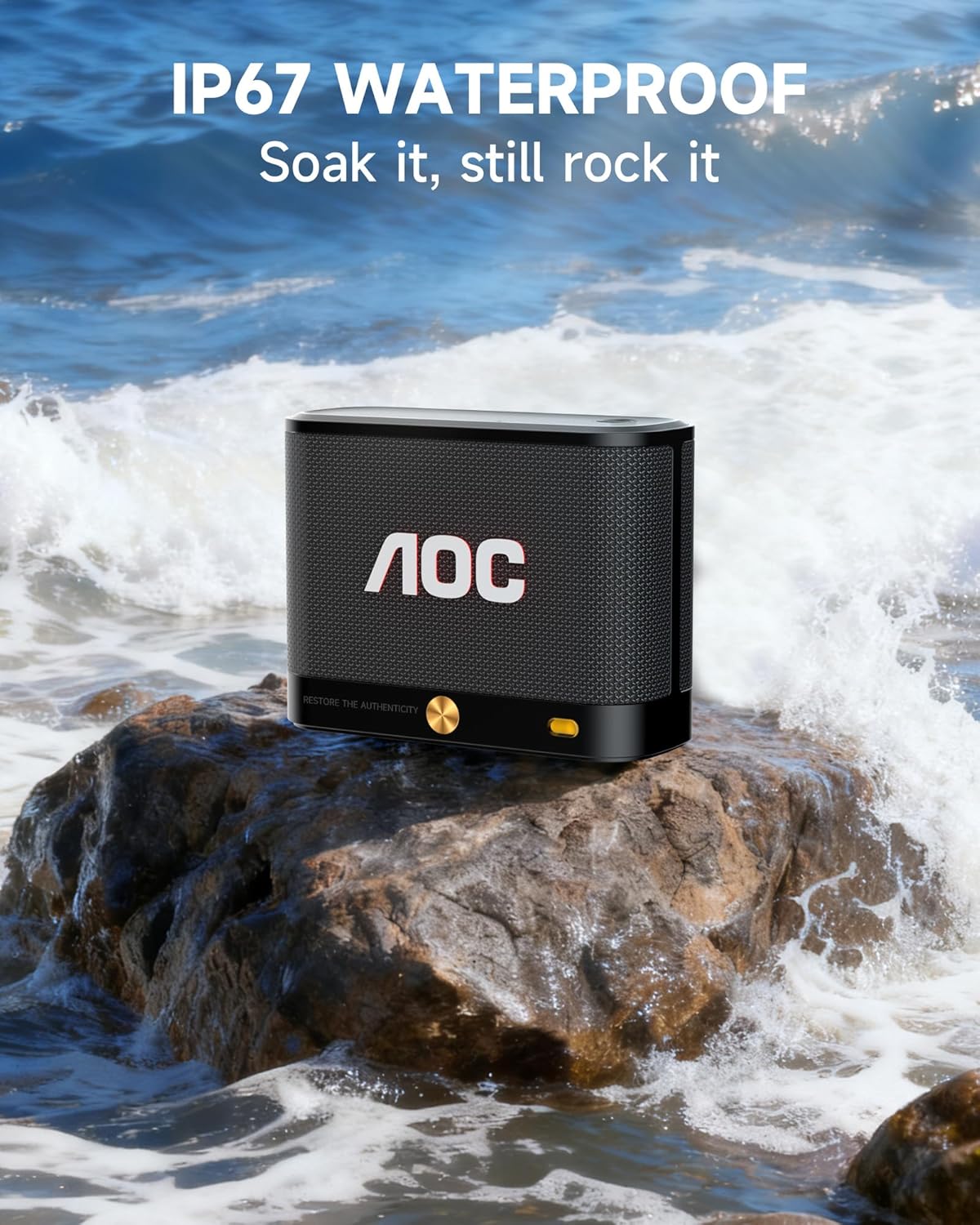
The AOC ACS4311 speaker is rated IP67, meaning it is protected against dust ingress and can withstand immersion in water up to 1 meter for up to 30 minutes.

The AOC ACS4311 speaker on a rock with waves splashing, demonstrating its IP67 waterproof capability.
| פּראָבלעם | לייזונג |
|---|---|
| דער רעדנער גייט נישט אן. | זיכער מאַכן אַז די באַטאַרייע איז אָנגעלאָדן. פֿאַרבינדט דעם רעדנער צו אַ מאַכט מקור מיטן USB-C קאַבל. |
| קען נישט פארבינדן דורך בלוטוט. | Ensure the speaker is in pairing mode (indicator light flashing). Turn off and on Bluetooth on your device. Move the speaker closer to your device. |
| קיין קלאַנג אָדער נידעריקע וואָלומען. | שטעל צו דעם קול אויף ביידע דעם רעדנער און אייער פארבונדענעם אפאראט. זיכערט זיך אז דער רעדנער איז נישט שטיל. |
| TWS פּאָרינג פיילז. | Ensure both speakers are not connected to any other Bluetooth device. Repeat the TWS pairing steps carefully. |

Image displaying the dimensions of the AOC ACS4311 speaker (4.5in x 3.35in x 1.77in) and its weight (0.81lb).
This product comes with a limited warranty provided by AOC. For detailed warranty information, product support, or service inquiries, please refer to the official AOC webפּלאַץ אָדער קאָנטאַקט זייער קונה דינסט.
Visit the AOC Store: AOC Official Store
 |
AOC מאָניטאָר פֿאַרזאַמלונג און ינסטאַלירונג גייד שריט-ביי-שריט אנווייזונגען פארן צוזאמענשטעלן און אינסטאלירן אייער AOC מאניטאר, אריינגערעכנט וויכטיגע פארזיכערונגען צו פארמיידן שאדן. |
 |
AOC SPX24V2 באַניצער מאַנואַל - סעטאַפּ, אָפּעראַציע און ספּעסיפיקאַציעס א פולשטענדיגע באַניצער מאַנואַל פֿאַר די AOC SPX24V2 דיספּליי, וואָס דעקט זיכערקייט, סעטאַפּ, אָפּעראַציע, מעדיע ווידערשפּיל, file פאַרוואַלטונג, פּראָבלעם־לייזונג, און טעכנישע ספּעציפֿיקאַציעס. באַזוכט www.aoc.com פֿאַר מער אינפֿאָרמאַציע. |
 |
AOC GK500 מעכאנישע גיימינג קלאַוויאַטור באַניצער גייד א פולשטענדיגע באַניצער פירער פֿאַר די AOC GK500 מעכאַנישע גיימינג קלאַוויאַטור. דעקט פּאַקעט אינהאַלט, ספּעסיפיקאַציעס, מיטל אויסלייג, ינסטאַלירונג און נוצן פון AOC G-Tools ווייכווארג פֿאַר פּראָפעסיאָנעלע.file פאַרוואַלטונג, קנעפּל אַסיינמאַנט, מאַקראָ פּראָגראַממינג, RGB לייטינג יפעקץ (Light FX), און סענסיטיוויטי סעטטינגס, צוזאַמען מיט זיכערקייַט און וישאַלט גיידליינז. |
 |
ינסטרוקטיאָנס פֿאַר אַאָק ק27ג4סרו - מאָניטאָר גיימינג דער אינסטרוקציעס פֿאַר מאָניטאָרינג גיימינג אַאָק ק27ג4סרו, ייַנמאָנטירונג אינפֿאָרמאַציע וועגן ינסטאָלינג, קאַנפיגיעריישאַנז, ריסטריקשאַנז, וויסנשאפטלעכע פּראָבלעם און ספּעציפֿיש טעקניקס. |
 |
AOC 27G50Z Gaming Monitor User Manual Comprehensive user manual for the AOC 27G50Z gaming monitor, covering setup, installation, safety, features like Adaptive-Sync and HDR, OSD settings, troubleshooting, and specifications. |
 |
AOC CS24A באַניצער מאַנואַל: סעטאַפּ, פֿעיִקייטן און ספּעציפֿיקאַציעס א פולשטענדיגע באַניצער מאַנואַל פֿאַר די AOC CS24A מאָניטאָר, וואָס דעקט סעטאַפּ, זיכערקייט, פֿעיִקייטן ווי AMD FreeSync Premium און HDR, OSD סעטטינגס, טראָובלעשווטינג, און טעכנישע ספּעציפֿיקאַציעס. |