1. זיכערקייַט אינפֿאָרמאַציע
Please read all safety instructions carefully before using the innioasis G1 MP3 Player. Keep this manual for future reference.
- שטעלט נישט אויס דעם אפאראט צו עקסטרעמע טעמפעראטורן, דירעקטע זונשייַן, אדער הויכע הומידיטי.
- ויסמיידן דראַפּינג אָדער אונטערטעניק די מיטל צו שטאַרק ימפּאַקץ.
- פרובירט נישט צו צענעמען אדער פאררעכטן דאס אפאראט אליין. דאס וועט בטל מאכן די גאראנטיע.
- ניצט נאָר דעם צוגעשטעלטן USB-C קאַבל צום אויפלאָדן.
- האַלטן די מיטל אַוועק פון וואַסער און אנדערע ליקווידס.
- פּראַלאָנגד צוגעהערט אין הויך באַנד לעוועלס קען פאַרשאַפן געהער שעדיקן.
2. פּעקל אינהאַלט
באַשטעטיקן אַז אַלע זאכן זענען פאַראַן אין דיין פּעקל:
- 1 x innioasis G1 MP3 Player
- 1 x 64GB SD card (pre-installed or separate)
- 1 קס וסב-C טשאַרדזשינג קאַבלע
- 1 x Wired headphones
- 1 x באַניצער מאַנואַל

Image: The innioasis G1 MP3 Player, USB-C cable, wired headphones, 64GB SD card, and user manual included in the package.
3. דיווייס איבערview
The innioasis G1 MP3 Player features a compact design with a 4-inch full-touch screen. It includes physical buttons for power and volume control, and ports for charging and headphones.

בילד: פראָנט view of the innioasis G1 MP3 Player displaying various preinstalled applications on its touch screen.
שליסל פֿעיִקייטן:
- 4-אינטש פול טאָוטש סקרין
- Android OS with 1.9GHz Octa-core CPU and 2GB RAM
- 80GB Storage (16GB ROM + 64GB TF card), expandable up to 1TB
- בלועטאָאָטה 4.2 קאַנעקטיוויטי
- Wi-Fi (2.4 גהז און 5 גהז)
- Pre-installed streaming apps (Spotify, Spotify Kids, Amazon Music, Pandora, Tidal, Deezer, Audible)
- פּאַרענטאַל קאָנטראָלס
- FM Radio, Voice Recorder, Video Player, Ebook Reader, Calculator, Clock, Gallery, Browser, Calendar
4. סעטאַפּ
4.1 ערשט טשאַרדזשינג
Before first use, fully charge the device using the provided USB-C cable and a compatible power adapter (not included). The battery indicator on the screen will show charging status.
4.2 מאַכט אויף / אַוועק
- צו מאַכט אויף: Press and hold the Power button on the side of the device until the screen lights up.
- צו מאַכט אַוועק: דריק און האלט דעם פּאַוער קנעפּל, און דערנאָך סעלעקטיר "פּאַוער אויס" פֿון די אָפּציעס אויף דעם עקראַן.
4.3 שפּראַך און צייט סעטטינגס
Upon first startup, you may be prompted to select your preferred language and set the date and time. Follow the on-screen instructions.
4.4 ווי-פי קאַנעקשאַן
To access streaming services and online features, connect your device to a Wi-Fi network:
- גיין צו סעטטינגס > נעץ & אינטערנעט > ווי-פי.
- טוישן Wi-Fi On.
- אויסקלייבן אייער געוואונטשענע נעץ פון דער ליסטע.
- אַרייַן די פּאַראָל אויב געבעטן און צאַפּן פאַרבינדן.

Image: The innioasis G1 MP3 Player displaying its home screen with app icons, illustrating its strong network connection capabilities.
5. אַפּערייטינג ינסטרוקטיאָנס
5.1 יקערדיק נאַוויגאַציע
The device features a full touch screen for navigation. Swipe left/right to browse app pages, tap an icon to open an app, and use the navigation buttons at the bottom of the screen (Back, Home, Recent Apps) to move between screens and applications.
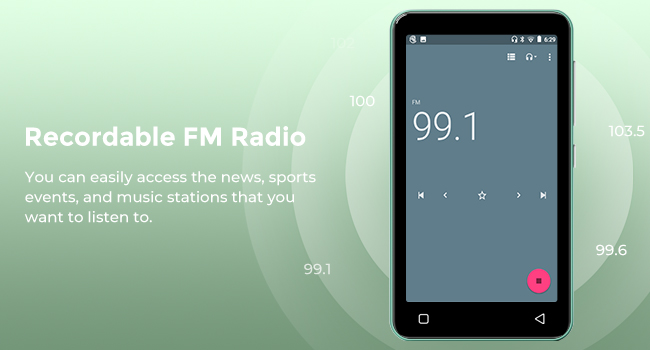
Image: A hand demonstrating touch screen interaction on the innioasis G1 MP3 Player, highlighting its ease of use.
5.2 מוזיק פּלייבאַק
The innioasis G1 supports various audio formats including MP3, FLAC, WAV, AAC, APE, OGG, M4A, WMA, and MP2.
- Local Music Player: Open the "Music" app to play files stored on the device or SD card. You can create playlists, search for songs, and use the graphic equalizer to adjust sound.
- סטרימינג אַפּפּס: Access pre-installed apps like Spotify, Spotify Kids, Amazon Music, Pandora, Tidal, and Deezer. Ensure you are connected to Wi-Fi for streaming.

Image: The innioasis G1 MP3 Player displaying its local music player interface, showing song categories, search function, playlist creation, and equalizer options.
5.3 בלועטוט קאָנעקטיוויטי
Connect your MP3 player to Bluetooth headphones, speakers, or car stereos.
- גיין צו סעטטינגס > קאָננעקטעד דעוויסעס > בלועטאָאָטה.
- באַשטימען בלועטאָאָטה On.
- Make sure your Bluetooth accessory is in pairing mode.
- Select your accessory from the list of available devices to pair.
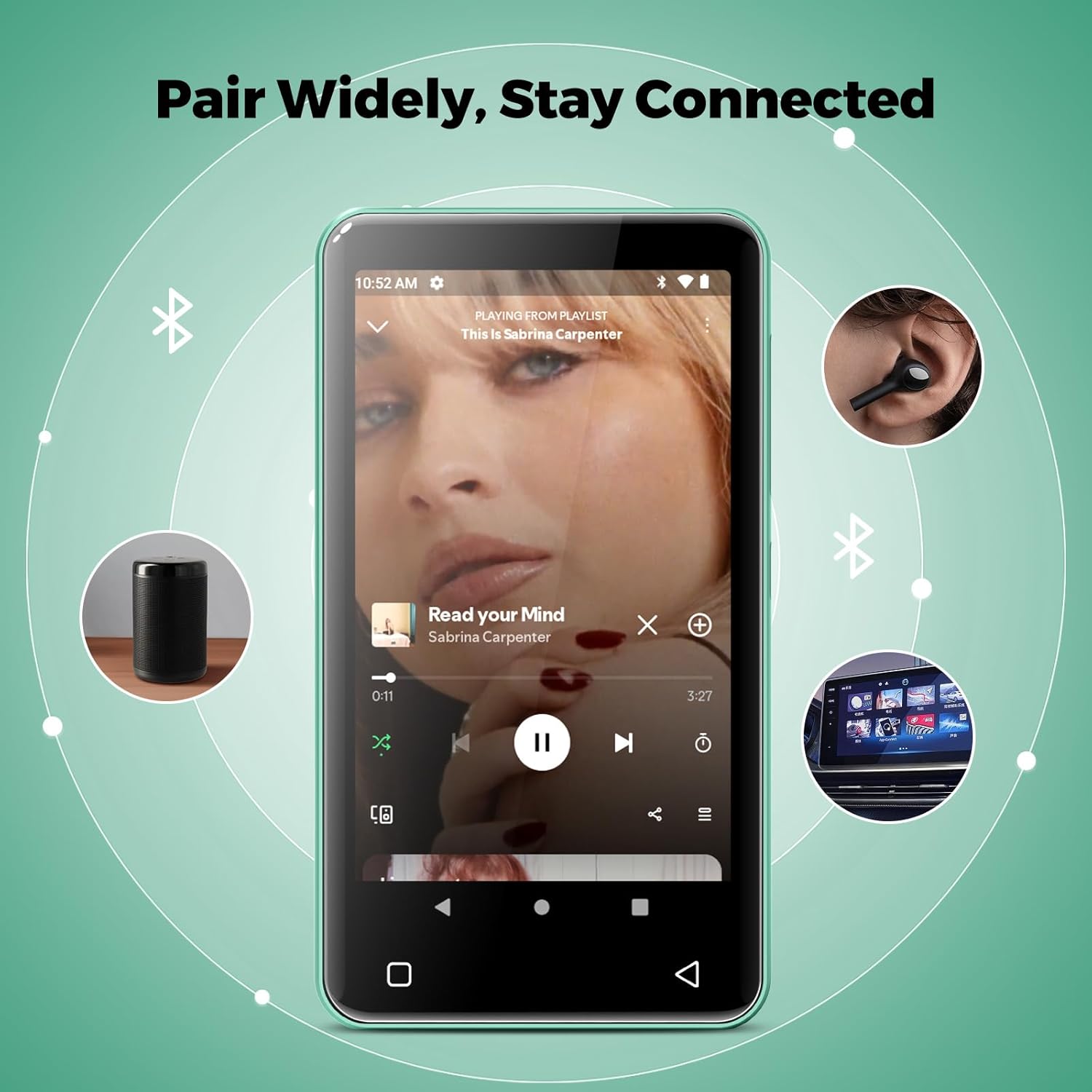
Image: The innioasis G1 MP3 Player showing its Bluetooth connection capabilities, pairing with headphones, a portable speaker, and a car stereo system.
5.4 פּערענטאַל קאָנטראָלס
The device includes parental control features to manage app access and settings.
- גיין צו סעטטינגס > פּאַרענטאַל קאָנטראָל.
- Set a parental control password.
- You can enable/disable app installation, limit internet usage, and restrict device usage time.
- Preloaded apps can be removed, and settings can be locked with the passcode.

Image: The innioasis G1 MP3 Player displaying its parental control settings, including options for password management, app installation, internet usage limits, and device usage limits.
5.5 File אַריבערפירן
To transfer music, videos, and other files from a computer:
- פֿאַרבינדט דעם MP3 שפּילער צו אייער קאָמפּיוטער מיטן USB-C קאַבל.
- אויף דעם MP3 שפּילער, סווייפּ אַראָפּ פֿון דער שפּיץ פֿונעם עקראַן צו עפֿענען דעם אָנזאָג פּאַנעל.
- Tap the USB notification (e.g., "USB charging this device") and select "File transfer" or "MTP".
- Your computer should now recognize the device as a removable storage drive. You can drag and drop files to the internal storage or the SD card.
5.6 אנדערע אַפּפּליקאַטיאָנס
The innioasis G1 comes with several other useful applications:
- עפעם ראַדיאָ: Tune into local radio stations. Some models may support recording.
- ווידעא שפּילער: Supports 1080P HD video playback and various formats including AVI, MKV, MP4, MPEG, MOV, VOB, WMV, WEBM, DIVX, F4V, FLV, XviD, 3GP.
- קול רעקאָרדער: רעקאָרדירן אַודיאָ ניצנדיק דעם איינגעבויטן מיקראָפאָן.
- Ebook Reader: Access pre-loaded Audible for audiobooks and other e-book formats.
- Calculator, Clock, Gallery, Browser, Calendar: Standard utility apps for daily use.
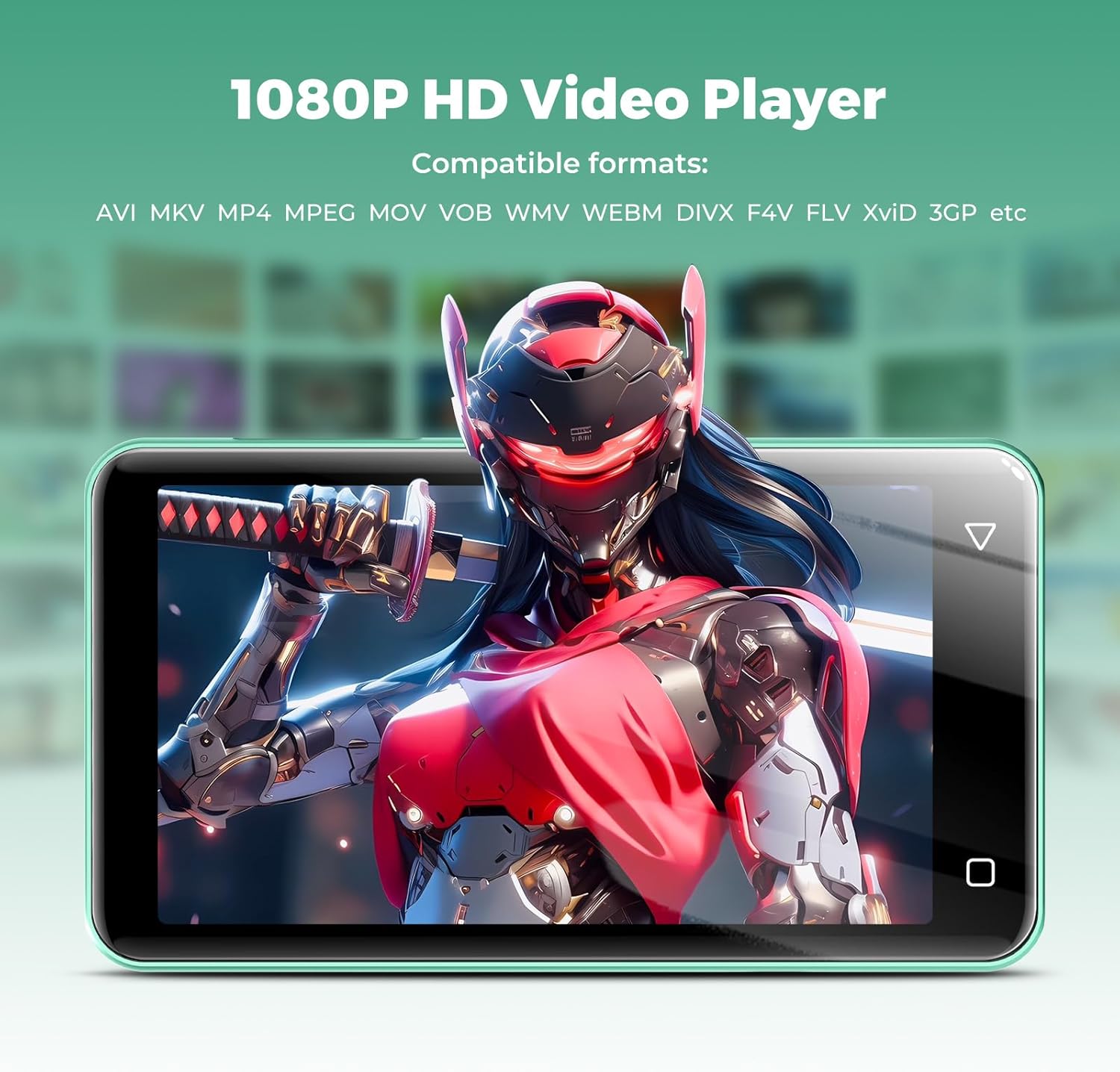
Image: The innioasis G1 MP3 Player displaying a high-definition video on its screen, illustrating its 1080P HD video playback capability.
6. וישאַלט
- רייניקונג: ניצט אַ ווייכע, טרוקענע שטאָף צו רייניקן דעם אַפּאַראַט. ניצט נישט קיין פליסיקע רייניגער אָדער אַעראָזאָלן.
- באַטערי זאָרגן: To prolong battery life, avoid fully discharging the battery frequently. Charge the device regularly. If storing for a long period, charge it to about 50% every few months.
- ווייכווארג דערהייַנטיקונגען: Periodically check for software updates in the device settings to ensure optimal performance and security.
7. טראָובלעשאָאָטינג
| פּראָבלעם | מעגלעך לייזונג |
|---|---|
| די מיטל טוט נישט מאַכט אויף. | Ensure the battery is charged. Connect to a charger for at least 30 minutes. If unresponsive, press and hold the power button for 10-15 seconds to force a restart. |
| קענען ניט פאַרבינדן צו ווי-פי. | Check if Wi-Fi is enabled in settings. Verify the Wi-Fi password. Restart your router and the MP3 player. Ensure you are within range of the Wi-Fi signal. |
| בלוטוט דעווייס נישט פארבינדן. | Ensure Bluetooth is enabled on both devices and the accessory is in pairing mode. Move the devices closer together. Try restarting both devices. |
| Apps are slow or unresponsive. | Close unused background apps. Clear app cache in Settings > Apps. Restart the device. Ensure sufficient storage space is available. |
| קענען ניט אַריבערפירן files to/from computer. | Ensure the USB-C cable is properly connected and functioning. On the MP3 player, select "File transfer" mode from the USB notification. Try a different USB port or computer. |
| נעבעך געזונט קוואַליטעט. | Check headphone connection. Test with different headphones. Adjust equalizer settings in the music player. Ensure audio fileס זענען נישט פארדארבן. |
8. ספּעסאַפאַקיישאַנז
- מאָדעל נאָמען: G1
- פּראָדוקט דימענשאַנז: 0.39 X 2.56 X 4.13 אינטשעס
- נומער וואָג: 5.9 אונסעס
- פאַבריקאַנט: איניאָאַזיס
- זכּרון סטאָרידזש קאַפּאַציטעט: 80 GB (16GB ROM + 64GB TF card)
- יקספּאַנדאַבאַל סטאָרידזש: Up to 1TB (SDXC/SDHC compatible)
- פאַרשטעלן גרייס: 4 אינטשעס
- קאַנעקטיוויטי טעכנאָלאָגיע: Bluetooth 4.2, Wi-Fi (2.4GHz & 5GHz)
- ספּעציעלע פֿעיִקייטן: Equalizer, FM Radio, Hi-Res Audio, Video Playback, Voice Recorder, Parental Controls
- קאַמפּאַטאַבאַל דעוויסעס: Headphones, Earphones
- מעדיע טיפּ: Micro SD, Micro SDHC, Micro SDXC, SD Card, SDHC
- באַטערי: 1500mAh (up to 25 hours music, 5 hours video playback)

Image: The innioasis G1 MP3 Player screen displaying battery life indicators for video (5 hours) and music (25 hours) playback.
9. וואָראַנטי און שטיצן
The innioasis G1 MP3 Player comes with a standard manufacturer's warranty. For detailed warranty information, please refer to the warranty card included in your package or contact innioasis customer support.
If you encounter any issues or have questions about your device, please contact innioasis customer support through their official webזייטל אדער די קאָנטאַקט אינפֿאָרמאַציע וואָס איז צוגעשטעלט אין דער פּראָדוקט פּאַקאַדזשינג.


