1. הקדמה
The AOC ACW2212 Wireless Headset is designed for clear communication and comfortable use across various platforms. It offers versatile connectivity options including Bluetooth 5.4, a USB dongle, and a wired connection, making it suitable for professional use, gaming, and entertainment. This manual provides detailed instructions to help you get the most out of your headset.
2. וואָס איז אין דער קעסטל
באַשטעטיקן אַז אַלע קאָמפּאָנענטן זענען פאַראַן אין דיין פּעקל:
- 1 x Wireless Headset
- קסנומקס רענטגענ וסב דאָנגלע
- 1 x טיפּ-C צו 3.5 מם אַודיאָ קאַבל
- 1 X Type-C טשאַרדזשינג קאַבלע
- 1 x באַניצער מאַנואַל (דאָס דאָקומענט)

Image: The AOC ACW2212 Wireless Headset shown with its USB dongle and 3.5mm audio jack cable.
3. פּראָדוקט איבערview
Familiarize yourself with the key features and controls of your AOC ACW2212 headset.
3.1. ערגאָנאָמישער פּלאַן און קאָמפאָרט
The headset features a lightweight build, an adjustable headband, and plush memory-foam ear cushions for extended comfort during long periods of use.

בילד: א נאָענטע בילד view highlighting the soft protein leather earcups, emphasizing comfort and breathability.
3.2. Noise-Cancelling Microphone
The integrated microphone is designed to effectively block out background noise, ensuring crystal-clear voice transmission. It is rotatable up to 270 degrees for optimal positioning.

Image: A visual representation of the headset's noise-cancelling microphone in action, ensuring clear communication.

Image: A diagram illustrating the microphone's 270-degree rotatable design for flexible positioning.
3.3. קאָנטראָלס
The headset features intuitive button controls for power, volume adjustment, and microphone mute.

Image: A close-up of the microphone boom, highlighting the one-touch mute button for instant privacy control.
4. סעטאַפּ
4.1. טשאַרדזשינג די העאַדסעט
Before first use, fully charge the headset using the provided Type-C charging cable. Connect the Type-C end to the headset's charging port and the USB-A end to a compatible power source (e.g., computer USB port, wall adapter). The LED indicator will show charging status.
4.2. קאַנעקטינג דורך בלועטאָאָטה
- פאַרזיכערן די כעדסעט איז Powered אַוועק.
- דריק און האלט דעם מאַכט קנעפּל ביז דער LED אינדיקאַטאָר בלינקט בלוי און רויט, וואָס ווײַזט אויף פּערינג מאָדע.
- אויף אייער דעווייס (סמאַרטפאָן, לאַפּטאָפּ, אאז"וו), אַקטיווירט בלועטוט און זוכט פֿאַר פֿאַראַן דעווייסעס.
- Select "AOC ACW2212" from the list to pair. The LED will turn solid blue once connected.
4.3. Connecting via USB Dongle
- שטעקט אריין דעם USB דאנגל אין א פאראן USB פארט אויף אייער קאמפיוטער.
- Power on the headset. It should automatically connect to the dongle. The LED on the dongle and headset will indicate a successful connection.
- If necessary, select the headset as the audio input/output device in your computer's sound settings.
4.4. Connecting via Wired Connection
- Connect the Type-C end of the provided audio cable to the headset.
- Connect the 3.5mm end to the audio jack of your device.
- The headset will function as a wired headset, bypassing Bluetooth or USB dongle connections.

Image: A graphic demonstrating the headset's triple connectivity options for various devices.
5. אַפּערייטינג ינסטרוקטיאָנס
5.1. מאַכט אויף / אויסגעלאשן
To power on, slide the power switch to the 'On' position. To power off, slide the switch to the 'Off' position.
5.2. באַנד קאָנטראָל
Use the volume buttons located on the earcup to increase or decrease the audio volume.
5.3. מיקראָפאָן שטום פונקציע
Press the dedicated mute button on the microphone boom to instantly mute or unmute your microphone during calls or recordings.
5.4. רופן מאַנאַגעמענט
When connected via Bluetooth or USB dongle, use the multi-function button (if available) to answer, end, or reject calls. Refer to your device's specific instructions for advanced call features.
6. וישאַלט
To ensure the longevity and optimal performance of your AOC ACW2212 headset, follow these maintenance guidelines:
- רייניקונג: ניצט אַ ווייכע, טרוקענע שטאָף צו רייניקן די כעדסעט. פֿאַרמייַדט ניצן שטרענגע כעמיקאַלן אָדער שרײַבנדיקע מאַטעריאַלן.
- סטאָרידזש: האַלט די כעדסעט אין אַ קיל, טרוקן אָרט אַוועק פון דירעקט זונשייַן און עקסטרעמע טעמפּעראַטורן.
- באַטערי זאָרגן: For optimal battery life, avoid fully discharging the battery frequently. Charge the headset regularly, even if not in use for extended periods.
- וואַסער קעגנשטעל: דעם כעדסעט איז נישט וואַסער-קעגנשטעליקפֿאַרמײַדן אויסשטעלונג צו פֿליסיקייטן.
7. טראָובלעשאָאָטינג
אויב איר טרעפט פּראָבלעמען מיט אייער כעדסעט, זעט די פאלגענדע געוויינטלעכע פּראָבלעמען און לייזונגען:
- קיין מאַכט: מאַכן זיכער אַז די כעדסעט איז גאָר באפוילן.
- קען נישט צוזאמענשטעלן בלועטוט: Make sure the headset is in pairing mode (flashing blue and red LED) and within range of your device. Try restarting both the headset and your device.
- קיין אַודיאָ/שלעכטע אַודיאָ קוואַליטעט: Check volume levels on both the headset and your connected device. Ensure the correct audio output device is selected in your computer's sound settings. For wired connection, ensure the cable is securely plugged in.
- מיקראָפאָן איז נישט ארבעטן: Ensure the microphone is not muted. Check microphone settings on your connected device and select the headset as the input device.
- ינטערמיטאַנט קשר: Move closer to your connected device to reduce interference. Ensure no other devices are causing Bluetooth interference.
אויב פּראָבלעמס אָנהאַלטן, קאָנטאַקט קונה שטיצן פֿאַר ווייַטער הילף.
8. ספּעסאַפאַקיישאַנז
| שטריך | דעטאַל |
|---|---|
| מאָדעל נאָמען | ACW2212 |
| סאָרט | AOC |
| קאַנעקטיוויטי טעכנאָלאָגיע | Wired, Wireless (Bluetooth, USB Dongle) |
| ווירעלעסס קאָמוניקאַציע טעכנאָלאָגיע | בלועטאָאָטה 5.4 |
| בלועטאָאָטה קייט | 32.8 פֿיס (10 מעטער) |
| ראַש קאָנטראָל | פּאַסיוו ראַש קאַנסאַליישאַן |
| אָפטקייַט ענטפער | 20 הערץ - 20 קילאָהערץ |
| כעדפאָונז דזשאַק | 3.5 מם דזשאַק |
| אַודיאָ דרייווער גרייס | 40 מילאַמיטערז |
| ימפּידאַנס | 32 Ohm |
| באַטערי לעבן | Up to 30 hours (Talking Time) |
| טשאַרדזשינג צייט | אומגעפער 2.5 שעה (שנעל טשאַרדזש) |
| מאַטעריאַל | אַקרילאָניטרילע בוטאַדיענע סטירענע (אַבס) |
| פּונקט וואָג | 11.7 אונסעס |
| קאַמפּאַטאַבאַל דעוויסעס | Cellphones, Desktops, Laptops |
9. וואָראַנטי און שטיצן
The AOC ACW2212 Wireless Headset comes with a worry-free guarantee and dedicated customer support. For any product-related inquiries, technical assistance, or warranty claims, please refer to the contact information provided on the product packaging or the official AOC webפּלאַץ.
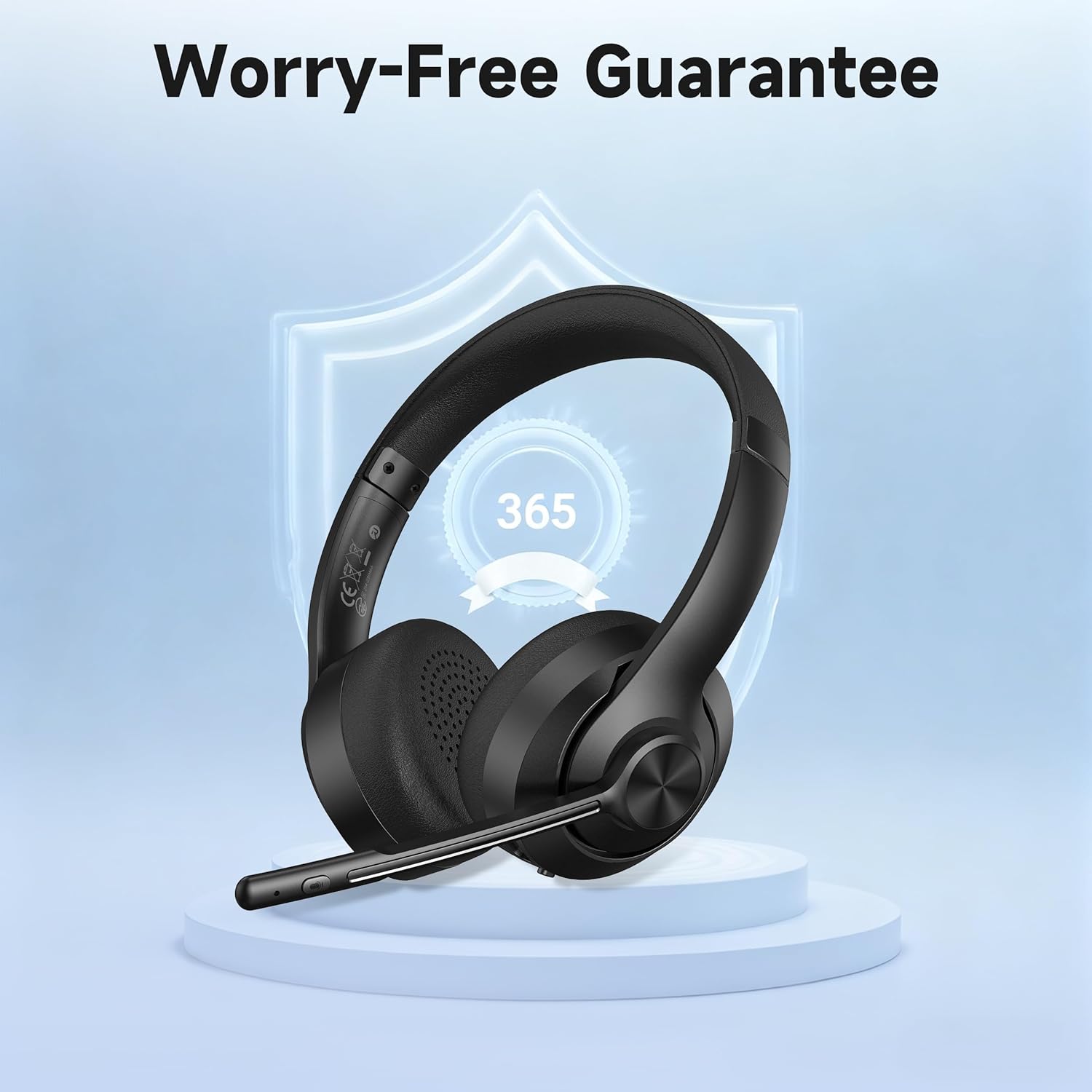
Image: A visual representation of the product's 365-day worry-free guarantee, symbolizing reliable support.


