הקדמה
This manual provides essential information for the NIMO 15.6-inch Light Gaming Laptop N15A. It covers setup, operation, maintenance, troubleshooting, and product specifications. Please read this manual thoroughly before using your new laptop to ensure proper function and longevity.

Image: NIMO 15.6-inch Light Gaming Laptop N15A, showcasinג זײַן פולער אַרויסווייַז און קלאַוויאַטור.
פּעקל אינהאַלט
Verify that all items listed below are present in your product packaging. If any items are missing or damaged, please contact NIMO customer support.
- 1 x נימאָ N15A לאַפּטאָפּ
- 1 x טיפ-C 100W PD שנעלער טשאַרדזשער
- 1 x באַניצער מאַנואַל
- Windows 11 היים אָפּערייטינג סיסטעם (פאַר-אינסטאַלירט)
פּראָדוקט איבערview
The NIMO N15A laptop is designed for balanced performance, featuring an AMD Ryzen 7 Pro 6850U processor, 32GB LPDDR5 RAM, and a 1TB PCIe 4.0 SSD. It includes a 15.6-inch Full HD IPS display, a backlit keyboard, and an integrated fingerprint reader for secure access.
שליסל פֿעיִקייטן:
- פּראַסעסער: AMD Ryzen 7 Pro 6850U with 8 Cores and 16 Threads, up to 4.7GHz.
- גראַפיקס: Integrated AMD Radeon 680M GPU.
- זכּרון: 32GB LPDDR5 RAM for efficient multitasking.
- סטאָרידזש: 1TB PCIe 4.0 SSD for fast boot times and data access.
- ווייַז: 15.6-inch Full HD (1920x1080) IPS Anti-Glare Display.
- טשאַרדזשינג: 100W USB-C Power Delivery fast charging.
- זיכערהייט: Integrated fingerprint reader for secure login.
- קלאַוויאַטור: Backlit keyboard for use in various lighting conditions.

Image: Visual representation of the AMD Ryzen 7 Pro 6850U processor's core and thread count, and turbo boost speed.
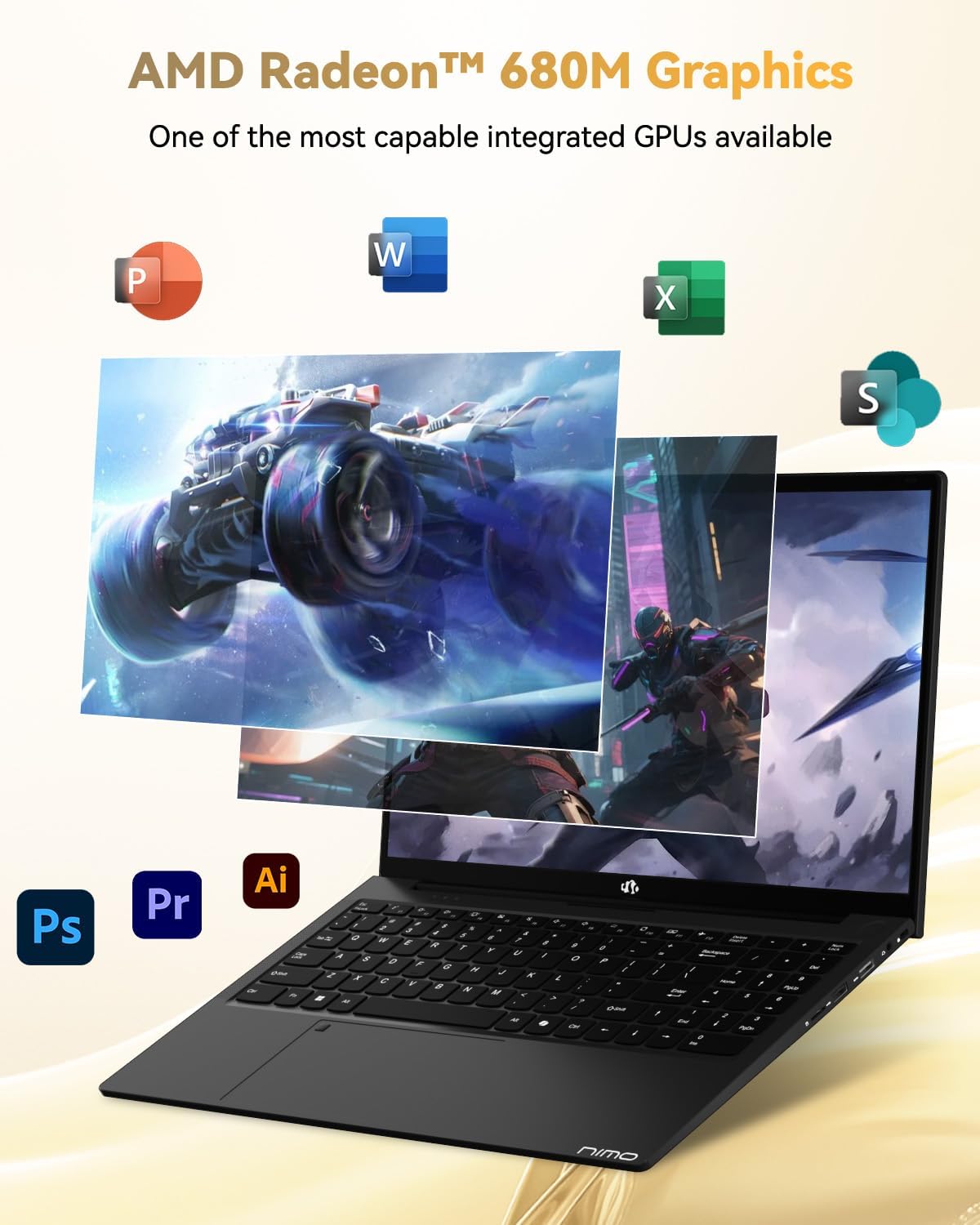
Image: Illustration highlighting the capabilities of the AMD Radeon 680M integrated graphics for various applications.

Image: Diagram showing the 32GB LPDDR5 RAM and 1TB PCIe 4.0 SSD for seamless multitasking and ample סטאָרידזש.
Image: The NIMO N15A laptop displaying a vibrant image on its 15.6-inch Full HD IPS screen.
פּאָרץ און קאַנעקטיוויטי:

Image: Diagram illustrating the various ports on the NIMO N15A laptop, including USB, HDMI, and Type-C.
- מיקראָ סד רידער
- וסב 2.0 פּאָרט
- USB 3.2 פּאָרטן (מערערע)
- כעדפאָון דזשאַק
- קענסינגטאָן לאַק שפּעלטל
- Type-C (Multifunction) Ports (supporting charging and data transfer)
- HDMI פּאָרט
סעטאַפּ
1. Initial Charging and Power On:
- Connect the provided 100W Type-C PD Fast Charger to the laptop's Type-C charging port and a power outlet.
- Allow the laptop to charge for at least 30 minutes before initial use, or until the charging indicator shows sufficient battery.
- דריק דעם מאַכט קנעפּל וואָס געפינט זיך אויף דער קלאַוויאַטור צו אנצינדן דעם לאַפּטאָפּ.

Image: Illustration of the NIMO N15A laptop being charged with the 100W Type-C PD Fast Charger.
2. Windows 11 Initial Setup:
Follow the on-screen prompts to complete the Windows 11 setup process. This typically includes:
- אויסקלייבן אייער ראיאן און קלאַוויאַטור אויסלייג.
- קאַנעקטינג צו אַ Wi-Fi נעץ.
- זיך אריינלאָגירן מיט אַ מייקראָסאָפֿט אַקאַונט אָדער שאַפֿן אַ לאָקאַלן אַקאַונט.
- אויפשטעלן א PIN אדער פּאַראָל.
- קאָנפיגורירן פּריוואַטקייט סעטטינגס.
אַפּערייטינג ינסטראַקשאַנז
מאַכט פאַרוואַלטונג:
- מאַכט אויף: דרוק די מאַכט קנעפּל.
- שלאָפן מאָדע: מאַכט צו דעם דעקל אָדער דריק קורץ דעם מאַכט קנעפּל.
- שאַט אַראָפּ: דריקט דעם אָנהייב קנעפּל, דערנאָך מאַכט, און דערנאָך שאַט דאַון.
- ריסטאַרט: דריקט דעם אָנהייב קנעפּל, דערנאָך מאַכט, און דערנאָך ריסטאַרט.
קלאַוויאַטור און טאָוטשפּאַד:

בילד: נאָענט-אַרויף view of the NIMO N15A laptop's backlit keyboard and the integrated fingerprint reader on the touchpad.
- באַקלייט קלאַוויאַטור: Use the dedicated function key (usually Fn + Fx) to toggle the keyboard backlight on/off and adjust brightness levels.
- פינגערפּרינט לייענער: The fingerprint reader is integrated into the touchpad. During Windows setup, you can configure your fingerprint for secure, quick login.
- פּרעציזיע טאָוטשפּאַד: Supports multi-touch gestures for navigation. Refer to Windows settings for customization.
קאַנעקטינג פּעריפעראַלס:
Utilize the various ports to connect external devices such as monitors, printers, external storage, and audio devices.
- USB דעוויסעס: Plug USB devices into the available USB 2.0 or USB 3.2 ports.
- פונדרויסנדיק ווייַז: Connect an external monitor or TV using the HDMI port or a compatible Type-C adapter.
- אַודיאָ: Use the 3.5mm headphone jack for headphones or external speakers.
אַפּאַראַט פּריוואַטקייט:

Image: Illustration of the NIMO N15A laptop's built-in privacy camera switch, allowing users to easily disable the webקאַם.
The NIMO N15A laptop features a built-in privacy camera switch. This allows you to physically disable the 2.0MP webקאַם ווען נישט אין באַנוץ, וואָס גאַראַנטירט אייער פּריוואַטקייט.
וישאַלט
רייניקן דעם לאַפּטאָפּ:
- Power off the laptop and disconnect the charger before cleaning.
- ניצן אַ ווייך, לינט-פֿרייַ שטאָף אַ ביסל דampאפגעוואשן מיט וואַסער אדער אַ עקראַן רייניגער פֿאַר דעם עקראַן.
- פֿאַר דער קלאַוויאַטור און שאַסי, ניצט אַ ווייכע שטאָף. פֿאַרמייַדט שטרענגע כעמיקאַלן אָדער אַברייסיוו מאַטעריאַלן.
- Use compressed air to clear dust from keyboard keys and vents.
באַטערי זאָרגן:
- פֿאַרמײַדט אָפֿט פֿולשטענדיק אויסצולאָדן די באַטעריע.
- האַלט דעם לאַפּטאָפּ אין אַ קיל, טרוקן אָרט אויב עס ווערט נישט גענוצט פֿאַר לענגערע פּעריאָדן, מיט דער באַטאַרייע אויפֿגעלאָדן צו אַרום 50-70%.
- Use only the original NIMO 100W Type-C PD Fast Charger.
ווייכווארג דערהייַנטיקונגען:
- קאָנטראָלירט רעגולער פֿאַר און אינסטאַלירט ווינדאָוז דערהייַנטיקונגען צו ענשור סיסטעם פעסטקייט און זיכערהייט.
- Keep device drivers updated, especially for graphics and chipset, by checking the NIMO support webוועבזייטל אדער ווינדאָוס אַפּדייט.
טראָובלעשאָאָטינג
| פּראָבלעם | מעגלעך לייזונג |
|---|---|
| דער לאַפּטאָפּ גייט נישט אָן. | Ensure the charger is properly connected and the power outlet is functional. Allow the battery to charge for at least 30 minutes. If the issue persists, contact support. |
| דער עקראַן איז ליידיק אָדער פליקערט. | Try connecting an external monitor to check if the issue is with the laptop's display. Adjust display brightness. Restart the laptop. |
| לאַנגזאַמע פאָרשטעלונג. | Close unnecessary applications. Check for background processes consuming high resources. Ensure sufficient free storage space. Run a system scan for malware. |
| קלאַוויאַטור באַקלייט אַרבעט נישט | Press the dedicated function key combination (e.g., Fn + Fx) to toggle or adjust the backlight. Check keyboard settings in Windows. |
| Fingerprint reader not responding. | זייט זיכער אז אייער פינגער איז ריין און טרוקן. רעגיסטרירט ווידער אייער פינגער-אפדרוק אין די ווינדאוס סעטינגס. ריסטארט דעם לעפטאפ. |
For issues not listed here or if solutions do not resolve the problem, please refer to the Warranty and Support section for assistance.
ספּעסאַפאַקיישאַנז
| שטריך | דעטאַל |
|---|---|
| סאָרט | נימאָ |
| מאָדעל נאָמען | NIMO N15AL (N15A) |
| פאַרשטעלן גרייס | 15.6 אינטשעס |
| פאַרשטעלן האַכלאָטע | 1920 x 1080 בילדצעלן (פול הד) |
| פּראַסעסער | AMD Ryzen 7 Pro 6850U (8 Cores, up to 4.7 GHz) |
| באַראַן | 32 גיגאבייט LPDDR5 (6400 מעגהערץ) |
| שווער דרייוו | 1024 GB SSD (PCIe 4.0, Solid State) |
| גראַפיקס קאָופּראַסעסער | AMD Radeon 680M (אינטעגרירט) |
| אָפּערייטינג סיסטעם | Windows 11 |
| ווירעלעסס טיפּ | 802.11a/b/g/n/ac |
| וסב 2.0 פּאָרץ | 1 |
| יו-עס-בי 3.0/3.2 פּאָרטן | 4 |
| דורכשניטלעך באַטאַרייע לעבן | 9 שעה |
| פּונקט וואָג | 3.75 פונט |
| פּראָדוקט דימענשאַנז | 14.07 X 8.98 X 0.76 אינטשעס |
| קאָליר | שוואַרץ |
| דערציען Webקאַם האַכלאָטע | 2 מפּ |
| ספּעציעלע פֿעיִקייטן | באַקלייט קלאַוויאַטור, פינגערפּרינט לייענער, HD אַודיאָ, נומערישער קלאַוויאַטור |
וואָראַנטי און שטיצן
NIMO provides comprehensive support for your laptop.
- וואָראַנטי: Your NIMO N15A laptop comes with a 2-year manufacturer's warranty.
- צוריקקער פּאָליטיק: A 90-day hassle-free return policy is offered from the date of purchase.
- קונה שטיצן: For technical assistance, warranty claims, or product-related inquiries, please contact NIMO customer support.
Contact information for support is typically available on the official NIMO website or through the product's packaging.
זיכערקייַט אינפֿאָרמאַציע
וויכטיק: Read and follow these safety guidelines to prevent damage to your device or personal injury.
- Use only original chargers and regularly inspect cables for damage.
- Handle the laptop by its base and consider using a protective case. Avoid placing heavy objects on it.
- Place the laptop on a hard, flat surface to ensure proper ventilation and prevent overheating. Keep it away from extreme temperatures and moisture.
- Do not overcharge the battery. Discontinue use if the battery shows signs of swelling or damage.
- Set strong passwords, keep software updated, use antivirus software, and regularly back up your data.
- In case of liquid spills, immediately unplug the laptop and allow it to dry completely before attempting to power it on.
- For any issues, consult qualified professionals. Do not attempt to disassemble or repair the device yourself.
לעגאַל אָפּלייקענונג
This NIMO laptop is provided "as is," without express or implied warranties, except for any applicable manufacturer's limited warranty. Implied warranties of merchantability or fitness for a specific purpose are disclaimed. NIMO is not liable for damages resulting from misuse (e.g., non-approved chargers, unauthorized repairs), physical damage, or failure to adhere to safety guidelines, including data loss or business interruption. Users are responsible for regularly backing up their data. This disclaimer does not exclude liability for manufacturing defects or violations of mandatory local laws. By using this laptop, you accept these terms, which are governed by the laws of the applicable jurisdiction.


