1. הקדמה
This manual provides essential information for using your new vivo Y31 Pro 5G smartphone. Please read it carefully to ensure proper operation and to maximize the device's features. Keep this manual for future reference.

בילד: פראָנט view of the vivo Y31 Pro 5G smartphone, showcasinג זײַן אַרויסווײַזונג.
2. וואָס איז אין דער קעסטל
באַשטעטיקן אַז אַלע זאכן זענען פאַראַן אין דיין פּראָדוקט פּאַקאַדזשינג:
- וויוואָ Y31 פּראָ 5G סמאַרטפאָון
- טעלעפאָנירן קאַסע
- מאַכט אַדאַפּטער
- וסב קאַבלע
- סים טרייַ עדזשעקטאָר
- עקראַן פּראָטעקטאָר (פאַר-אַפּליקירט)
3. סעטאַפּ
3.1. סים קאָרט ינסטאַלירונג
- געפינט די סים קארטל טאַץ אויף דער זייט פון אייער דעווייס.
- שטעקט אריין דעם סים טרעי אויסווארף געצייג אין דעם קליינעם לאך לעבן דעם טרעי און דריקט לײַכט ביז דער טרעי קומט ארויס.
- Place your Nano-SIM card(s) and/or microSD card into the tray with the gold contacts facing down, ensuring they are correctly oriented.
- פֿאָרזיכטיק צוריקשטעלט דעם טאַץ אין דעם טעלעפֿאָן ביז עס קליקט אַרײַן אין פּלאַץ.
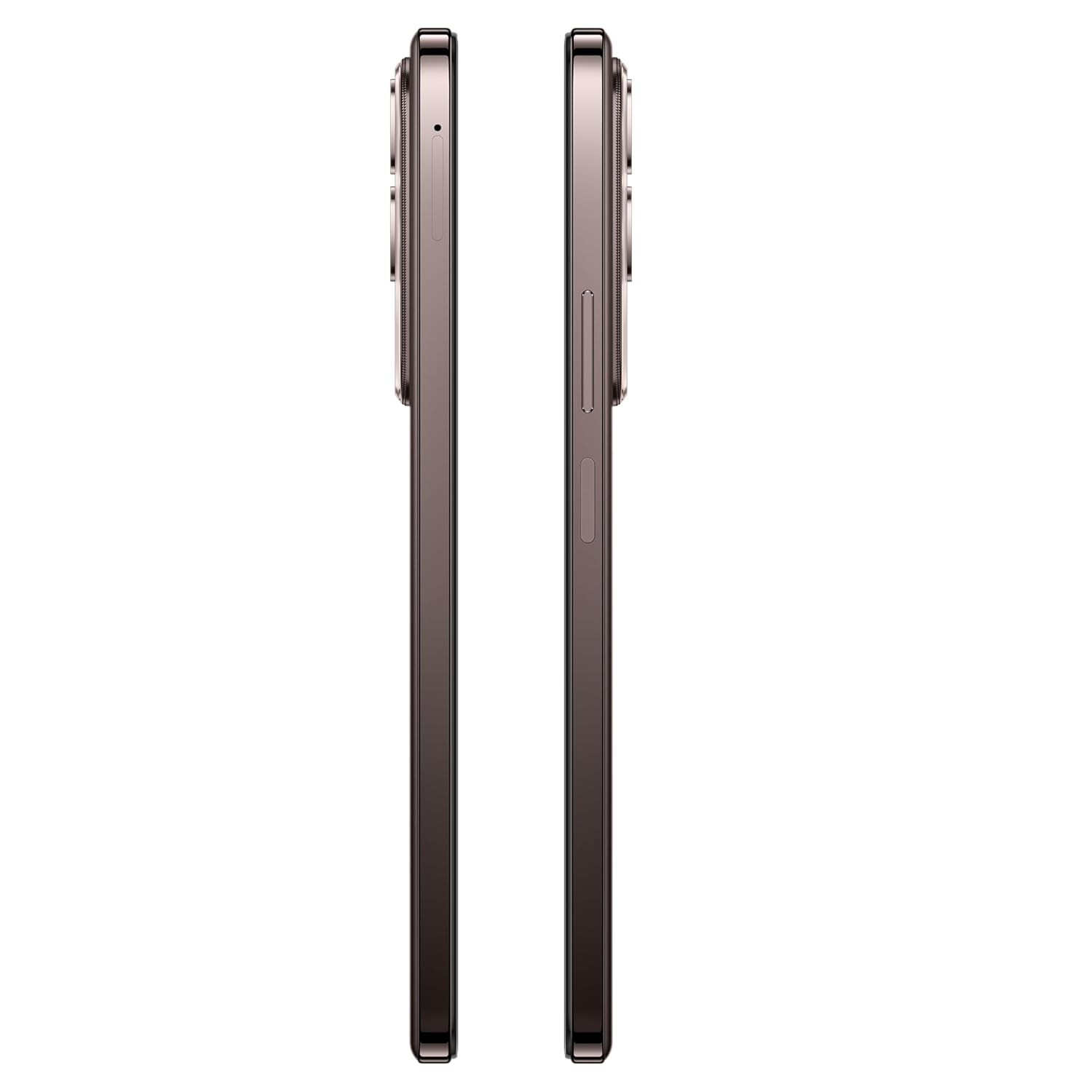
בילד: זייט view of the vivo Y31 Pro 5G, showing the SIM card tray location.
3.2. ערשטע איינשטראָם און גרונטלעכע סעטטינגס
- Press and hold the Power button (located on the right side) until the vivo logo appears.
- פֿאָלגט די אינסטרוקציעס אויף דעם עקראַן צו אויסקלײַבן אײַער שפּראַך, ראַיאָן און זיך פֿאַרבינדן צו אַ Wi-Fi נעץ.
- לאָג אַרײַן מיט אײַער גוגל אַקאַונט אָדער שאַפֿט אַ נײַעם צו צוקומען צו גוגל סערוויסעס און דעם פּלייַ סטאָר.
- Set up your screen lock method (PIN, pattern, password, fingerprint, or face unlock).
4. אַפּערייטינג דיין מיטל
4.1. ווייַז פֿעיִקייטן
The vivo Y31 Pro 5G features a 17.06 cm (6.72 inch) High Brightness FHD+ display with a 120 Hz refresh rate and up to 1050 Nits brightness for clear visuals and smooth scrolling.
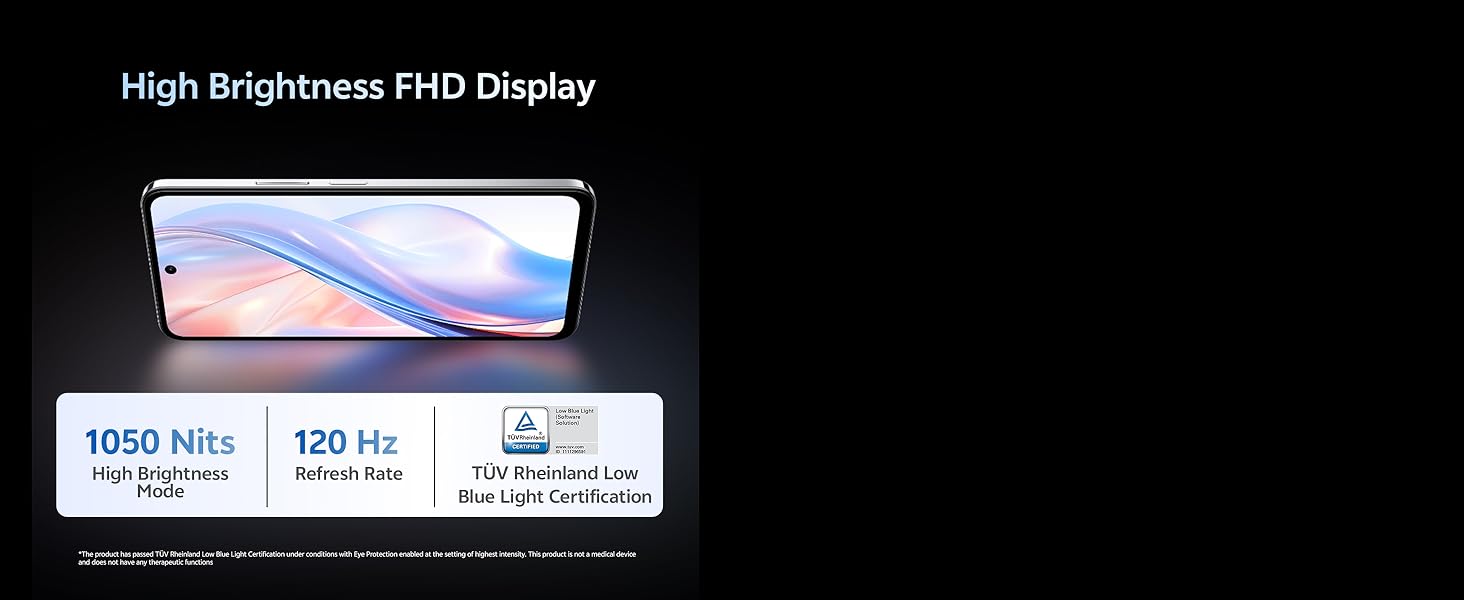
Image: Illustration highlighting the phone's high brightness FHD display with 1050 Nits and 120 Hz refresh rate.
4.2. קאַמעראַ יוז
Your device is equipped with a 50 MP + 2 MP rear camera system and an 8 MP selfie camera. It supports 4K video recording.
- גענומען פאָטאָס: Open the Camera app, select 'Photo' mode, and tap the shutter button.
- רעקאָרדינג ווידיאס: Switch to 'Video' mode and tap the record button to start/stop.
- קינסטלעכע אינטעליגענץ פֿעיִקייטן: Utilize AI Erase and AI Photo Enhance for improved image quality and editing.
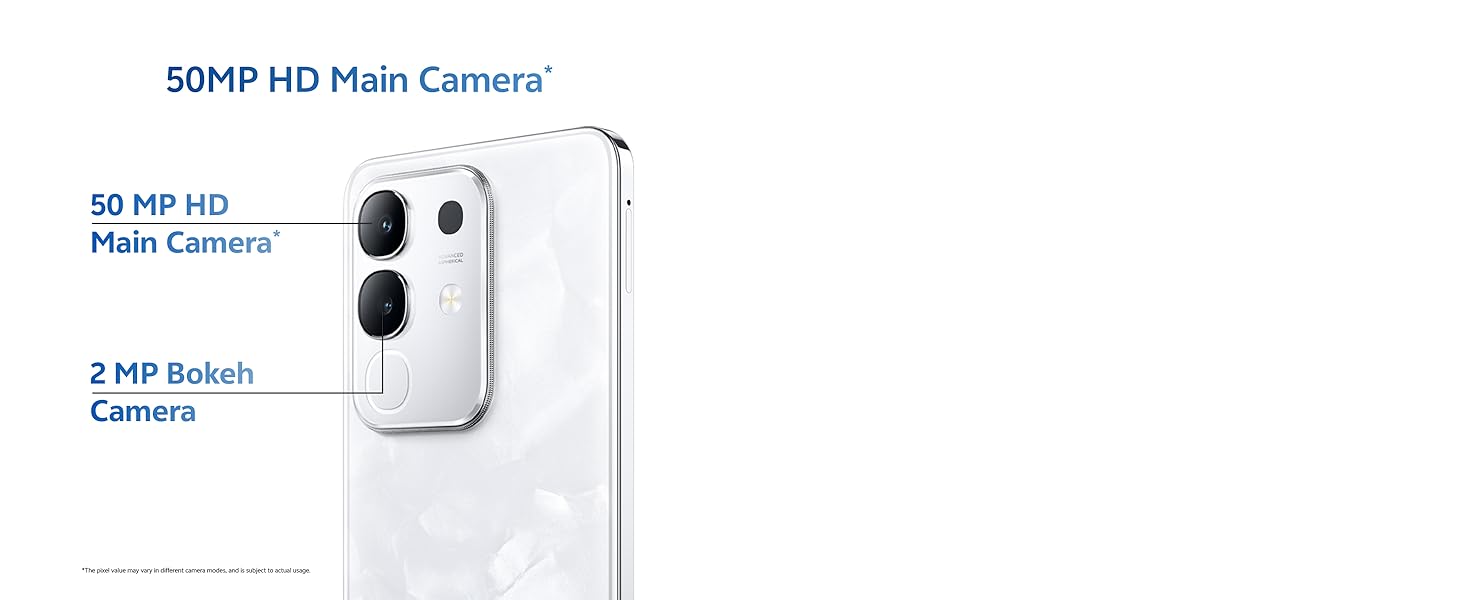
Image: Close-up of the vivo Y31 Pro 5G's rear camera module, showing the 50 MP main camera and 2 MP bokeh camera.

Image: Comparison showing video quality with and without 4K recording on the vivo Y31 Pro 5G.
4.3. באַטערי מאַנאַגעמענט
The device is powered by a 6500 mAh battery and supports 44W FlashCharge. For optimal battery life:
- Use the provided power adapter and USB cable for charging.
- ויסמיידן עקסטרעם טעמפּעראַטורעס.
- Manage background app usage and screen brightness.
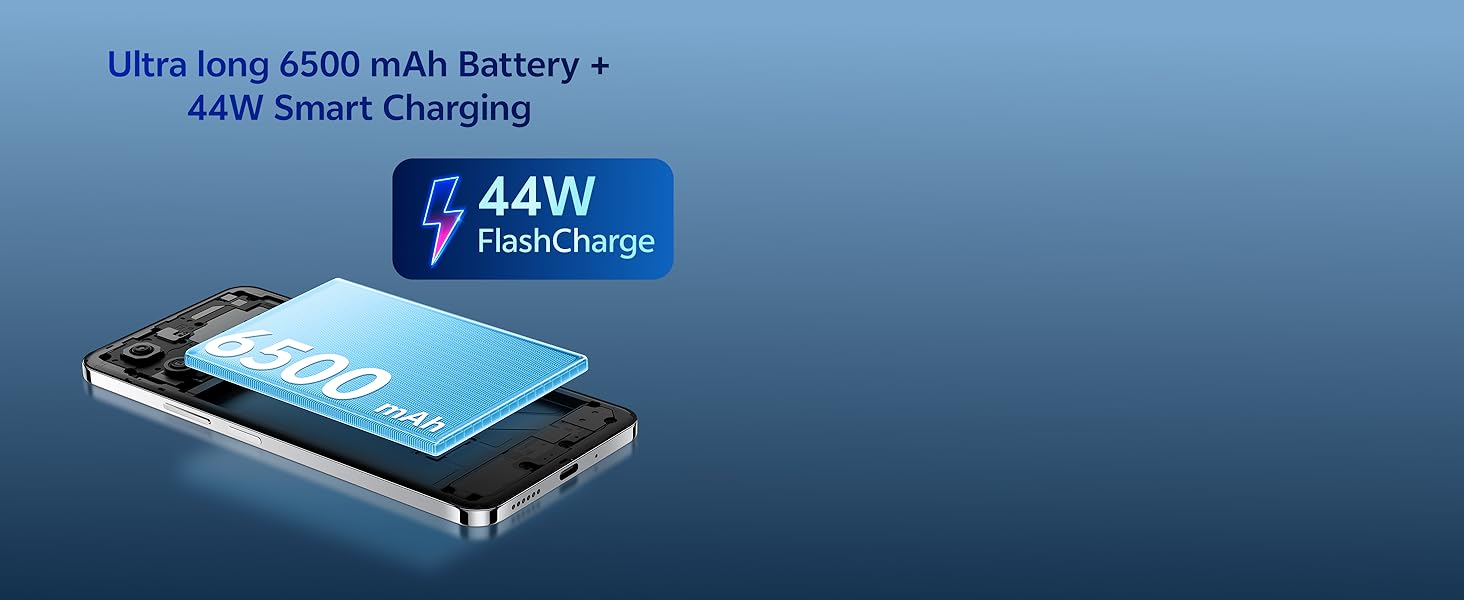
Image: Illustration of the vivo Y31 Pro 5G's 6500 mAh battery and 44W FlashCharge technology.
4.4. קאַנעקטיוויטי
The vivo Y31 Pro 5G supports 5G network connectivity, Bluetooth, and built-in GPS.
- ווי-פי: גייט צו סעטטינגס > נעץ און אינטערנעט > Wi-Fi צו פארבינדן זיך צו פארהאן נעטוואָרקס.
- בלועטאָאָטה: Go to Settings > Connected devices > Bluetooth to pair with other devices.
- 5G: Ensure your SIM card and plan support 5G for high-speed mobile data.
4.5. אַודיאָ
The device features dual stereo speakers for enhanced audio output.
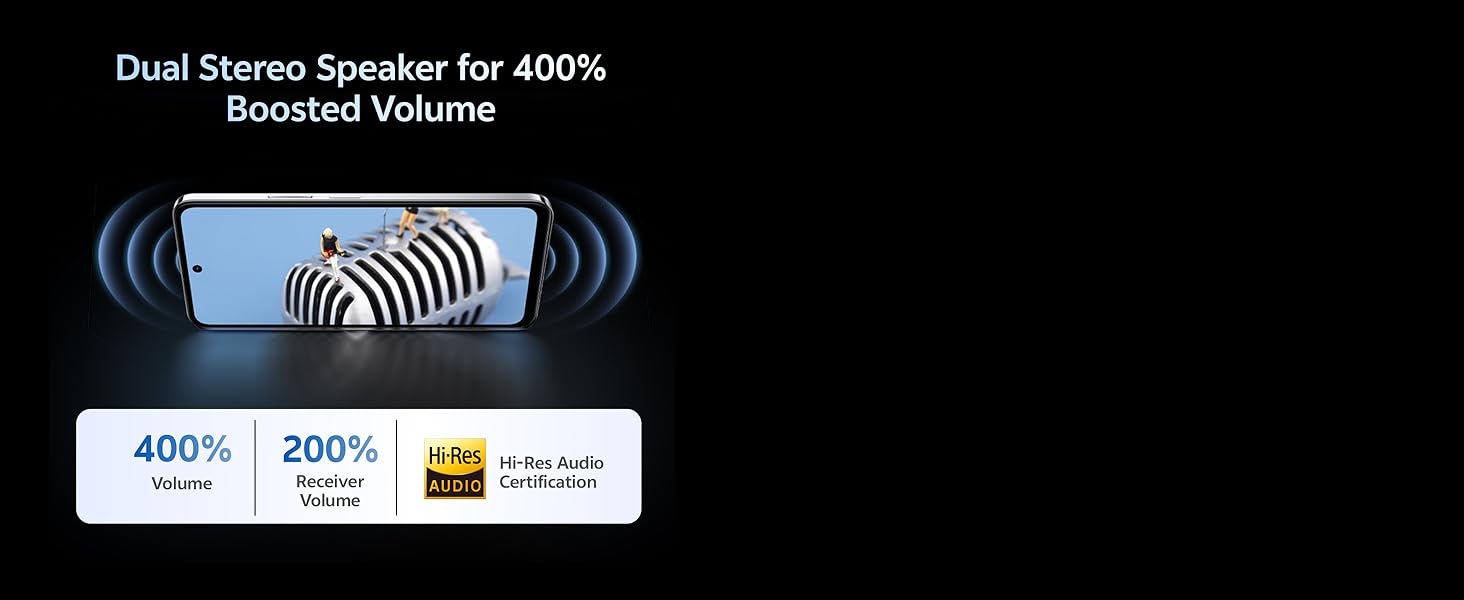
Image: Illustration depicting the dual stereo speaker system of the vivo Y31 Pro 5G.
5. וישאַלט
5.1. רייניקן דיין דעווייס
- ניצט אַ ווייכן, לינט-פֿרייע שטאָף צו רייניקן דעם עקראַן און קערפּער.
- ויסמיידן ניצן האַרב קעמיקאַלז אָדער אַברייסיוו מאַטעריאַלס.
- די דעווייס האט אַן IP64 ראַנג פֿאַר שטויב און שפּריץ קעגנשטעל. פֿאַרמייַדט עס צו טונקען אין וואַסער.
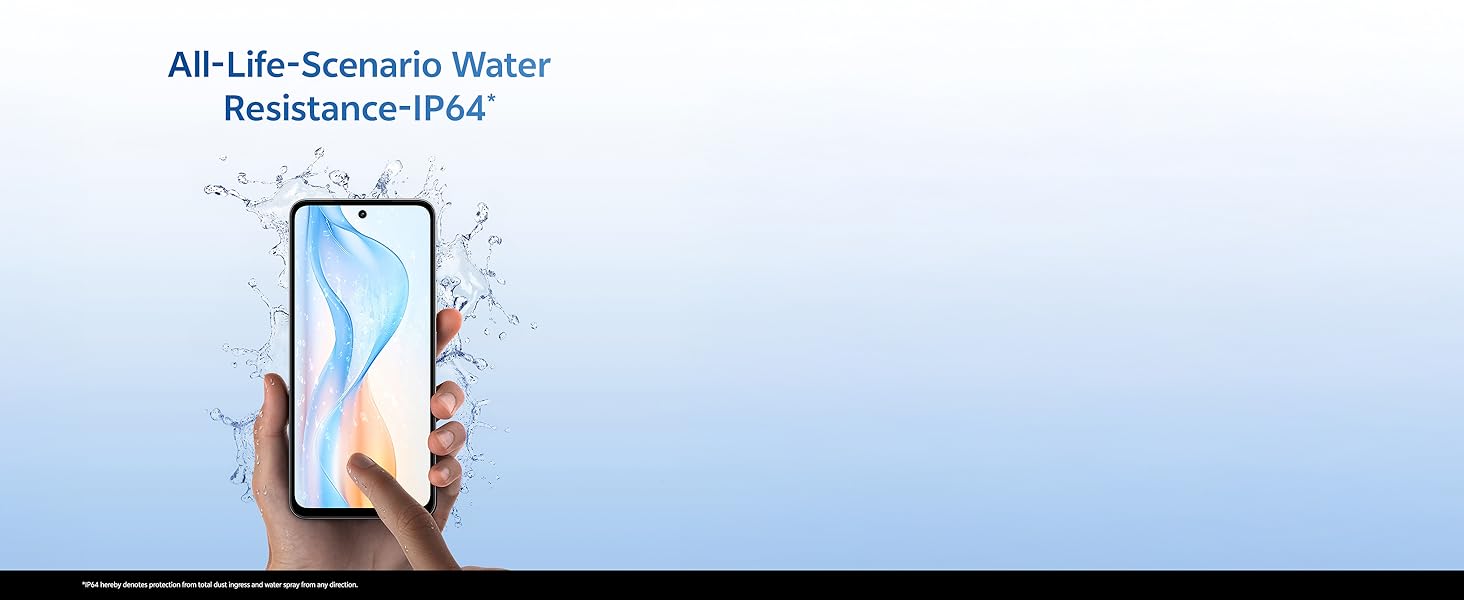
Image: Illustration demonstrating the IP64 water resistance of the vivo Y31 Pro 5G against splashes.
5.2. ווייכווארג דערהייַנטיקונגען
קוקט רעגלמעסיג נאך ווייכווארג אפדעיטס צו זיכער מאכן אז אייער אפאראט האט די לעצטע אייגנשאפטן און זיכערהייט פאטשעס. גייט צו סעטינגס > סיסטעם > סיסטעם אפדעיט.
6. טראָובלעשאָאָטינג
6.1. געוויינטלעכע פראבלעמען
- מיטל נישט קער אויף: Ensure the battery is charged. Connect to the power adapter for at least 10 minutes before attempting to power on.
- אַפּפּס קראַשן: Clear the cache of the problematic app (Settings > Apps > [App Name] > Storage & cache > Clear cache). If the issue persists, reinstall the app.
- שלעכט נעץ סיגנאַל: Check your SIM card installation. Move to an area with better network coverage.
- די באַטאַרייע פליסן געשווינד: רעדוצירט די ברייטקייט פון דעם עקראַן, דיאַקטיווירט אומנייטיקע הינטערגרונט אַפּפּס, און דיאַקטיווירט Wi-Fi/Bluetooth ווען נישט אין באַנוץ.
6.2. פאַבריק באַשטעטיק
אויב אייער דעווייס האט אנהאלטנדיקע פראבלעמען, קען א פאַבריק ריסעט זיי פאררעכטן. ווארענונג: This will erase all data on your phone. Back up important data before proceeding. Go to Settings > System > Reset options > Erase all data (factory reset).
7. ספּעסאַפאַקיישאַנז
| שטריך | באַשרייַבונג |
|---|---|
| מאָדעל | וויוואָ Y31 פּראָ 5G |
| אָפּערייטינג סיסטעם | פֿאַנטאָוטש אָ.עס. 15 |
| פּראַסעסער | מעדיעטעק דימענסיטי 7300 |
| באַראַן | 8 גיגאבייט |
| אינערלעכער סטאָרידזש | 128 גיגאבייט |
| ווייַז | 17.06 cm (6.72 inch) FHD+, 1050 Nits, 120 Hz Refresh Rate |
| דערציען אַפּאַראַט | 50 מעגאַפּיקסעל + 2 מעגאַפּיקסעל |
| Selfie אַפּאַראַט | 8 מפּ |
| באַטאַרייע קאַפּאַציטעט | 6500 מאַה |
| טשאַרדזשינג | 44W פלאַשטשאַרדזש |
| קאַנעקטיוויטי | 5G, בלועטוט, דזשי-פי-עס |
| דימענשאַנז | 16.6 X 7.6 X 0.8 סענטימעטער |
| וואָג | 204 ג |
| געווער | Military Grade (MIL-STD-810H tested), IP64 Dust and Splash Resistance |
בילד: איבערview of the vivo Y31 Pro 5G's powerful Dimensity 7300 processor and ultra-long 6500 mAh battery with 44W FlashCharge.
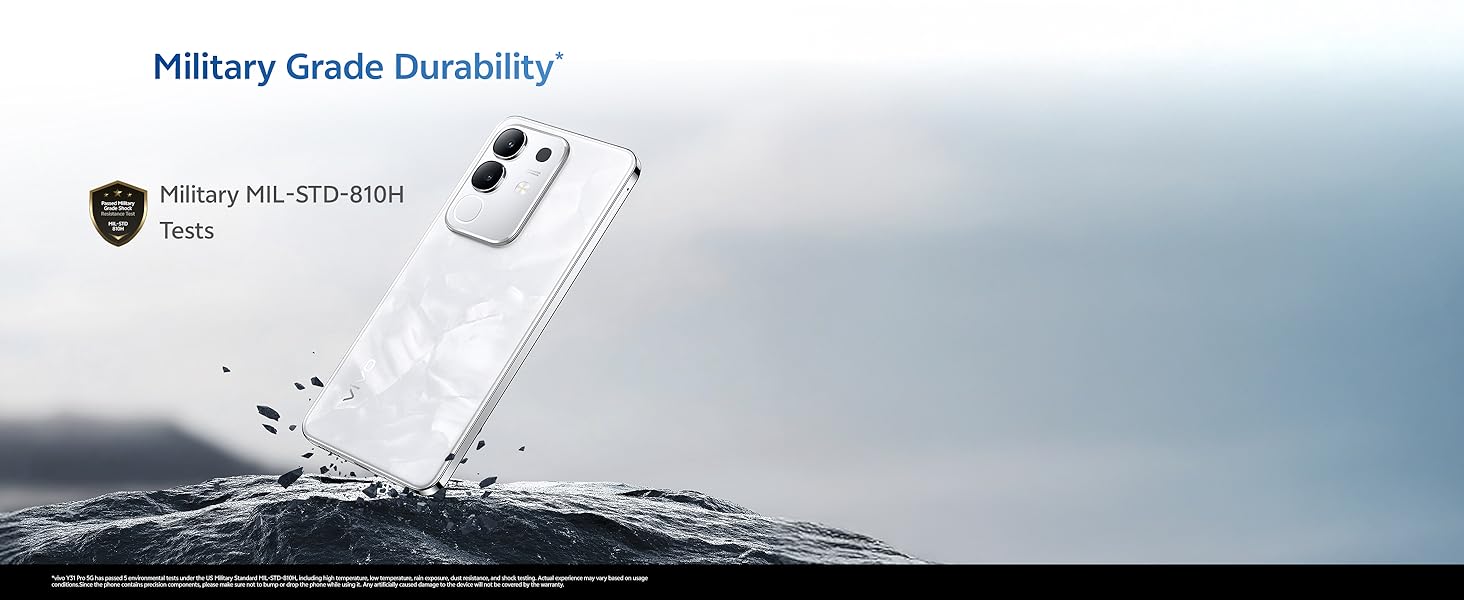
Image: The vivo Y31 Pro 5G demonstrating military-grade durability (MIL-STD-810H tested).
8. וואָראַנטי און שטיצן
Your vivo Y31 Pro 5G smartphone comes with a standard manufacturer's warranty. For detailed warranty terms and conditions, please refer to the warranty card included in your product packaging or visit the official vivo support webפּלאַץ.
For technical support, service, or further assistance, please contact vivo customer service through their official channels. You can find contact information on the vivo website or in your device's 'Settings' under 'About phone' or 'Support'.
פאַבריקאַנט: vivo Mobile India Pvt Ltd
לאַנד פון אָריגין: אינדיע


