1. הקדמה
This manual provides essential instructions for setting up, operating, and maintaining your KOORUI G2511P 24.5-inch Gaming Monitor. Designed for an optimal gaming and viewing experience, this monitor features a 200Hz refresh rate, 1ms GTG response time, Full HD IPS panel with 90% DCI-P3 color gamut, HDR400 support, and Adaptive Sync technology. Please read this manual thoroughly before use to ensure proper functionality and longevity of your device.
2. פּעקל אינהאַלט
באַשטעטיקט אַז אַלע זאכן וואָס זענען אויסגערעכנט אונטן זענען פאַראַן אין אייער פּעקל:
- 24.5 אינטש מאָניטאָר
- הדמי קאַבלע
- מאַכט אַדאַפּטער
- באַניצער מאַנואַל (דעם דאָקומענט)
3. סעטאַפּ
3.1 שטאַנד פֿאַרזאַמלונג
The monitor stand consists of two parts: the base and the upright arm. These parts slide together. Once assembled, the stand then slips into a dedicated slot at the back of the monitor. Ensure the stand is securely locked into place before placing the monitor on a surface to prevent accidental detachment.

פיגורע 3.1: פראָנט view of the KOORUI G2511P monitor with its stand.

פיגורע 3.2: דערציען view highlighting the stand attachment and control joystick.
3.2 קאַנעקטינג צו דעוויסעס
The KOORUI G2511P monitor offers multiple connectivity options for various devices:
- הדמי: Connect your PC, gaming console, or other HDMI-enabled devices using the provided HDMI cable. The monitor features two HDMI 2.0 ports.
- DisplayPort (DP): For optimal gaming performance, connect your PC's graphics card to the monitor's DisplayPort 1.4 input.
- אַודיאָ אָוט: Use the 3.5mm audio jack to connect external headphones or speakers, as the monitor does not have built-in speakers.
- מאַכט: פֿאַרבינדט דעם מאַכט אַדאַפּטער צום מאָניטאָר'ס גלייַך שטראָם אַרייַנגאַנג און דערנאָך צו אַ מאַכט ווענטיל.

פיגור 3.3: מאָניטאָר קאַנעקטיוויטי פּאָרץ.
3.3 VESA מאַונטינג
The monitor is VESA 75x75mm compatible, allowing it to be mounted on a wall or an adjustable monitor arm (sold separately). This provides flexibility for optimizing your workspace and viewינג אַנגלעס.

Figure 3.4: VESA mounting points on the monitor's rear.
4. אַפּערייטינג ינסטרוקטיאָנס
4.1 מאַכט אויף / אַוועק
Press the power button/joystick located on the back of the monitor to turn it on or off. A brief press typically powers it on, while a longer press will power it off.
4.2 אויף-סקרין דיספּליי (OSD) מעניו נאַוויגאַציע
The monitor's settings are adjusted using a single joystick control located on the back. Push the joystick in to confirm selections, and move it up, down, left, or right to navigate through the menu options and adjust values.
- אריינשטופּן: Select item / Confirm setting
- אַרויף אַראָפּ: Navigate menu / Adjust value
- לינקס / רעכט: Select item / Adjust value
4.3 Display Settings and Features
אָפּטימיזירן דיין viewing experience through the OSD menu:
- רעפרעש רעיט (200 הערץ): Ensures ultra-smooth motion, reducing blur in fast-paced content.
- Response Time (1ms GTG): Minimizes ghosting and input lag for competitive gaming.
- Resolution (FHD 1080p): Provides crisp and clear Full High Definition visuals.
- IPS פּאַנעל: אָפפערס ברייט viewing angles (178°) and vibrant, accurate colors (90% DCI-P3).
- HDR400: Enhances contrast and color depth for a more immersive visual experience in compatible content.
- אַדאַפּטיוו סינק: סינקראָניזירט דעם מאָניטאָר'ס רעפרעש קורס מיט דיין גראַפיקס קאַרטל'ס ראַם קורס צו עלימינירן פאַרשטעלן טיערינג און שטאַטערינג.
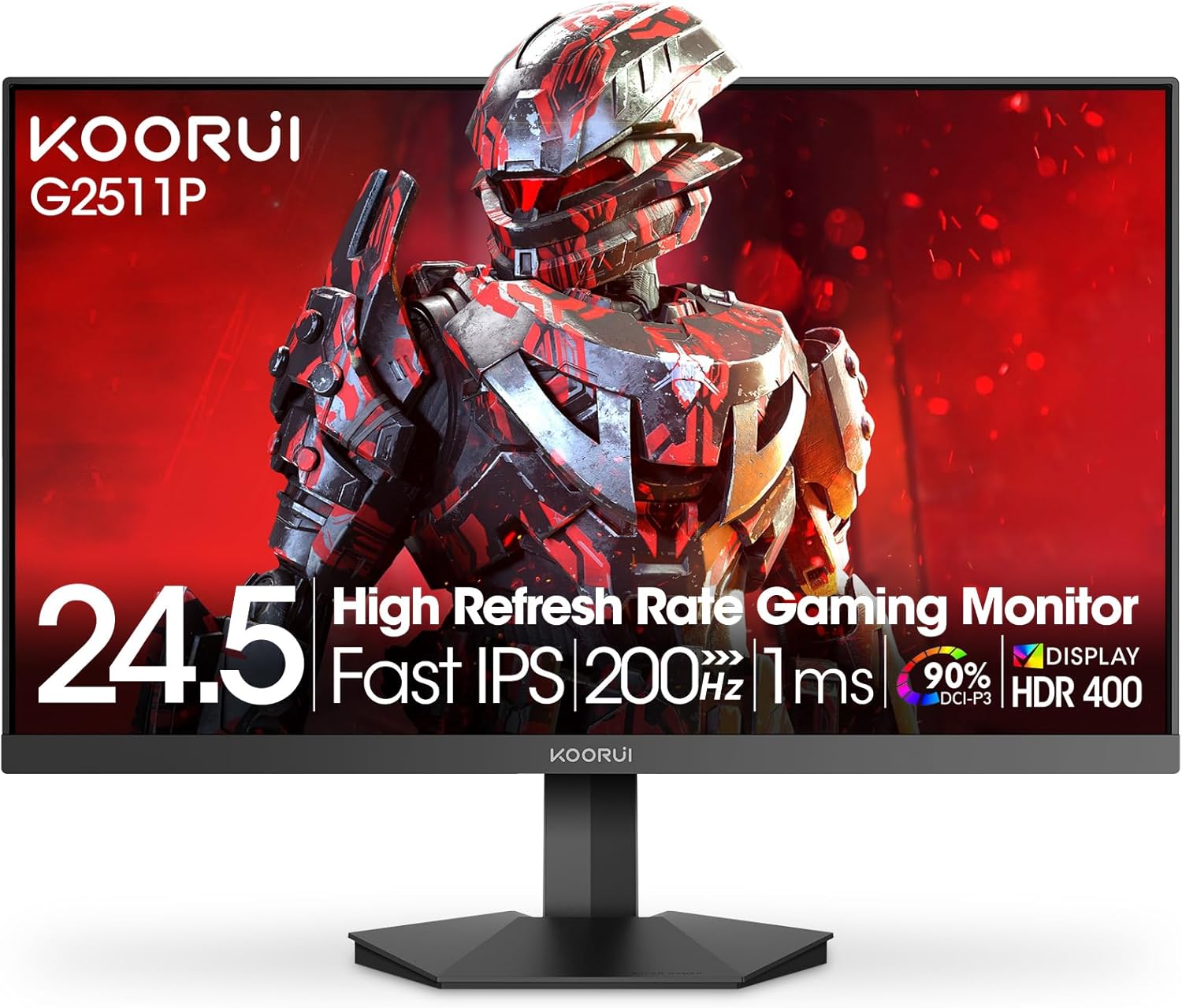
Figure 4.1: Key features of the KOORUI G2511P monitor.

Figure 4.2: Visual representation of high refresh rate benefits.
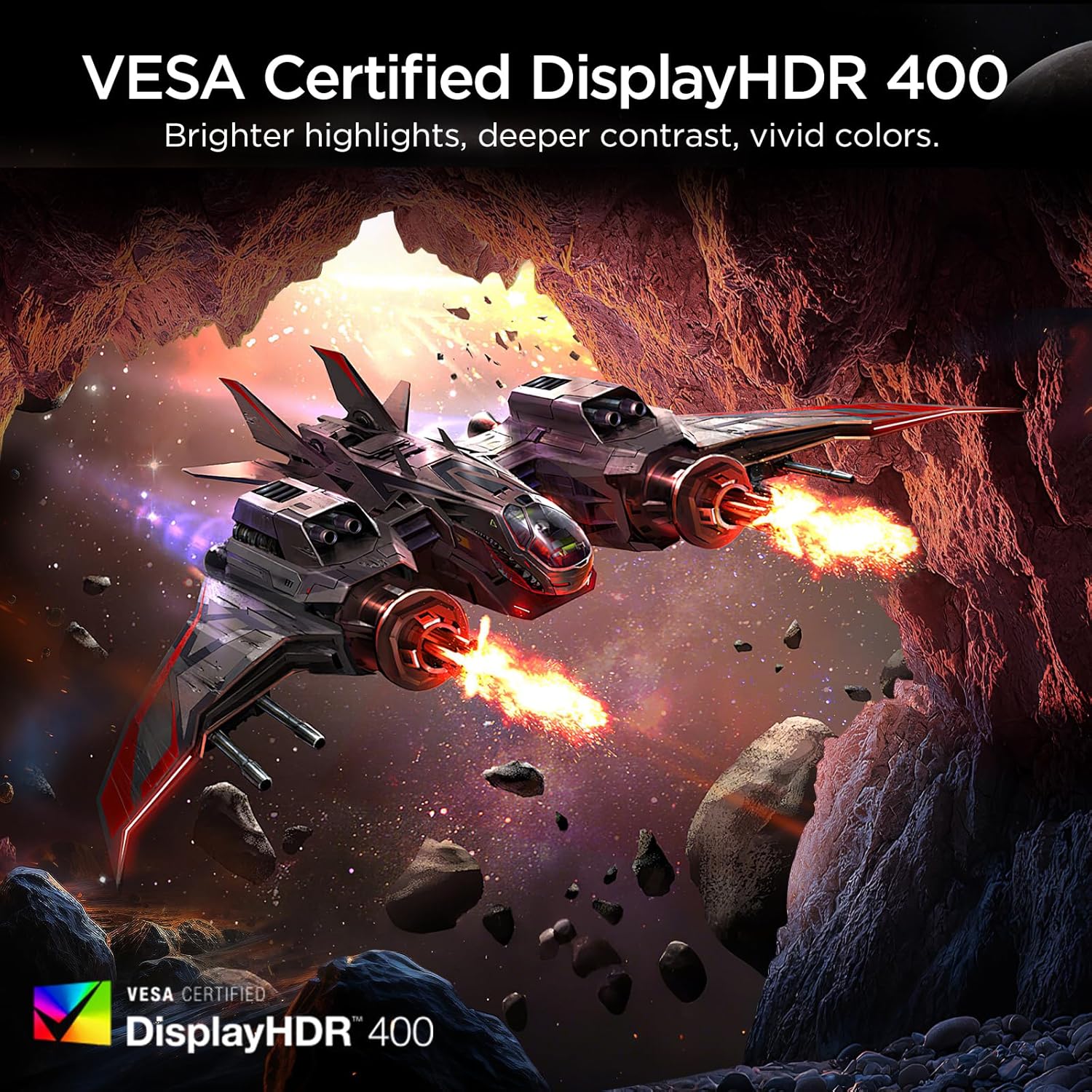
Figure 4.3: HDR400 for enhanced visual quality.
Figure 4.4: Adaptive Sync in action.
4.4 Pro-Gaming Enhancements
Access specialized gaming tools via the OSD menu:
- FPS Display Modes: Optimize visual settings for First-Person Shooter games.
- Adjustable On-Screen Timer: Track in-game events or personal bests.
- Customizable Crosshair Overlay: Improve aiming precision.

Figure 4.5: Pro-gaming enhancements for competitive play.
4.5 אויג זאָרג פֿעיִקייטן
The KOORUI G2511P monitor incorporates features designed to reduce eye strain during extended use:
- פליקער-פריי טעכנאָלאָגיע: Reduces screen flickering that can cause eye fatigue.
- נידעריק בלוי ליכט מאָדע: Filters out harmful blue light emissions to protect your eyes.
5. וישאַלט
כדי צו זיכער מאַכן די לאַנגלעבעניש און אָפּטימאַלע פאָרשטעלונג פון דיין מאָניטאָר, נאָכפאָלגן די וישאַלט גיידליינז:
- רייניקונג די פאַרשטעלן: ווישט אָפּ דעם עקראַן מיט אַ ווייכן, לינט-פֿרײַעם שטאָף. פֿאַר שווערע פֿלעקן, ווישט לײַכט.ampווישט דעם שטאָף מיט וואַסער אָדער אַ ניט-אַמאָניאַק, ניט-אַלקאָהאָל באַזירטן עקראַן רייניגער. שפּריצט נישט רייניגער גלייך אויף דעם עקראַן.
- רייניקונג פון די Casing: ניצט אַ ווייכע, טרוקענע שטאָף צו רייניקן די מאָניטאָר'ס סיסטעם.asinז. פֿאַרמײַדן אַברייסיוו רייניגער אָדער סאָלווענטן.
- ווענטילאַטיאָן: זיכערט זיך אז די ווענטילאציע עפענונגען אויפן מאָניטאָר זענען נישט פארשטאפט צו פארמיידן איבערהיצונג.
- סטאָרידזש: ווען נישט אין באַנוץ פֿאַר לענגערע פּעריאָדן, זאָל מען האַלטן דעם מאָניטאָר אין אַ קיל, טרוקן אָרט, אַוועק פֿון דירעקטער זון און עקסטרעמע טעמפּעראַטורן.
6. טראָובלעשאָאָטינג
אויב איר טרעפט פּראָבלעמען מיט אייער מאָניטאָר, זעט די פאלגענדע געוויינטלעכע טראָובלעשווטינג טריט:
| פּראָבלעם | מעגלעך לייזונג |
|---|---|
| קיין מאַכט | קאָנטראָלירט צי דער מאַכט קאַבל איז זיכער פארבונדן צו ביידע דעם מאָניטאָר און די מאַכט אַוטלעט. מאַכט זיכער אַז דער מאַכט אַדאַפּטער אַרבעט. |
| קיין סיגנאַל | Verify that the HDMI or DisplayPort cable is correctly connected to both the monitor and your device. Ensure the correct input source is selected in the OSD menu. |
| פליקערנדיקער עקראַן | Check the cable connections. Ensure your graphics card drivers are up to date. Adjust the refresh rate in your device's display settings. |
| נעבעך בילד קוואַליטי | Adjust brightness, contrast, and color settings in the OSD menu. Ensure the display resolution on your device matches the monitor's native resolution (1920x1080). |
| Adaptive Sync Not Working | Ensure Adaptive Sync is enabled in the monitor's OSD menu and in your graphics card's control panel. Use a DisplayPort cable for optimal performance. |
7. ספּעסאַפאַקיישאַנז
| שטריך | באַשרייַבונג |
|---|---|
| מאָדעל נומער | G2511P |
| פאַרשטעלן גרייס | 24.5 אינטשעס |
| טאַפליע טיפּ | IPS |
| האַכלאָטע | 1920 x 1080 (FHD 1080p) |
| דערפרישן קורס | 200 הז |
| ענטפער צייט | 1 מס (גטג) |
| HDR שטיצן | HDR400 |
| קאָליר גאַמע | 90% DCI-P3 |
| בילד ברייטנאַס | 350 קאַנדעלאַ פּער קוואַדראַט מעטער |
| בילד קאַנטראַסט פאַרהעלטעניש | 1200:1 |
| קאַנעקטיוויטי | 2x HDMI 2.0, 1x DisplayPort 1.4, Audio Out |
| VESA קאַמפּאַטאַבילאַטי | 75x75מם |
| פּראָדוקט דימענשאַנז | 8.84 X 22.05 X 17.52 אינטשעס |
| פּונקט וואָג | 9.63 פונט |
8. וואָראַנטי און שטיצן
KOORUI monitors are manufactured with a focus on quality and reliable performance. This product comes with a 3-יאָר לימיטעד וואָראַנטי. For any questions, technical assistance, or warranty claims, please contact KOORUI's dedicated support team. Refer to the contact information provided on the KOORUI official webוועבזייטל אדער אייער קויפן דאקומענטאציע.
9. אפיציעלע פּראָדוקט ווידעאָ
זעט דעם אפיציעלן פּראָדוקט ווידעאָ פֿאַר אַ וויזועלן איבערבליקview of the KOORUI G2511P Gaming Monitor's features and capabilities.
ווידעא 9.1: אפיציעלע פּראָדוקט ווידעא ווייַזונגasing the KOORUI G2511P Gaming Monitor's features, including its 200Hz refresh rate, 1ms response time, HDR400, and Adaptive Sync technology.


