הקדמה
Thank you for choosing the LYNCAST LumeCube N300 Smart Projector. This manual provides essential information for setting up, operating, and maintaining your device. Please read it thoroughly before use to ensure optimal performance and safety.
סעטאַפּ
Unboxing and Included Components
נעמט פֿאָרזיכטיק אַרויס אַלע זאַכן פֿון דער פֿאַרפּאַקונג. מאַכט זיכער אַז אַלע קאָמפּאָנענטן זענען פֿאַראַן:
- LYNCAST LumeCube N300 Projector
- HDMI קאַבלע
- מאַכט קאַבלע
- רייניקונג קיט
- ווייַט קאָנטראָל
- באַניצער מאַנואַל (דעם דאָקומענט)
מאַכט אויף
- Connect the power cable to the DC-IN port on the projector and then to a power outlet.
- דרוק די מאַכט קנעפּל אויף די פּראַדזשעקטער אָדער די ווייַט קאָנטראָל צו קער אויף די מיטל.
- The projector will initiate its startup sequence, including automatic focus and keystone correction.
Placement and Projection
The LumeCube N300 is designed for flexible placement, supporting projection on various surfaces and from different angles.
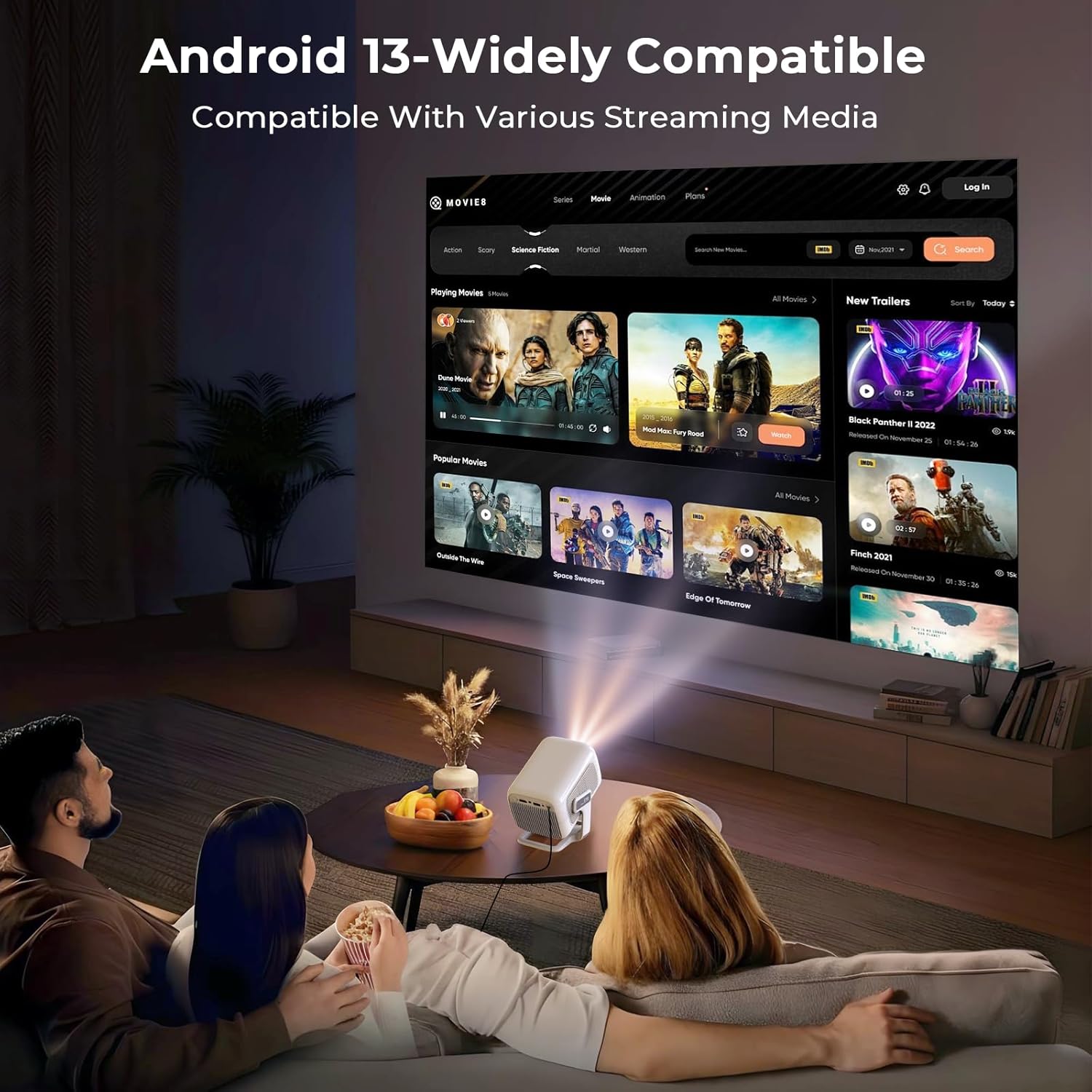
The projector in use, demonstrating its ability to display content from various streaming media platforms via Android 13.
For optimal image quality, place the projector on a stable, flat surface. The device features automatic focus and keystone correction to ensure a clear and rectangular image, even when projected at an angle.
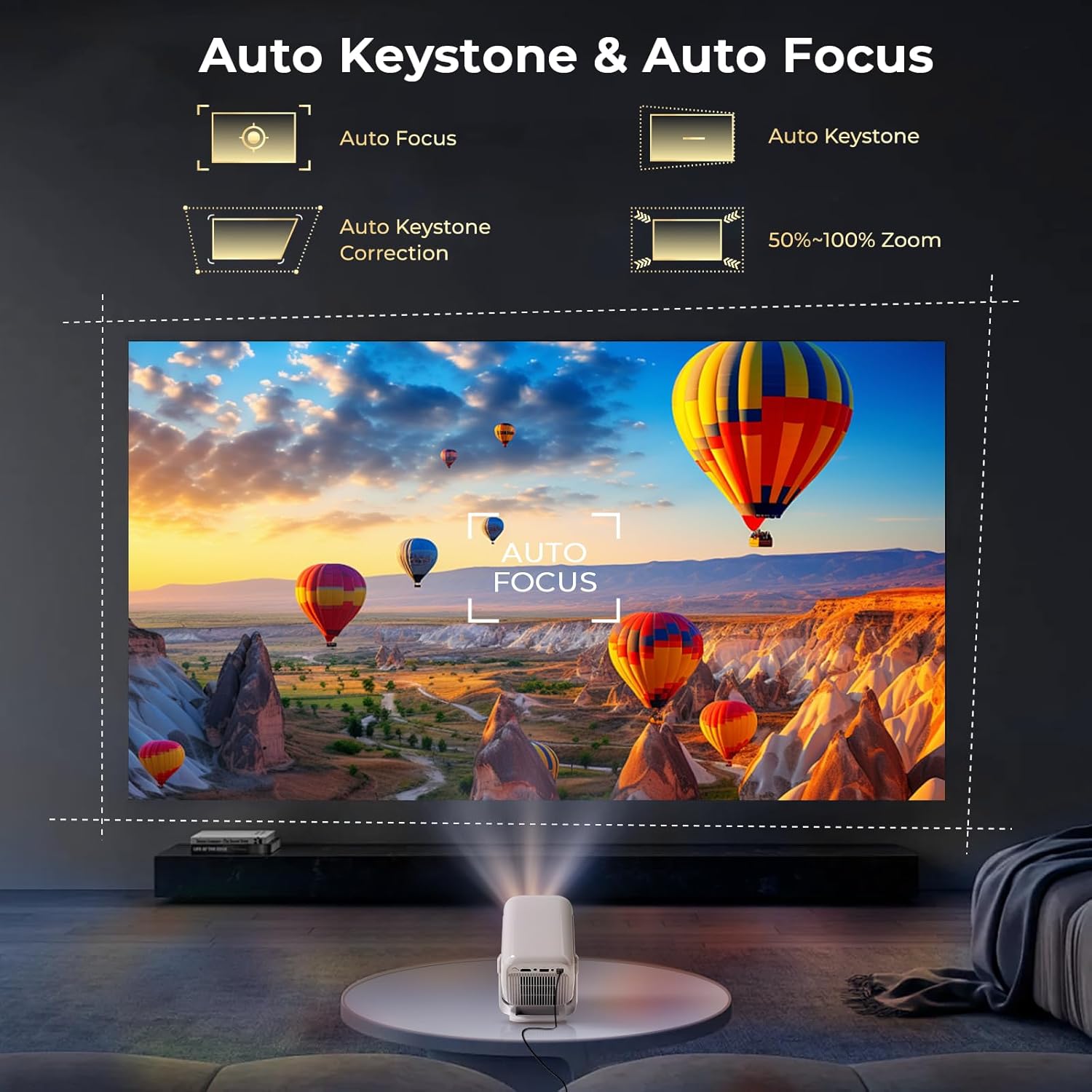
The projector automatically adjusts focus and corrects trapezoidal distortion, ensuring a sharp and rectangular image from various angles.
The projector supports various projection sizes depending on the distance from the screen or wall. Refer to the following guidelines:

The projector supports flexible projection sizes from 60 to 130 inches, allowing for an immersive viewing experience in various room sizes.
The LumeCube N300 can be mounted on a table, ceiling, wall, or floor, offering versatility for any setup.
Official LYNCAST video demonstrating the LumeCube N300 projector's features and various home cinema applications.
אַפּערייטינג ינסטראַקשאַנז
באַניצער צובינד און נאַוויגאַציע
The projector runs on Android 13, providing a user-friendly interface. Use the included remote control to navigate through menus, select applications, and adjust settings. The home screen provides quick access to installed apps and system settings.
קאַנעקטינג דעוויסעס
The LumeCube N300 offers multiple ways to connect external devices:
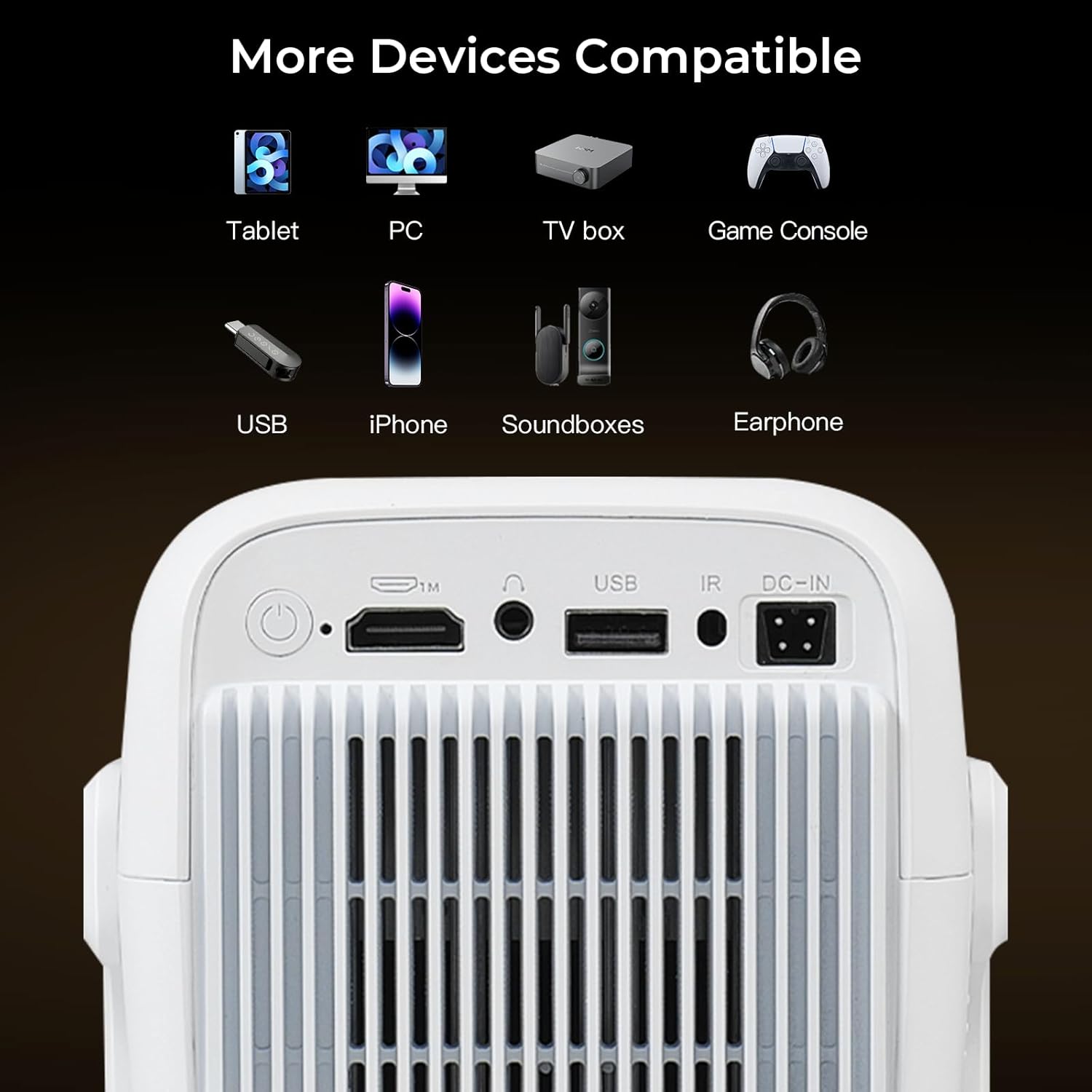
The projector features multiple connectivity options including HDMI, USB, and a 3.5mm audio jack for connecting various external devices.
- הדמי: Connect laptops, gaming consoles (Switch/PS5), or TV sticks using an HDMI cable.
- וסב: שטעק אריין USB דרייווס פאר מעדיע ווידערשפיל.
- בלועטאָאָטה 5.4: Pair with external speakers or headphones for enhanced audio.
- WiFi 6: פֿאַרבינדט זיך צו אייער היים נעץ פֿאַר אינטערנעט צוטריט און סטרימינג.
- סקרין שפּיגל: Wirelessly cast content from iOS, Android smartphones, tablets (iPad), and PCs.

The projector supports fast and stable wireless screen mirroring from various devices using WiFi 6 technology.
סטרימינג אַפּליקאַציעס
With Android 13 and Google CTS certification, the projector provides direct access to a wide range of streaming services:
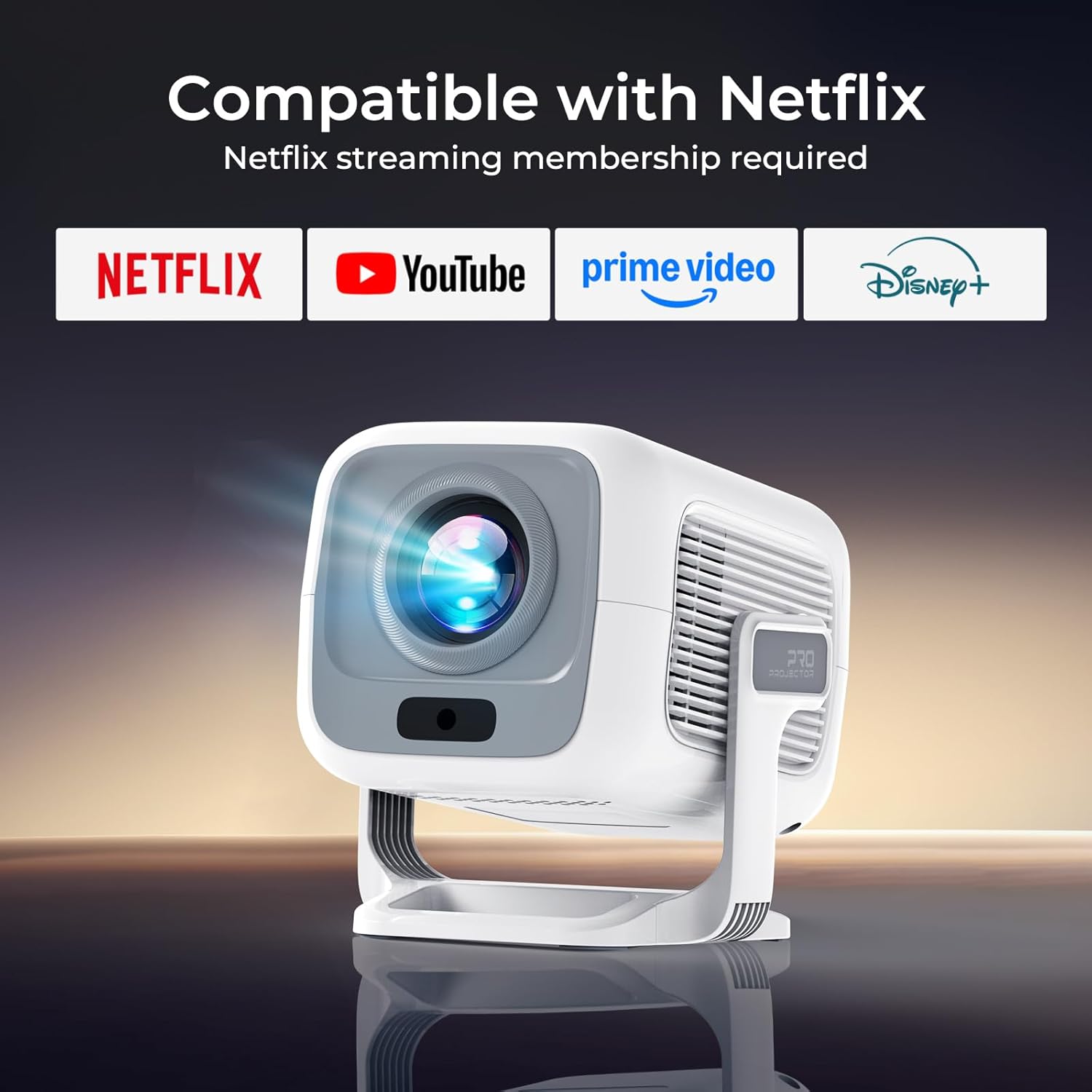
This image illustrates the projector's direct compatibility with popular streaming applications, requiring a membership for each service.
- נעטפליקס
- פּריים ווידעא
- יאָוטובע
- הולו
- דיסניי +
- טובי
- Access to over 10,000 apps via the integrated Play Store.
אַודיאָ רעזולטאַט
The projector features dual HiFi stereo speakers with Dolby Atmos support for rich audio. For a more immersive experience, connect external Bluetooth speakers or use the 3.5mm audio jack for wired connections.
וישאַלט
רייניקונג די לענס
To maintain optimal image clarity, regularly clean the projector lens. Use the provided cleaning kit or a soft, lint-free cloth. Avoid abrasive materials or harsh chemicals that could damage the lens coating.
אַלגעמיינע קער
- Keep the projector in a cool, dry environment.
- Avoid blocking the ventilation openings to prevent overheating.
- Protect the device from direct sunlight and extreme temperatures.
- When not in use, cover the lens to prevent dust accumulation.
טראָובלעשאָאָטינג
If you encounter issues with your LYNCAST LumeCube N300 projector, refer to the table below for common problems and solutions.
| פּראָבלעם | מעגלעך סיבה | לייזונג |
|---|---|---|
| קיין בילד נישט פּראָיעקטירט | Power cable disconnected, projector off, input source incorrect. | קאָנטראָלירט די מאַכט פֿאַרבינדונג, צינדט אָן דעם פּראָיעקטאָר, סעלעקטירט די ריכטיקע אַרייַנגאַנג מקור (HDMI, USB, אאז"וו). |
| בלערי בילד | Out of focus, keystone not adjusted. | Allow automatic focus to complete. If needed, manually adjust focus via settings. Ensure projector is placed within recommended distance. |
| Distorted image (trapezoid) | פּראָיעקטאָר נישט פּערפּענדיקולאַר צום עקראַן. | Allow automatic keystone correction to complete. If needed, manually adjust keystone via settings. |
| קיין געזונט | Volume too low, external audio device not connected/paired, incorrect audio output selected. | Increase volume. Check Bluetooth connection for external speakers. Ensure internal speakers or correct external output is selected in settings. |
| קען נישט פאַרבינדן צו WiFi | Incorrect password, out of range, router issue. | Verify WiFi password. Move projector closer to router. Restart router. |
| ווייַט קאָנטראָל נישט ארבעטן | Low battery, obstructed signal. | Replace batteries. Ensure no obstacles between remote and projector's IR receiver. |
ספּעסאַפאַקיישאַנז
| שטריך | דעטאַל |
|---|---|
| סאָרט | LYNCAST |
| מאָדעל נאָמען | LumeCube N300 |
| מאָדעל נומער | X3AA |
| געבוירן האַכלאָטע | 1920 רענטגענ 1080 (1080 פּ) |
| מאַקסימום האַכלאָטע שטיצן | 3840 X 2160 (4K) |
| ברייטנאַס | 800 אַנסי לומענס |
| קאַנטראַסט פאַרהעלטעניש | 10,000:1 |
| אָפּערייטינג סיסטעם | אַנדרויד 13 טעלעוויזיע |
| קאַנעקטיוויטי | WiFi 6, Bluetooth 5.4, HDMI, USB, 3.5mm Audio Jack |
| ספּעציעלע פֿעיִקייטן | Automatic Focus, Automatic Keystone Correction, Netflix Official License, Google CTS Certified, Dual HiFi Stereo Speakers (Dolby Atmos) |
| אַספּעקט פאַרהעלטעניש | 16:9 |
| דערפרישן קורס | 120 הז |
| פּראָדוקט דימענשאַנז | 15 X 12 X 13 סענטימעטער |
| פּראָדוקט וואָג | 635 ג |
| מאַכט קאַנסאַמשאַן | 48 וואטס |
וואָראַנטי און שטיצן
וואָראַנטי אינפֿאָרמאַציע
The LYNCAST LumeCube N300 projector comes with a 2-year warranty. Additionally, a 365-day full refund policy is available without requiring a return under specific conditions. Please refer to your purchase documentation for full details on warranty terms and conditions.
קונה שטיצן
For any questions, technical assistance, or support inquiries, please contact LYNCAST customer service through the retailer where you purchased the product or visit the official LYNCAST webפּלאַץ פֿאַר קאָנטאַקט אינפֿאָרמאַציע.


