1. הקדמה
א דאנק פארן קויפןasing the WOLFANG Portable Projector WP05. This device is designed to provide a versatile and immersive viewing experience with its Android 11 operating system, high-definition resolution, and portable design. This manual provides essential information for setting up, operating, and maintaining your projector. Please read it thoroughly before use to ensure optimal performance and safety.
2. זיכערקייַט אינפֿאָרמאַציע
Please observe the following safety precautions to prevent damage to the projector and ensure user safety:
- קוק נישט גלייך אריין אין די פּראָיעקטאָר לינז ווען די לamp איז אויף.
- פאַרזיכערן געהעריק ווענאַליישאַן אַרום די פּראַדזשעקטער צו פאַרמייַדן אָוווערכיטינג.
- ניצט נאָר דעם מאַכט אַדאַפּטער וואָס ווערט צוגעשטעלט מיטן פּראָיעקטאָר.
- האַלט דעם פּראָיעקטאָר אַוועק פון וואַסער, נעץ און ברענענדיקע מאַטעריאַלן.
- פרובירט נישט צו צענעמען אדער פאררעכטן דעם פראיעקטאר אליין. קאנטאקטירט קוואליפיצירטע סערוויס פערסאנעל פאר הילף.
- האַלטן אויס פון דערגרייכן פון קינדער.
3. פּעקל אינהאַלט
באַשטעטיקן אַז אַלע זאכן זענען פאַראַן אין דיין פּעקל:
- WOLFANG Portable Projector WP05
- Remote Control (with Air Mouse function)
- מאַכט אַדאַפּטער
- באַניצער מאַנואַל

בילד: פראָנט view of the WOLFANG Portable Projector WP05 retail box, showing the product name and a graphic of the projector.
4. פּראָדוקט איבערview
Familiarize yourself with the components of your WOLFANG Portable Projector WP05.
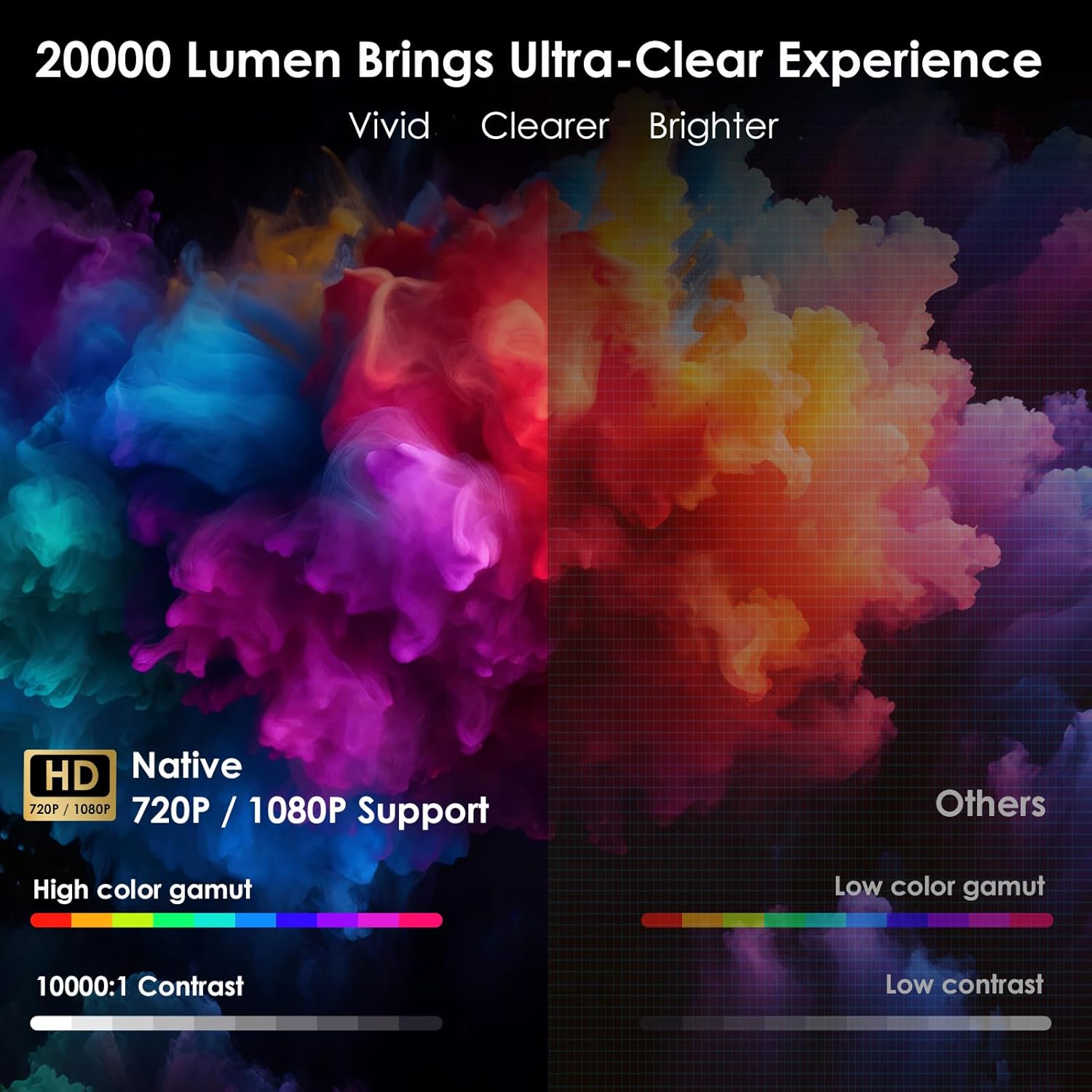
Image: The WOLFANG Portable Projector WP05 shown from the front, highlighting its compact cylindrical design and lens.
שליסל פֿעיִקייטן:
- HD 1080P Resolution: Supports 1920 x 1080P resolution for clear visuals.
- אַנדרויד 11 אַס: Built-in operating system with access to over 5,000 applications.
- אָטאַמאַטיק קייסטאָנע קערעקשאַן: ±45° auto vertical keystone correction for image alignment.
- 180° דרייבארער שטאַנד: Flexible projection angle for walls, ceilings, or floors.
- Dual-band Wi-Fi 6: Supports 2.4G and 5G networks for stable and fast streaming.
- בלועטאָאָטה 5.2: פֿאַר קאַנעקטינג פונדרויסנדיק אַודיאָ דעוויסעס.
- געבויט-אין Hi-Fi רעדנער: Integrated 3W speaker for audio output.
- סאָליד און פּאָרטאַטיוו: Weighs approximately 0.6KG for easy transport.

Image: The WOLFANG Portable Projector WP05 being placed into a backpack, illustrating its compact and portable design with dimensions of 6.14 inches in length and 3.74 inches in width.
5. סעטאַפּ
5.1 פּלייסמאַנט
Position the projector on a stable, flat surface. The 180° rotatable stand allows for flexible projection angles, including walls, ceilings, or floors.

Image: The WOLFANG Portable Projector WP05 projecting onto a ceiling, demonstrating its 180-degree rotatable stand for versatile viewינג שטעלעס.
5.2 מאַכט קאַנעקשאַן
- פֿאַרבינדט דעם מאַכט אַדאַפּטער צום פּראָיעקטאָר'ס מאַכט אַרייַנגאַנג פּאָרט.
- צאַפּן די מאַכט אַדאַפּטער אין אַ וואַנט ווענטיל.
- דריק דעם מאַכט קנעפּל אויף דעם פּראָיעקטאָר אָדער ווײַטקאָנטראָל צו עס אנצינדן.
5.3 פאָקוס און קיסטאָון קאָרעקציע
The projector features automatic vertical keystone correction and manual focus adjustment.
- Auto Vertical Keystone: The projector automatically adjusts vertical image distortion.
- מאַנואַל פאָקוס: Rotate the focus ring on the projector to achieve a clear image.
- Manual 4-Corner Correction: For more precise adjustments, navigate to the settings menu to manually adjust each corner of the projection.
- פארגרעסער פֿונקציע: Adjust the projection size from 50% to 100% via the settings.

Image: A diagram illustrating the auto vertical keystone correction, manual 4-corner correction, and 50-100% zoom features of the WOLFANG Portable Projector WP05, along with a close-up of the manual focus ring.
6. אַפּערייטינג ינסטרוקטיאָנס
6.1 Remote Control with Air Mouse
The included remote control features an Air Mouse function for easy navigation.
- Turn on the remote control's Air Mouse mode (refer to remote control instructions for specific button).
- Shake the remote control to activate the on-screen cursor.
- Use the directional buttons and OK button for menu navigation and selection.

Image: A hand holding the WOLFANG Portable Projector WP05 remote control, with an inset showing how to activate the Air Mouse function and use the OK and arrow buttons for navigation on a projected Netflix screen.
6.2 Android 11 OS and Built-in Apps
דער פּראָיעקטאָר לויפט אויף אַנדרויד 11, וואָס גיט צוטריט צו אַ ברייטע קייט פון אַפּליקאַציעס.
- Upon startup, you will see the Android home screen.
- Pre-installed apps include Netflix, YouTube, Prime Video, and access to the Google Play Store for additional downloads.
- Customize your desktop wallpaper and organize your apps as desired.

Image: The WOLFANG Portable Projector WP05 projecting a screen displaying various streaming service logos like Netflix, YouTube, Prime Video, HBO Max, and the Google Play Store icon, indicating built-in Android app functionality.
Image: A projected screen from the WOLFANG Portable Projector WP05 showing a customizable Android interface with icons for Netflix, YouTube, ScreenCast, File Manager, HDMI, Settings, App Store, Music, and Play Store, emphasizing its 'Customized Personal Cinema' capabilities.
6.3 סקרין מירערינג
The projector supports fast screen mirroring via Wi-Fi 6 for iOS, Android, and Windows devices.
- מיראַקאַסט: For Android and Windows devices.
- Airplay: פֿאַר יאָס דעוויסעס.
- Ensure your device and the projector are connected to the same Wi-Fi network.
- Select the appropriate screen mirroring option from the projector's menu.
- Initiate screen mirroring from your mobile device or computer.

Image: The WOLFANG Portable Projector WP05 projecting a dynamic image, with icons for Miracast and Airplay, and a smartphone displaying content being mirrored to the projector, highlighting its WiFi 6 fast screen mirroring capability.
7. קאַנעקטיוויטי
7.1 ווי-פי קאַנעקשאַן
The projector supports dual-band Wi-Fi 6 (2.4G and 5G) for stable internet access and screen mirroring.
- גיין צו סעטטינגס אויף דעם פּראָיעקטאָר'ס היים־עקראַן.
- אויסקלייַבן נעץ & אינטערנעט.
- אַקטיווירן Wi-Fi און אויסקלײַבן די נעץ וואָס איר ווילט פֿון דער רשימה.
- אַרייַן די פּאַראָל אויב געבעטן און פאַרבינדן.
7.2 בלועטאָאָטה קאַנעקשאַן
פֿאַרבינדט עקסטערנע בלועטוט רעדנערס אדער כעדפאָונז פֿאַר פֿאַרבעסערטן אַודיאָ.
- גיין צו סעטטינגס אויף דעם פּראָיעקטאָר'ס היים־עקראַן.
- אויסקלייַבן קאָננעקטעד דעוויסעס or בלועטאָאָטה.
- קער אויף בלועטאָאָטה.
- שטעלן דיין בלועטאָאָטה מיטל אין פּערינג מאָדע.
- אויסקלייבן אייער דעווייס פון דער ליסטע פון פאראן דעווייסעס צו פארבינדן.
7.3 HDMI and USB Connections
The projector includes HDMI and USB ports for connecting various external devices.
- הדמי: Connect devices such as laptops, gaming consoles, TV sticks, or Blu-ray players. Select the HDMI input source from the projector's menu.
- וסב: פֿאַרבינדן USB דרייווז צו שפּילן מעדיע files directly. Select the USB input source from the projector's menu.
8. וישאַלט
Regular maintenance helps prolong the life of your projector.
- לענס רייניקונג: ניצט אַ ווייכע, לינט-פֿרייע שטאָף ספּעציעל דיזיינד פֿאַר אָפּטישע לענסעס צו פֿאָרזיכטיק ווישן די פּראָיעקטאָר לענס. ניצט נישט קיין שרײַבנדיקע רייניגער.
- באַזייַטיקונג פון שטויב: Use a soft brush or compressed air to clean dust from the ventilation openings.
- סטאָרידזש: ווען נישט אין באַנוץ, האַלט דעם פּראָיעקטאָר אין אַ קיל, טרוקן אָרט, אַוועק פון דירעקט זונשייַן און עקסטרעמע טעמפּעראַטורן.
9. טראָובלעשאָאָטינג
אויב איר טרעפט פּראָבלעמען, זעט די פאלגענדע געוויינטלעכע פּראָבלעמען און לייזונגען:
| פּראָבלעם | מעגלעך לייזונג |
|---|---|
| קיין מאַכט | Ensure the power adapter is securely connected to the projector and a working power outlet. |
| קיין בילד | Check if the projector is powered on. Verify the input source (HDMI, USB, etc.) is correctly selected. |
| בלערד בילד | Adjust the manual focus ring on the projector. Ensure the projection surface is flat. |
| Image distorted | The projector has auto vertical keystone correction. For further adjustment, use manual 4-corner correction in settings. |
| קיין געזונט | Check the volume settings on the projector and the connected source device. Ensure external Bluetooth speakers are properly paired. |
| ווייַט קאָנטראָל נישט ארבעטן | Check the remote control batteries. Ensure there are no obstructions between the remote and the projector. |
10. ספּעסאַפאַקיישאַנז
Technical specifications for the WOLFANG Portable Projector WP05:
| שטריך | דעטאַל |
|---|---|
| סאָרט | WOLFANG |
| מאָדעל | WP05 |
| ווייַז האַכלאָטע | 1920 רענטגענ 1080 (פול הד) |
| אַספּעקט פאַרהעלטעניש | 16:9, 4:3 |
| אָפּערייטינג סיסטעם | אַנדרויד 11 |
| קאַנעקטיוויטי טעכנאָלאָגיע | Wi-Fi 6 (2.4G/5G), Bluetooth 5.2 |
| ייַזנוואַרג צובינד | HDMI, וסב |
| ספּעציעלע פֿעיִקייטן | Built-in Smart System, Auto Keystone Correction, 180° Rotation |
| מאַקסימום בילד גרייס | 300 אינטשעס |
| פּונקט וואָג | 635 גראַמז |
| פּעקל דימענשאַנז | 17.8 X 16.4 X 11.3 סענטימעטער |
11. וואָראַנטי און שטיצן
11.1 וואָראַנטי אינפֿאָרמאַציע
The WOLFANG Portable Projector WP05 comes with a 24-חודש וואָראַנטי from the date of purchase. Please retain your proof of purchase for warranty claims. The warranty covers manufacturing defects and malfunctions under normal use. It does not cover damage caused by misuse, accidents, unauthorized repairs, or natural disasters.
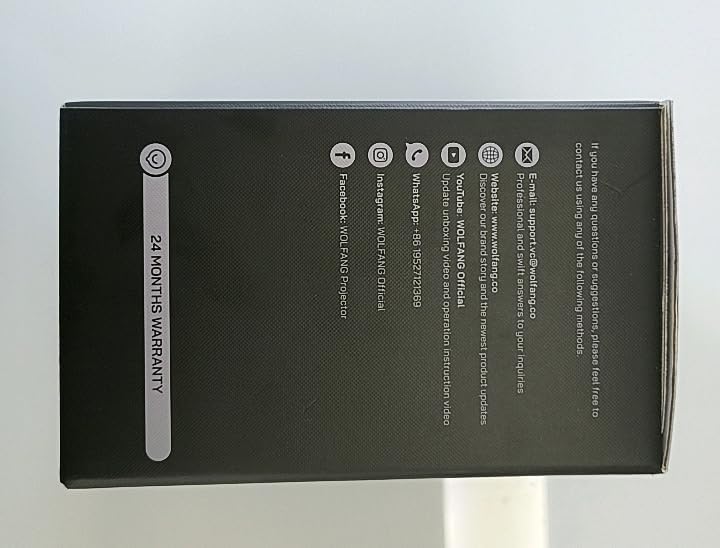
בילד: זייט view of the WOLFANG Portable Projector WP05 box, clearly displaying a '24 MONTHS WARRANTY' badge and contact information.
11.2 קונה שטיצן
For any questions, suggestions, or support needs, please contact WOLFANG customer service using the following methods:
- E- בריוו: support.tvc@wolfang.co
- Webפּלאַץ: www.wolfang.co
- יאָוטובע: WOLFANG Official (for instruction videos and product updates)
- ווהאַצאַפּפּ: +86 19527121353
- ינסtagבאַראַן: וואָלףאַנג באַאַמטער
- פאַסעבאָאָק: WOLFANG Projector


