1. הקדמה
The boAt Aavante Prime 7.1.4 7050DA Soundbar system is designed to enhance your home entertainment audio experience. This system features a 7.1.4 channel configuration with Dolby Atmos technology, providing immersive surround sound. It includes a main soundbar unit, a wireless subwoofer, and two satellite speakers, offering multiple connectivity options for various devices.
2. זיכערקייַט אינפֿאָרמאַציע
- לייענען אַלע ינסטראַקשאַנז איידער אַפּערייטינג די פּראָדוקט.
- שטעלט נישט אויס דעם אַפּאַראַט צו רעגן, פייכטקייט, אדער עקסטרעמע טעמפּעראַטורן.
- פאַרזיכערן געהעריק ווענאַליישאַן אַרום די אַפּאַראַט צו פאַרמייַדן אָוווערכיטינג.
- נישט עפענען דעם סיasinג; רעפֿערירט אַלע סערוויסינג צו קוואַליפֿיצירטע פּערסאָנעל.
- האַלטן די אַפּאַראַט אַוועק פון שטאַרק מאַגנעטיק פעלדער.
- ניצן בלויז די מאַכט אַדאַפּטער סאַפּלייד מיט די אַפּאַראַט.
3. וואָס איז אין דער קעסטל
באַשטעטיקן אַז אַלע קאָמפּאָנענטן זענען פאַראַן אין דער פּאַקאַדזשינג:
- סאַונדבאַר אַפּאַראַט
- סובוואָאָפער
- סאַטעליט רעדנערס (2 איינהייטן)
- ווײַטקאָנטראָל (מיט 2 AA באַטעריעס)
- אָו קאַבלע
- מאַכט קאַבלע (ס)
- באַניצער מאַנואַל (דעם דאָקומענט)
בילד: איבערview of the boAt Aavante Prime 7.1.4 7050DA Soundbar system, showing the soundbar, subwoofer, and two satellite speakers.
4. סעטאַפּ
4.1 פּלייסמאַנט
- סאָונדבאַר: Place the soundbar centrally below your television. Ensure it is on a stable, flat surface or mounted securely to a wall.
- סובוואָאָפער: Position the wireless subwoofer on the floor, preferably in the front corner of the room for optimal bass response.
- סאַטעליט רעדנערס: Place the satellite speakers behind your listening position, one on the left and one on the right, for effective surround sound.

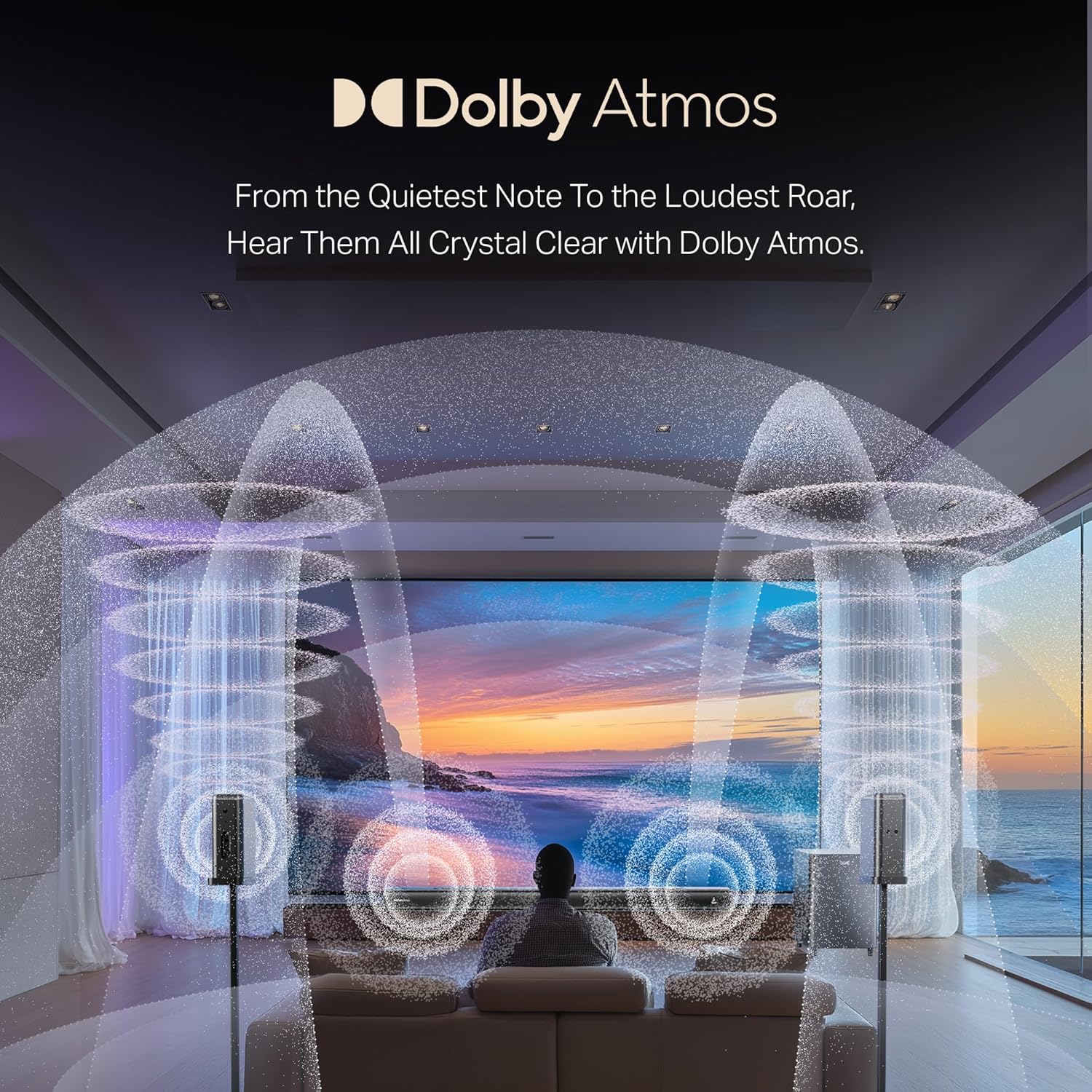
Image: A visual representation of a 7.1.4 channel sound setup, illustrating the placement of the soundbar, subwoofer, and satellite speakers in a room for an immersive audio experience.
4.2 קאַנעקטינג מאַכט
- פֿאַרבינדט דעם מאַכט קאַבל צום סאַונדבאַר'ס מאַכט אַרייַנגאַנג.
- Connect the power cable to the subwoofer's power input.
- Connect the power cables to the satellite speakers' power inputs.
- Plug all power cables into a suitable AC power outlet.
4.3 Connecting to a TV/Source Device
קלייַבן איינער פון די פאלגענדע קשר מעטהאָדס:
- HDMI e-ARC (Recommended): Connect an HDMI cable from the soundbar's HDMI e-ARC port to your TV's HDMI e-ARC/ARC port. This allows for high-quality audio transmission and TV remote control integration.
- אָפּטיש: Connect an optical cable from the soundbar's OPTICAL IN port to your TV's optical digital audio output.
- AUX IN: Use the provided AUX cable to connect the soundbar's AUX IN port to your TV's 3.5mm audio output or another audio source.
- קאָואַקסיאַל: Connect a coaxial cable from the soundbar's COAXIAL IN port to your TV's coaxial digital audio output.
- וסב: אַרײַנשטעלן אַ USB דרייוו אין דעם סאַונדבאַר'ס USB פּאָרט צו שפּילן אַודיאָ files גלייַך.
4.4 Wireless Pairing (Subwoofer & Satellites)
The subwoofer and satellite speakers are designed to pair automatically with the soundbar upon power-up. If pairing does not occur automatically:
- זיכער מאַכן אַז אַלע אַפּאַראַטן זענען אנגעצינדן.
- Refer to the specific pairing instructions in the full manual if a manual pairing button is present on the units.
5. אַפּערייטינג ינסטרוקטיאָנס
5.1 מאַכט אויף / אַוועק
דרוק די מאַכט קנעפּל אויף דער סאַונדבאַר אָדער ווײַטקאָנטראָל צו דרייען די סיסטעם אָן אָדער אויס.
5.2 אַרייַנשרייַב סעלעקציע
דרוק די אַרייַנשרייַב / מקור button on the soundbar or remote control to cycle through available input modes: HDMI e-ARC, Optical, AUX, USB, Coaxial, and Bluetooth.
5.3 באַנד קאָנטראָל
ניצן די באַנד אַרויף (+) און באַנד אַראָפּ (-) buttons on the soundbar or remote control to adjust the master volume.
5.4 בלועטאָאָטה פּערינג
- Select Bluetooth mode on the soundbar. The indicator will flash, indicating pairing mode.
- On your mobile device, enable Bluetooth and search for "boAt Aavante Prime 7050DA".
- Select the device to pair. Once connected, the indicator will stop flashing.
5.5 עק מאָדעס
The soundbar offers various Equalizer (EQ) modes to optimize audio for different content types. Press the EQ button on the remote control to switch between modes:
- קינאָ: Enhances dialogue and cinematic effects.
- מוזיק: Optimized for musical playback.
- נייַעס: Focuses on vocal clarity.
- ספּאָרט: Accentuates ambient sounds and commentary.

Image: The soundbar's remote control, displaying buttons for power, volume, input selection, and EQ modes. Below it, icons represent various connectivity options including Optical, Bluetooth v5.3, AUX IN, HDMI e-ARC, USB, and Coaxial.
6. וישאַלט
- רייניקונג: ניצט אַ ווייכע, טרוקענע שטאָף צו רייניקן די ייבערפלאַכן פון די סאַונדבאַר, סאַבוווּפער און סאַטעליט רעדנערס. ניצט נישט פליסיקע רייניגער אָדער שרײַבנדיקע מאַטעריאַלן.
- סטאָרידזש: אויב איר לייגט דאָס אַפּאַראַט אַוועק פֿאַר אַ לענגערע צייט, זאָלט איר עס אָפּשטעקן פֿון עלעקטריציטעט און עס אַוועקלייגן אין אַ קילן, טרוקענעם אָרט.
- ווענטילאַטיאָן: פאַרזיכערן אַז די ווענטאַליישאַן אָופּאַנינגז זענען נישט אפגעשטעלט צו פאַרמייַדן אָוווערכיטינג.
7. טראָובלעשאָאָטינג
| פּראָבלעם | מעגלעך סיבה | לייזונג |
|---|---|---|
| קיין מאַכט | שטראָם קאַבל נישט פארבונדן; שטראָם אַוטלעט נישט אַקטיוו | קאָנטראָלירט די עלעקטרישע פֿאַרבינדונגען; פּרוּווט אַן אַנדער אַוטלעט |
| קיין געזונט | Incorrect input selected; Volume too low; Cables not connected properly | Select correct input source; Increase volume; Check all audio cable connections |
| Subwoofer/Satellites not pairing | Units too far apart; Interference; Pairing issue | Ensure units are within range; Reduce interference; Power cycle all units |
| ווייַט קאָנטראָל נישט ארבעטן | Batteries depleted; Obstruction between remote and soundbar | Replace batteries (2 AA); Remove obstructions; Point remote directly at soundbar |
| פאַרקרימט אַודיאָ | Source audio quality is poor; Volume too high; Incorrect EQ mode | Check source audio; Reduce volume; Try a different EQ mode |
8. ספּעסאַפאַקיישאַנז
| שטריך | דעטאַל |
|---|---|
| מאָדעל נאָמען | אַאַוואַנטע פּריים 7.1.4 7050DA |
| נומער מאָדעל נומער | HA0085 |
| רעדנער טיפּ | סאָונדבאַר |
| אַרומרינגלען סאָונד קאַנאַל קאַנפיגיעריישאַן | 7.1.4 |
| קאַנעקטיוויטי טעכנאָלאָגיע | Bluetooth v5.3, HDMI e-ARC, Optical, AUX, USB, Coaxial |
| קאָנטראָל מעטאָד | ריר, רימאָוט קאָנטראָל |
| רעקאָממענדעד ניצט | For Televisions, Home Theater, Home Entertainment Systems |
| פּראָדוקט דימענשאַנז | 111D x 12W x 8H סענטימעטער |
| פּונקט וואָג | 16 קג |
| באַטעריז פארלאנגט | 2 AA batteries (for remote, included) |
| פאַבריקאַנט | Imagine Marketing Ltd |
9. וואָראַנטי און שטיצן
This boAt Aavante Prime 7.1.4 7050DA Soundbar comes with a 1-יאָר וואָראַנטי from the date of purchase. For warranty claims, technical support, or service inquiries, please contact the manufacturer, Imagine Marketing Ltd, at info@imaginemarketingindia.com. Please retain your purchase receipt for warranty validation.