הקדמה
This manual provides instructions for the setup, operation, and maintenance of your Zebronics Transformer M Plus Wired Gaming Mouse. Please read this manual thoroughly before using the product to ensure optimal performance and longevity.
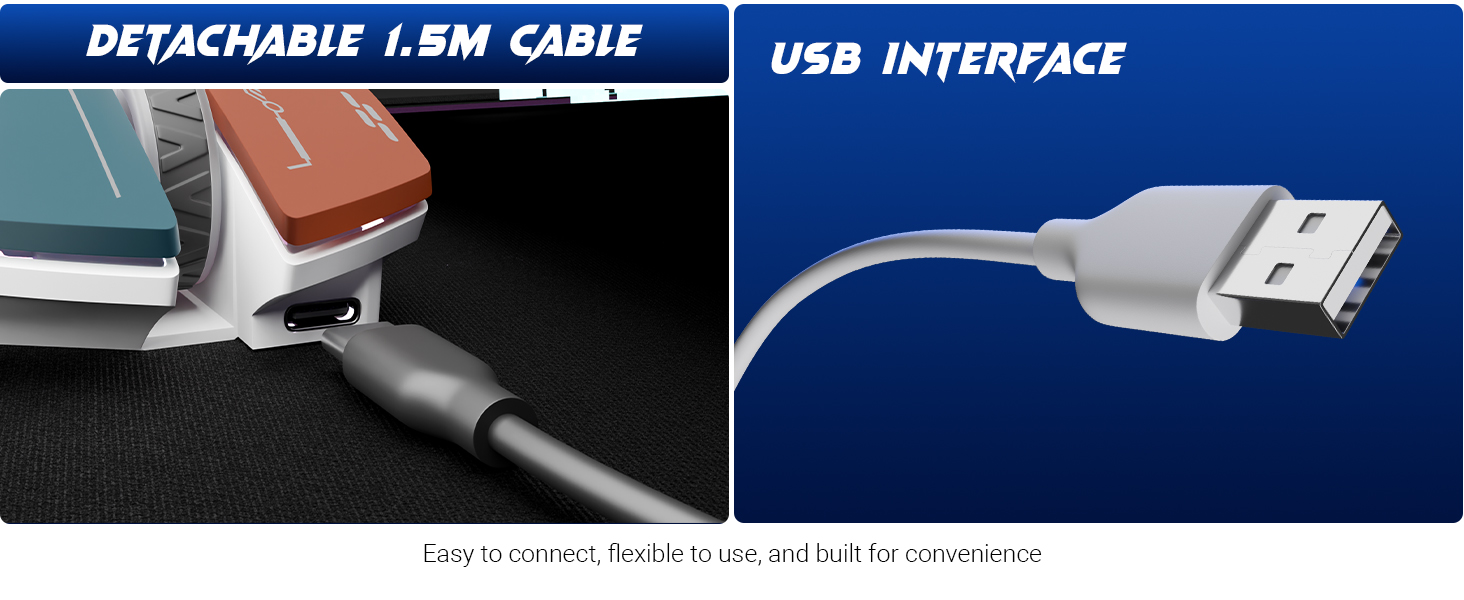
Image: The Zebronics Transformer M Plus Gaming Wired Mouse, showcasinג זײַן דיזײַן.
פּעקל אינהאַלט
באַשטעטיקן אַז אַלע זאכן זענען פאַראַן אין פּעקל:
- מויז
- USB to Type C Cable
פֿעיִקייטן
- אַדזשאַסטאַבאַל דפּי: Up to 12800 DPI for precise tracking.
- הויך פּאָללינג קורס: 1000Hz polling rate for responsive input.
- 6-Level DPI Switch: On-the-fly DPI adjustment with indicator.
- RGB לייטינג: 8 dynamic RGB lighting modes.
- 6 קנעפּלעך: Includes dedicated forward, backward, and DPI buttons.
- דעטאַטשאַבלע קאַבלע: 1.5-meter detachable USB to Type-C cable.
- Gaming Grade Sensor: High-resolution sensor for accurate tracking.
- ערגאָנאָמיק פּלאַן: Shaped for comfortable use during extended sessions.
סעטאַפּ
- Connect the Type-C end of the provided cable to the mouse.
- פֿאַרבינדט דעם USB-A עק פֿונעם קאַבל צו אַ פֿאַראַן USB פּאָרט אויף אייער קאָמפּיוטער.
- The mouse will be automatically detected and installed by your operating system.
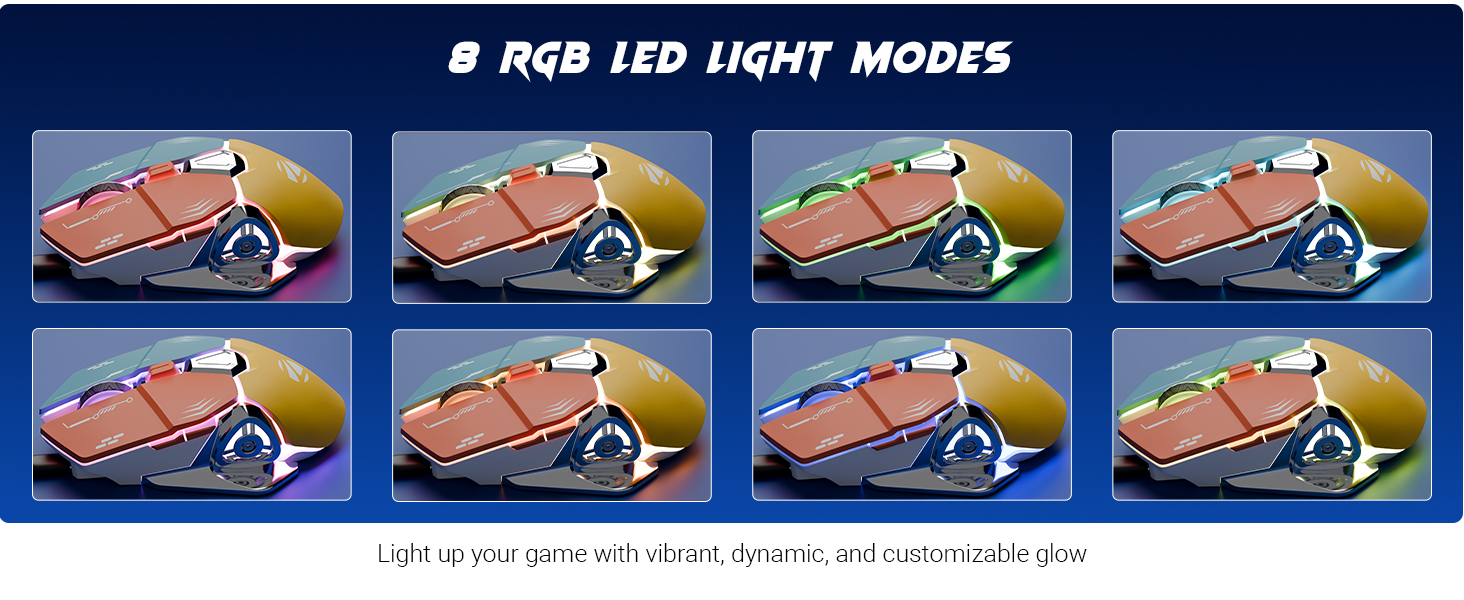
Image: Illustration of the detachable 1.5m cable and the USB interface for connection.
אַפּערייטינג ינסטראַקשאַנז
דפּי אַדזשאַסטמאַנט
The mouse features a 6-level DPI switch, allowing you to change sensitivity on the fly. Press the DPI button (usually located behind the scroll wheel) to cycle through the available DPI settings. An indicator light will show the current DPI level.
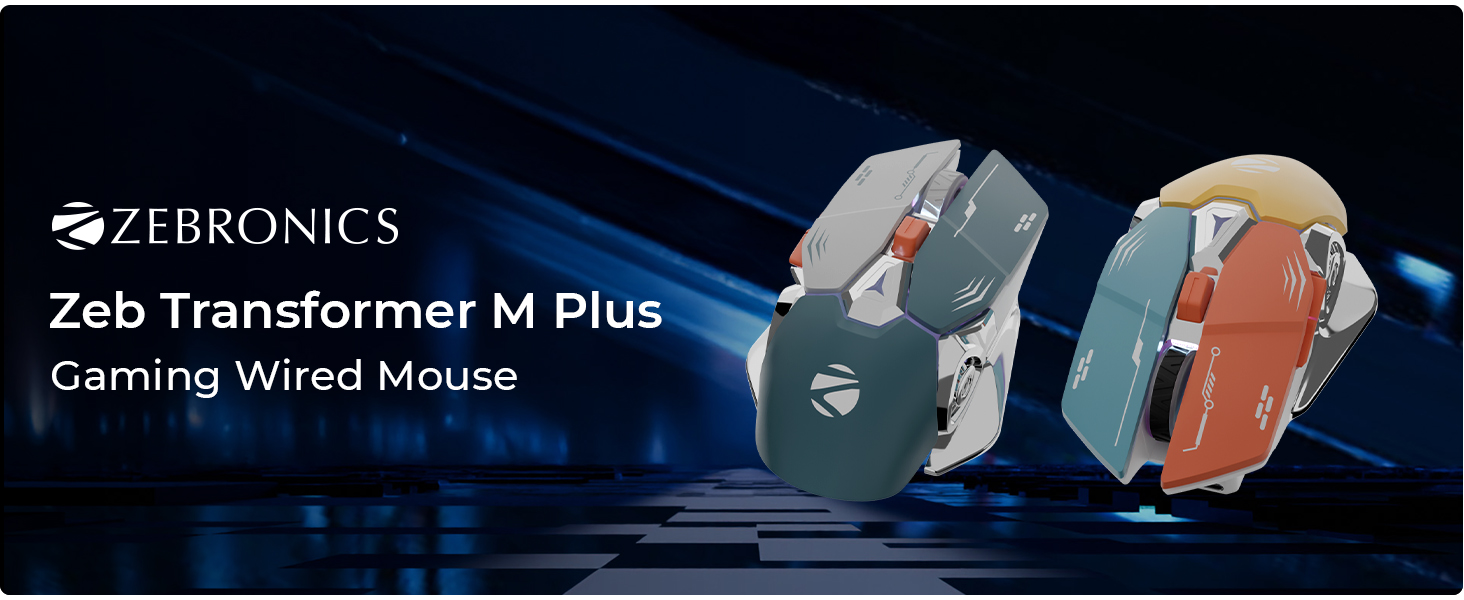
Image: Close-up of the mouse highlighting the DPI switch and its function, indicating up to 12800 DPI.
RGB לייטינג מאָדעס
The mouse includes 8 dynamic RGB lighting modes. Use the dedicated RGB control button (refer to the button layout image) to cycle through these modes and customize the mouse's appearance.
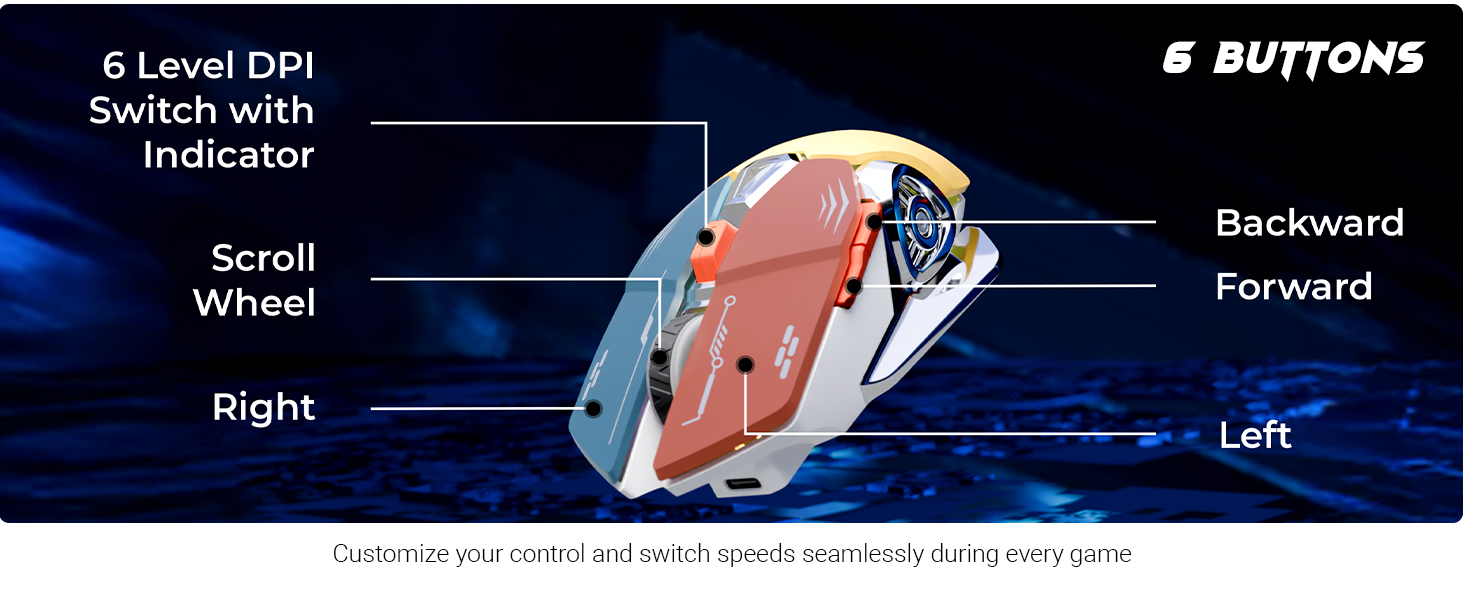
Image: Visual representation of the 8 different RGB LED light modes available on the mouse.
קנעפּל פאַנגקשאַנז
The Zebronics Transformer M Plus mouse features 6 buttons for enhanced control:
- לינק קליקט: נאָרמאַלער ערשטיקער אַקציע.
- רעכט גיט: נאָרמאַלע צווייטיקע אַקציע.
- סקראָל ראָד: סקראָלן אַרויף/אַראָפּ, און מיטלען קליק.
- פֿאָרווערטס קנעפּל: נאַוויגירט פאָרויס אין web בראַוזערז אָדער file עקספּלאָרערס.
- צוריק קנעפּל: נאַוויגירט צוריק אין web בראַוזערז אָדער file עקספּלאָרערס.
- דפּי סוויטש: אַדזשאַסטירט מויז סענסיטיוויטי (DPI לעוועלס).
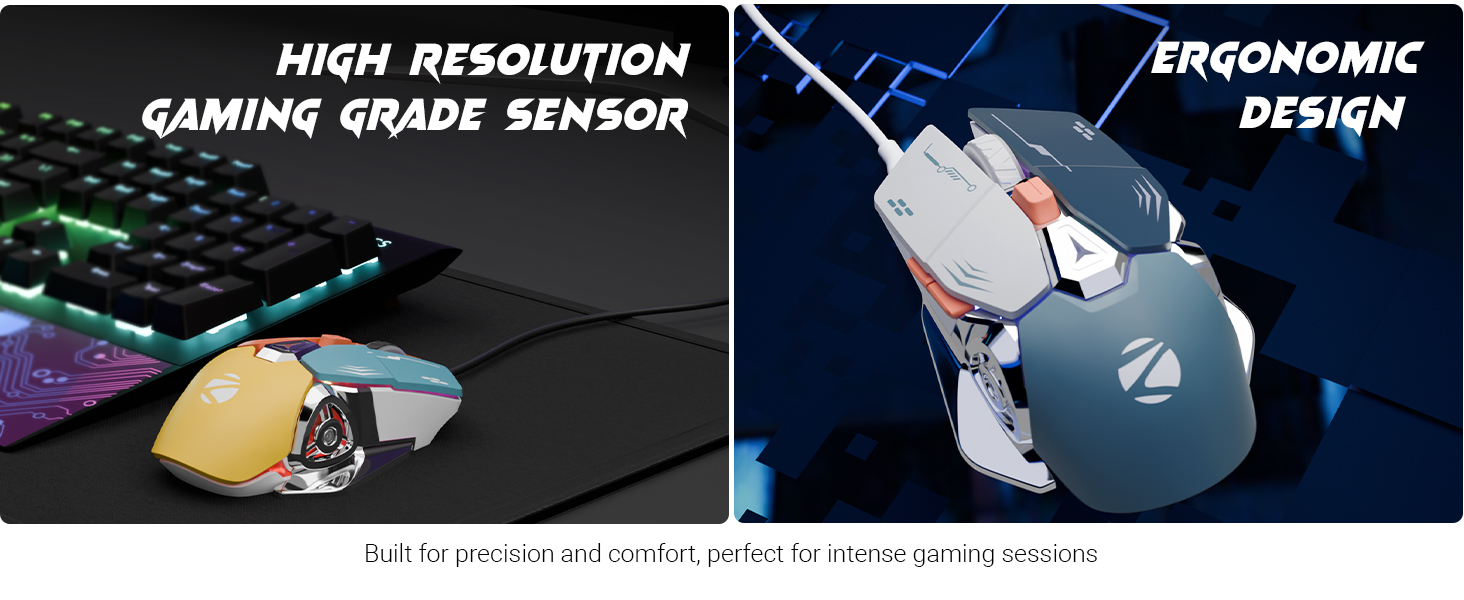
Image: Diagram illustrating the 6-button layout of the mouse, labeling the scroll wheel, DPI switch, left, right, forward, and backward buttons.
Polling Rate and Accuracy
The mouse operates at a 1000Hz polling rate, ensuring rapid response times. Its high-accuracy sensor provides precise tracking for various applications.
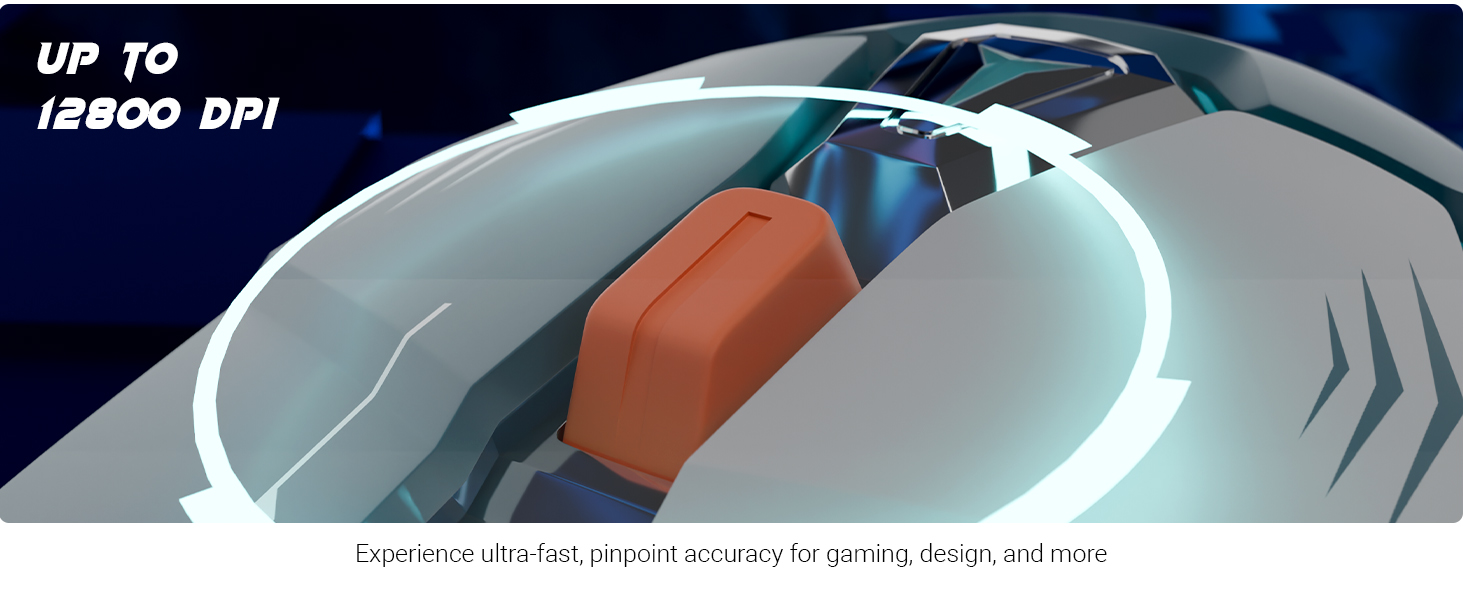
Image: Visuals demonstrating the 1000Hz polling rate and high accuracy features of the mouse.
Ergonomic Design and Sensor
The mouse is designed for comfort during prolonged use, featuring an ergonomic shape. It is equipped with a high-resolution gaming-grade sensor for reliable performance.
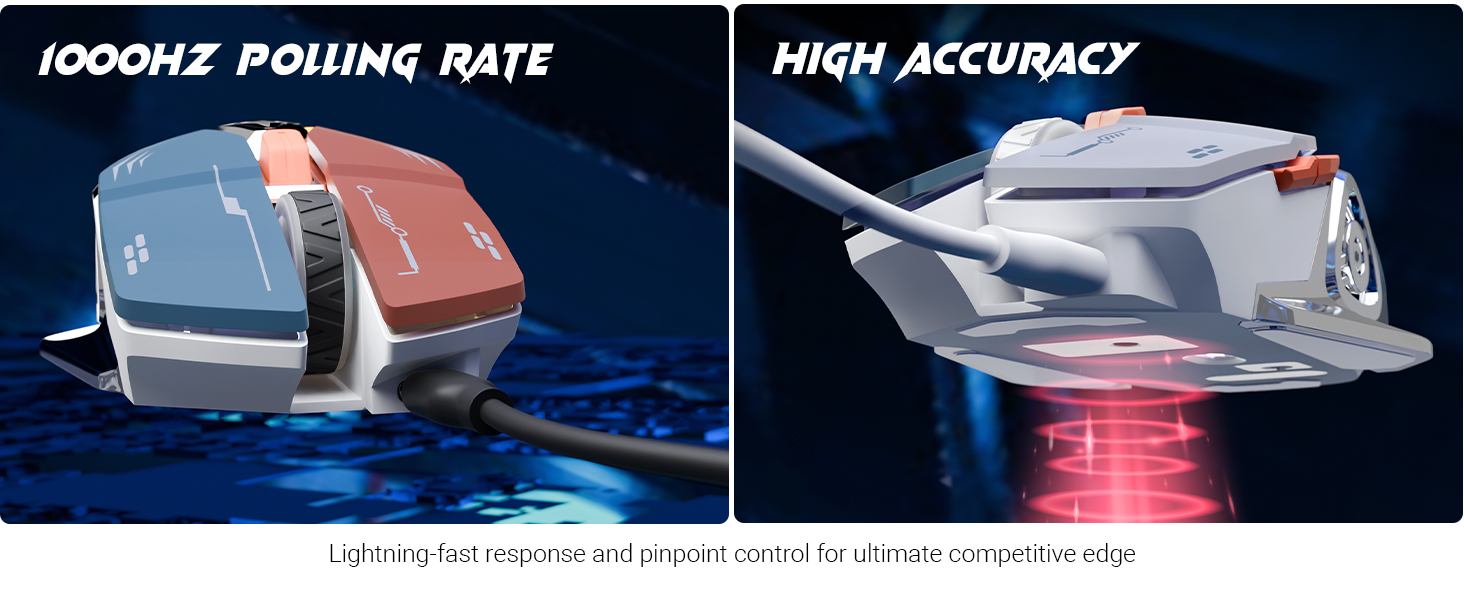
Image: Depiction of the mouse's high-resolution gaming-grade sensor and its ergonomic design for user comfort.
פּראָדוקט איבערview ווידעא
ווידעא: אן איבערview of the Zebronics Transformer M Plus mouse, highlighting its key features and design elements.
וישאַלט
- האַלטן די מויז ריין דורך ווישן עס מיט אַ ווייך, טרוקן שטאָף.
- ויסמיידן ניצן האַרב קעמיקאַלז אָדער אַברייסיוו קלינערז.
- Do not expose the mouse to excessive moisture or extreme temperatures.
- Ensure the cable is not bent sharply or tangled to prevent damage.
טראָובלעשאָאָטינג
- מויז ענטפערט נישט:
- Check if the USB cable is securely connected to both the mouse and the computer.
- פרובירט צו קאנעקטן די מויז צו אן אנדערן USB פארט.
- ריסטאַרט דיין קאָמפּיוטער.
- DPI טוישט זיך נישט:
- זייט זיכער אַז איר דריקט דעם ריכטיקן DPI סוויטש קנעפּל.
- Verify that the indicator light changes when pressing the DPI button.
- RGB לייץ ארבעטן נישט:
- Check if the mouse is properly connected and powered.
- Press the RGB control button to cycle through modes.
ספּעסאַפאַקיישאַנז
| סאָרט | זעבראָניקס |
| מאָדעל נומער | ZEB TRANSFORMER M PLUS |
| קאַנעקטיוויטי טעכנאָלאָגיע | USB (ווייערד) |
| באַוועגונג דעטעקשאַן טעכנאָלאָגיע | אָפּטיש |
| DPI קייט | אַרויף צו 12800 דפּי |
| פּאָללינג קורס | 1000 הז |
| נומער פון קנעפּלעך | 6 |
| RGB מאָדעס | 8 |
| קאַבלע לענג | 1.5 meters (Detachable) |
| פּונקט וואָג | 111 ג |
| פּראָדוקט דימענשאַנז (LxWxH) | 13 X 8.3 X 0.1 סענטימעטער |
| אַרייַנגערעכנט קאַמפּאָונאַנץ | Mouse, USB to Type C Cable |
| לאַנד פון אָריגין | כינע |
וואָראַנטי און שטיצן
For warranty information and technical support, please refer to the official Zebronics webזייטל אדער קאנטאקט זייער קאסטומער סערוויס. האלט אייער קויף קוויטל פאר גאראנטיע טענות.
Official Zebronics Webפּלאַץ: www.zebronics.com


