הקדמה
This manual provides detailed instructions for the safe and efficient operation of your CLOKOWE Mini Projector. Please read this manual thoroughly before using the product and retain it for future reference. The CLOKOWE Mini Projector is a portable device designed for versatile projection, featuring built-in streaming apps, Wi-Fi 6, Bluetooth 5.2, 180° rotation, and automatic keystone correction.

Image: The CLOKOWE Mini Projector, a compact white cylindrical device with a lens, shown projecting content onto a curved screen displaying various streaming app logos and a movie scene.
וואָס איז אין די קעסטל
באַשטעטיקן אַז אַלע זאכן זענען פאַראַן ביים אויספּאַקן:
- CLOKOWE Mini Projector (Model: HY300PRO+)
- מאַכט שנור
- HDMI קאַבלע
- ווייַט קאָנטראָל
- באַניצער מאַנואַל (דעם דאָקומענט)
פּראָדוקט פֿעיִקייטן
The CLOKOWE Mini Projector offers a range of features for enhanced viewing experiences:
- געבויט-אין סטרימינג אַפּפּס: Access platforms like YouTube, Disney+, and more directly via Wi-Fi.
- ווערסאַטאַל קאַנעקטיוויטי: Supports wireless mirroring (iPhone, Android, tablet, laptop) and wired connections (HDMI, USB).
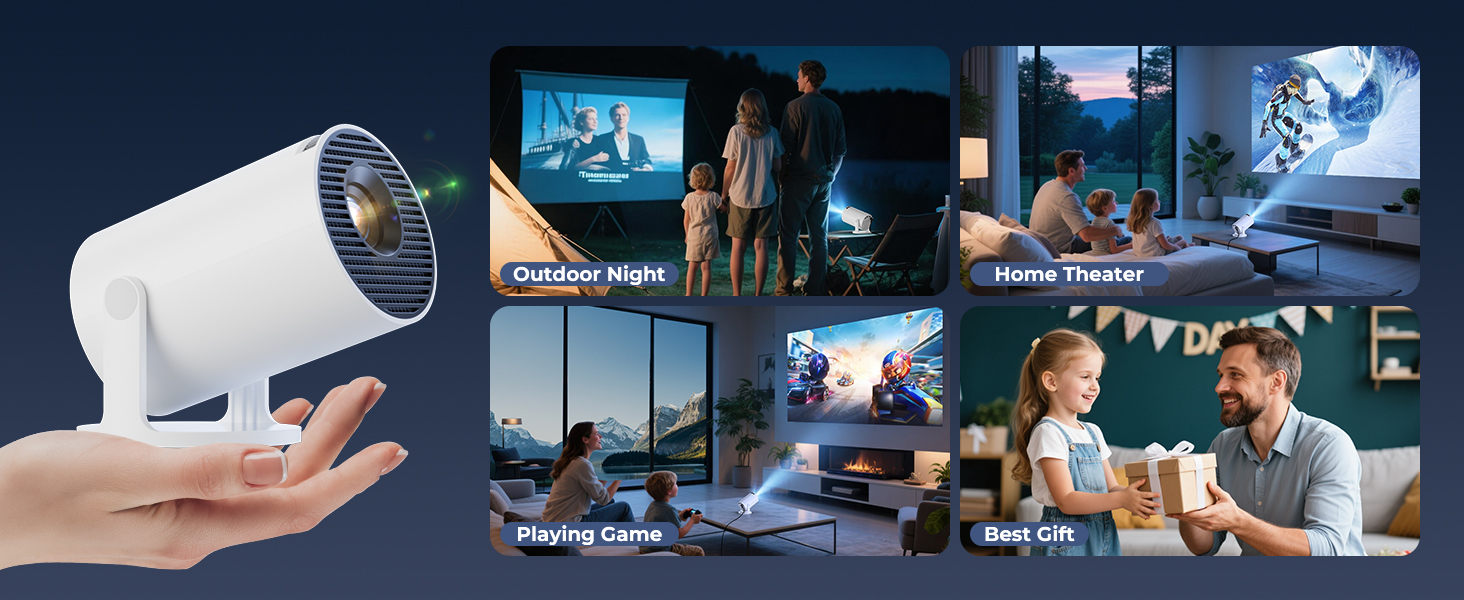
- 180° Rotatable Projection: The projector body can rotate 180° for flexible projection angles, including ceiling projection.
- אָטאַמאַטיק קייסטאָנע קערעקשאַן: Ensures aligned visuals automatically.
- מאַנואַל פאָקוס: Allows for fine-tuning image clarity.
- Wi-Fi 6 און בלועטוט 5.2: Provides fast, stable wireless streaming and audio pairing with external speakers.
- הינטער-פּאָרטאַטיוו פּלאַן: Compact size (3.73 × 3.73 × 6.17 inches) and lightweight (0.77 lb).
- High Clarity Display: 8000 Lux brightness, supports 1080P display, with a 0.9:1 short throw ratio.
- קאַסטאַמייזאַבאַל טאַפּעטן: Upload personal background images via USB.
- אָטאַמאַטיק פאַרמאַכן טיימער: Set a timer for controlled usage.

Image: A visual representation of the projector's built-in app store, showing various streaming service icons like Netflix, YouTube, Spotify, and Prime Video on a projected screen.

Image: A family watching a movie projected onto the ceiling of a bedroom, demonstrating the 180° rotation feature for ceiling projection.
סעטאַפּ גייד
1. Initial Placement and Power
- שטעלט דעם פּראָיעקטאָר אויף אַ סטאַבילער, גלאַטער ייבערפלאַך.
- פֿאַרבינדט דעם עלעקטרישן שנור צום פּראָיעקטאָר און דערנאָך צו אַ עלעקטרישן ווענטיל.
- דריק דעם מאַכט קנעפּל אויף דעם פּראָיעקטאָר אָדער ווײַטקאָנטראָל צו עס אנצינדן.
2. Adjusting Projection Angle (180° Rotation)
The projector features a 180° rotatable body, allowing projection onto walls, screens, or ceilings without needing a tripod.
- Gently rotate the projector body to achieve the desired projection angle.
- Ensure the lens is facing the intended projection surface.
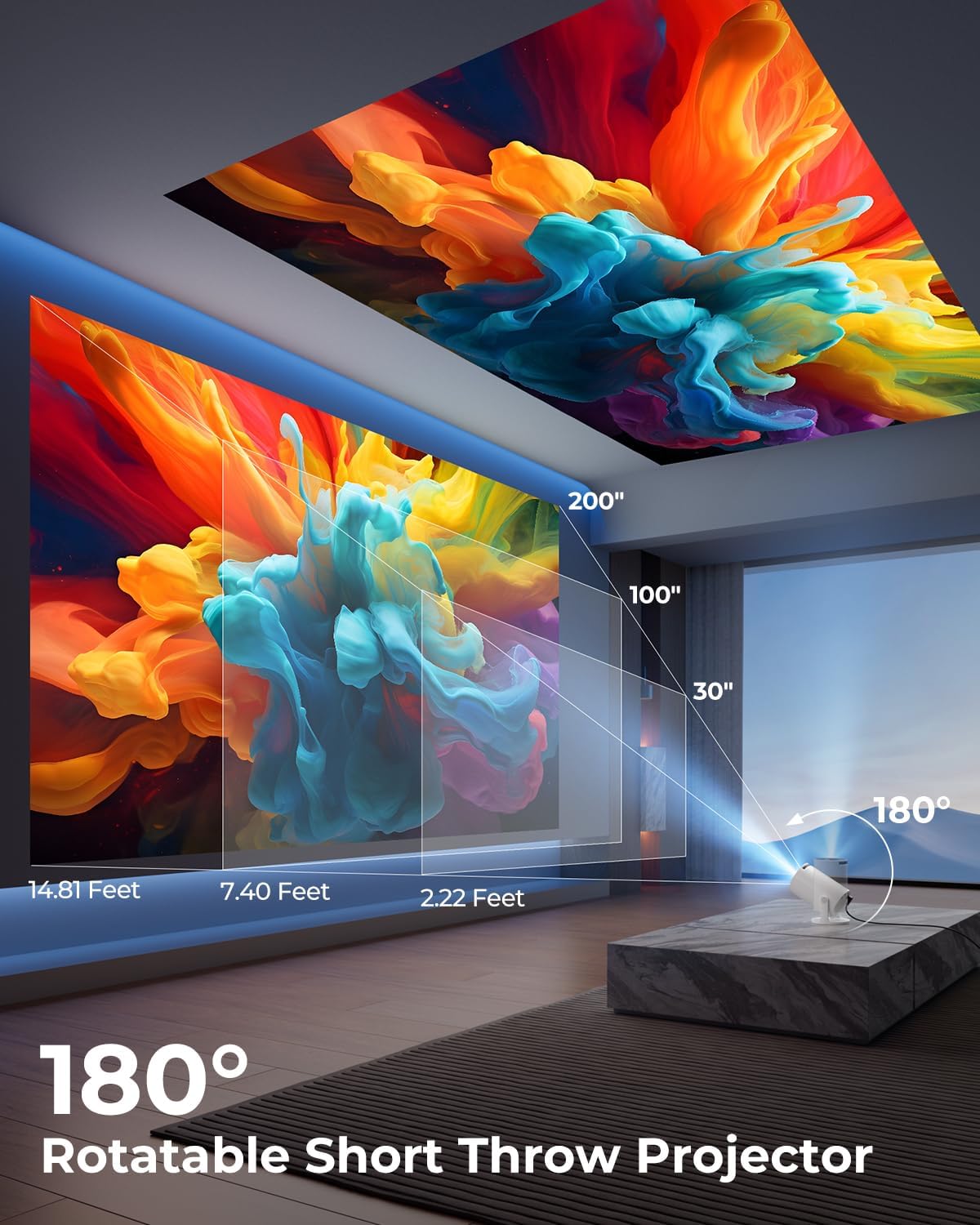
Image: A diagram illustrating the 180° rotation capability of the projector and various projection distances (30", 100", 200") with corresponding throw distances in feet.
3. פאָקוס און קייסטאָנע קערעקשאַן
- אָטאַמאַטיק קייסטאָנע קערעקשאַן: The projector will automatically adjust the image to be rectangular. If further adjustment is needed, navigate to the settings menu.
- מאַנואַל פאָקוס: Rotate the focus ring around the lens until the image appears sharp and clear.

Image: A projected image on a wall demonstrating automatic keystone correction and manual focus adjustments, with icons for ±45° Auto Keystone, Manual Focus, and 50%-100% Zoom.
4. Network and Bluetooth Connection
- Wi-Fi קאַנעקשאַן:
- Navigate to the "Settings" menu on the projector.
- Select "Network" or "Wi-Fi Settings".
- Choose your Wi-Fi network from the list and enter the password. The projector supports Wi-Fi 6 (2.4G and 5G).
- בלועטאָאָטה קאַנעקשאַן:
- Go to "Settings" and select "Bluetooth".
- געבן בלועטאָאָטה און זוכן פֿאַר בנימצא דעוויסעס.
- אויסקלייבן אייער בלועטוט רעדנער אדער כעדפאָונז פון דער ליסטע צו פּאָרן.

Image: A projected image showing Wi-Fi 6 and Bluetooth 5.2 connectivity, with a smartphone mirroring content to the projector and a soundbar connected via Bluetooth.
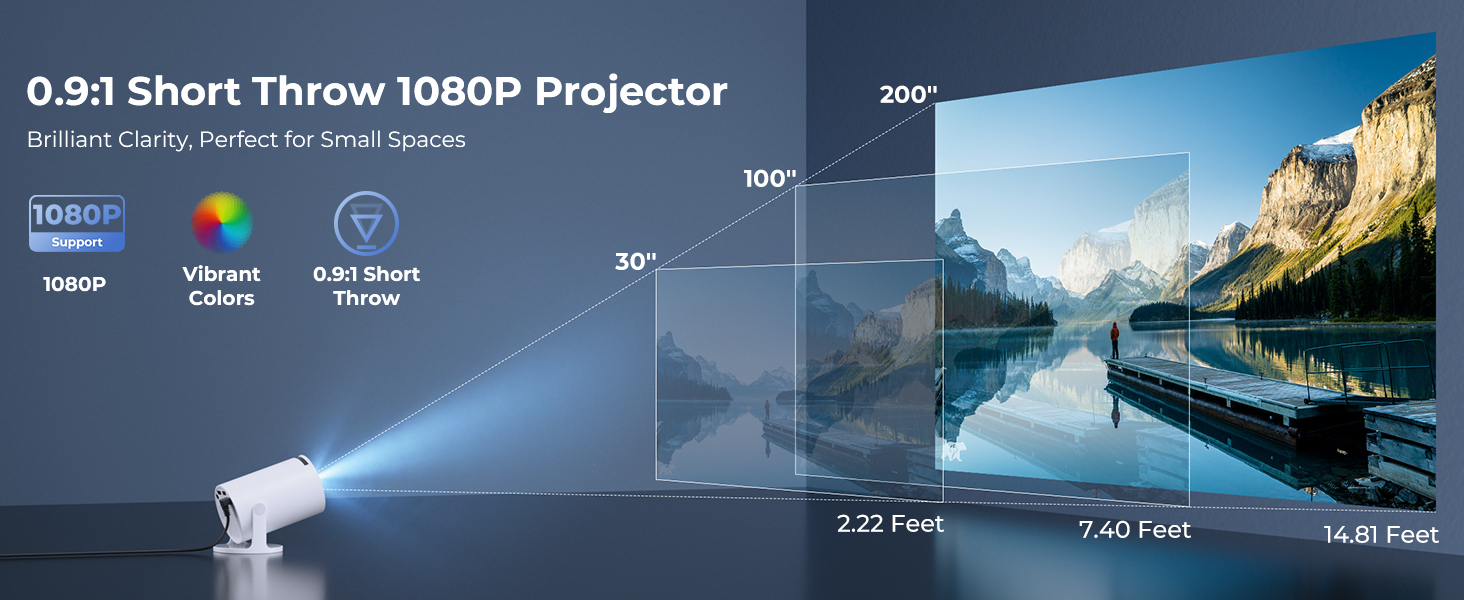
Image: A visual demonstrating Bluetooth 5.2 audio connection, showing the projector wirelessly paired with headphones and a portable speaker.
אַפּערייטינג ינסטראַקשאַנז
1. נאַוויגאַציע די צובינד
- Use the provided remote control to navigate through menus and select options.
- Basic navigation buttons are also available on the projector unit.
2. Using Built-in Apps
- Once connected to Wi-Fi, access the main interface to find pre-installed streaming applications.
- Select an app (e.g., YouTube, Disney+) and log in with your credentials to start streaming.
3. פאַרשטעלן מירערינג
The projector supports wireless mirroring from compatible smartphones, tablets, and laptops.
- Ensure your device and the projector are connected to the same Wi-Fi network.
- Select the "Screen Mirroring" or "Wireless Display" option on the projector's menu.
- On your mobile device, activate its screen mirroring feature (e.g., AirPlay for iOS, Smart View for Android) and select the projector from the list of available devices.
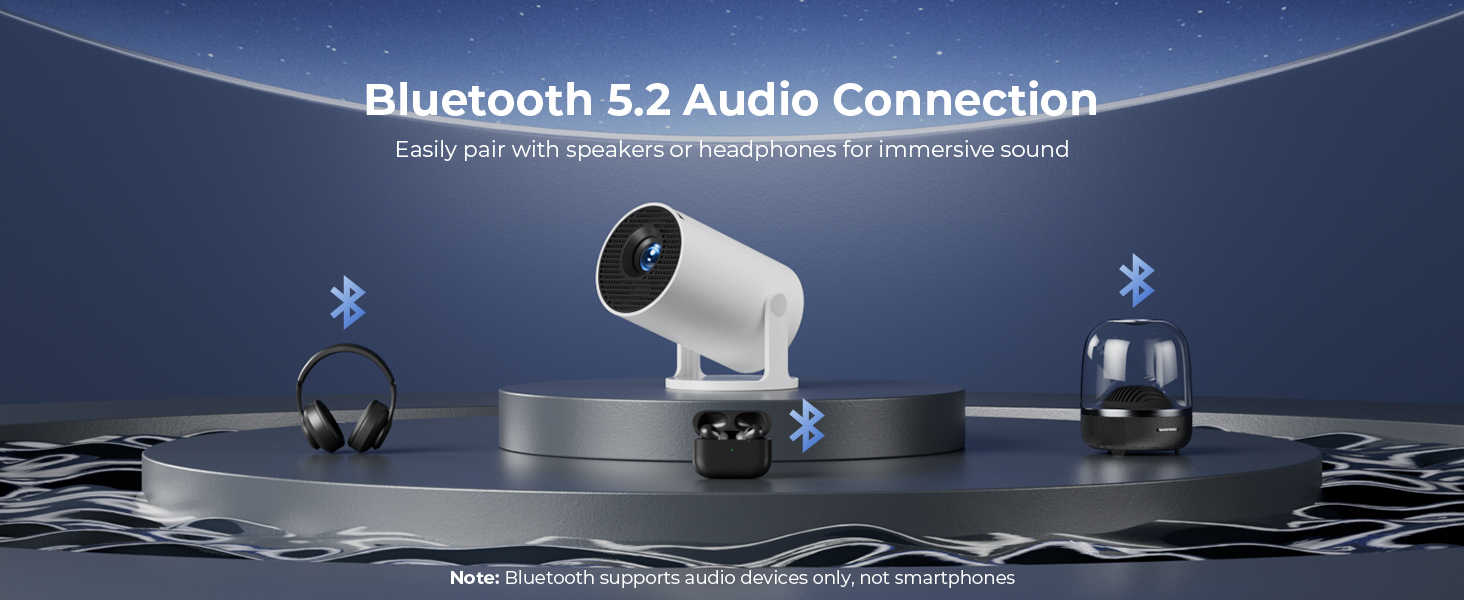
Image: A diagram illustrating Dual-Band Wi-Fi 6 connection for faster, smoother screen mirroring from various devices like smartphones, tablets, and laptops to the projector.
4. Wired Connections (HDMI/USB)
- Connect devices like game consoles, TV sticks, or computers using the HDMI port.
- Use the USB port to play media files directly from a USB drive or to upload custom wallpapers.
- To select the input source, press the "Source" button on the remote control and choose HDMI or USB.
בילד: א נאָענטע בילד view of the projector's rear panel, highlighting the HDMI, USB, and power ports, along with an ON/OFF switch and manual focus ring.
5. Custom Wallpapers and Timer
- Custom Wallpapers: Insert a USB drive containing your desired background images. Navigate to the settings to select and apply them.
- אָטאַמאַטיק פאַרמאַכן טיימער: Access the system settings to set a timer for the projector to automatically power off after a specified duration.
וישאַלט
- רייניקונג די לענס: ניצט אַ ווייכע, לינט-פֿרייע שטאָף ספּעציעל דיזיינד פֿאַר אָפּטישע לענסעס. ניצט נישט קיין שרײַבנדיקע רייניגער אָדער סאָלווענטן.
- רייניקונג די יקסטיריער: Wipe the projector's exterior with a soft, dry cloth. For stubborn marks, lightly dampען דעם טוך מיט וואסער.
- ווענטילאַטיאָן: זיכערט זיך אז די פראיעקטאר'ס ווענטילאציע עפענונגען זענען נישט פארשטאפט צו פארמיידן איבערהיצונג.
- סטאָרידזש: ווען נישט אין באַנוץ פֿאַר לענגערע פּעריאָדן, זאָל מען האַלטן דעם פּראָיעקטאָר אין אַ קיל, טרוקן אָרט, אַוועק פֿון דירעקטער זון און עקסטרעמע טעמפּעראַטורן.
טראָובלעשאָאָטינג
| פּראָבלעם | מעגלעך סיבה | לייזונג |
|---|---|---|
| קיין בילד אדער פארשוואָמען בילד | Incorrect focus; lens cap on; input source not selected; projector too far/close. | Adjust manual focus; remove lens cap; select correct input source; adjust projection distance. |
| בילד איז טראַפּעזאָידאַל אָדער פאַרדרייט | פּראָיעקטאָר נישט פּערפּענדיקולאַר צום עקראַן. | Utilize automatic keystone correction or manually adjust in settings. Ensure projector is on a level surface. |
| ניט געזונט אָדער נידעריק באַנד | Volume too low; external audio device not connected/paired; projector's internal speaker off. | Increase volume on projector/source device; ensure Bluetooth speaker is paired; check audio settings. |
| רימאָוט קאָנטראָל אַנריספּאַנסיוו | Batteries low/dead; obstruction between remote and projector; remote sensor blocked. | Replace batteries; ensure clear line of sight to projector's IR sensor. |
| ווי-פי קשר ישוז | Incorrect password; out of range; network interference. | Re-enter password; move projector closer to router; restart router and projector. |
ספּעסאַפאַקיישאַנז
| שטריך | דעטאַל |
|---|---|
| מאָדעל נומער | HY300PRO+ |
| סאָרט | ClokoWe |
| פּראָדוקט דימענשאַנז | 3.73 X 6.17 X 3.73 אינטשעס |
| פּונקט וואָג | 1.61 פונט (0.73 קג) |
| ווייַז האַכלאָטע | 1280 x 720 (Supports 1080P) |
| ברייטנאַס | 8000 לוקס |
| קאַנעקטיוויטי טעכנאָלאָגיע | Bluetooth 5.2, HDMI, USB, Wi-Fi 6 (2.4G & 5G) |
| ספּעציעלע פֿעיִקייטן | Built-in Apps, Digital Keystone Correction, Short Throw (0.9:1), 50%-100% Zoom, 180° Rotatable Projection, Mini Portable Design |
| רעקאָממענדעד ניצט | Home Cinema, Gaming, Business, Education |
וואָראַנטי און שטיצן
The CLOKOWE Mini Projector includes 2-years factory support. For technical assistance, troubleshooting, or warranty claims, please contact ClokoWe customer support through the retailer where the product was purchased or visit the official ClokoWe webפּלאַץ פֿאַר קאָנטאַקט אינפֿאָרמאַציע.
ביטע באַהאַלטן אייער קויפן-באַווייַז פֿאַר וואָראַנטי וואַלידאַציע.


