1. הקדמה
This manual provides detailed instructions for setting up and operating your PXN P5 8K Wireless Gaming Controller. Please read this manual thoroughly before use to ensure optimal performance and to prevent damage.
2. פּראָדוקט פֿעיִקייטן
- True Capacitive Joystick & 8000Hz Chip: Delivers zero-drift precision with 4096 sampling levels at a 2000Hz default report rate (USB-C/2.4 GHz), boostable to 8000Hz via the PXN Nexus app for ultra-responsive inputs.
- Hall-Effect Linear Triggers with Dual-Stage Locks: Precision Hall-effect triggers provide 256 discrete travel levels. Integrated two-stage physical locks allow switching between smooth analog racing pulls and shorter, tactile FPS firing.
- Dedicated Motor-IC Haptics & Macro Back Keys: Each asymmetric vibration motor is independently driven by its own IC for near-instant start/stop feedback and per-motor intensity tuning. Four remappable rear keys support up to 64-step macros, with an FN shortcut key for one-touch rapid-fire and profile טאַגאַלס.
- Tri-Mode Connectivity & Broad Platform Support: Seamlessly switch between 2.4GHz ultra-low-latency wireless, Bluetooth 5.2 (125Hz), and USB-C wired. Features one-click Switch wake-up. Compatible with PC (Win 7–11, X-Input/D-Input), Steam Deck, Switch/Lite/OLED, Android 8.0+, and iOS 16+.
- Ergonomic Classic-Style Design & App Customization: Lightweight 220 g body with anti-slip cube-pattern grips, circular concave D-pad, textured triggers, LED mode indicators, and backlit FN key. Customize button mapping, macros, dead-zones, trigger curves, vibration, and polling rate (2000→8000 Hz) via the PXN Nexus mobile app.
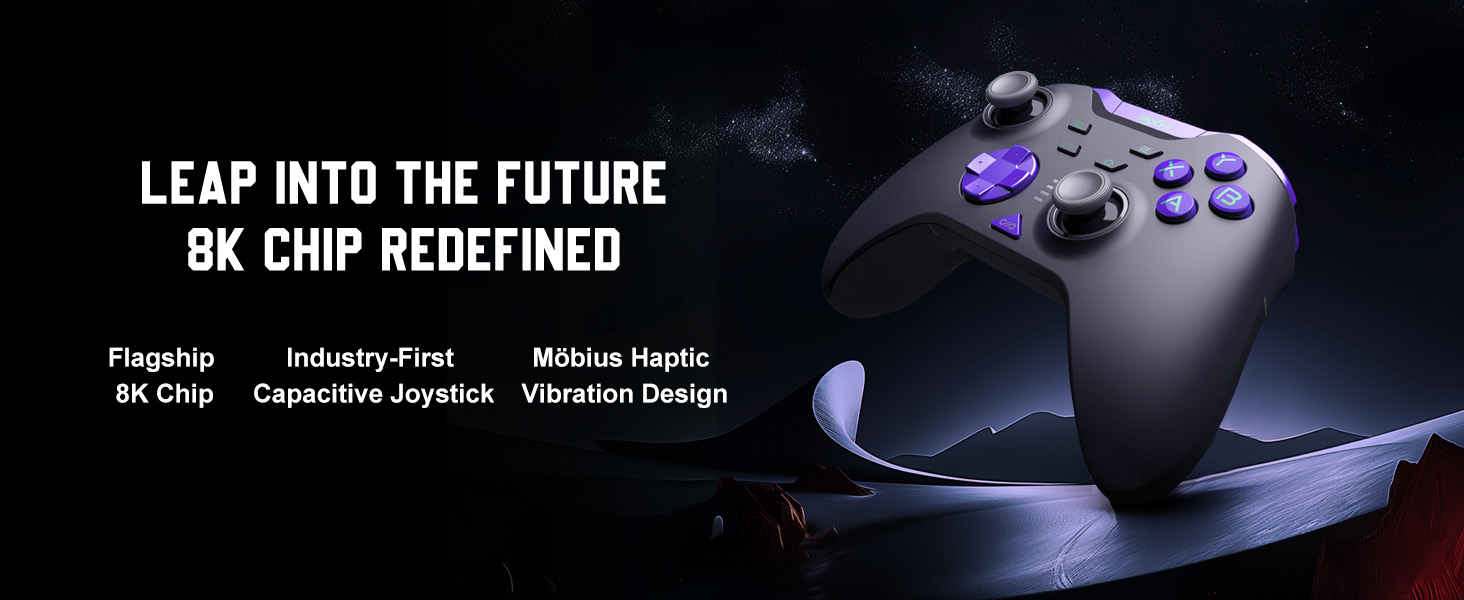
Image: The PXN P5 8K Controller, showcasing its advanced 8K chip for high performance.
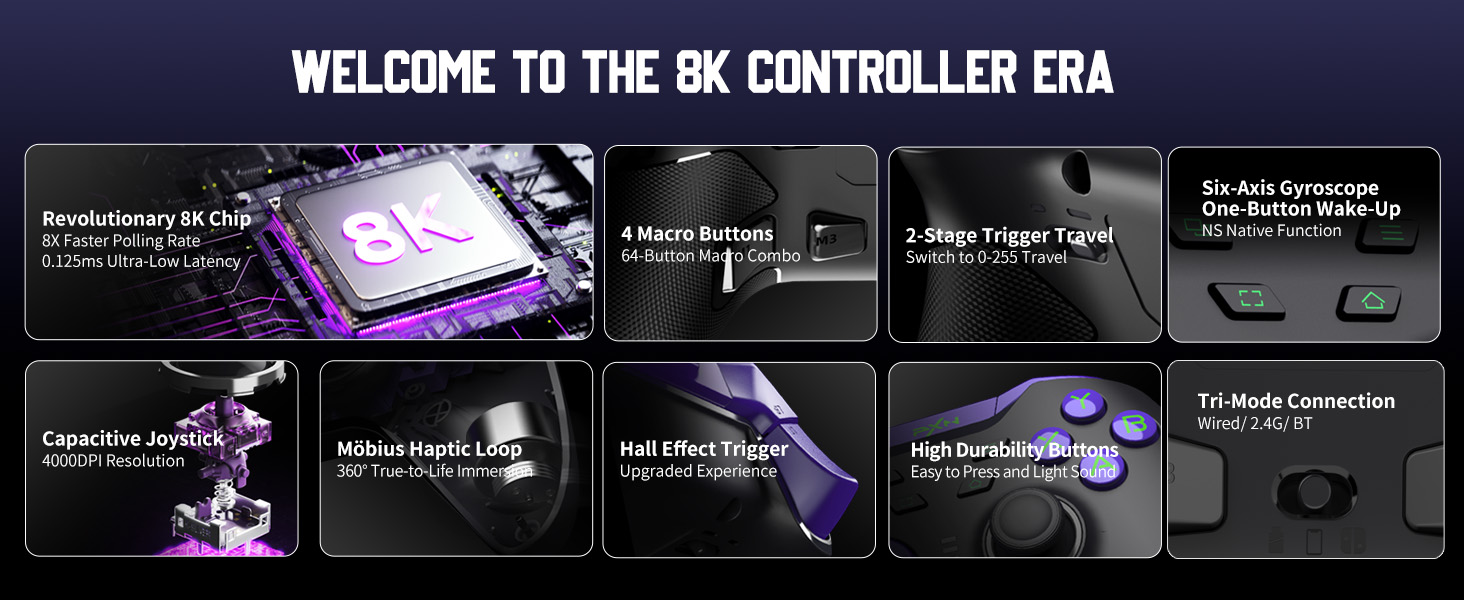
בילד: דעטאַלירט view of the controller's capacitive joystick, emphasizing its precision and smooth control.
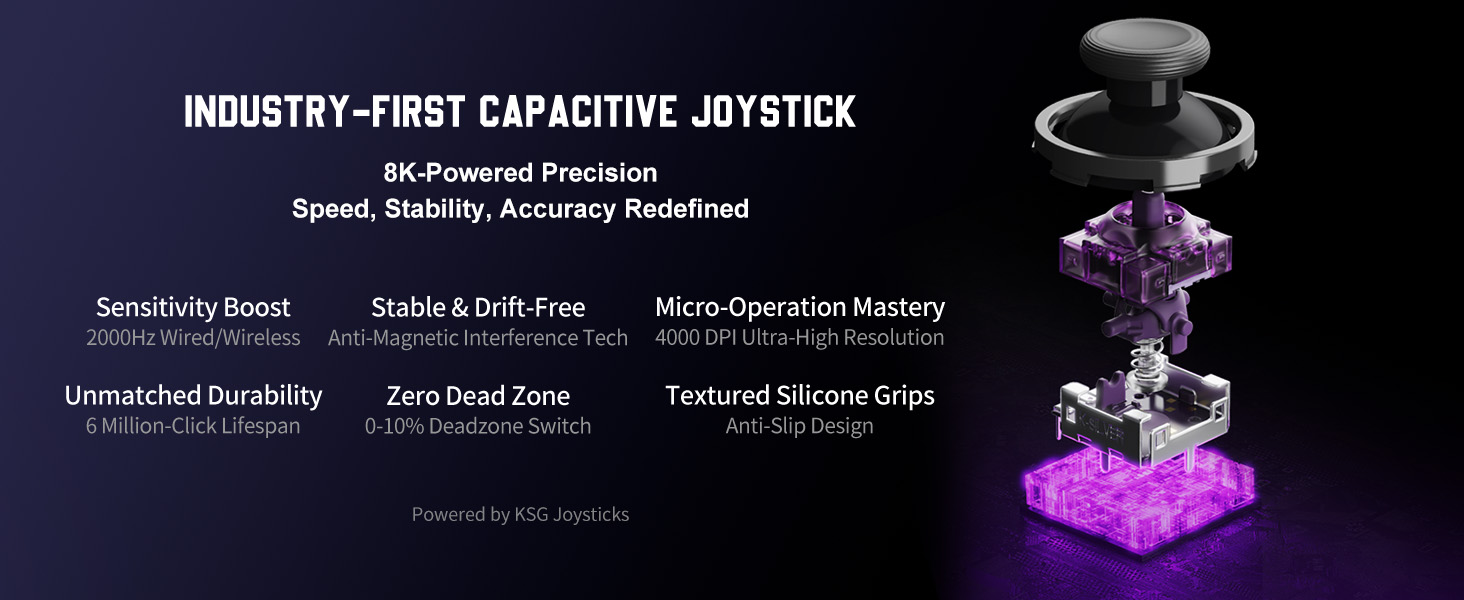
Image: Illustration of the Hall-Effect triggers, demonstrating the two distinct travel modes for different gaming styles.
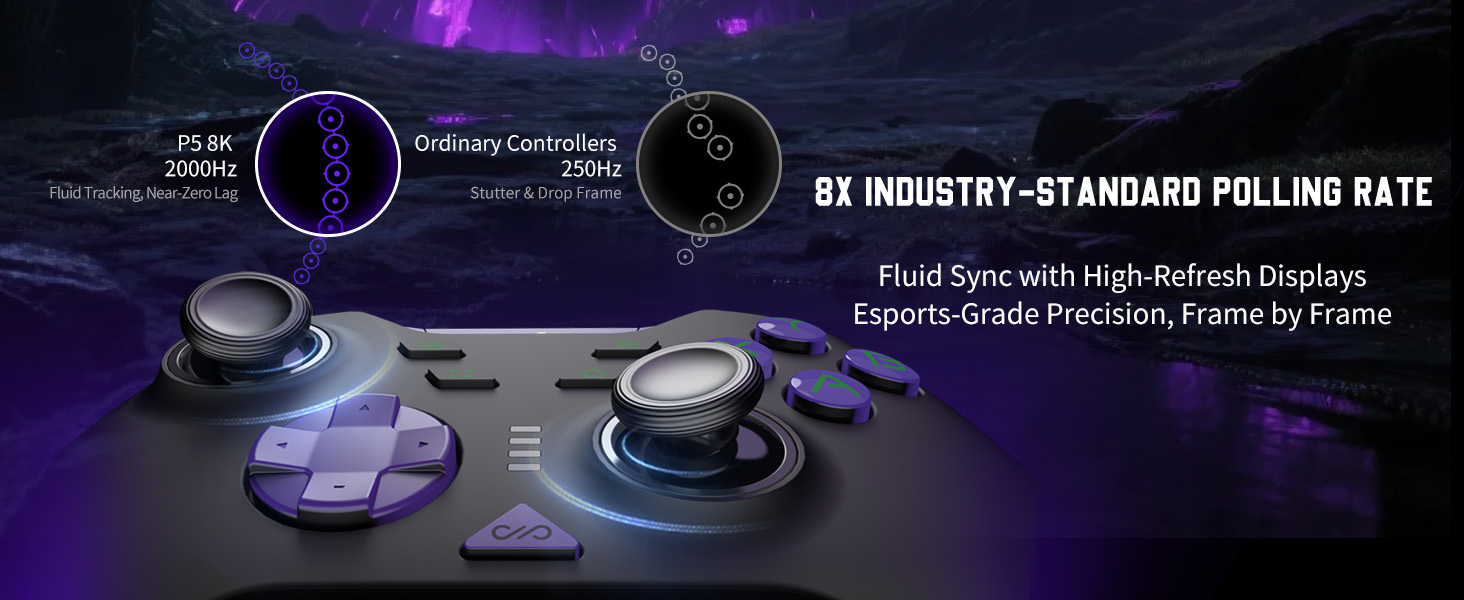
Image: The four programmable macro buttons on the back of the controller, highlighting their customization capabilities.
3. קאָנטראָללער אויסלייג
מאַכט זיך באַקאַנט מיט די קנעפּלעך און זייערע פונקציעס:
- לינקס/רעכטס אנאלאג שטעקנס: פֿאַר באַוועגונג און קאַמעראַ קאָנטראָל.
- ד-פּאַד: ריכטונגס-איינגאב.
- A/B/X/Y קנעפּלעך: אַקציע קנעפּלעך.
- L1/R1 (Shoulder Buttons): Secondary action buttons.
- L2/R2 (Trigger Buttons): Analog input, with dual-stage locks.
- M1/M2/M3/M4 (Macro Buttons): Programmable back buttons.
- FN קנעפּל: Function key for shortcuts and profile טאַגאַלס.
- היים קנעפּל: System menu access.
- Select/Start Buttons: Menu navigation.
- מאָדע באַשטימען: Located on the back, for switching between 2.4G, Bluetooth, and Wired modes.
4. Setup & Connectivity
4.1. 2.4GHz Wireless Connection (PC, Steam Deck)
- Insert the dedicated 2.4GHz USB dongle into an available USB port on your PC or Steam Deck.
- Switch the mode selector on the back of the controller to the 2.4G position.
- Press the Home button on the controller to power it on. The controller will automatically pair with the dongle.
- The LED indicator on the controller will show a solid light once connected.
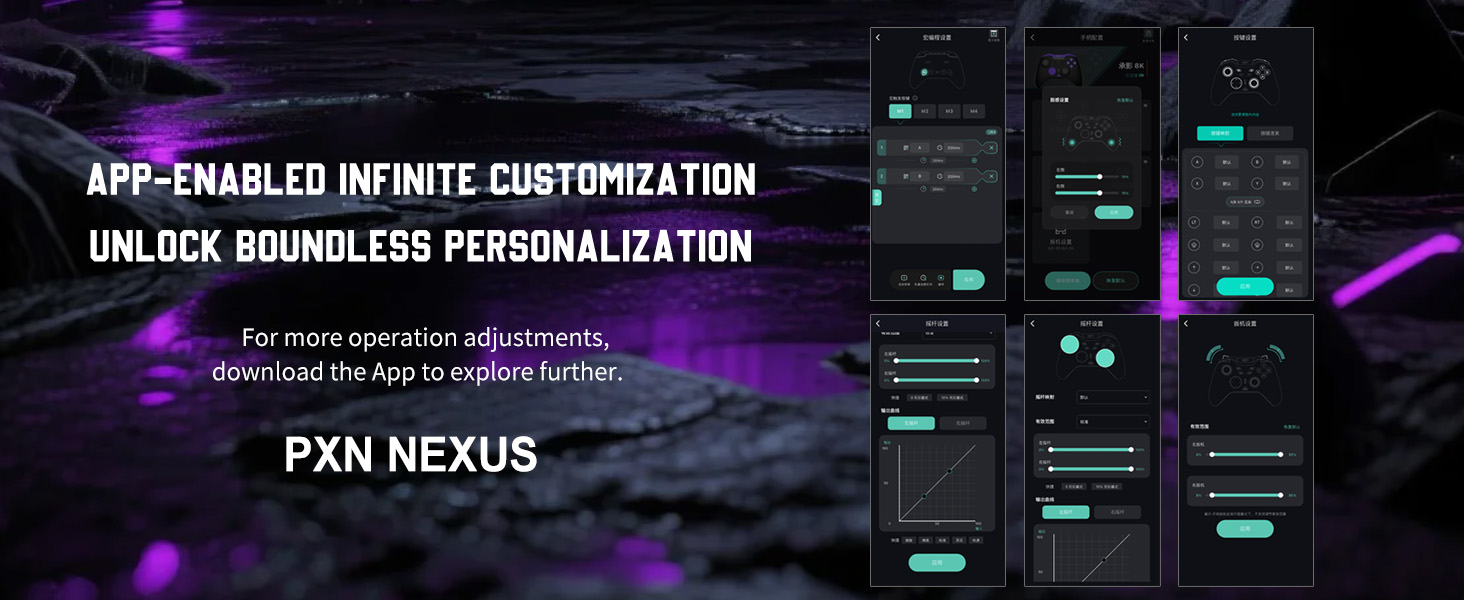
Image: The PXN P5 8K Controller connected wirelessly to a PC via its 8000Hz dongle.
4.2. Bluetooth 5.2 Connection (Switch, Android, iOS)
- Switch the mode selector on the back of the controller to the Bluetooth (BT) position.
- Press and hold the Home button until the LED indicator starts flashing rapidly, indicating pairing mode.
- On your device (Switch, Android, or iOS), go to Bluetooth settings and search for available devices.
- Select "PXN P5 8K" from the list to pair.
- The LED indicator will show a solid light once connected. For Nintendo Switch, the controller supports one-click wake-up.
4.3. USB-C Wired Connection (PC, Switch)
- Connect the provided USB-C cable to the controller and the other end to your PC or Nintendo Switch dock.
- The controller will automatically be recognized and function in wired mode.
- The LED indicator will show a solid light.
5. אַפּערייטינג ינסטרוקטיאָנס
5.1. מאַקראָ פּראָגראַמירן
The four back buttons (M1, M2, M3, M4) can be programmed with up to 64-step macros. Refer to the PXN Nexus app for detailed macro setup and management.
5.2. Trigger Adjustment
The L2/R2 Hall-Effect triggers feature dual-stage locks. Use the physical switches located near the triggers on the underside of the controller to toggle between short-travel (for quick response in FPS games) and long-travel (for precise analog input in racing games) modes.
5.3. FN Shortcut Key
The FN key allows for quick access to features like rapid-fire and profile switching. Consult the PXN Nexus app for customizing FN key functions.
6. PXN Nexus App Customization
The PXN Nexus mobile app (available for Android and iOS) provides extensive customization options for your controller:
- Button remapping
- Macro creation and management
- Dead-zone adjustment for joysticks and triggers
- Trigger curve customization
- Vibration intensity tuning
- Polling rate adjustment (2000Hz to 8000Hz)
Download the PXN Nexus app from your device's app store to unlock full personalization.

Image: The PXN Nexus app interface, demonstrating the range of customization options available.
7. טשאַרדזשינג און באַטאַרייע
The controller is equipped with a 1000mAh lithium-ion battery. To charge, connect the controller to a power source using the provided USB-C cable. The LED indicator will show charging status and turn off when fully charged.
8. קאַמפּאַטאַבילאַטי
The PXN P5 8K Wireless Gaming Controller offers broad compatibility across multiple platforms:
- פּיסי: Windows 7, 8, 10, 11 (supports X-Input/D-Input)
- פּאַרע דעק
- Nintendo Switch/Lite/OLED
- אַנדרויד: Devices running Android 8.0 or higher
- יאָס: Devices running iOS 16 or higher
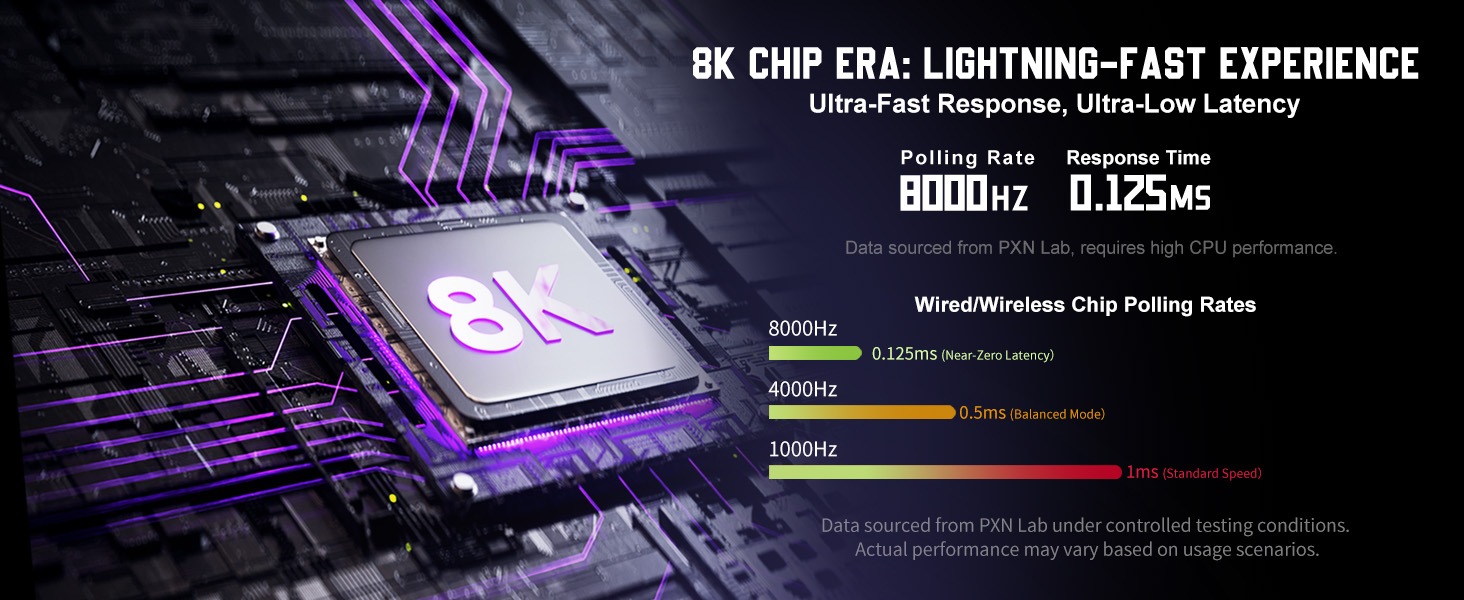
Image: Visual representation of the controller's multi-platform compatibility, including PC, Switch, Android, and iOS.
9. טראָובלעשאָאָטינג
- קאָנטראָללער פֿאַרבינדט זיך נישט: Ensure the mode switch is set correctly for your device. For wireless connections, check if the dongle is properly inserted or if Bluetooth is enabled on your device. Try restarting both the controller and the device.
- אַרייַנשרייַב לאַג: For optimal performance, use the 2.4GHz dongle or a wired connection. Ensure your device's drivers are up to date.
- דזשויסטיק דריפט: Perform joystick calibration through the PXN Nexus app. If the issue persists, contact customer support.
- קנעפּלעך נישט ריספּאַנד: Check for low battery. Ensure the controller is properly connected. If using the app, verify button mappings.
- ווייבריישאַן פּראָבלעמען: Adjust vibration intensity in the PXN Nexus app.
10. ספּעסאַפאַקיישאַנז
| שטריך | דעטאַל |
|---|---|
| מאָדעל נומער | PXN-P5 8K BP |
| קאַנעקטיוויטי | 2.4GHz ווירעלעס, בלועטוט 5.2, USB-C מיט ווייערס |
| פּאָללינג קורס | 2000Hz (default), up to 8000Hz via app |
| דזשויסטיק טיפּ | Capacitive Joystick (4096 sampling levels) |
| טריגער טיפּ | Hall-Effect Linear Triggers (256 levels, dual-stage locks) |
| מאַקראָ קנעפּלעך | 4 remappable back keys (up to 64-step macros) |
| האַפּטיקס | Dedicated Motor-IC Asymmetric Vibration |
| באַטערי | 1000mAh ליטהיום-יאָן (אריינגערעכנט) |
| וואָג | 0.48 אונס (בעערעך 13.6 גראַמז) |
| דימענשאַנז | 4.17 X 2.32 X 6.1 אינטשעס |
| קאַמפּאַטאַבילאַטי | PC (Win 7-11), Steam Deck, Switch, Android 8.0+, iOS 16+ |
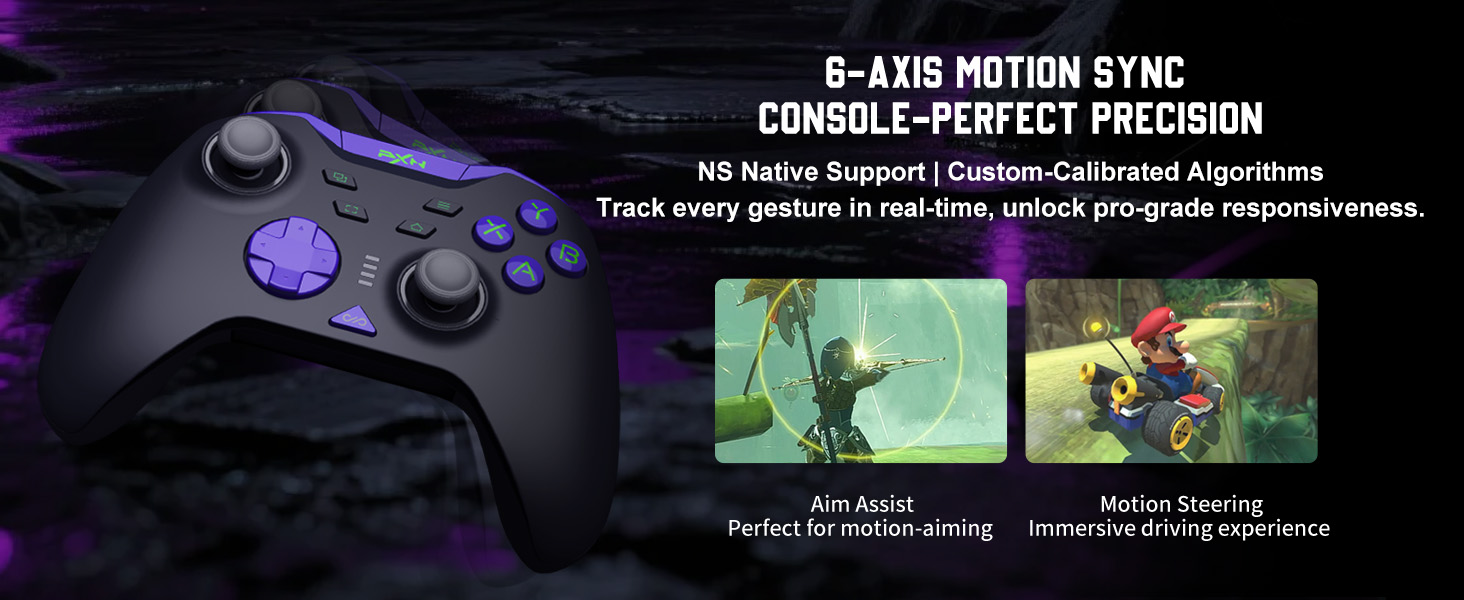
Image: A comparison chart detailing the advanced hardware specifications of the PXN P5 8K controller.
11. וישאַלט
- Keep the controller clean by wiping it with a dry, soft cloth.
- פֿאַרמײַדט אויסשטעלן דעם קאָנטראָללער צו עקסטרעמע טעמפּעראַטורן, פֿײַכטקייט, אָדער דירעקטער זון.
- פרובירט נישט צו צענעמען דעם קאנטראלער, ווייל דאס קען בטל מאכן די גאראנטיע.
- האַלט דעם קאָנטראָללער אין אַ זיכערן אָרט ווען ער ווערט נישט גענוצט, כּדי צו פאַרמייַדן אַקסאַדענטאַלע שאָדן.
12. וואָראַנטי און שטיצן
PXN products are designed for quality and reliability. For warranty information, technical support, or service inquiries, please refer to the official PXN webזייטל אדער קאָנטאַקט אייער הענדלער. האַלט אייער קויף קוויטל ווי אַ באַווייַז פון קויפן.
13. פּראָדוקט איבערview ווידעא
ווידעא: אן אפיציעלער פראדוקט איבערview of the PXN P5 8K Wireless Gaming Controller, demonstrating its key features and design.


