הקדמה
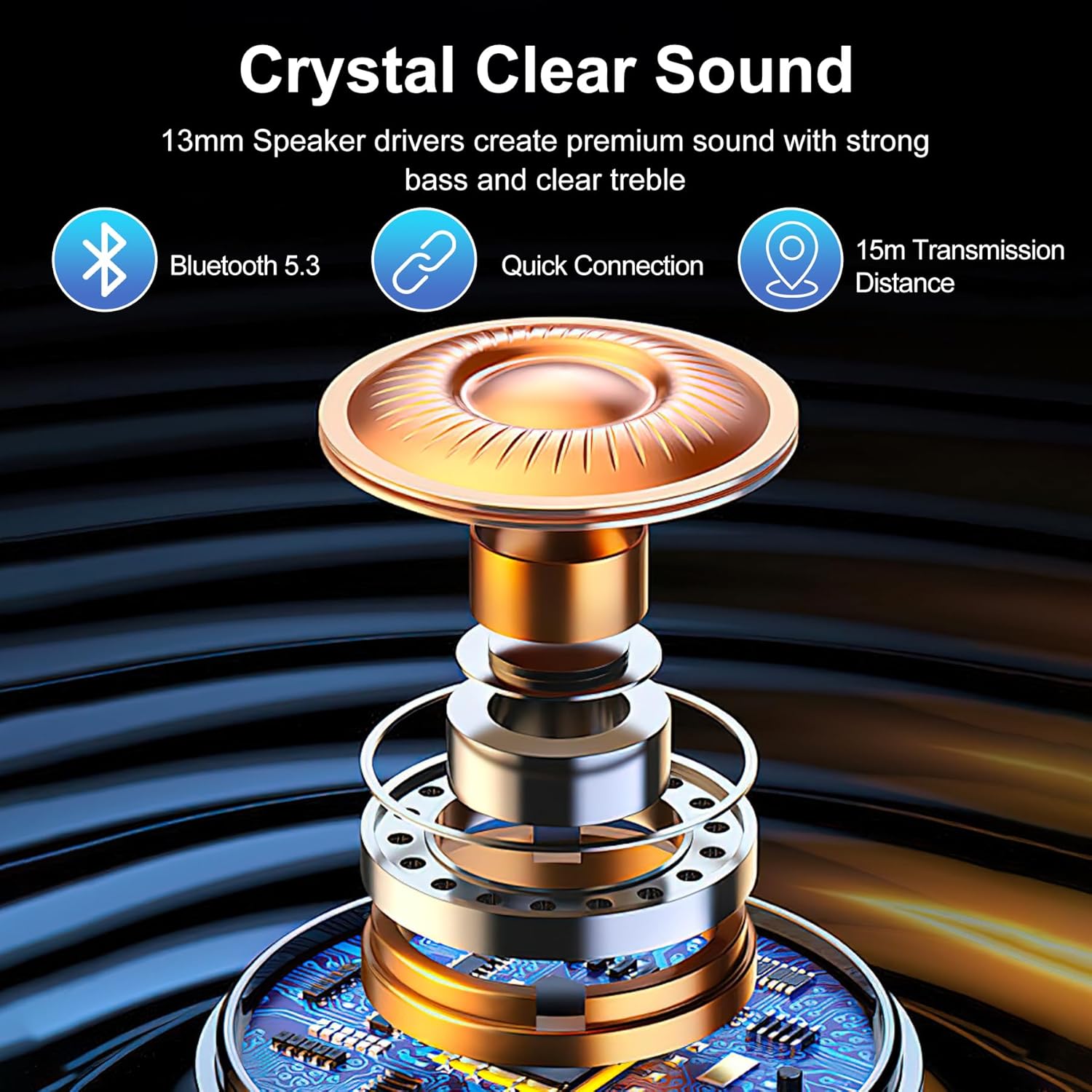
דאנק איר פֿאַר טשוזינג די שווארצעview Airbuds 8 Wireless Earbuds. These earbuds are designed to provide a high-quality audio experience with advanced features such as Bluetooth 5.3 connectivity, Hybrid Active Noise Cancellation, and IPX7 waterproofing. This manual will guide you through the setup, operation, and maintenance of your new earbuds.
פּעקל אינהאַלט
ביטע טשעק די פּאַקעט פֿאַר די פאלגענדע זאכן:
- 2 רענטגענ ווירעלעסס עאַרבודז
- 1 רענטגענ טשאַרדזשינג קאַסע
- 3 x Earbud Cover sets (S/M/L)
- 1 X Type-C טשאַרדזשינג קאַבלע
- 1 x אינסטרוקציע מאַנואַל (דאָס דאָקומענט)
סעטאַפּ
1. ערשטע אויפלאָדונג
Before first use, fully charge the earbuds and the charging case. Connect the provided Type-C charging cable to the charging port on the case and a power source. The LED display on the charging case will indicate the battery level.
בילד: שוואַרץview Airbuds 8 charging case with earbuds, displaying battery level.
2. Pairing with Your Device (One-Step Pairing)
- זיכער מאַכן אַז אייער מיטל'ס בלועטוט איז אנגעצינדן.
- עפֿנט דעם דעקל פֿון דער טשאַרדזשינג קעסטל. די אויערקנעפּלעך וועלן אויטאָמאַטיש אַרײַן אין פּערינג מאָדע.
- On your device, search for Bluetooth devices and select "Airbuds 8" from the list.
- אַמאָל פארבונדן, די אויערקנעפּלעך זענען גרייט פֿאַר נוצן.

Image: Visual guide for one-step Bluetooth pairing of Airbuds 8.
3. צופּאַסן די אויערקנעפּלעך
The Airbuds 8 come with three sizes of silicone ear tips (S/M/L). Choose the size that provides a secure and comfortable fit for optimal sound quality and noise cancellation.

Image: Earbud tips in various sizes for ergonomic fit.
אַפּערייטינג ינסטראַקשאַנז
סמאַרט ריר קאָנטראָלס
די שווארצעview Airbuds 8 feature intuitive touch controls on each earbud. Refer to the diagram below for common functions:
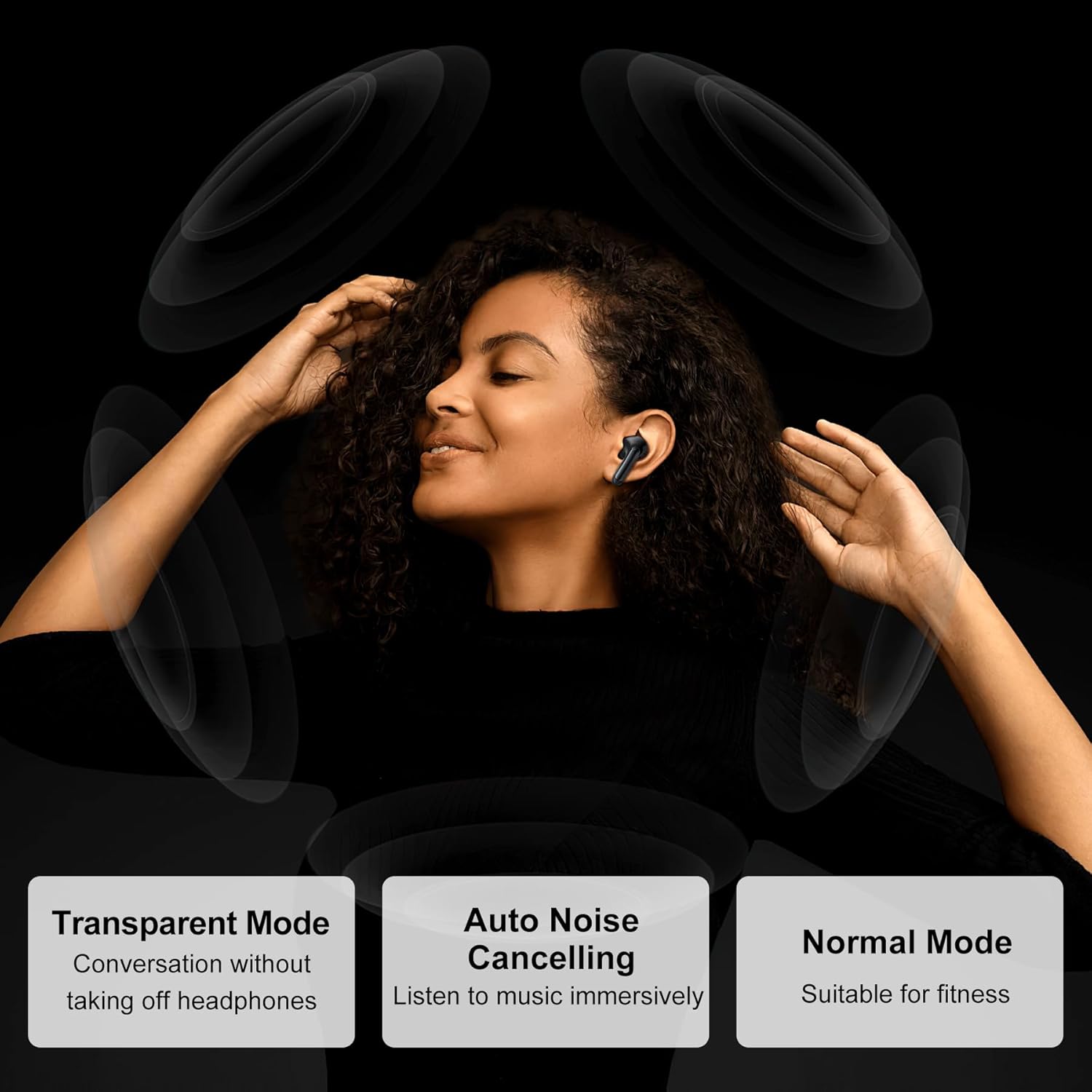
Image: Touch control guide for Blackview Airbuds 8.
- שפּיל / פּויזע: איין צאַפּן אויף יעדער עאַרבוד.
- ענטפער רופן: איין צאַפּן אויף יעדער עאַרבוד.
- אָפּוואַרפן רופן: דריק און האלט אויף יעדן אויערקנעפל.
- ווייַטער ליד: צאַפּ צוויי מאָל אויף די רעכטע אויערקנעפּל.
- פֿריִער ליד: צאַפּ צוויי מאָל אויף די לינקע אויערקנעפּל.
- באַנד אַרויף: טרייפאַך צאַפּן אויף די רעכטע אויערקנעפּל.
- באַנד אַראָפּ: טרייפאַך צאַפּן אויף די לינקע אויערקנעפּל.
- שטימע אַססיסטאַנט: דריק און האלט אויף יעדן אויערקנעפל (ווען נישט אויף א רוף).
- Switch Noise Control Mode: דריק און האַלט די ריר-געגנט פֿאַר 2 סעקונדעס.
ראַש קאָנטראָל מאָדעס
The Airbuds 8 offer multiple noise control modes to adapt to your environment:
- אַקטיוו ראַש קאַנסאַלינג (ANC): רעדוצירט אַמביאַנט ראַש פֿאַר אַן יממערסיווע הערן דערפאַרונג.
- טראַנספּעראַנט מאָדע: דערמעגלעכט אייך צו הערן אייער סביבה אָן אַראָפּנעמען די אויערקנעפּלעך.
- נאָרמאַל מאָדע: Standard audio experience without active noise cancellation or transparency.

Image: Explanation of different noise control modes.
וישאַלט
רייניקונג
Regularly clean your earbuds and charging case with a soft, dry, lint-free cloth. Do not use abrasive cleaners or solvents. Remove ear tips and clean them separately with water if necessary, ensuring they are completely dry before reattaching.
וואַסער קעגנשטעל (IPX7)
The Airbuds 8 are IPX7 waterproof, meaning they can withstand immersion in water up to 1 meter for 30 minutes. This makes them suitable for workouts and use in rainy conditions. However, the charging case is not waterproof. Do not charge the earbuds if they or the charging port are wet.

בילד: שוואַרץview Airbuds 8 demonstrating IPX7 water resistance.
באַטאַרייע און טשאַרדזשינג
The earbuds provide up to 8 hours of playtime on a single charge, with the charging case extending total playtime to 56 hours. A quick 10-minute charge can provide 3 additional hours of listening time.

Image: Battery life and charging details for Airbuds 8.
טראָובלעשאָאָטינג
| פּראָבלעם | לייזונג |
|---|---|
| עאַרבודס נישט פּערינג |
|
| קיין געזונט פון איין עאַרבוד |
|
| טשאַרדזשינג אַרויסגעבן |
|
| נעבעך געזונט קוואַליטעט |
|
ספּעסאַפאַקיישאַנז
| שטריך | דעטאַל |
|---|---|
| מאָדעל נאָמען | Airbuds 8 |
| קאַנעקטיוויטי טעכנאָלאָגיע | ווירעלעסס (בלועטאָאָטה) |
| בלועטאָאָטה ווערסיע | 5.3 |
| בלועטאָאָטה קייט | אַרויף צו 15 מעטער (49 פֿיס) |
| אַודיאָ דרייווער טיפּ | 13 מם דינאַמיש דרייווער |
| ראַש קאָנטראָל | Active Noise Cancellation (ANC), 4 ENC Mics |
| באַטעריע לעבן (אויערקנעפּלעך) | אַרויף צו 8 שעה פּער אָפּצאָל |
| גאַנץ שפּילצייט (מיט קעסטל) | אַרויף צו 56 שעה |
| שנעל טשאַרדזש | 10 מינוט פֿאַר 3 שעה פּלייינג |
| וואַסער קעגנשטעל מדרגה | IPX7 (בלויז עאַרבודז) |
| קאָנטראָל מעטאָד | ריר |
| מאַטעריאַל | פּלאַסטיק |
| פּונקט וואָג | 5.6 אונסעס |
וואָראַנטי און שטיצן
For warranty information and customer support, please refer to the documentation included with your purchase or visit the official Blackview store online.
Official Blackview קראָם: שוואַרץview קראָם אויף אַמאַזאָן


