הקדמה
Welcome to the instruction manual for your Dubstep Buzz X8 Wireless Earbuds. These earbuds are designed to provide a high-quality audio experience with advanced features. This manual will guide you through the setup, operation, and maintenance of your device.
וואָס איז אין די קעסטל
דער פּעקל כּולל די פאלגענדע זאכן:
- ווירעלעסס עאַרבודז
- ווירעלעסס טשאַרדזשינג קאַסע
- טיפּ-C קאַבלע
- באַניצער מאַנואַל
- אויער קישן (פאַרשידענע גרייסן)

Image: Contents of the Dubstep Buzz X8 Earbuds box, showing the earbuds, charging case, Type-C charging cable, and additional ear cushions.
פּראָדוקט איבערview
The Dubstep Buzz X8 Wireless Earbuds feature a sleek design and are equipped with 13mm dynamic drivers for powerful sound. The charging case provides extended battery life and convenient storage.

Image: Dubstep Buzz X8 Wireless Earbuds in Neon Green, placed within their open charging case.
אויערקנעפל קאמפאנענטן
- ריר קאָנטראָל שטח: פֿאַר פאַרוואַלטן ווידערשפּיל, רופן און שטימע אַסיסטאַנט.
- מיקראָפאָן: Dual microphones with Environmental Noise Cancellation (ENC) for clear calls.
- אויער עצות: Silicone ear tips for a comfortable and secure fit.
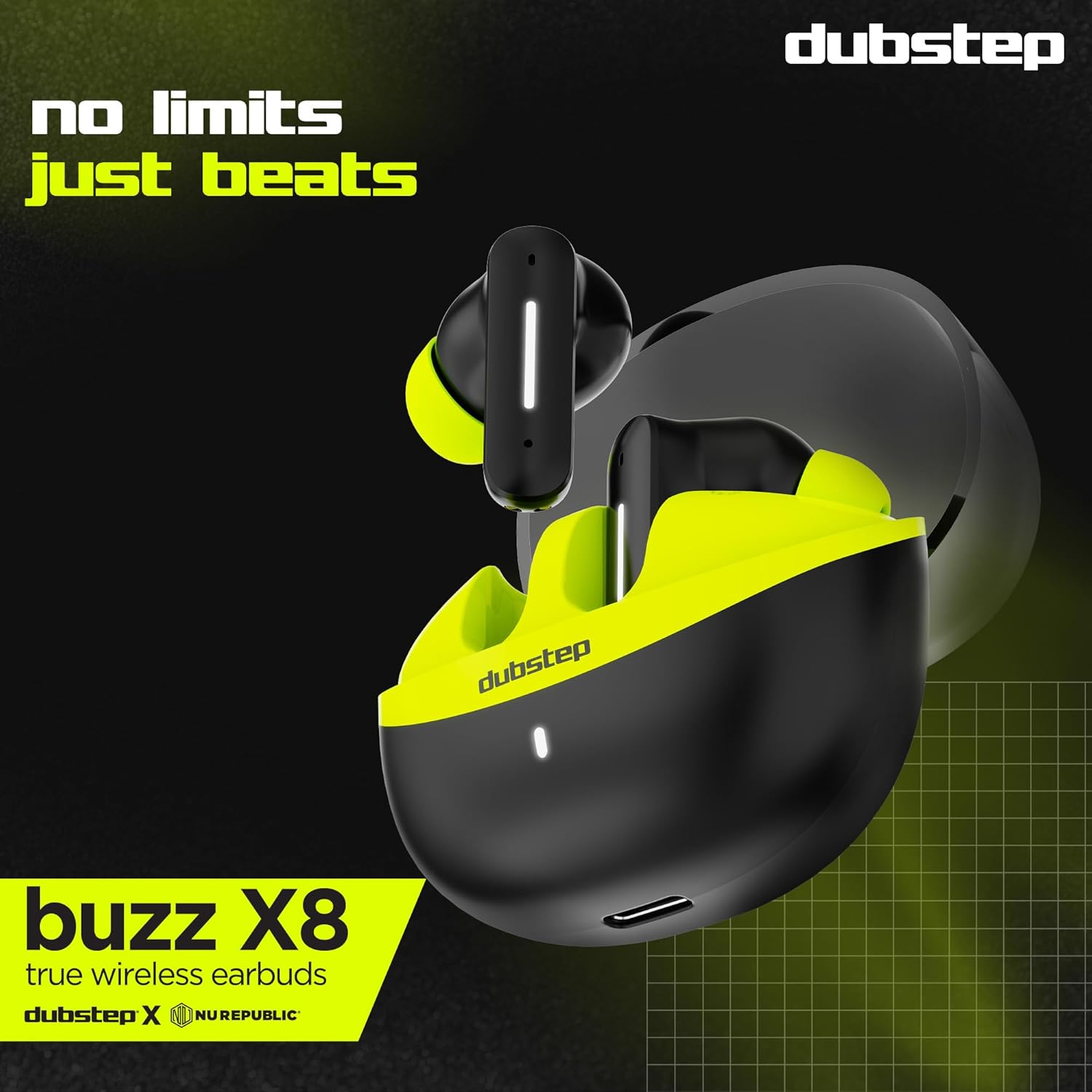
בילד: דעטאַלירט view of the earbuds and charging case, illustrating their internal and external features.
סעטאַפּ
1. אויפלאָדן די אויערקנעפּלעך און קעסטל
Before first use, fully charge the earbuds and the charging case. Connect the provided Type-C cable to the charging port on the case and a compatible USB power source. The LED indicator on the case will show charging status.
- A 15-minute quick charge provides approximately 200 minutes of playtime.
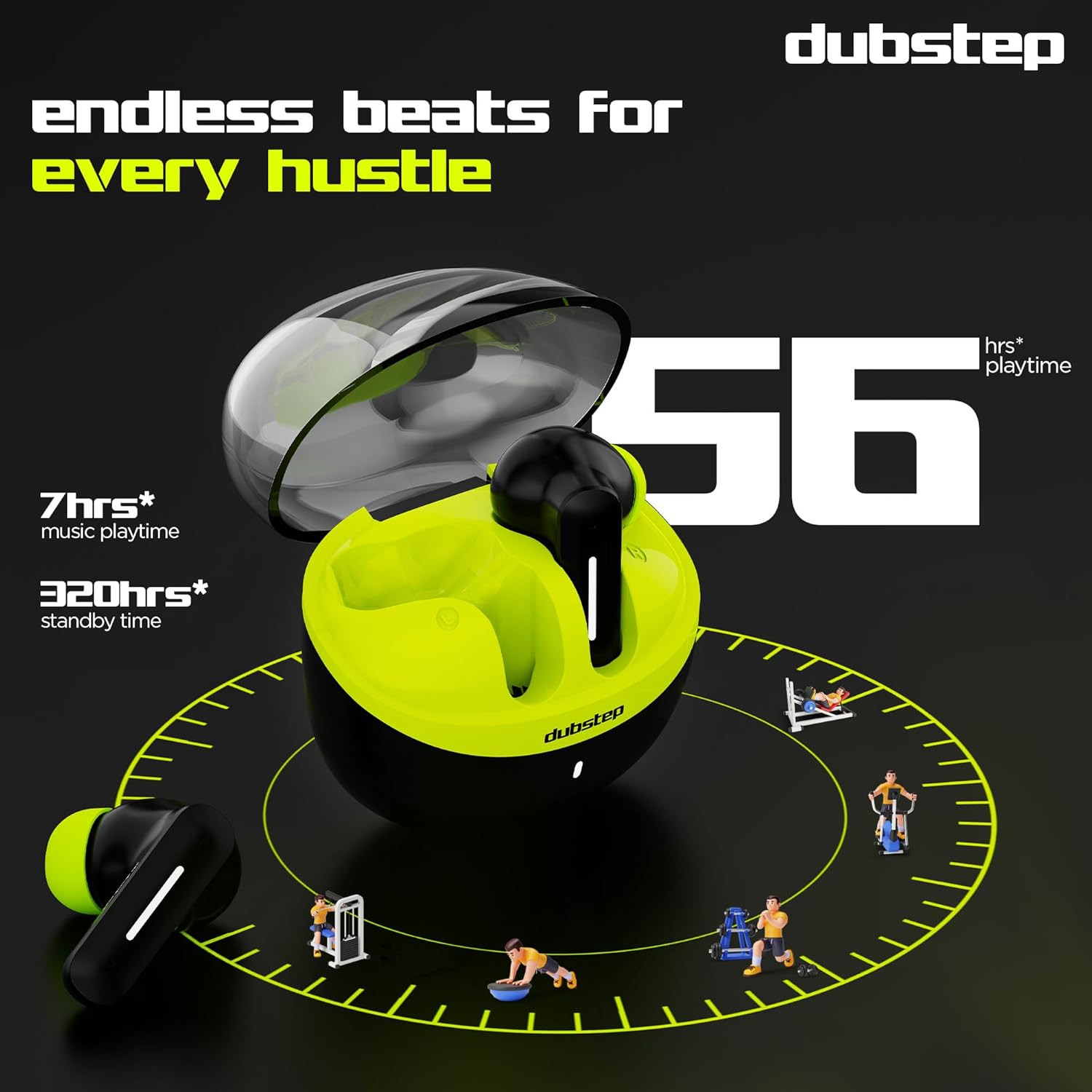
- Total playtime with the charging case is up to 56 hours.
- Earbuds provide 7 hours of continuous music playback on a single charge.

Image: The charging case of the Dubstep Buzz X8 earbuds connected to a Type-C cable for charging.
2. פּערינג מיט דיין מיטל
- עפֿנט דעם טשאַרדזשינג קעסטל. די אויערקנעפּלעך וועלן אויטאָמאַטיש אַרײַן אין פּערינג מאָדע.
- אויף אייער דעווייס (סמאַרטפאָן, טאַבלעט, לאַפּטאָפּ), אַקטיווירט בלועטוט.
- זוכן פֿאַר "Dubstep Buzz X8" in the list of available Bluetooth devices.
- Select "Dubstep Buzz X8" to connect. Once connected, you will hear an audio prompt.
- The earbuds feature Bluetooth v5.3 for stable and efficient wireless connectivity.

Image: A smartphone displaying the Bluetooth connection screen, showing the Dubstep Buzz X8 earbuds successfully paired.
אַפּערייטינג ינסטראַקשאַנז
ריר קאָנטראָלס
The Dubstep Buzz X8 earbuds feature intuitive touch controls on each earbud. Refer to the following table for common functions:
| קאַמף | פֿונקציע |
|---|---|
| איין טאַפּ | שפּיל / פּויזע מוזיק, ענטפֿערן / סוף רופן |
| טאָפּל צאַפּן | באַנד אַרויף (+) / באַנד אַראָפּ (-) |
| דרייַיק טאַפּ | פרייַערדיק שפּור / ווייַטער שפּור |
| לאנג דרוק | אַקטאַווייט / דיאַקטיווייט די קול אַססיסטאַנט |
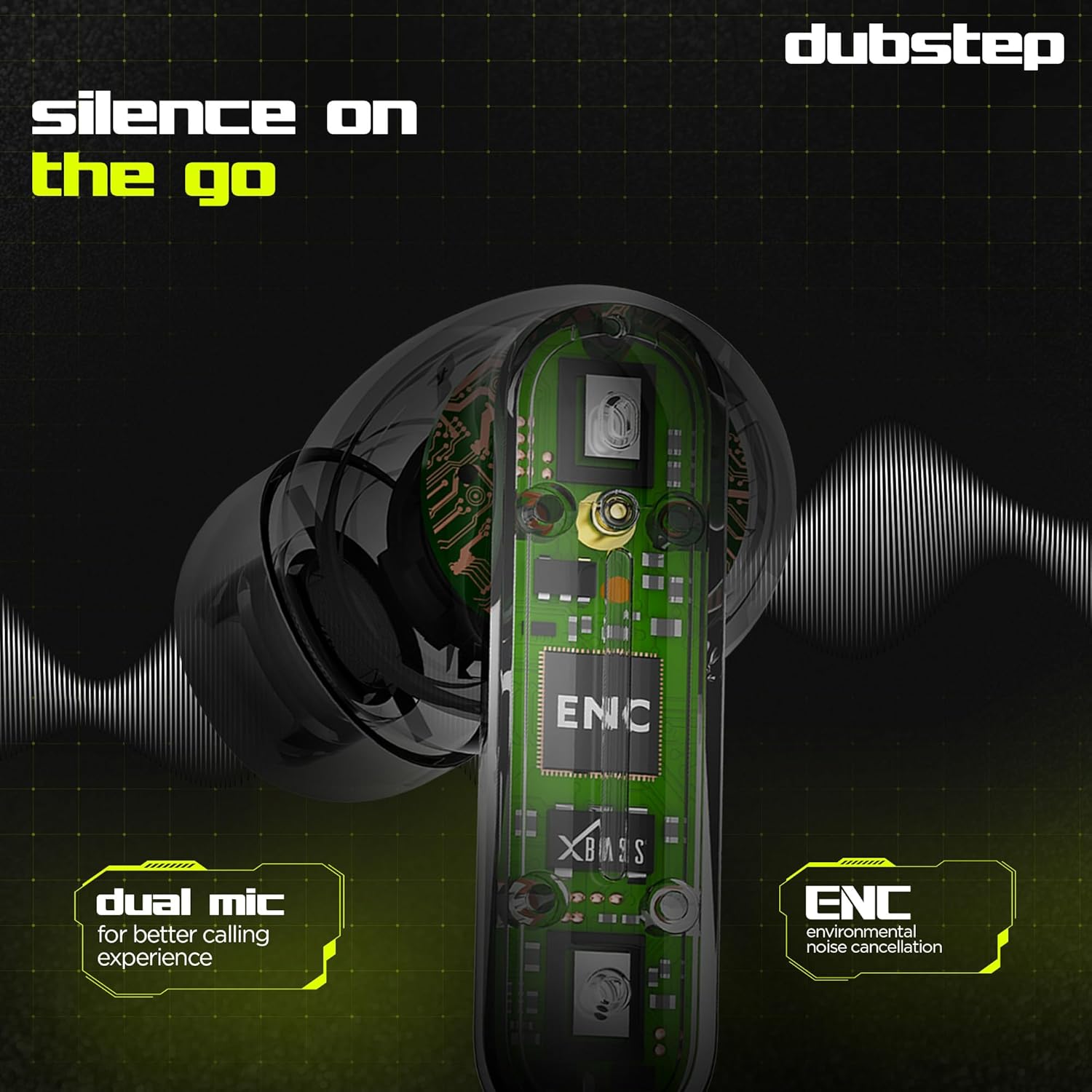
Image: Visual guide to the touch control gestures on the earbuds and their corresponding functions.
ענוויראָנמענטאַל ראַש קאַנסאַליישאַן (ENC)
The earbuds are equipped with ENC technology and dual microphones to reduce ambient noise during calls, ensuring clear communication.
בילד: אן אינערליכע view of the earbud highlighting the ENC technology and dual microphone system.
וישאַלט
To ensure the longevity and optimal performance of your Dubstep Buzz X8 Wireless Earbuds, follow these maintenance guidelines:
- רייניקונג: רייניקט רעגולער די אויערקנעפּלעך און די טשאַרדזשינג קעסטל מיט אַ ווייכן, טרוקענעם, לינט-פֿרייע שטאָף. ניצט נישט קיין שאַרפע כעמיקאַלן אדער אַברייסיוו מאַטעריאַלן.
- אויער עצות: אַראָפּנעמען און רייניגן די אויער שפּיץ פון צייט צו צייט מיט וואַסער און מילד זייף, און דערנאָך טרוקן גוט איידער איר צוריקבאַפעסטיקט.
- וואַסער קעגנשטעל: The earbuds are splash and sweat resistant, making them suitable for workouts. However, they are not waterproof. Avoid submerging them in water.
- סטאָרידזש: ווען נישט אין באַנוץ, לייגט די אויערן-קנעפּלעך אין זייער טשאַרדזשינג קעסטל צו באַשיצן זיי און האַלטן זיי טשאַרדזשד.
- טעמפּעראַטור: פֿאַרמײַדט אויסשטעלן די אויערקנעפּלעך צו עקסטרעמע טעמפּעראַטורן (הייס אָדער קאַלט) אָדער דירעקט זונשײַן פֿאַר לענגערע פּעריאָדן.
טראָובלעשאָאָטינג
If you encounter issues with your Dubstep Buzz X8 Wireless Earbuds, refer to the following common solutions:
| פּראָבלעם | לייזונג |
|---|---|
| עאַרבודס נישט פּערינג | זיכער מאַכן אַז די אויערן-קנעפּלעך זענען אויפגעלאָדן. אויסלעשן און אײַנשטעלן בלועטוט אויף אײַער מיטל. אַרײַנשטעלן די אויערן-קנעפּלעך צוריק אין זייער קעיס, פֿאַרמאַכן, און דערנאָך ווידער עפֿענען צו ווידער אַרײַנטרעטן אין פּערינג מאָדע. |
| קיין געזונט פון איין עאַרבוד | Check battery level of both earbuds. Try re-pairing the earbuds with your device. Clean earbud mesh for any blockages. |
| נידעריק באַנד | Adjust volume on both your device and the earbuds. Ensure ear tips provide a good seal. |
| טשאַרדזשינג פאַל ניט טשאַרדזשינג | Verify the Type-C cable is properly connected to both the case and the power source. Try a different cable or power adapter. |
| קול אַססיסטאַנט ריספּאַנד נישט | Ensure the earbuds are connected to your device. Check your device's settings for voice assistant activation. Perform a long press on the earbud touch area. |
ספּעסאַפאַקיישאַנז
| שטריך | דעטאַל |
|---|---|
| מאָדעל נאָמען | Buzz X8 |
| קאַנעקטיוויטי טעכנאָלאָגיע | בלועטאָאָטה 5.3 |
| אַודיאָ דרייווער גרייס | 13 מילאַמיטערז |
| גאַנץ פּלייַטימע | אַרויף צו 56 שעה (מיט טשאַרדזשינג פאַל) |
| Earbud Playtime (single charge) | 7 שעה |
| סטאַנדביי צייט | 320 שעה |
| שנעל טשאַרדזשינג | 15 mins charge = 200 mins playtime |
| טשאַרדזשינג פּאָרט | טיפּ-C |
| ראַש קאָנטראָל | ענוויראָנמענטאַל ראַש קאַנסאַליישאַן (ENC) |
| מיקראָפאָנעס | צווייענדיק מיקראָפאָן סיסטעם |
| קאָנטראָל טיפּ | Touch Control, Voice Assistant |
| וואַסער קעגנשטעל מדרגה | Splash and Sweat Resistant |
| פּונקט וואָג | 40 גראַמז |
| פּראָדוקט דימענשאַנז | 3.5 X 2.5 X 4.5 סענטימעטער |
וואָראַנטי און שטיצן
Your Dubstep Buzz X8 Wireless Earbuds come with a standard brand warranty. For detailed warranty information, troubleshooting guides, and further support, please visit the official user manuals page:


