1. פּראָדוקט איבערview
The HOMCOM Small Folding Desk is designed for versatility and space-saving convenience. This computer desk features a compact design, a monitor shelf, and a foldable frame, making it suitable for various small spaces such as home offices, studies, or dormitories. Its robust construction ensures stability for daily use.
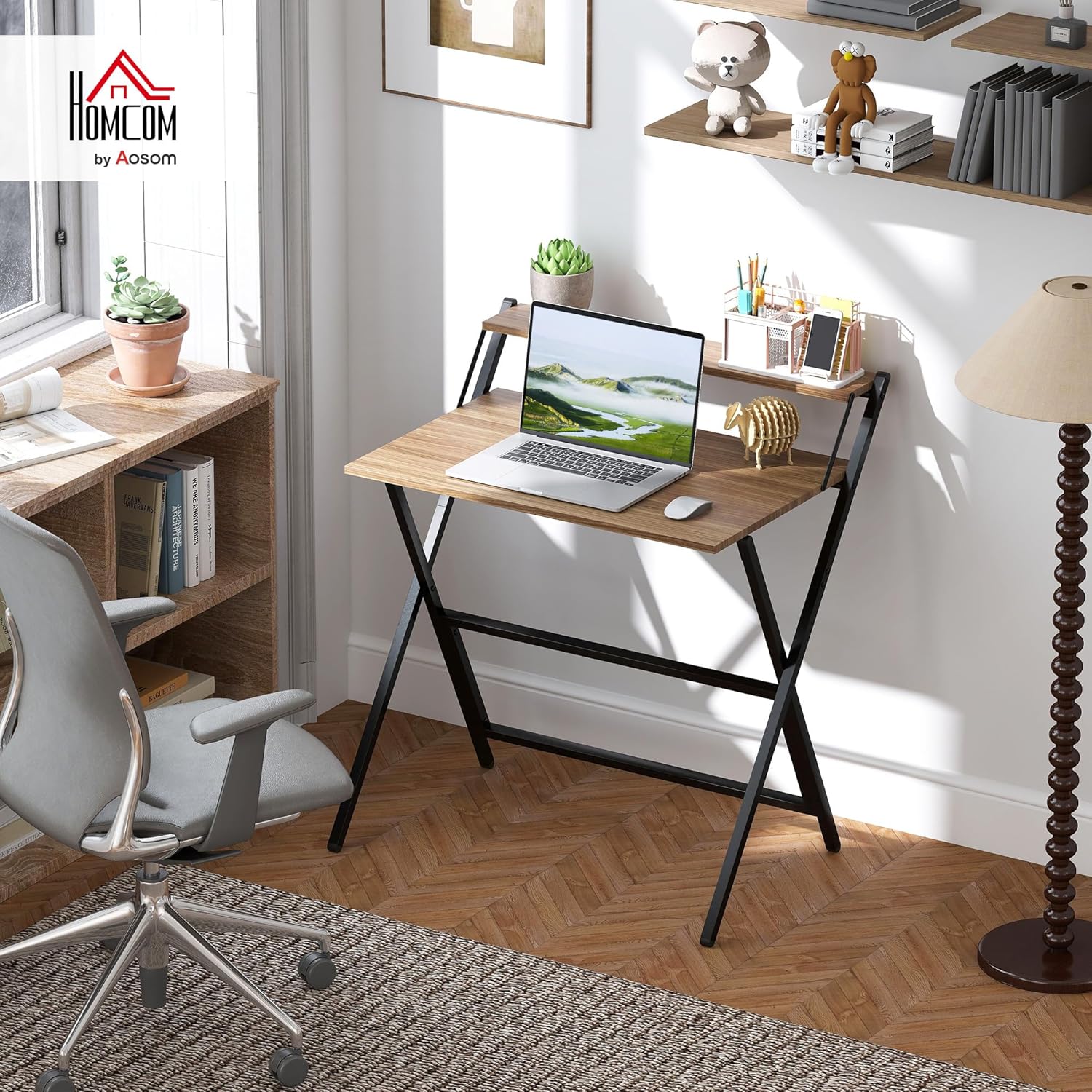
Image 1.1: The HOMCOM Small Folding Desk in an office environment, showcasing its compact design and monitor shelf.
2. זיכערקייַט אינפֿאָרמאַציע
ביטע ליינט און פארשטייט אלע זיכערהייט אינסטרוקציעס איידער איר שטעלט עס צונויף און ניצט עס. אויב איר פאלגט נישט די אינסטרוקציעס קען דאס פירן צו שאָדן אדער שאָדן צום פּראָדוקט.
- וואָג קאַפּאַציטעט: Do not exceed the maximum weight capacities: 55 lbs (total), 44 lbs (tabletop), and 11 lbs (shelf). Overloading can cause the desk to collapse or become unstable.
- סטאַביל ייבערפלאַך: Always place the desk on a flat, stable, and level surface to prevent tipping.
- פֿאַרזאַמלונג: Ensure all components are securely fastened according to the assembly instructions. Loose parts can compromise stability.
- קינדער: האַלט קינדער אַוועק פֿון דער פֿאַרזאַמלונגס־פּלאַץ. קליינע טיילן קענען זײַן אַ דערשטיקונגס־געפֿאַר.
- באַוועגונג: Do not move the desk while it is loaded with items. Remove all items before relocating the desk.
3. פּעקל אינהאַלט
Verify that all parts are present and undamaged before beginning assembly. If any parts are missing or damaged, please contact customer service.
- Desk Frame (X-shaped steel frame)
- Main Tabletop
- מאָניטאָר שעלף
- פֿאַרזאַמלונג האַרדווער (שרויף, באָלץ, אאז"ו ו)
- פֿאַרזאַמלונג מכשירים (למשל, אַלען שליסל)
- ינסטראַקשאַנז מאַנואַל

Image 3.1: The product is delivered in one package. Ensure all components listed are inside.
4. אַסעמבלי אינסטרוקציעס
This desk is designed for easy assembly. It is recommended that one person performs the assembly. All necessary hardware and tools are included.
- אָפּלייגן קאַמפּאָונאַנץ: פֿאָרזיכטיק אַרויסנעמען אַלע טיילן פֿון דער פֿאַרפּאַקונג און לייגן זיי אויס אויף אַ ריינער, ווייכער ייבערפֿלאַך כּדי צו פֿאַרמייַדן קראַצן.
- אַסעמבאַל ראַם: Connect the X-shaped steel frame components as indicated in the detailed diagram provided in the included manual. Ensure all bolts are finger-tightened initially.
- צוטשעפּען טישפּלאַט: Secure the main tabletop to the assembled frame using the provided hardware.
- אינסטאַלירן מאָניטאָר פּאָליצע: Attach the monitor shelf to the designated points on the frame above the main tabletop.
- פאַרשטייַפן אַלע פאַסאַנערז: Once all components are in place, fully tighten all screws and bolts using the provided tools. Do not overtighten.
- טשעק סטאַביליטי: Gently shake the desk to ensure it is stable and all connections are secure.
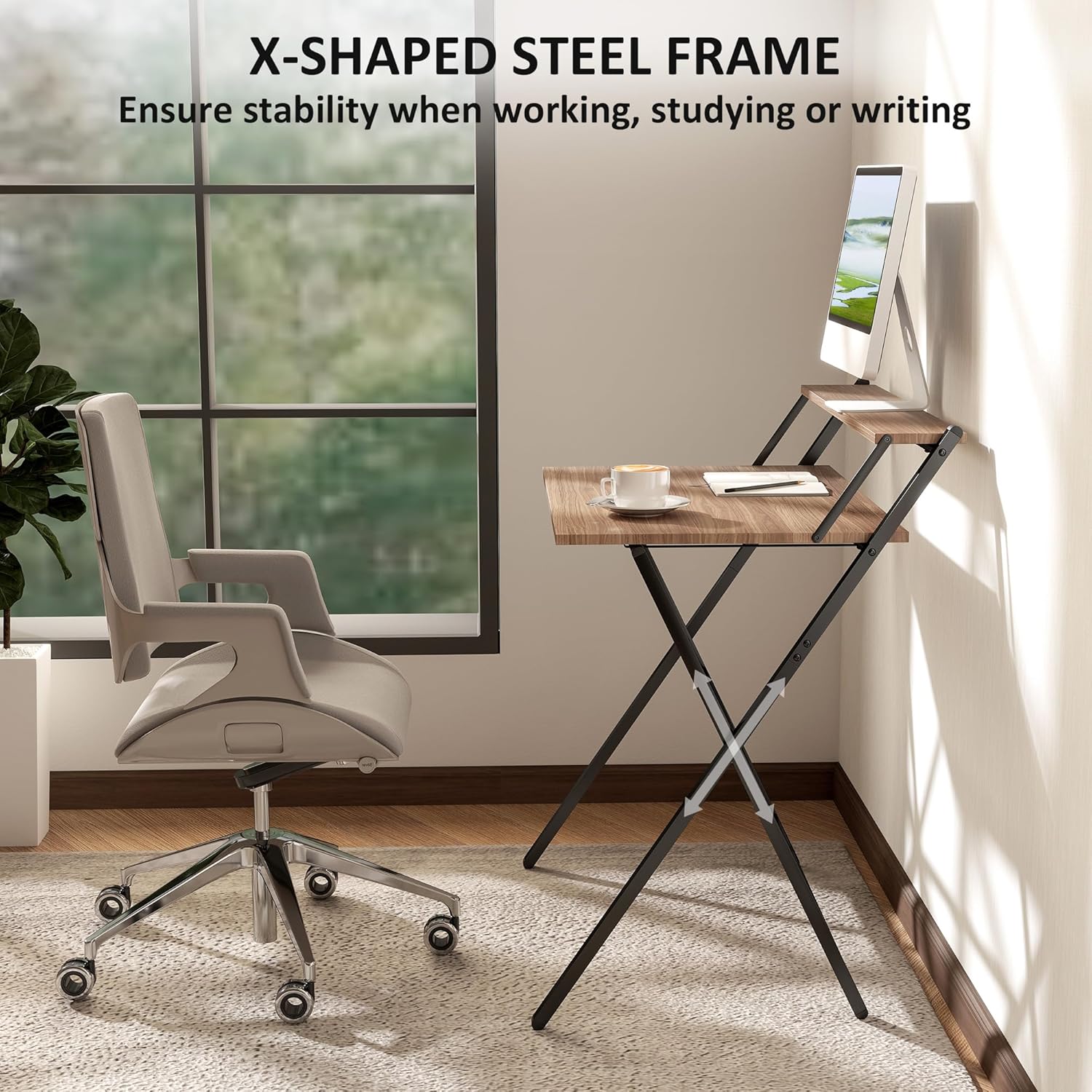
Image 4.1: The X-shaped powder-coated steel frame provides structural support and stability.
5. אַפּערייטינג ינסטרוקטיאָנס
5.1 Unfolding the Desk
- Place the folded desk on a flat surface.
- Gently pull the two main frame sections apart until the tabletop and monitor shelf unfold into their operational positions.
- Ensure all locking mechanisms (if present) are engaged to secure the desk in its open state.
5.2 Folding the Desk for Storage
- Remove all items from the tabletop and monitor shelf.
- Disengage any locking mechanisms that hold the desk in its open position.
- Carefully push the two main frame sections together, allowing the desk to fold flat.
- The desk will fold to a slim size of 32.1" W x 1.4" D x 41.7" H for easy storage.

Image 5.1: The desk folds up to a slim size for space-saving storage, fitting under beds, behind doors, or in corners.
5.3 Using the Monitor Shelf
The integrated top shelf serves as a monitor stand, raising your screen to eye level for improved ergonomic comfort. It can also be used for additional storage of books, office supplies, or decorative items, helping to keep the main desktop tidy.
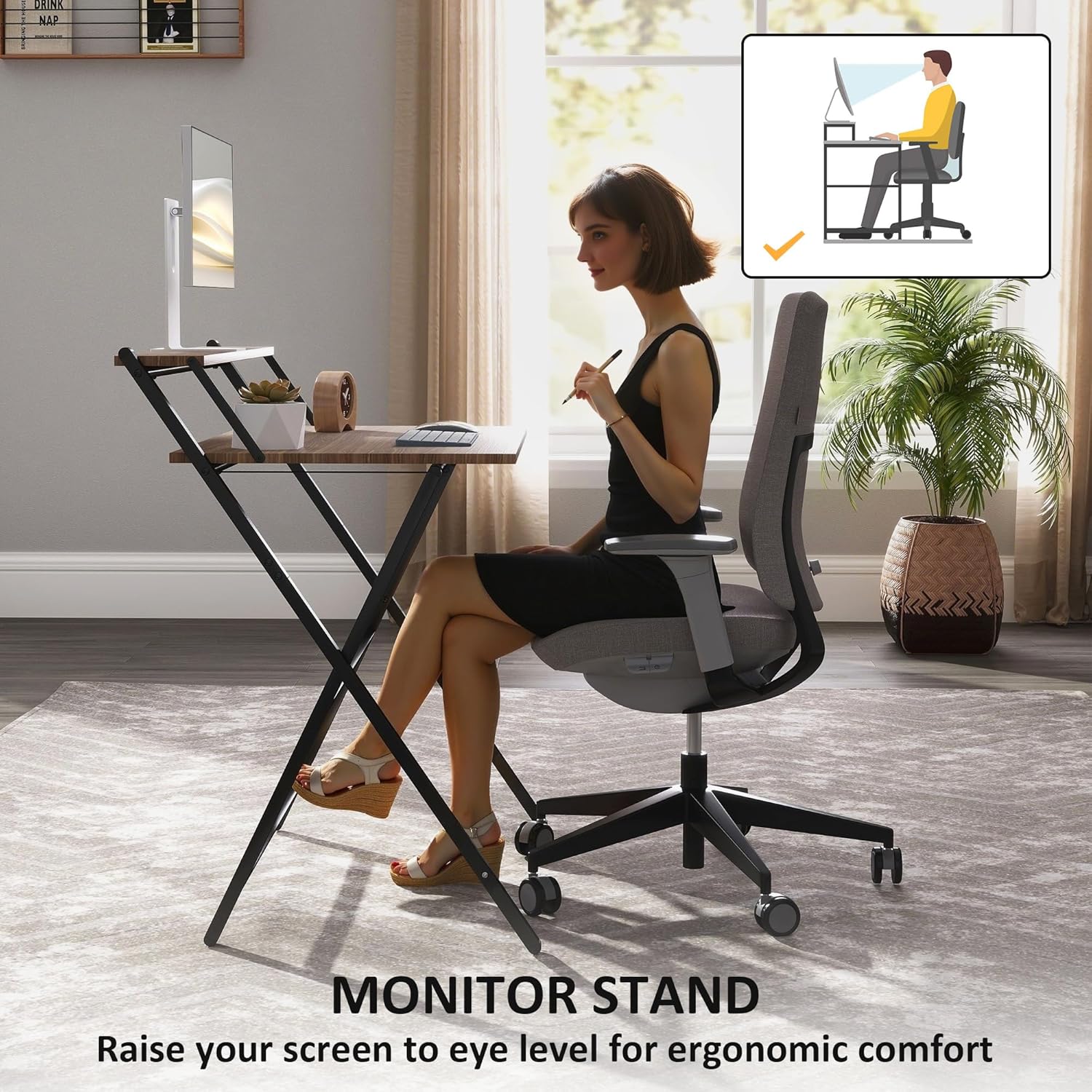
Image 5.2: The monitor stand helps raise your screen to an ergonomic height, promoting better posture.
6. וישאַלט
Proper care will extend the life and appearance of your HOMCOM Folding Desk.
- רייניקונג: Wipe the desk surfaces with a dry cloth. Avoid abrasive cleaners or harsh chemicals, which can damage the finish.
- דורכקוק: קאָנטראָלירט פּעריִאָדיש אַלע פֿאַרשטאַרקונגען צו זיכער מאַכן אַז זיי בלייבן פֿעסט. פֿעסטשטײַערט ווידער אויב נייטיק.
- שוץ: The desk is equipped with protective foot pads to safeguard floors from scratches. Ensure these pads are intact and in place.
- סטאָרידזש: When folded for storage, keep the desk in a dry environment away from extreme temperatures or humidity.
7. טראָובלעשאָאָטינג
אויב איר טרעפט פּראָבלעמען מיט אייער טיש, באַציעט זיך צו די פאלגענדע געוויינטלעכע לייזונגען:
- שרייַבטיש איז וואַבבלי:
- זיכער מאַכן אַז אַלע פֿאַרזאַמלונג שרויפן און באָלץ זענען גאָר צוגעצויגן.
- Verify the desk is placed on a level surface. Adjust foot pads if necessary (if adjustable).
- שוועריקייט צו פאָלדן/אויפפאָלדן:
- קוקט איבער פֿאַר יעדע שטערונג אין דעם פאָלדינג מעקאַניזם.
- Ensure no items are on the desk when attempting to fold.
- קראַצן אויף דער ערד:
- Inspect the protective foot pads. Replace if worn or missing.
- Avoid dragging the desk; lift it when moving.
אויב פראבלעמען בלייבן, ביטע קאנטאקטירט HOMCOM קאסטומער סופארט.
8. ספּעסאַפאַקיישאַנז
| שטריך | דעטאַל |
|---|---|
| מאָדעל נומער | 836-607V81WN |
| אַלגעמיינע דימענסיעס (אַנפאָולדעד) | 32.1" ברייט x 24.4" טיף x 34.1" הויך |
| פאָולדיד דימענשאַנז | 32.1" ברייט x 1.4" טיף x 41.7" הויך |
| גאַנץ וואָג קאַפּאַסיטי | 55 לבס |
| טיש וואָג קאַפּאַציטעט | 44 לבס |
| פּאָליצע וואָג קאַפּאַסיטי | 11 לבס |
| מאַטעריאַלס | Alloy Steel (Frame), Engineered Wood (Top) |
| קאָליר | Walnut (Top), Black (Frame) |
| אַסעמבלי פארלאנגט | Yes (1 person recommended, tools included) |
| פּראָדוקט וואָג | 19 פונט |
| ספּעציעלע פֿעיִקייטן | Compact, Foldable, Lightweight, Monitor Stand, Portable |

Image 8.1: Detailed dimensions of the desk, including unfolded and folded measurements.
9. וואָראַנטי און שטיצן
דאָס HOMCOM פּראָדוקט קומט מיט אַ לימיטעד וואָראַנטי. For specific details regarding warranty coverage, duration, and terms, please refer to the warranty information included with your purchase or visit the official HOMCOM webפּלאַץ.
For customer support, missing parts, or further assistance, please contact HOMCOM customer service through their official channels. Have your model number (836-607V81WN) and purchase information ready when contacting support.


