1. הקדמה
Thank you for choosing the Oilsky M501 Pro MP3/MP4 Player. This device is designed to provide a versatile multimedia experience, combining high-fidelity audio playback, 1080P video capabilities, and smart features powered by Android 13.0. This manual will guide you through the setup, operation, and maintenance of your new player. Please read it carefully to ensure optimal performance and longevity of your device.
2. זיכערקייַט אינפֿאָרמאַציע
- שטעלט נישט אויס דעם אפאראט צו עקסטרעמע טעמפעראטורן, דירעקטע זונשייַן, אדער הויכע הומידיטי.
- ויסמיידן דראַפּינג אָדער אונטערטעניק די מיטל צו שטאַרק ימפּאַקץ.
- ניצט נאָר דעם צוגעשטעלטן טשאַרדזשינג קאַבל און אַדאַפּטער צו פאַרמייַדן שעדיקן.
- דו זאלסט נישט פּרווון צו דיסאַסעמבאַל אָדער פאַרריכטן די מיטל זיך. קאָנטאַקט קונה שטיצן פֿאַר הילף.
- האַלטן די מיטל אַוועק פון וואַסער און אנדערע ליקווידס.
- פּראַלאָנגד צוגעהערט אין הויך באַנד לעוועלס קענען אָנמאַכן געהער שעדיקן.
3. פּעקל אינהאַלט
ביטע אָפּהאַקן דאָס קעסטל פֿאַר די פֿאָלגנדיקע זאַכן:
- 1x Oilsky M501 Pro Music Player
- 1 קס וסב טיפּ-C קאַבלע
- 1x Wired Earphones
- 1x פּראַטעקטיוו פילם
- 1x פּראַטעקטיוו קאַסע
- 1x באַניצער מאַנואַל (דאָס דאָקומענט)
- 1x 64GB TF Card (pre-installed or separate)

פיגורע 3.1: Contents of the Oilsky M501 Pro retail package. This image displays the music player, USB-C cable, wired earphones, a screen protector, a protective case, the user manual, and a 64GB TF card.
4. דיווייס איבערview
The Oilsky M501 Pro features a sleek design with a 4.7-inch touchscreen display. Familiarize yourself with the device's physical components.

פיגורע 4.1: פראָנט און דערציען view of the Oilsky M501 Pro player. The front shows the 4.7-inch touchscreen with various app icons, while the rear displays a minimalist black finish.
4.1. פיזישע קנעפּלעך און פּאָרטן
- מאַכט קנעפּל: געפינען זיך אויף דער זייט, גענוצט צו אנצינדן/אויסלעשן דעם אפאראט אדער אויפוועקן/שלאפן מאכן דעם עקראן.
- באַנד קנעפּלעך: אַדזשאַסטירן אַודיאָ אַוטפּוט לעוועל.
- וסב טיפּ-C פּאָרט: פֿאַר טשאַרדזשינג און דאַטן אַריבערפירן.
- 3.5 מם כעדפאָון דזשאַק: For connecting wired earphones or headphones.
- מיקראָסד קאָרט שפּעלטל: פֿאַר יקספּאַנדינג סטאָרידזש קאַפּאַציטעט.
- געבויט-אין רעדנער: פֿאַר אַודיאָ ווידערשפּיל אָן כעדפאָונז.
5. סעטאַפּ
5.1. טשאַרדזשינג די מיטל
פארן ערשטן באַנוץ, זאָל מען גאָר אויפלאָדן דאָס אַפּאַראַט.
- Connect the USB Type-C cable to the device's charging port.
- פֿאַרבינדט דעם אַנדערן עק פֿונעם קאַבל צו אַ USB מאַכט אַדאַפּטער (נישט אַרייַנגערעכנט) אָדער אַ קאָמפּיוטער'ס USB פּאָרט.
- דער טשאַרדזשינג אינדיקאַטאָר אויפן עקראַן וועט ווײַזן דעם טשאַרדזשינג סטאַטוס.
5.2. מאַכט אויף / אויסגעלאשן
- צו מאַכט אויף: דריקן און האַלטן די מאַכט קנעפּל ביז די פאַרשטעלן לייץ.
- צו מאַכט אַוועק: דריק און האלט דעם פּאַוער קנעפּל, און דערנאָך סעלעקטיר "פּאַוער אויס" פֿון די אָפּציעס אויף דעם עקראַן.
- צו שלאפן/אויפוואכן: דריקן בעקיצער די מאַכט קנעפּל.
5.3. אריינשטעלן א מיקראָסד קאַרטל
The device supports external storage expansion up to 1TB via a MicroSD card. A 64GB TF card is included.
- געפינט די MicroSD קאַרטל שפּעלטל אויף דער זייט פון דעם מיטל.
- שטעקט אײַן די MicroSD קאַרטל פֿאָרזיכטיק אין דעם שפּאַלט מיט די גאָלדענע קאָנטאַקטן אַראָפּ ביז עס קליקט אַרײַן אין פּלאַץ.
- צו אַרויסנעמען, שטופּ די קאַרטל לײַכט אַרײַן ביז זי שפּרינגט אַרויס.

פיגורע 5.1: Illustration of the Oilsky M501 Pro's storage capabilities, showing 32GB ROM, an included 64GB SD card, and support for up to 1TB external expansion.
5.4. קאַנעקטינג צו ווי-פי
The M501 Pro supports 2.4GHz and 5GHz Wi-Fi for internet access and app downloads.
- גיין צו סעטטינגס > נעץ און אינטערנעט > ווי-פי.
- טוישן Wi-Fi On.
- אויסקלייבן אייער געוואונטשענע Wi-Fi נעץ פון דער ליסטע.
- אַרייַן די פּאַראָל אויב געבעטן, און דאַן צאַפּן פאַרבינדן.
5.5. בלועטאָאָטה פּערינג
Connect to Bluetooth headphones, speakers, or other compatible devices.
- גיין צו סעטטינגס > קאָננעקטעד דעוויסעס > בלועטאָאָטה.
- באַשטימען בלועטאָאָטה On.
- זיכער מאַכן אַז אייער בלועטוט אַקסעסאָרי איז אין פּערינג מאָדע.
- Select the accessory from the list of available devices to pair.
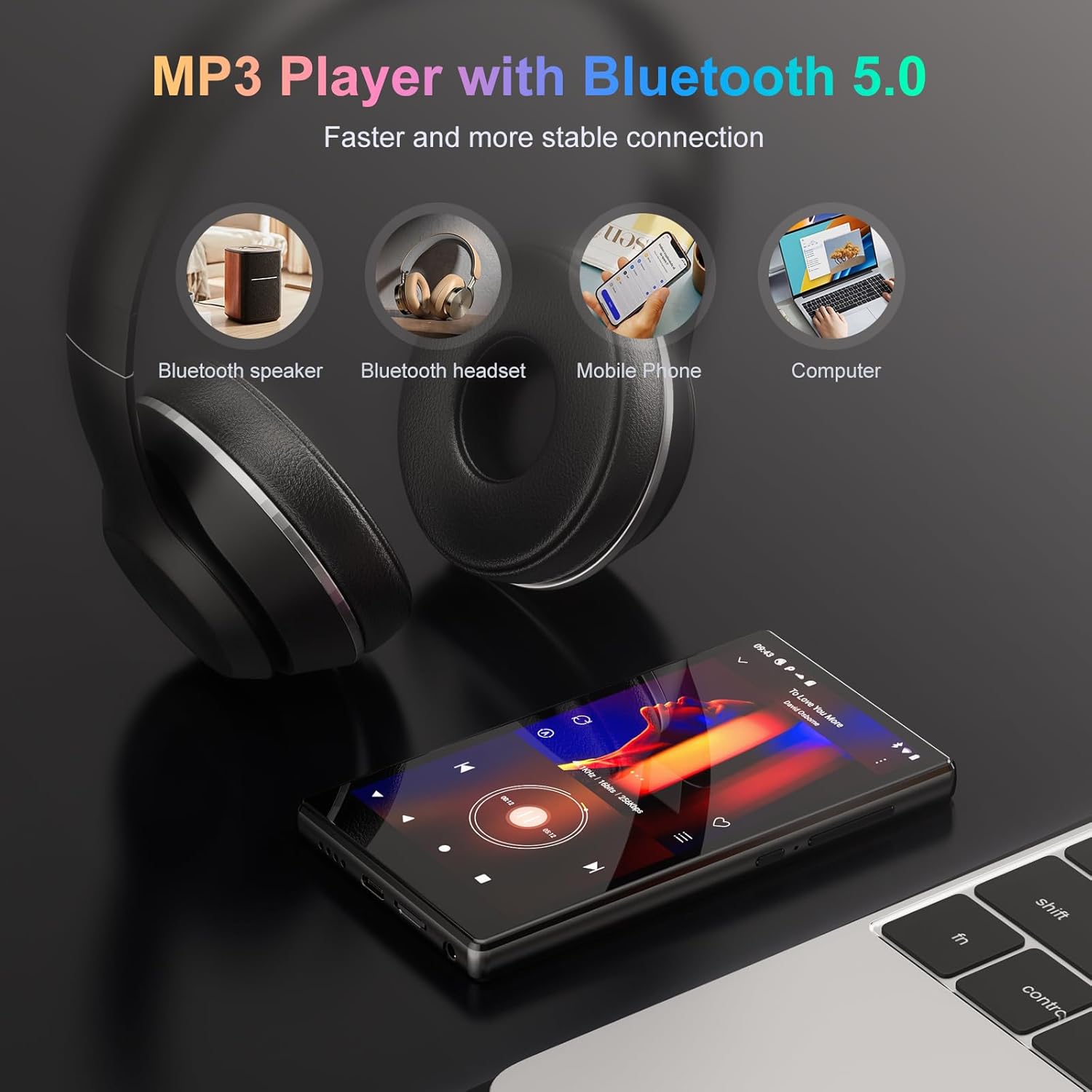
פיגורע 5.2: The Oilsky M501 Pro demonstrating its Bluetooth 5.0 connectivity, showing connections to a Bluetooth speaker, headphones, mobile phone, and computer.
6. אַפּערייטינג ינסטרוקטיאָנס
6.1. יקערדיק נאַוויגאַציע
The M501 Pro features a 4.7-inch multi-touch screen.
- צאַפּן: אויסקלייבן אַן אייטעם אָדער עפֿענען אַן אַפּ.
- לאַקכענען: נאַוויגירן דורך סקרינז אָדער רשימות.
- קניפּ-צו-זומען: Zoom in or out on images or web בלעטער.
6.2. מוזיק פּלייבאַק
The device supports various audio formats including MP3, WAV, APE, FLAC, and AAC.
- Open the pre-installed music player app or a streaming app like Spotify.
- Browse your music library or search for tracks.
- Tap on a song to begin playback.
- Use the on-screen controls for play/pause, skip, and volume adjustment.

פיגורע 6.1: The music playback interface of the Oilsky M501 Pro, displaying song information, playback controls, and supported audio formats (MP3, WAV, APE, AAC, FLAC).
6.3. ווידעא פּלייַבאַקק
Enjoy 1080P HD videos with support for AVI, MKV, RMVB, MP4, MPG, and MOV formats.
- Open the video player app.
- אויסקלייַבן אַ ווידעא file from your storage.
- The video will begin playing. Use the touchscreen for playback controls.

פיגורע 6.2: The Oilsky M501 Pro displaying 1080P video content on its 4.7-inch screen, highlighting its full format video compatibility and wide viewינג ווינקל.
6.4. App Installation (Android 13.0)
The device runs on Android 13.0, allowing access to the Google Play Store and APK installations.
- Google פּלייַ סטאָר: Connect to Wi-Fi, open the Play Store app, sign in with your Google account, and download apps.
- APK Installation: For apps not available on the Play Store, you can download APK files from trusted sources and install them after enabling "Install unknown apps" in security settings.
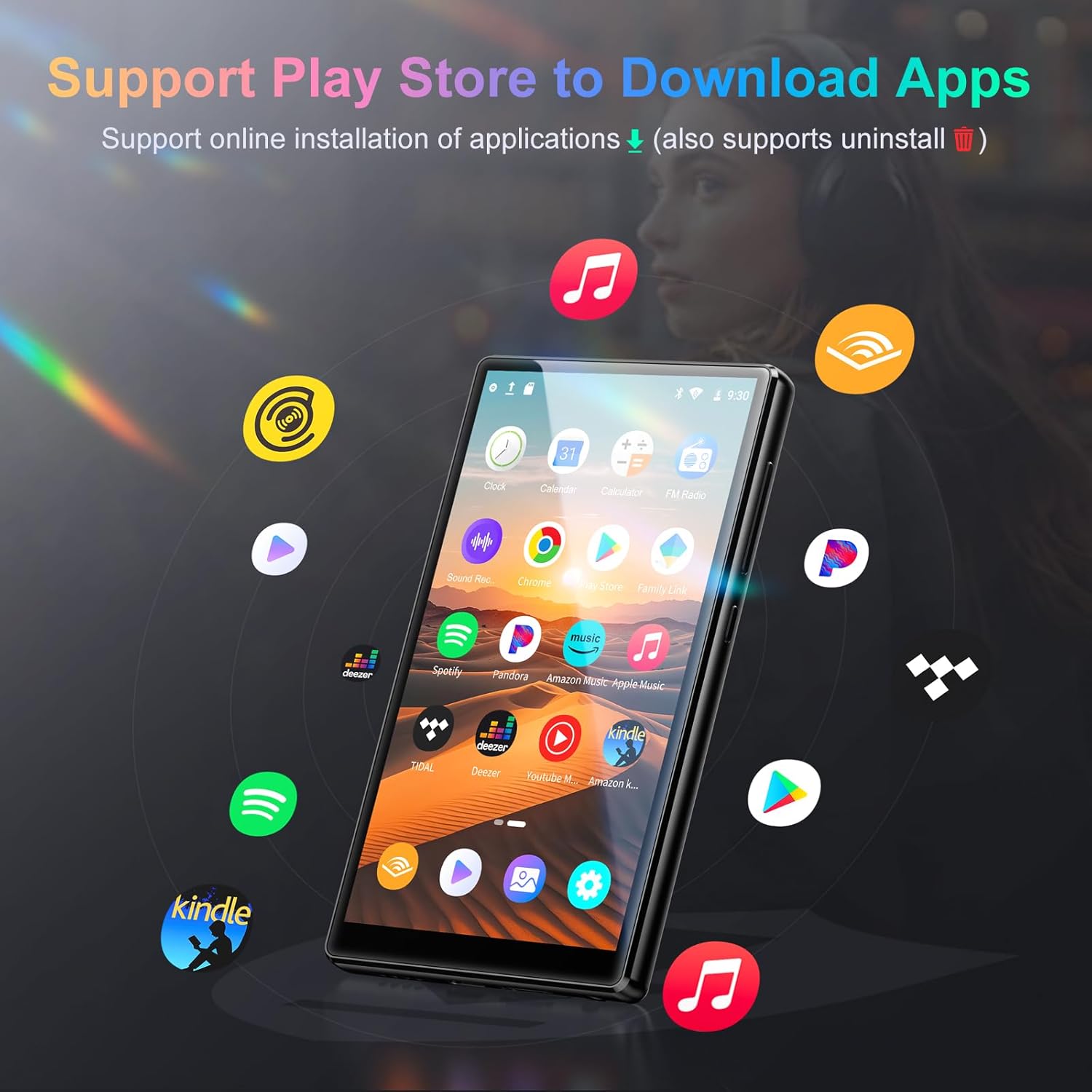
פיגורע 6.3: The Oilsky M501 Pro showcasing its support for various applications, including Spotify, Pandora, Amazon Music, and YouTube Music, downloadable via the Play Store.
6.5. עלטערן קאָנטראָל
Utilize parental control features to manage usage for children.
- Set daily time limits for device usage.
- Schedule downtime periods.
- Manage and restrict access to specific applications.
- Access these settings through the device's סעטטינגס menu, typically under "Digital Wellbeing & parental controls" or a similar section.
7. וישאַלט
7.1. רייניקונג
- ווישט דעם עקראַן און קערפּער מיט אַ ווייכן, טרוקענעם, לינט-פֿרייע שטאָף.
- ניצט נישט קיין שרײַבנדיקע רייניגער, אַלקאָהאָל, אדער כעמישע סאָלווענטן.
7.2. באַטערי קער
- פֿאַרמײַדט אָפֿט פֿולשטענדיק אויסצולאָדן די באַטעריע.
- לאָדט דאָס אַפּאַראַט רעגולער אויף, אפילו אויב עס איז נישט אין באַנוץ, כּדי צו האַלטן די באַטאַריע געזונט.
- האַלט דעם אַפּאַראַט אין אַ קיל, טרוקן אָרט אויב עס ווערט נישט גענוצט פֿאַר לענגערע צייטן.
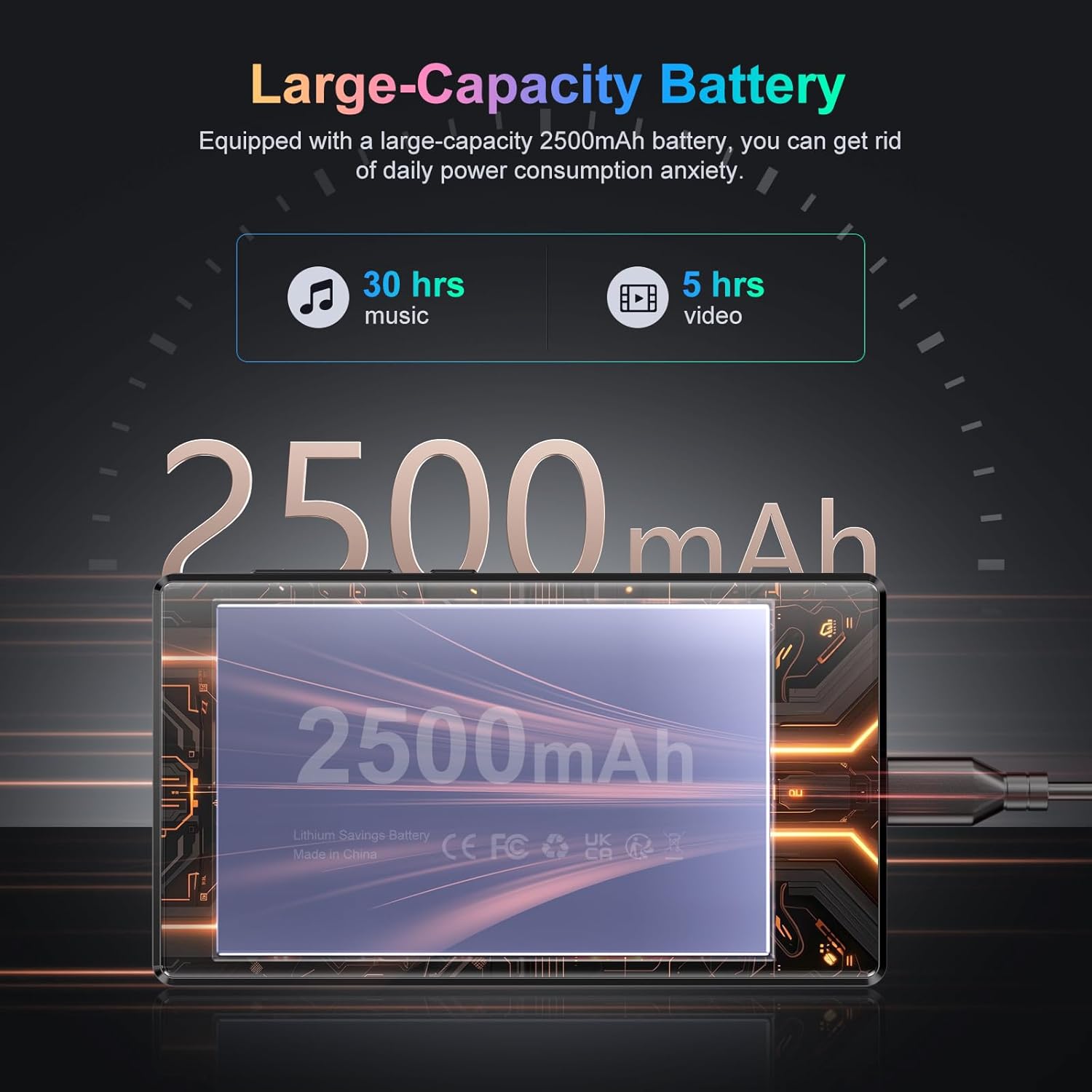
פיגורע 7.1: An illustration highlighting the Oilsky M501 Pro's 2500mAh battery, indicating approximately 30 hours of music playback or 5 hours of video playback on a full charge.
7.3. ווייכווארג דערהייַנטיקונגען
Periodically check for software updates in סעטטינגס > סיסטעם > סיסטעם דערהייַנטיקן צו זיכער מאַכן אַז אייער מיטל האט די לעצטע פֿעיִקייטן און זיכערהייט פּאַטשאַז.
8. טראָובלעשאָאָטינג
| פּראָבלעם | מעגלעך לייזונג |
|---|---|
| די מיטל טוט נישט מאַכט אויף. | Ensure the battery is charged. Connect to a charger for at least 30 minutes. If unresponsive, perform a forced restart by holding the Power button for 10-15 seconds. |
| קענען ניט פאַרבינדן צו ווי-פי. | Check if Wi-Fi is enabled in settings. Verify the Wi-Fi password. Restart your router and the device. Try connecting to a different network. |
| בלוטוט דעווייס נישט פארבינדן. | Ensure Bluetooth is enabled on both devices. Put the accessory in pairing mode. Move devices closer. Restart both devices. |
| אַפּפּס זענען פּאַמעלעך אָדער קראַכן. | Close background apps. Clear app cache (Settings > Apps > [App Name] > Storage & cache > Clear cache). Restart the device. Ensure sufficient storage space. |
| קיין קלאַנג פֿון רעדנער/כעדפאָונז. | Check volume levels. Ensure headphones are properly connected. Test with different headphones. If using Bluetooth, ensure it's connected and volume is up. |
9. ספּעסאַפאַקיישאַנז
Detailed technical specifications for the Oilsky M501 Pro.
| שטריך | דעטאַל |
|---|---|
| סאָרט | אָילסקי |
| מאָדעל נומער | M501 Pro |
| אָפּערייטינג סיסטעם | אַנדרויד 13.0 |
| פּראַסעסער | MTK 8-קאָר |
| באַראַן | 4 גיגאבייט |
| אינערלעכער סטאָרידזש (ראַם) | 32 גיגאבייט |
| יקספּאַנדאַבאַל סטאָרידזש | Up to 1TB via MicroSD card (64GB TF card included) |
| פאַרשטעלן גרייס | 4.7 אינטשעס |
| פאַרשטעלן האַכלאָטע | 1280x720 (HD) |
| ווייַז טעכנאָלאָגיע | LCD (G+F+F multi-touch) |
| בלועטאָאָטה | בלועטאָאָטה 5.0 |
| ווי-פי | 2.4 גהז און 5 גהז צווייענדיק-באַנד |
| אַודיאָ פֿאָרמאַטירונגען | MP3, WAV, APE, FLAC, AAC, etc. |
| ווידעא פֿאָרמאַטירונגען | AVI, MKV, RMVB, MP4, MPG, MOV, etc. (1080P Full Format) |
| באַטאַרייע קאַפּאַציטעט | 2500mAh ליטהיום-פּאָלימער |
| ספּעציעלע פֿעיִקייטן | High-resolution audio, Built-in speaker, Parental controls |
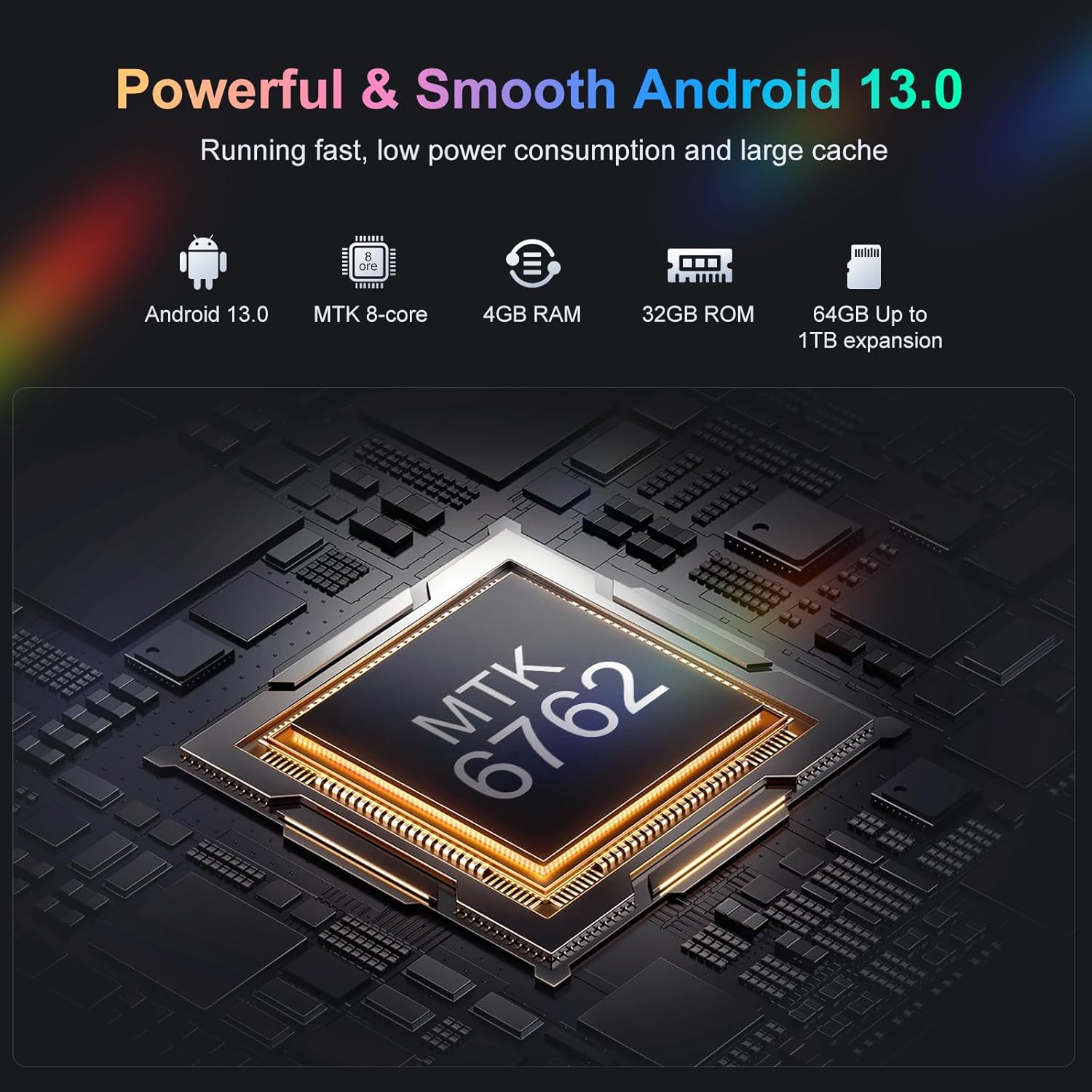
פיגורע 9.1: אַן אינערלעכער view highlighting the MTK 8-core processor, 4GB RAM, 32GB ROM, and 64GB included storage with up to 1TB expansion for the Oilsky M501 Pro.
10. וואָראַנטי און שטיצן
Oilsky products are designed for reliability and performance. For warranty information, please refer to the warranty card included in your package or visit the official Oilsky webפּלאַץ.
If you encounter any issues or have questions not covered in this manual, please contact Oilsky customer support through the contact information provided on the official webוועבזייטל אדער אייער קויפן פּלאַטפאָרמע.
- אָנליין שטיצן: באַזוכן די Oilsky Brand Store on Amazon פֿאַר מער אינפֿאָרמאַציע און שטיצן רעסורסן.


