הקדמה
Thank you for choosing the Urbanista Valencia Wireless Headphones. This manual provides comprehensive instructions to help you set up, operate, and maintain your headphones, ensuring optimal performance and longevity. Please read this manual carefully before using your device.
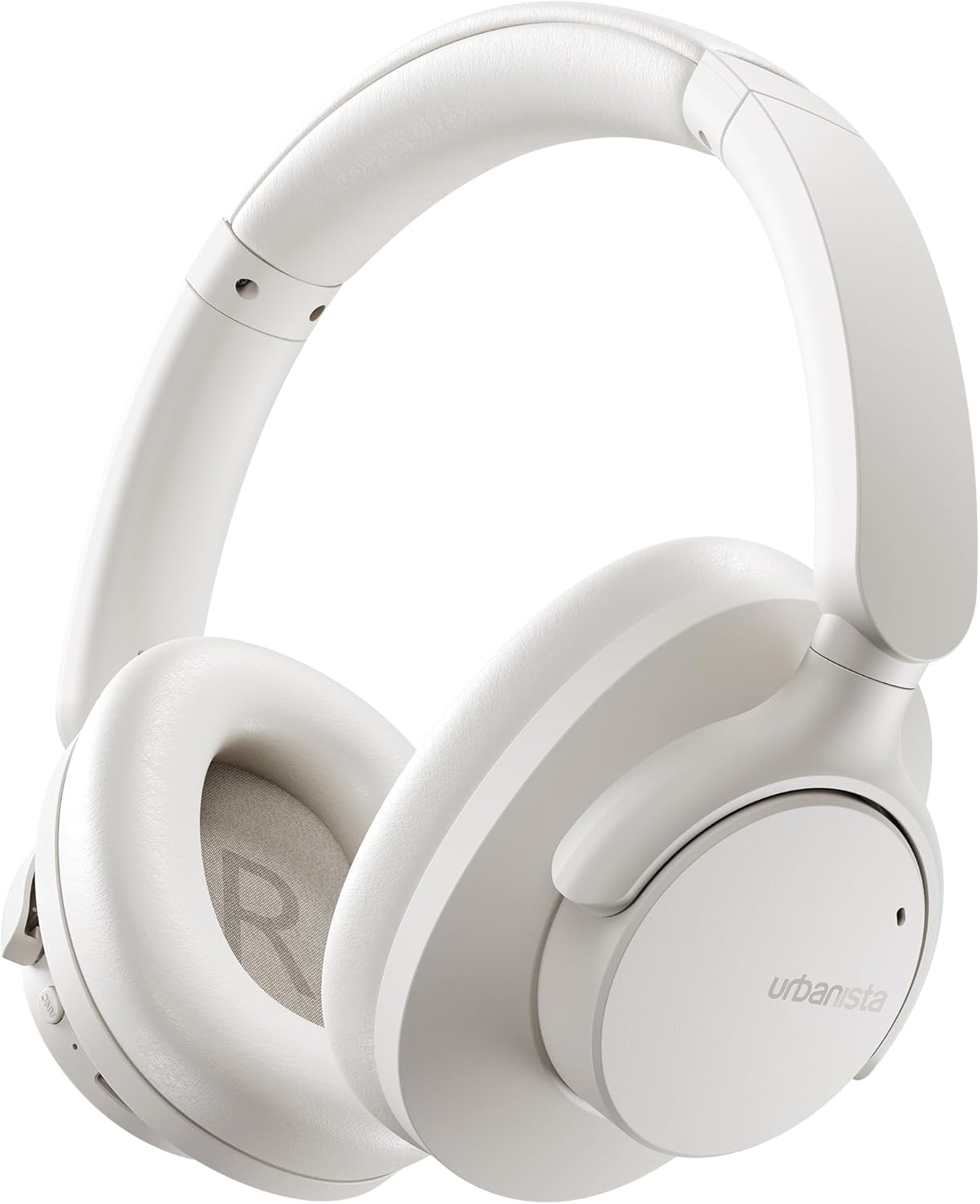
Image: The Urbanista Valencia Wireless Headphones in white, showcasing their sleek over-ear design.
וואָס איז אין די קעסטל
זיכער מאַכן אַז אַלע זאכן זענען פאַראַן ביים אויספּאַקן:
- Urbanista Valencia Wireless Headphones
- טשאַרדזשינג קאַסע
- USB-C Charging Cable (not explicitly listed but implied for USB-C charging)
- באַניצער מאַנואַל (דעם דאָקומענט)
פּראָדוקט איבערview
Familiarize yourself with the key features and components of your Urbanista Valencia headphones.

Image: A person wearing the Urbanista Valencia headphones, highlighting the Active Noise Cancellation feature. This feature is designed to reduce up to 95% of low-frequency urban noise, such as traffic, engines, and crowds.
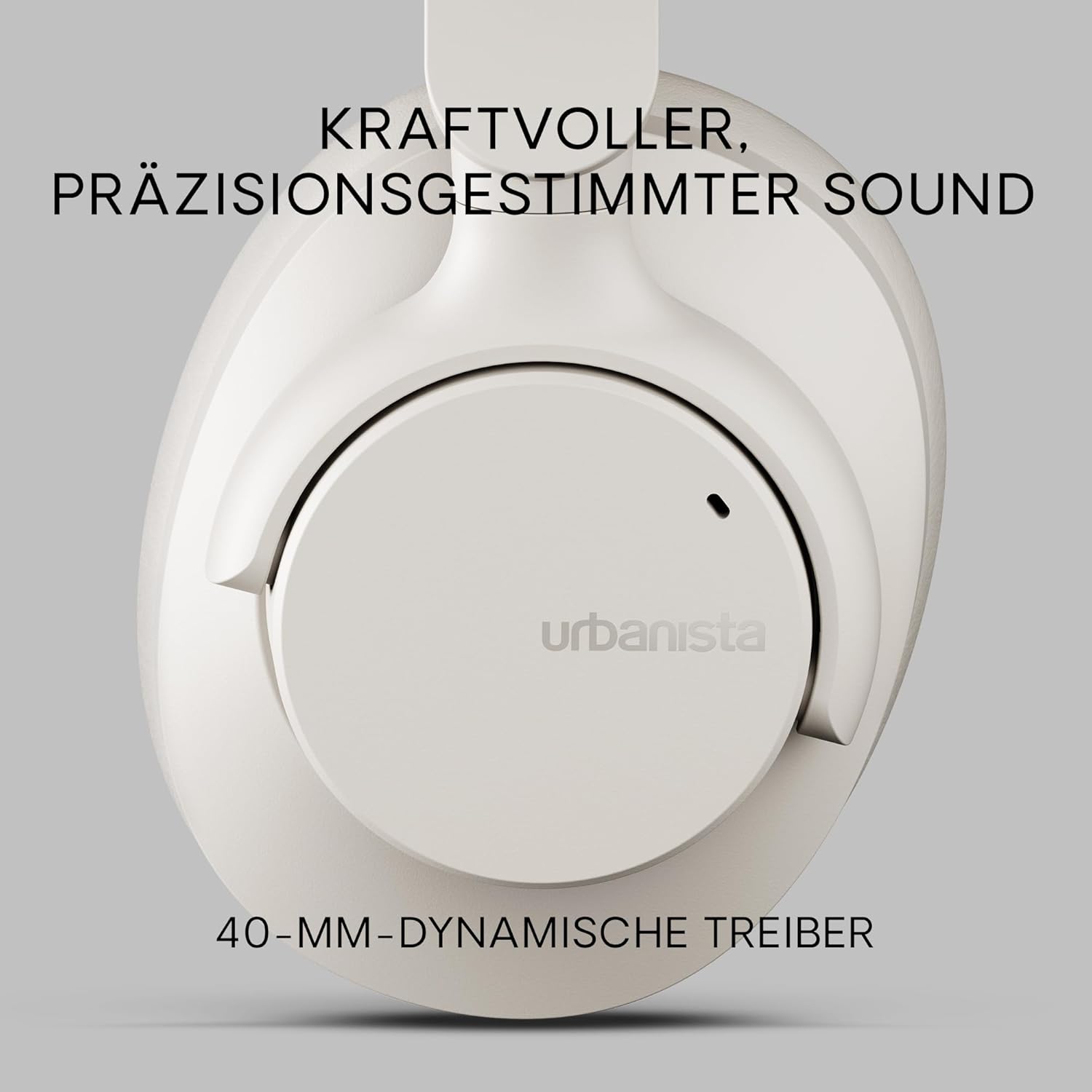
בילד: א נאָענטע בילד view of an Urbanista Valencia earcup, emphasizing the powerful, precision-tuned sound delivered by its 40mm dynamic drivers.

Image: A user wearing the headphones, with icons illustrating key features: noise-cancelling microphones, Bluetooth multipoint connectivity, and crystal-clear call quality.
סעטאַפּ
1. טשאַרדזשינג די כעדפאָונז
Before first use, fully charge your Urbanista Valencia headphones.
- פֿאַרבינדט דעם USB-C טשאַרדזשינג קאַבל צום טשאַרדזשינג פּאָרט אויף די כעדפאָונז.
- פֿאַרבינדט דעם אַנדערן עק פֿונעם קאַבל צו אַ USB מאַכט מקור (למשל, וואַנט אַדאַפּטער, קאָמפּיוטער USB פּאָרט).
- The LED indicator on the headphones will show charging status. It will typically turn off or change color when fully charged.
- א פולע אָפּצאָל גיט בערך 50 שעה שפּיל צייט.

Image: The Urbanista Valencia headphones, illustrating their impressive 50 hours of playtime and convenient USB-Type-C charging capability.
2. בלועטאָאָטה פּערינג
Pair your headphones with your Bluetooth-enabled device.
- זיכער מאַכן אַז די כעדפאָונז זענען אויפגעלאָדן און אויסגעלאָשן.
- דריק און האלט דעם מאַכט קנעפּל אויף די כעדפאָונז ביז די LED אינדיקאַטאָר בלינקט, וואָס ווײַזט אויף פּערינג מאָדע.
- אויף אייער דעווייס (סמאַרטפאָן, טאַבלעט, קאָמפּיוטער), גייט צו בלועטוט סעטטינגס און אַקטיווירט בלועטוט.
- Select "Urbanista Valencia" from the list of available devices.
- Once connected, the LED indicator will stop flashing or show a solid light.
- The headphones support Bluetooth Multipoint, allowing connection to two devices simultaneously.
אַפּערייטינג
קאָנטראָלס
The Urbanista Valencia headphones feature intuitive controls for managing audio and calls.
- מאַכט קנעפּל: דריקן און האַלטן צו אנצינדן/אויסלעשן. קורץ דריקן צו שפּילן/פּויזירן.
- באנד אַרויף/ווייַטער טראַק: קורץ דריקן צו פארגרעסערן די קול. לאנג דריקן פארן נעקסטן ליד.
- באנד אַראָפּ/פרייַערדיק שפּור: קורץ דריקן צו פארמינערן די קול. לאנג דריקן צו פארן פריערדיגן ליד.
- ANC קנעפּל: אַקטיווע ראַש קאַנסאַליישאַן אויף/אויס.
- שטימע אַסיסטאַנט קנעפּל: Activate your device's voice assistant (e.g., Google Assistant).
אַקטיוו ראַש קאַנסאַליישאַן (ANC)
The ANC feature reduces ambient noise, providing a more immersive listening experience. Press the dedicated ANC button to activate or deactivate this function.
קול אַססיסטאַנט
Your Urbanista Valencia headphones are compatible with voice assistants like Google Assistant. Press the Voice Assistant button to activate and issue commands to your connected device.
וישאַלט
געהעריקע זאָרג גאַראַנטירט די לאַנגלעבעדיקייט און פאָרשטעלונג פון דיין כעדפאָונז.
- רייניקונג: ניצט אַ ווייכע, טרוקענע שטאָף צו רייניקן די כעדפאָונז. ניצט נישט קיין שאַרפע כעמיקאַלן אָדער שאַרפע מאַטעריאַלן.
- סטאָרידזש: When not in use, store the headphones in their charging case or a protective pouch to prevent damage. The foldable design allows for compact storage.
- וואַסער קעגנשטעל: The headphones are water resistant. Avoid submerging them in water or exposing them to heavy rain. Dry thoroughly if they get wet.
- באַטערי זאָרגן: For optimal battery life, avoid fully discharging the headphones frequently. Charge them regularly.

Image: The Urbanista Valencia headphones folded, emphasizing their 240-gram lightweight construction and foldable design, which contribute to all-day comfort and portability.
טראָובלעשאָאָטינג
אויב איר טרעפט פּראָבלעמען, באַציעט זיך צו די פאלגענדע געוויינטלעכע לייזונגען:
| פּראָבלעם | לייזונג |
|---|---|
| קאָפּהערער ווערן נישט אָנגעצינדן | זיכער מאַכן אַז די כעדפאָונז זענען גאָר אָנגעלאָדן. דריק און האַלט די מאַכט קנעפּל פֿאַר אַ פּאָר סעקונדעס. |
| קען נישט צוזאמענשטעלן מיטן אפאראט | Ensure headphones are in pairing mode (flashing LED). Turn off and on Bluetooth on your device. Move closer to the device. |
| קיין געזונט | Check volume levels on both headphones and connected device. Ensure headphones are correctly paired. Try re-pairing. |
| ANC אַרבעט נישט עפֿעקטיוו | Ensure ANC is activated. Check that the earcups form a good seal around your ears. |
ספּעסאַפאַקיישאַנז
Detailed technical specifications for the Urbanista Valencia Wireless Headphones:
- מאָדעל נאָמען: וואַלענסיאַ
- נומער מאָדעל נומער: 1040242
- סאָרט: Urbanista
- קאָליר: ווייַס
- פאָרם פאַקטאָר: איבער אויער
- קאַנעקטיוויטי טעכנאָלאָגיע: ווירעלעסס (בלועטאָאָטה)
- ווירעלעסס קאָמוניקאַציע טעכנאָלאָגיע: בלועטאָאָטה
- אַרייַנגערעכנט קאַמפּאָונאַנץ: טשאַרדזשינג קאַסע
- מאַטעריאַל: פּלאַסטיק
- ספּעציפיש ניצט פֿאַר פּראָדוקט: פֿאַרווייַלונג, פֿיטנעס, רייזע
- קאַמפּאַטאַבאַל דעוויסעס: בלועטאָאָטה דעוויסעס
- קאַבלע שטריך: אָן קאַבלע
- נומער וואָג: 246 גראַמז (8.7 אונסעס)
- וואַסער קעגנשטעל מדרגה: וואַסער קעגנשטעליק
- נומער פון זאכן: 1
- קאָנטראָללער טיפּ: Google אַססיסטאַנט
- ספּעציעלע פֿעיִקייטן: Lightweight, Microphone Included, Voice Assistant Compatible, Water Resistant, Wireless
- פּראָדוקט דימענשאַנז: 7.28 X 7.28 X 3.15 אינטשעס
- באַטעריז: 3 ליטהיום יאָן באַטעריז פארלאנגט (אַרייַנגערעכנט)
זיכערקייַט אינפֿאָרמאַציע
ביטע אָבסערווירן די פאלגענדע זיכערקייַט גיידליינז:
- Do not expose the headphones to extreme temperatures or direct sunlight for extended periods.
- Avoid listening at high volume levels for prolonged durations to prevent hearing damage.
- פרובירט נישט צו צענעמען אדער מאדיפיצירן די כעדפאָונז. דאס וועט בטל מאכן די גאראנטיע און קען שאפן שאדן.
- האַלטן אויס פון דערגרייכן פון קינדער און פּעץ.
וואָראַנטי און שטיצן
For warranty information or technical support, please visit the official Urbanista webזייטל אדער קאנטאקט זייער קאסטומער סערוויס. האלט אייער באווייז פון קויפן פאר יעדע גאראנטיע טענות.

Image: Two individuals wearing Urbanista headphones (black and white models), with a 'Certified Plastic Neutral Product' badge visible, highlighting the brand's commitment to sustainability.


