1. הקדמה
This instruction manual provides comprehensive guidance for the assembly, operation, and maintenance of your CAT Construction Workforce Jumbo Tower Crane Set. Please read this manual thoroughly before use to ensure safe and correct operation. This product is designed for ages 5 and up.
2. זיכערקייַט אינפֿאָרמאַציע
- טשאָקינג סכנה: אנטהאלט קליינע טיילן. נישט פּאַסיק פֿאַר קינדער אונטער 3 יאָר.
- שטענדיק קאָנטראָלירן קינדער בעשאַס שפּיל.
- Keep the product away from water and excessive moisture.
- Do not attempt to lift objects heavier than recommended by the manufacturer.
- ענשור אַז אַלע טיילן זענען סיקיורלי פארזאמלט איידער אָפּעראַציע.
3. פּעקל אינהאַלט
באַשטעטיקט אַז אַלע קאָמפּאָנענטן וואָס זענען ליסטעד אונטן זענען פאַראַן אין אייער פּעקל:
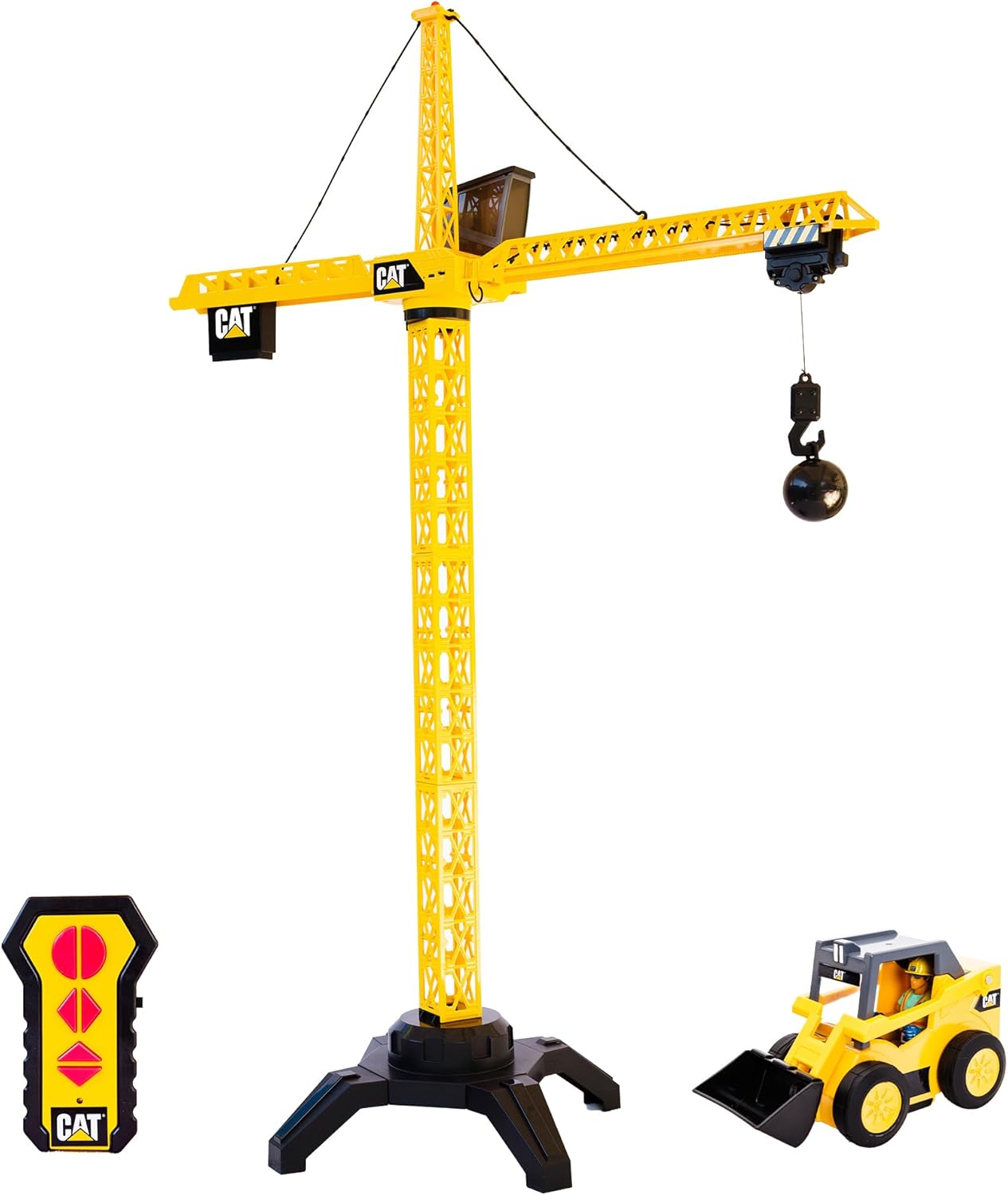
- Tower Crane components
- ווייַט קאָנטראָל
- Articulated Figure (4 inches)
- Freewheeling Skid Steer Vehicle
- Wrecking Ball attachment
- קרוק אַטאַטשמאַנט
- מאַגנעט אַטאַטשמאַנט
- וסב טשאַרדזשינג קאַבלע

The set includes various parts for the crane structure, a remote control, a construction figure, a skid steer, and multiple attachments for diverse play scenarios.
4. אַסעמבלי אינסטרוקציעס
The CAT Construction Workforce Jumbo Tower Crane Set is designed for quick and easy assembly. Follow these steps to set up your crane:
- Attach the base supports to the main base unit.
- Connect the tower sections, ensuring they lock securely into place.
- Mount the crane cabin and boom assembly to the top of the tower.
- Secure the counterweight section to the rear of the boom.
- Thread the hoist cable through the designated pulleys and attach the desired lifting accessory (hook, wrecking ball, or magnet).
For a visual guide on assembly and initial setup, please refer to the video below:
5. באַטאַרייע ייַנמאָנטירונג
The crane unit is USB rechargeable. Use the provided USB cable to charge the crane's internal battery. The remote control requires 2 AA batteries (included).
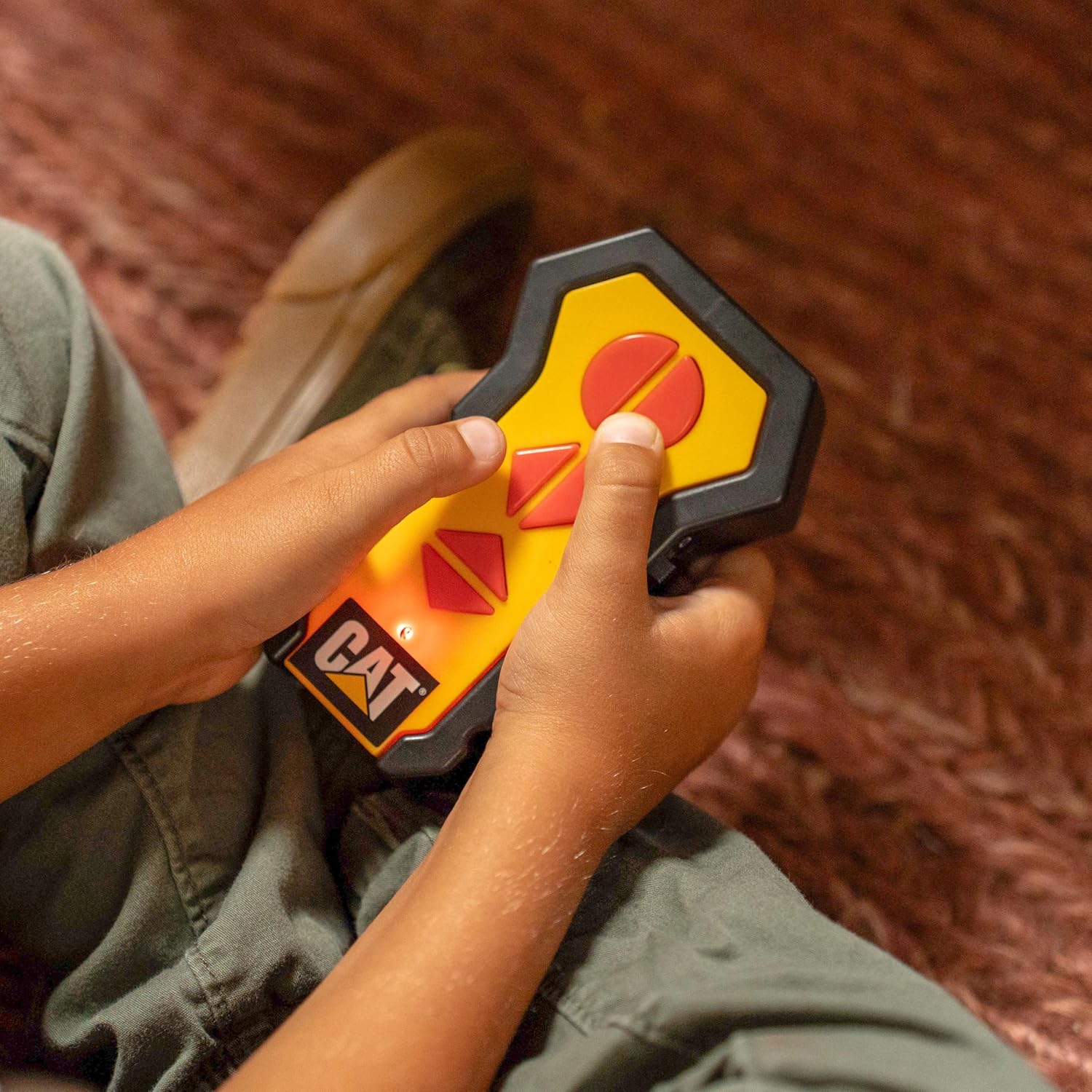
- פֿאַר דער ווײַטקאָנטראָל: Locate the battery compartment on the back of the remote. Open the compartment and insert 2 AA batteries, ensuring correct polarity (+/-). Close the compartment securely.
- For the Crane Unit: Connect the USB charging cable to the designated port on the crane unit. Plug the other end into a compatible USB power source. The crane's light may indicate charging status.
6. אַפּערייטינג ינסטרוקטיאָנס
Once assembled and powered, use the wireless remote control to operate the crane's functions:
- ראָוטיישאַן: Use the directional controls on the remote to rotate the crane's boom 360 degrees.
- Lifting/Lowering: Use the dedicated buttons to raise or lower the hook and its attached load.
- Trolley Movement: Controls allow the trolley to move along the boom, extending or retracting the hook's reach.
- אַרבעט ליכט: The crane features a built-in light on top that illuminates during operation, enhancing realism.

The set also includes a 4-inch articulated figure and a freewheeling skid steer vehicle for expanded play scenarios.

Observe the crane in action with its various functions:
7. וישאַלט
- Clean the crane and accessories with a soft, dry cloth. Do not use harsh chemicals or abrasive materials.
- סטאָר די פּראָדוקט אין אַ קיל, טרוקן אָרט אַוועק פון דירעקט זונשייַן ווען ניט אין נוצן.
- Remove batteries from the remote control if the toy will not be used for an extended period.
8. טראָובלעשאָאָטינג
- Crane not responding: Check if the crane unit is charged and the remote control batteries are correctly installed and have sufficient power. Ensure the crane and remote are within operating range.
- Weak lifting power: Ensure the crane's battery is fully charged. Avoid attempting to lift objects exceeding the crane's capacity.
- ינטערמיטאַנט אָפּעראַציע: Check for any obstructions to the remote control's signal or interference from other electronic devices.
9. ספּעסאַפאַקיישאַנז
| שטריך | דעטאַל |
|---|---|
| פּראָדוקט דימענשאַנז | 17.5 X 37.7 X 50 אינטשעס |
| פּונקט וואָג | 5 פונט |
| מאָדעל נומער | 82438 |
| רעקאַמענדיד עלטער | 5 יאר און העכער |
| Crane Power | וסב קריקאָנלאָדלעך |
| ווייַט באַטעריז | 2 אַאַ באַטעריז (אַרייַנגערעכנט) |
| פאַבריקאַנט | Funrise, Inc. |
10. וואָראַנטי און שטיצן
For warranty information and customer support, please refer to the contact details provided on the product packaging or visit the official Funrise, Inc. webזייטל. האַלט אייער קויף קוויטל ווי אַ באַווייַז פון קויפן.


