1. הקדמה און איבערview
The XIXIMENG P30 Max Smart Video Game Projector (64G) is a versatile device designed to deliver an immersive entertainment experience. It combines a high-definition projector with a built-in gaming console, offering a vast library of games and advanced connectivity options. This manual provides essential information for setting up, operating, and maintaining your projector to ensure optimal performance and enjoyment.
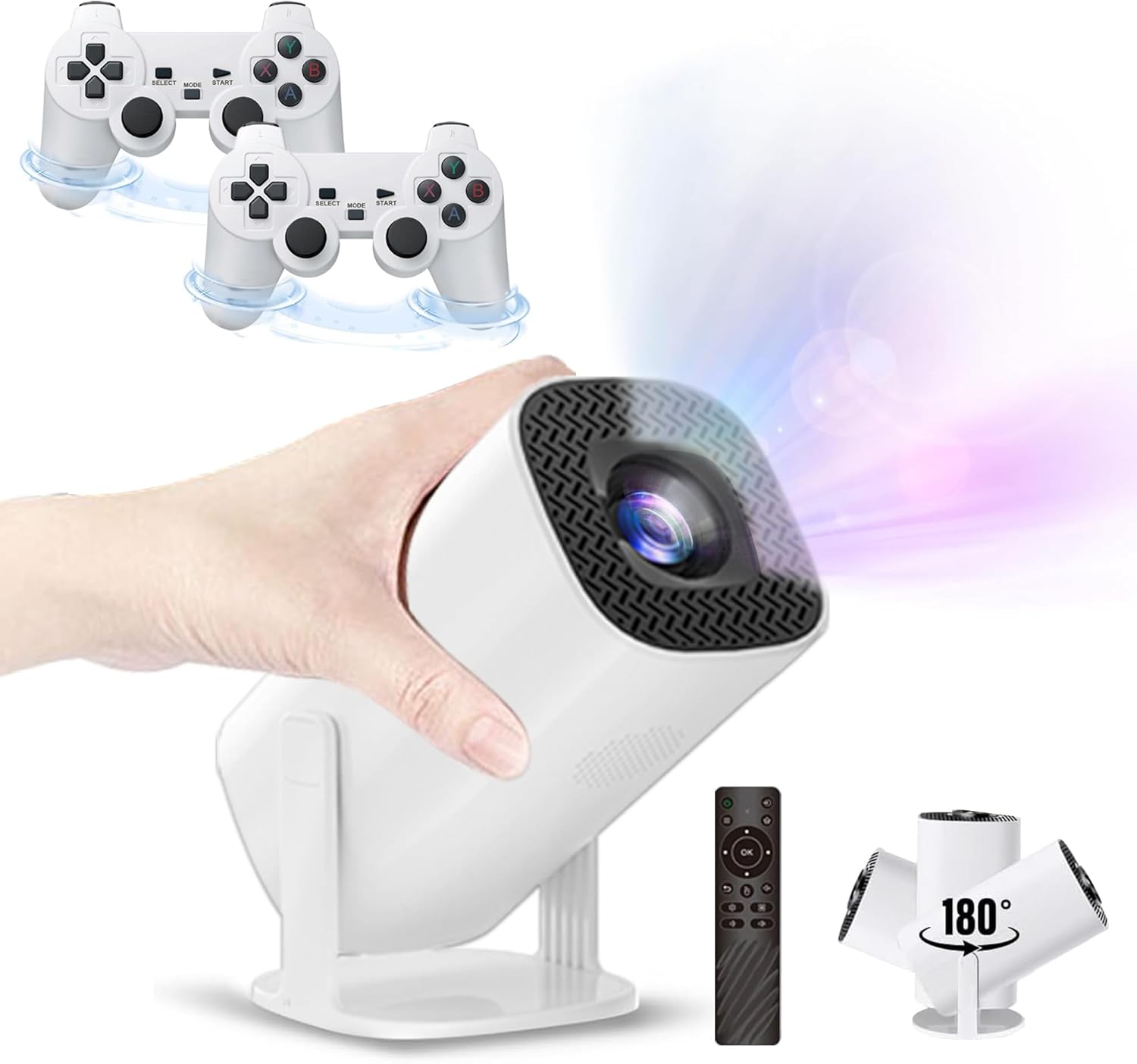
Figure 1.1: The P30 Max projector displaying a large screen image in a living room environment.
2. פּעקל אינהאַלט
ביטע איבערצייגן אז אלע זאכן וואס זענען אויסגערעכנט אונטן זענען אריינגערעכנט אין אייער פעקל. אויב עפעס זאכן פעלן אדער זענען געשעדיגט, ביטע קאנטאקטירט קאסטומער סופארט.
- 1 x P30 Max Smart Video Game Projector
- 2 רענטגענ ווירעלעסס קאָנטראָללער
- 1 x Game Stick
- 1 x HDMI קאַבלע
- קסנומקס X מאַכט קאָרד
- 1 x רימאָוט קאָנטראָל
- 1 רענטגענ וסב ריסיווער
- 1 x וסב טשאַרדזשינג קאַבלע
- 1 x באַניצער מאַנואַל (דאָס דאָקומענט)
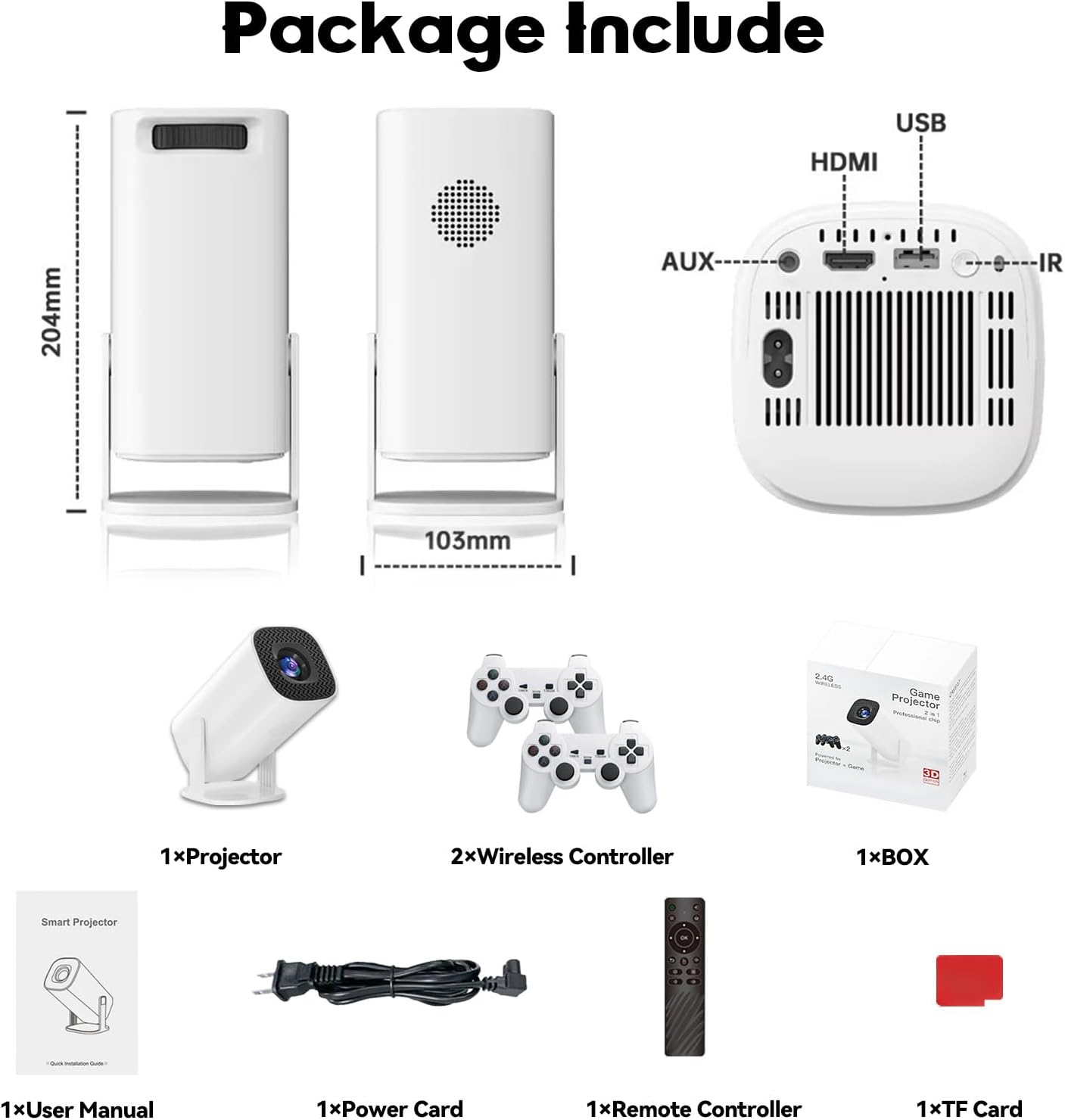
Figure 2.1: Diagram of the P30 Max package contents.

Figure 2.2: Photo of the P30 Max package contents.
3. פּראָדוקט פֿעיִקייטן
- אימערסיווע גיימינג: Built-in game console with over 35,000 3D games, offering low latency, high frame rates, and 4K UHD visuals.
- High-Quality Home Theater: Supports 4K video with native 1280x720P resolution, 50% zoom function, and a high dynamic contrast ratio. Operates quietly at 25 dB.
- אַוואַנסירטע קאַנעקטיוויטי: Equipped with WiFi 6 for faster, smoother connections and Bluetooth 5.4 for easy pairing with external audio devices.
- פּאָרטאַטיוו און פלעקסאַבאַל פּלאַן: Lightweight and portable with a 180° adjustable stand for versatile projection angles.
- פּינטלעך קאָנטראָל: Includes two wireless controllers with multiple keys and sensitive rockers for enhanced gaming and navigation.
4. סעטאַפּ
4.1 ערשטע פּלאַצירונג
Place the projector on a stable, flat surface. The 180° adjustable stand allows you to direct the projection onto a wall or ceiling. Ensure there are no obstructions in front of the lens.
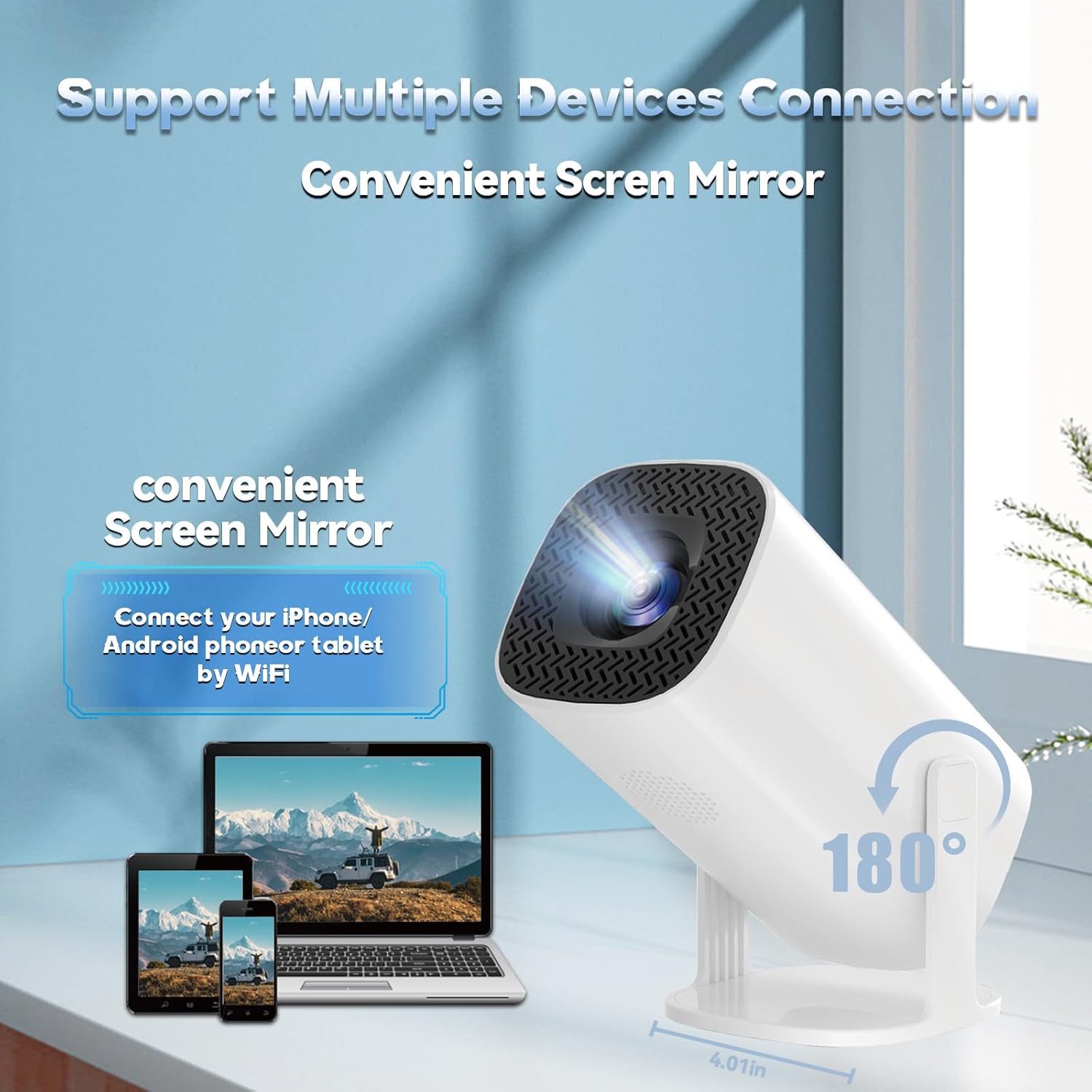
Figure 4.1: The projector's 180° adjustable stand for flexible placement.
4.2 מאַכט קאַנעקשאַן
Connect the provided power cord to the projector's power input and then to a power outlet. The projector will typically power on or enter standby mode.
4.3 פאָקוס און קיסטאָון קאָרעקציע
The projector features automatic keystone correction to adjust the image shape. For optimal clarity, manual focus adjustment may be required. Use the remote control to fine-tune the focus until the image is sharp.
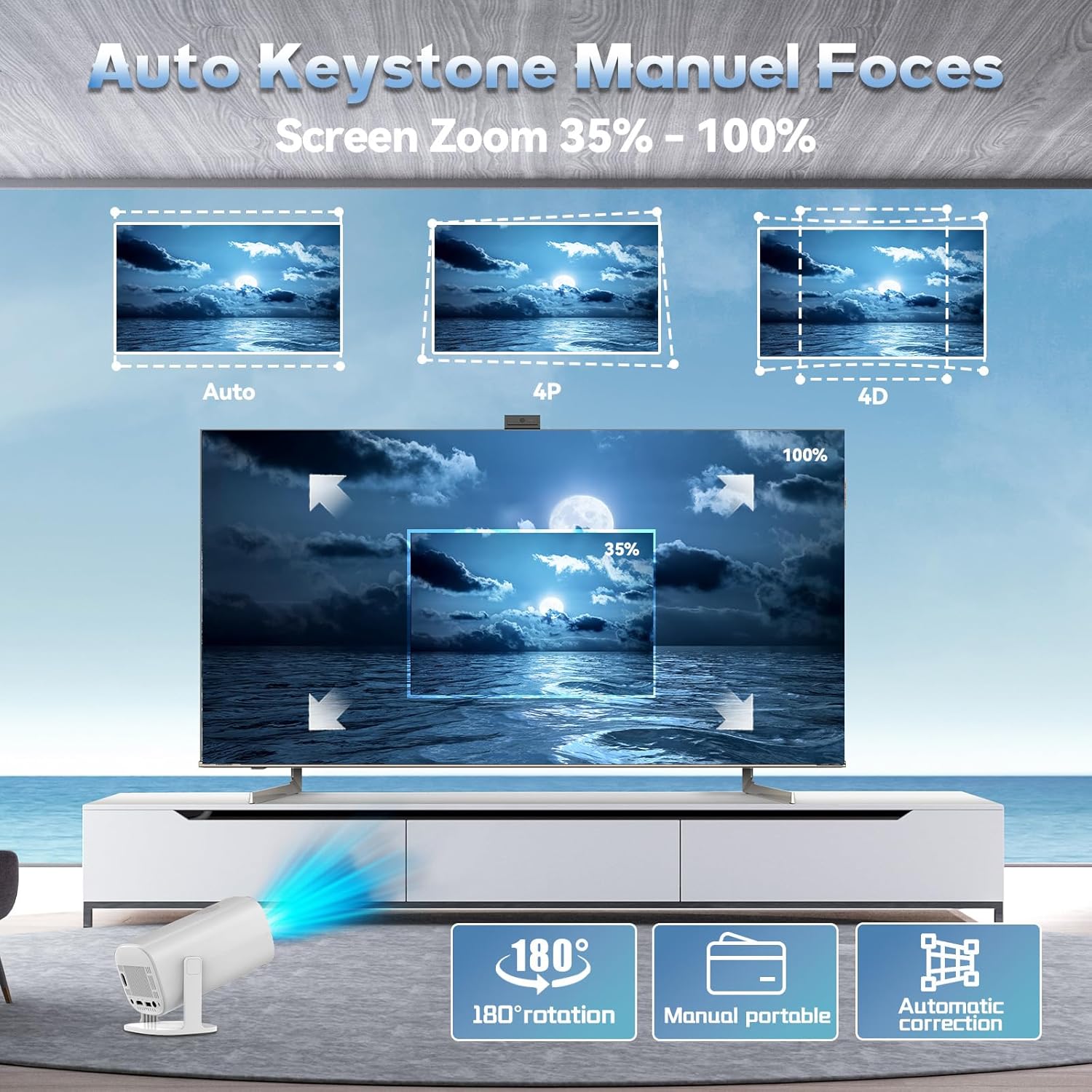
Figure 4.2: Automatic keystone correction and manual focus options.
5. אַפּערייטינג ינסטרוקטיאָנס
5.1 מאַכט אויף / אַוועק
דריק דעם מאַכט קנעפּל אויף דעם פּראָיעקטאָר אָדער די ווײַטקאָנטראָל צו דרייען דעם מיטל אָן אָדער אויס.
5.2 נאַוויגירן דעם צובינד
Use the included remote control to navigate the projector's smart interface. The interface provides access to applications, settings, and the built-in game library.
5.3 איינגאַבע קוואלן
The projector supports various input sources. You can connect external devices via HDMI or USB. For wireless connections, refer to the 'Connectivity' section.
5.4 סקרין מירערינג
The P30 Max supports 5G+2.4G WiFi screen mirroring, allowing you to cast content from your smartphone, tablet, or other compatible devices. Access the screen mirroring function from the main menu and follow the on-screen instructions to connect your device.
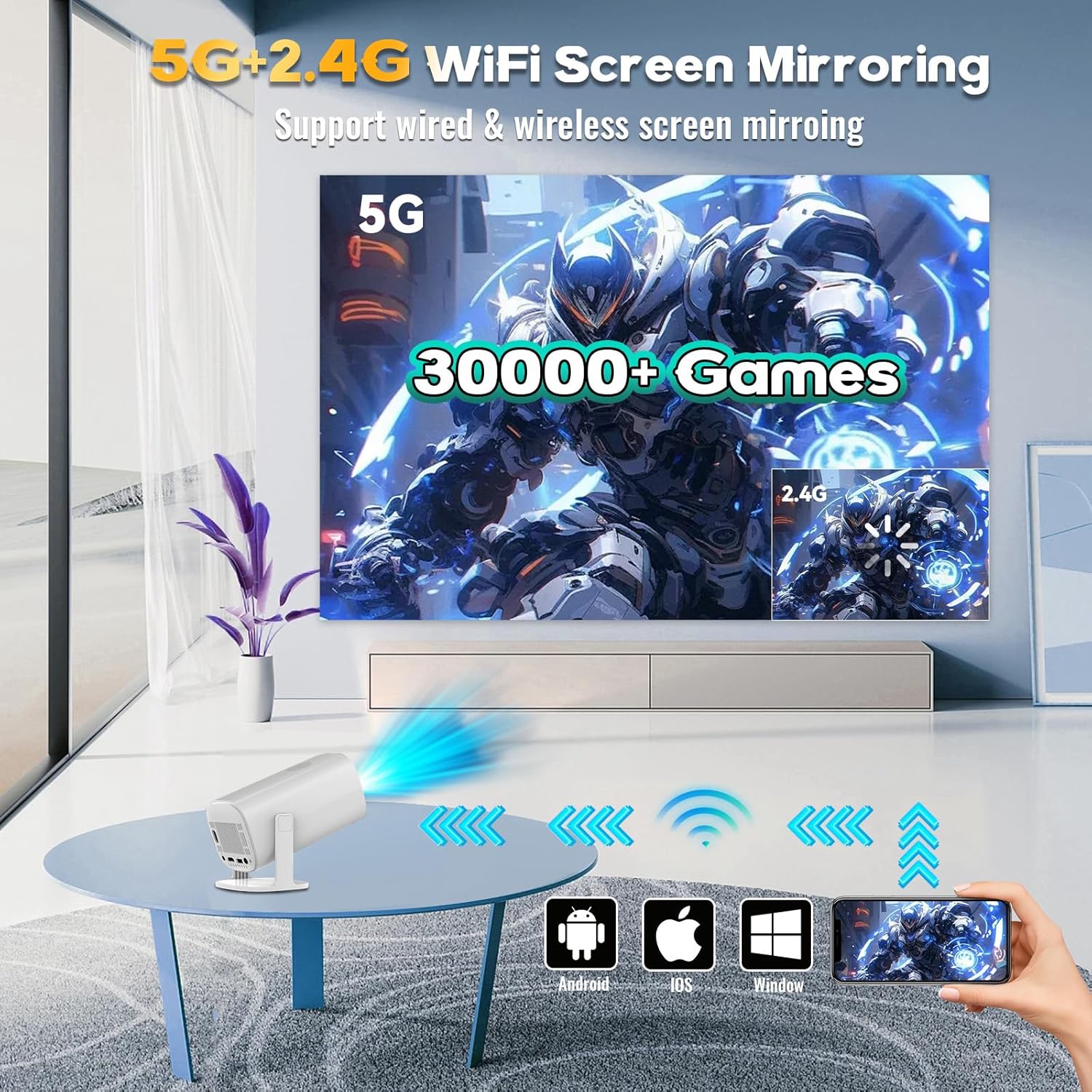
Figure 5.1: Screen mirroring from various devices using 5G+2.4G WiFi.
6. גיימינג פֿעיִטשערז
The P30 Max comes with a built-in game console featuring over 35,000 3D games. To access the game library, select the 'Game Box' or 'Gamer' application from the main interface.
6.1 Connecting Wireless Controllers
The package includes two wireless controllers. Insert the USB receiver into an available USB port on the projector. The controllers should automatically pair. If not, refer to the controller's specific pairing instructions.
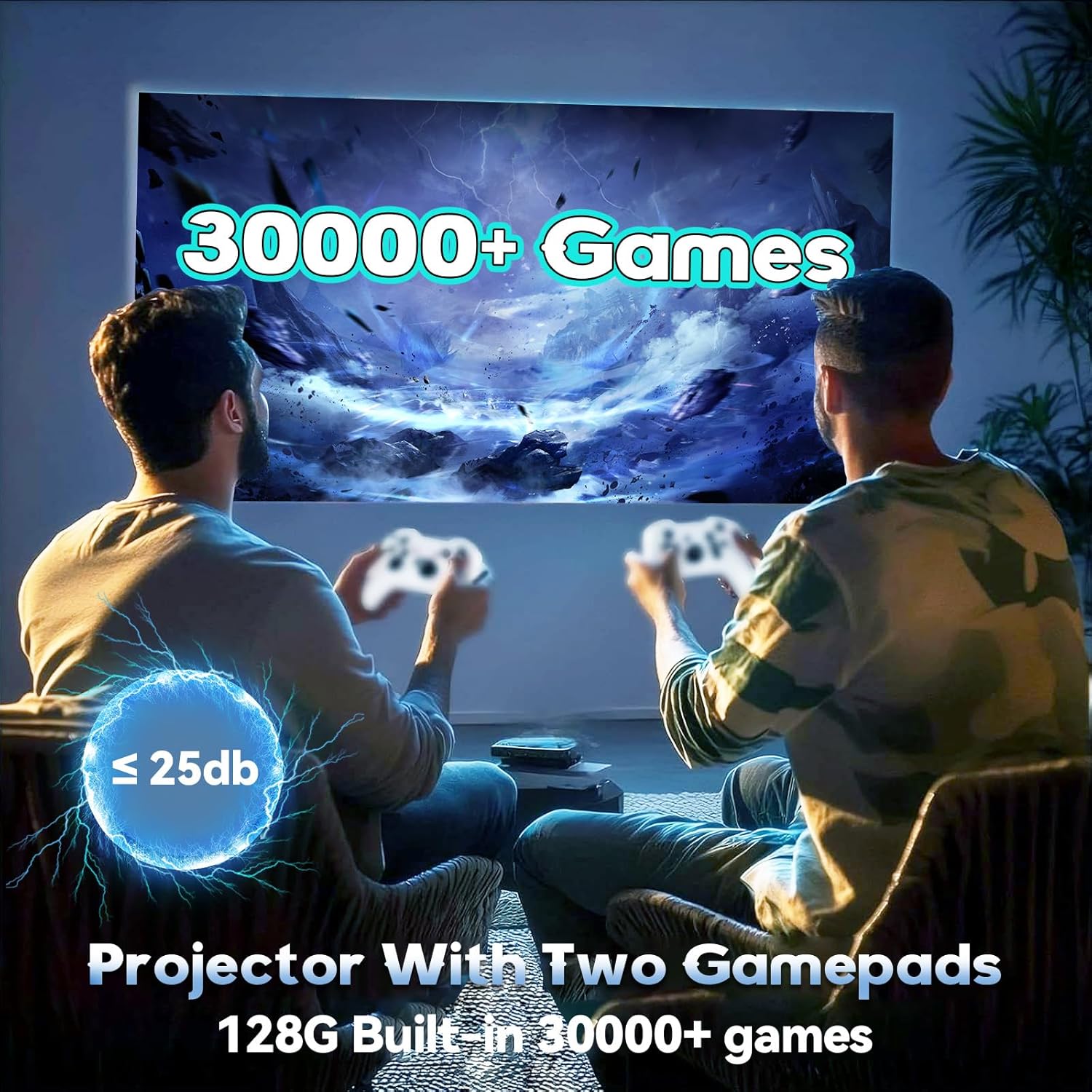
Figure 6.1: Enjoying games with the P30 Max projector and wireless controllers.
6.2 Game Selection and Play
Navigate through the game library using the wireless controllers. Select your desired game and follow the on-screen prompts to start playing. The projector is optimized for a smooth gaming experience with minimal latency.
7. קאַנעקטיוויטי
- WiFi 6: For high-speed internet access and seamless streaming.
- בלועטאָאָטה 5.4: Connect Bluetooth speakers, headphones, or other audio devices for an enhanced sound experience.
- הדמי: Connect to laptops, gaming consoles, TV boxes, and other HDMI-enabled devices.
- וסב: For connecting USB drives, external storage, or the wireless controller receiver.
8. וישאַלט
8.1 רייניקן די לינז
Gently wipe the projector lens with a soft, lint-free cloth. Avoid using abrasive materials or harsh chemicals that could scratch the lens.
8.2 רייניקונג פון די אויסערליכע זייט
Use a soft, dry cloth to clean the exterior of the projector. Do not use liquid cleaners directly on the device.
8.3 סטאָרידזש
ווען נישט אין באַנוץ פֿאַר לענגערע פּעריאָדן, האַלט דעם פּראָיעקטאָר אין אַ קיל, טרוקן אָרט, אַוועק פון דירעקט זונשייַן און עקסטרעמע טעמפּעראַטורן. ניצט די אָריגינעלע פּאַקאַדזשינג אָדער אַ פּראַטעקטיוו קעסטל צו פאַרמייַדן שטויב אָנזאַמלונג און שעדיקן.
9. טראָובלעשאָאָטינג
If you encounter any issues with your P30 Max projector, please refer to the following common solutions:
| פּראָבלעם | מעגלעך סיבה | לייזונג |
|---|---|---|
| קיין מאַכט | עלעקטרישע שנור נישט ריכטיג פארבונדן; פראבלעם מיט עלעקטרישע ווענטיל. | זיכער מאַכן אַז דער עלעקטרישער שנור איז זיכער פֿאַרבונדן. פּרוביר די אַוטלעט מיט אַן אַנדער מיטל. |
| קיין בילד | Incorrect input source selected; Device not connected. | Select the correct input source (HDMI, USB, Screen Mirroring). Verify device connection. |
| בלערי בילד | Out of focus; Incorrect keystone correction. | Adjust manual focus using the remote. Check automatic keystone correction settings. |
| קיין געזונט | קול צו נידעריג; עקסטערנע אַודיאָ מיטל נישט פארבונדן/געפּאָרט. | Increase volume. Ensure Bluetooth audio device is correctly paired or connected via AUX. |
| Controllers Not Responding | USB receiver not connected; Controllers not paired. | Ensure USB receiver is plugged in. Re-pair controllers if necessary. |
10. ספּעסאַפאַקיישאַנז
| שטריך | דעטאַל |
|---|---|
| סאָרט | XIXIMENG |
| מאָדעל נומער | 64G |
| פּראָדוקט דימענשאַנז | 4.06 X 3.67 X 9.45 אינטשעס |
| ווייַז האַכלאָטע | Native 1280 x 720P (Supports 4K HD) |
| ספּעציעלע פֿעיִקייטן | Auto Focus, Portable, 180° Adjustable Stand |
| קאַנעקטיוויטי טעכנאָלאָגיע | Bluetooth 5.4, Wi-Fi 6 |
| רעקאָממענדעד ניצט | גיימינג, היים סינעמאַ |
| איינגעבויטע שפּילן | Over 35,000 3D Games |
11. וואָראַנטי און שטיצן
For warranty information and customer support, please refer to the warranty card included in your product packaging or visit the official XIXIMENG webפּלאַץ. האַלטן דיין קויפן קאַבאָלע פֿאַר וואָראַנטי קליימז.


