1. הקדמה
Thank you for choosing the Biyoso X61 5.4 Bluetooth Earbuds. This manual provides essential information for setting up, operating, and maintaining your new wireless earphones. Please read it carefully to ensure optimal performance and longevity of your device.
וואָס איז אין די קעסטל:
- 1 pair of Biyoso X61 Earbuds
- 1 וסב-C טשאַרדזשינג פאַל
- 1 וסב-C טשאַרדזשינג קאַבלע
- 1 באַניצער מאַנואַל
2. פּראָדוקט איבערview
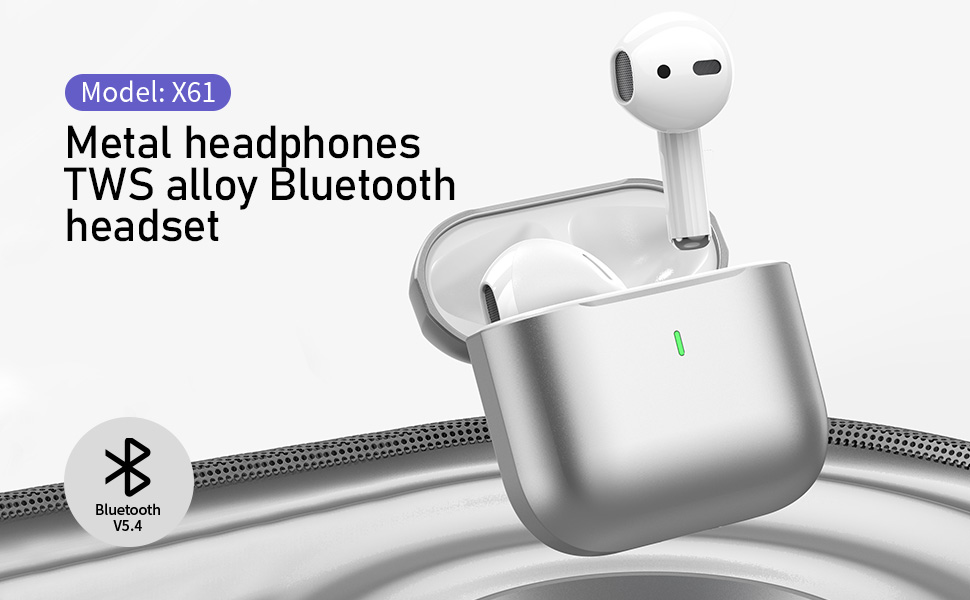
The Biyoso X61 earbuds feature Bluetooth 5.4 technology for stable connectivity and HiFi stereo sound. They are designed for comfortable semi-in-ear wear and offer intuitive touch controls for managing audio and calls.
שליסל פֿעיִקייטן:
- TWS Bluetooth 5.4: Ensures stable, fast transmission with minimal signal loss.
- לאנג באַטאַרייע לעבן: Up to 4.5 hours of listening time per charge, with the charging case providing up to 20 hours total.
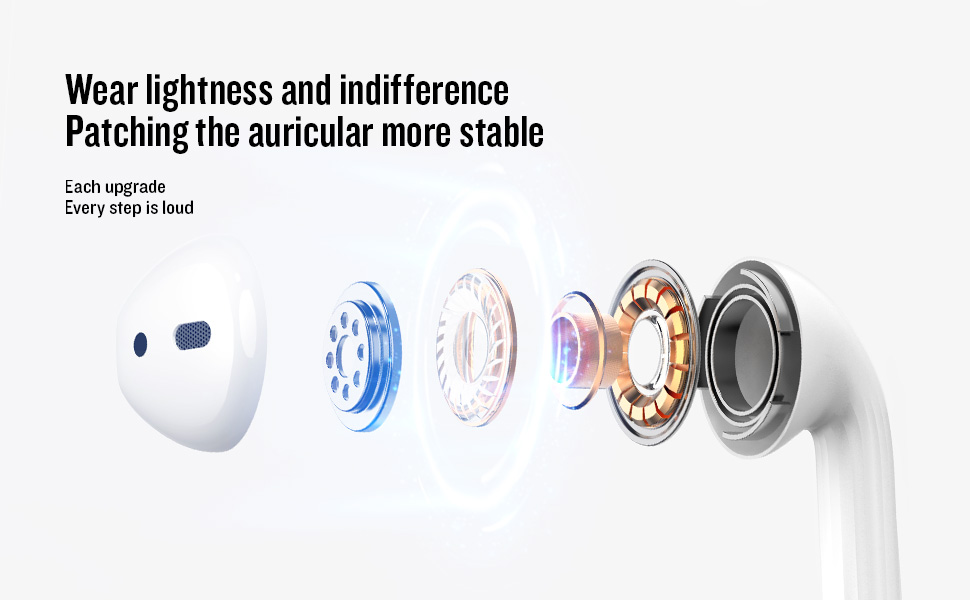
- Semi-In-Ear Design: Offers comfortable wear and non-destructive high-definition sound.
- IPX5 וואַסער קעגנשטעל: Protects against dust, sweat, and water splashes.
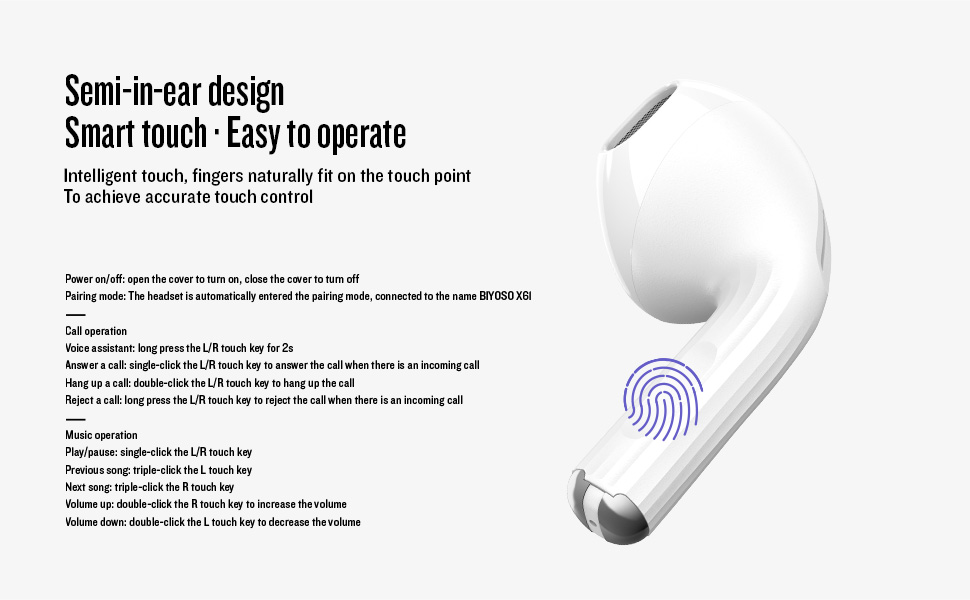
- ינטויטיווע ריר קאָנטראָל: Manage playback, volume, and calls directly from the earbuds.
3. סעטאַפּ
3.1 אויפלאָדן די אויערקנעפּלעך און קעסטל
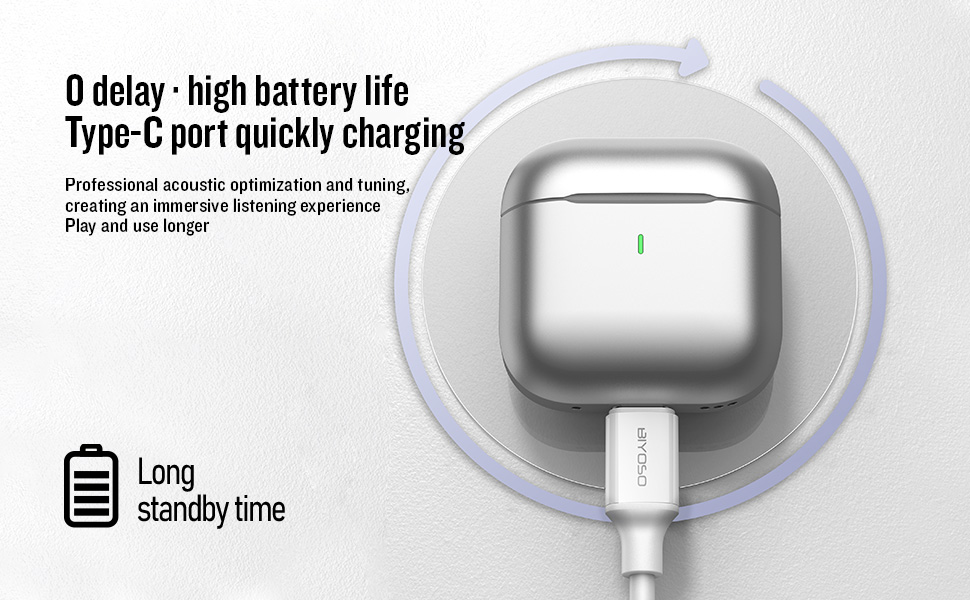
Before first use, fully charge the earbuds and the charging case. Connect the provided USB-C cable to the charging port on the case and a power source. The charging case battery full time is approximately 1.2 hours.
3.2 פּאָרן מיט דיין מיטל
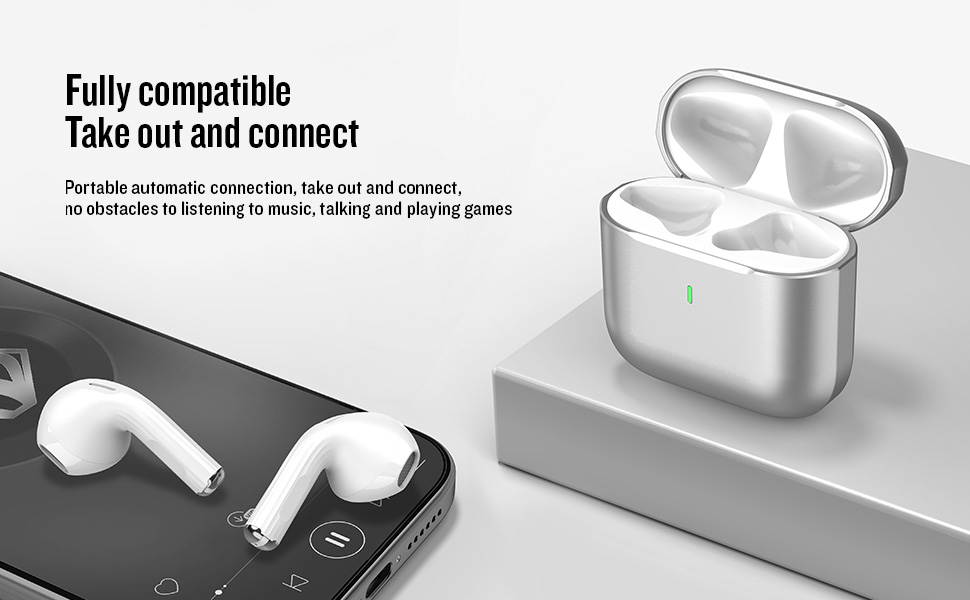
- מאַכט אויף / אַוועק: Open the charging case cover to automatically power on the earbuds. Close the cover to power them off.
- פּערינג מאָדע: The earbuds will automatically enter pairing mode when the case is opened.
- פאַרבינדן: On your device, enable Bluetooth and search for "BIYOSO X61" in the list of available devices. Select it to connect.
- אָטאַמאַטיק ריקאַנעקשאַן: Once paired, the earbuds will automatically connect to your device when removed from the charging case.
3.3 פּראָדוקט הקדמה ווידעא
Watch this official product introduction video for a visual guide to the Biyoso X61 Earbuds.
Video 3.1: Official Biyoso X61 Earbuds Product Introduction. This video provides an overview of the earbuds' features and basic usage.
4. אַפּערייטינג ינסטרוקטיאָנס
4.1 ריר קאָנטראָלס
The Biyoso X61 earbuds feature intuitive touch controls on the stem for easy management of audio and calls.
Call Operation:
- שטימע אַססיסטאַנט: Long press the L/R touch key for 2 seconds.
- ענטפֿערן אַ רוף: Single-click the L/R touch key.
- הענגען אַ רוף: Double-click the L/R touch key.
- אָפּוואַרפן אַ רופן: Long press the L/R touch key.
מוזיק אָפּעראַציע:
- שפּיל / פּויזע: Single-click the L/R touch key.
- פֿריִער ליד: Triple-click the L touch key.
- ווייַטער ליד: Triple-click the R touch key.
- באַנד אַרויף: Double-click the R touch key.
- באַנד אַראָפּ: Double-click the L touch key.
- באַשטימען צוגעהערט מאָדעס: Hold the stem.
4.2 טראָגן די אויערקנעפּלעך
Gently insert the earbuds into your ears. The semi-in-ear design provides a comfortable and secure fit for various activities.
5. וישאַלט
5.1 רייניקונג
Regularly clean your earbuds and charging case to ensure optimal performance and hygiene. Use a soft, dry, lint-free cloth. Do not use abrasive materials or harsh chemicals.
5.2 סטאָרידזש
When not in use, store the earbuds in their charging case to protect them from dust and damage. Keep the case in a cool, dry place away from extreme temperatures.
5.3 וואַסער קעגנשטעל
The Biyoso X61 earbuds and charging case are IPX5 rated, meaning they are resistant to dust, sweat, and water splashes. They are not designed for submersion in water. Avoid exposing them to heavy rain or showering with them.
6. טראָובלעשאָאָטינג
If you encounter any issues with your Biyoso X61 earbuds, please refer to the following common solutions:
- קיין קלאַנג/שלעכטע קלאַנג קוואַליטעט:
- זייט זיכער אז די אויער-קנעפלעך זענען ריכטיק אריינגעזעצט אין אייערע אויערן.
- קאָנטראָלירט דעם וואָלומען אויף ביידע אייער דעווייס און די אויערקנעפּלעך.
- זיכער מאַכן אַז די אויערקנעפּלעך זענען גאָר אויפגעלאָדן.
- פאַרבינדן די עאַרבודז צו דיין מיטל.
- עאַרבודז ניט פּערינג:
- מאַכן זיכער אַז בלועטאָאָטה איז ענייבאַלד אויף דיין מיטל.
- Ensure earbuds are removed from the charging case.
- אויסלעשן בלוטוט אויף אנדערע נירביי דעווייסעס צו פארמיידן אריינמישונג.
- Try resetting the earbuds (refer to the full user manual for specific reset instructions if needed).
- טשאַרדזשינג ישוז:
- וועריפיצירט אז דער USB-C קאַבל איז זיכער פארבונדן סיי צום קעיס און סיי צום מאַכט מקור.
- זיכער מאַכן אַז די טשאַרדזשינג קאָנטאַקטן אויף די אויערקנעפּלעך און אינעווייניק פון די קעסטל זענען ריין און טרוקן.
- פּרוּווט אַ אַנדערש וסב-C קאַבלע אָדער מאַכט אַדאַפּטער.
אויב די פראבלעם בלייבט, ביטע קאנטאקטירט קאסטומער סופארט.
7. ספּעסאַפאַקיישאַנז
| שטריך | באַשרייַבונג |
|---|---|
| מאָדעל נאָמען | X61 |
| סאָרט | Biyoso |
| קאַנעקטיוויטי טעכנאָלאָגיע | ווירעלעס (בלוטוט 5.4) |
| ווירעלעסס קאָמוניקאַציע טעכנאָלאָגיע | בלועטאָאָטה |
| בלועטאָאָטה קייט | 10 מעטער |
| אויער פּלייסמאַנט | אין אויער |
| פאָרם פאַקטאָר | אין אויער |
| ראַש קאָנטראָל | פּאַסיוו ראַש קאַנסאַליישאַן |
| אָפטקייַט ענטפער | 20 KHz |
| סענסיטיוויטי | 90 דב |
| ימפּידאַנס | 32 אָהמס |
| אַודיאָ דרייווער גרייס | 8 מילאַמיטערז |
| קאָנטראָל מעטאָד | ריר |
| באַטעריע לעבן (אויערקנעפּלעך) | אַרויף צו 4.5 שעה (80% באַנד) |
| Total Listening Time (with case) | אַרויף צו 20 שעה |
| Charging Case Battery Full Time | 1.2 שעה |
| וואַסער קעגנשטעל מדרגה | IPX5 |
| פּונקט וואָג | 0.15 אונסעס |
| מאַטעריאַל | מעטאַל, פּלאַסטיק |
8. וואָראַנטי און שטיצן
8.1 וואָראַנטי אינפֿאָרמאַציע
Biyoso products are covered by a limited warranty against defects in materials and workmanship. Please refer to the warranty card included in your product packaging for specific terms and conditions. Keep your proof of purchase for warranty claims.
8.2 קונה שטיצן
For technical assistance, troubleshooting, or warranty inquiries, please contact Biyoso customer support. Contact details can be found on the official Biyoso webזייטל אדער אויף דער וואָראַנטי קאַרטל.


