הקדמה
Thank you for choosing the Philips S2508 Portable Karaoke Machine. This device combines a powerful Bluetooth speaker with dual wireless microphones, multi-colored light modes, and various input options to enhance your entertainment experience. This manual provides essential information for safe and effective use, setup, operation, and maintenance of your karaoke machine.
זיכערקייַט אינפֿאָרמאַציע
- לייענען אַלע ינסטראַקשאַנז איידער איר נוצן דעם פּראָדוקט.
- האַלטן די מיטל אַוועק פון וואַסער, נעץ און עקסטרעם טעמפּעראַטורעס.
- פּרוּווט נישט צו צענעמען אָדער פאַרריכטן דעם אַפּאַראַט אַליין. ווענדט זיך צו קוואַליפֿיצירטע סערוויס פּערסאָנעל.
- Use only the charging cables provided or recommended by the manufacturer.
- Avoid prolonged exposure to very high volume levels to prevent hearing damage.
פּעקל אינהאַלט
זיכער מאַכן אַז אַלע זאכן זענען פאַראַן אין פּעקל:
- Philips S2508 Portable Karaoke Machine (Main Unit)
- 2 Wireless Karaoke Microphones
- USB Charging Cable for Main Unit
- USB Charging Cable for Microphones
- AUX קאַבלע
- וואָראַנטי קאַרד
פּראָדוקט איבערview
The Philips S2508 features a compact design with a comfortable carry strap for portability. It includes a display screen for song titles and light modes, along with intuitive controls for volume, vocal effects, and playback.

Figure 1: Philips S2508 Portable Karaoke Machine with two wireless microphones.
Main Unit Features
- ווייַז פאַרשטעלן: Shows song titles, light modes, and other information.
- קאָנטראָל קנעפּלעך: For power, mode selection, volume adjustment, and track control.
- רעדנער גריל: גיט קלאָר און שטאַרק אַודיאָ.
- טראָגן רימען: Soft, flexible rubber strap for easy transport.
מיקראָפאָן פֿעיִקייטן
- מאַכט/וואָלומען קנעפּלעך: Control microphone power and volume levels.
- Vocal Effect Buttons: Apply 6 different vocal effects.
- טשאַרדזשינג פּאָרט: Micro-USB port for recharging.

Figure 2: Two wireless microphones included with the Philips S2508.
אַרייַנשרייַב / רעזולטאַט פּאָרץ
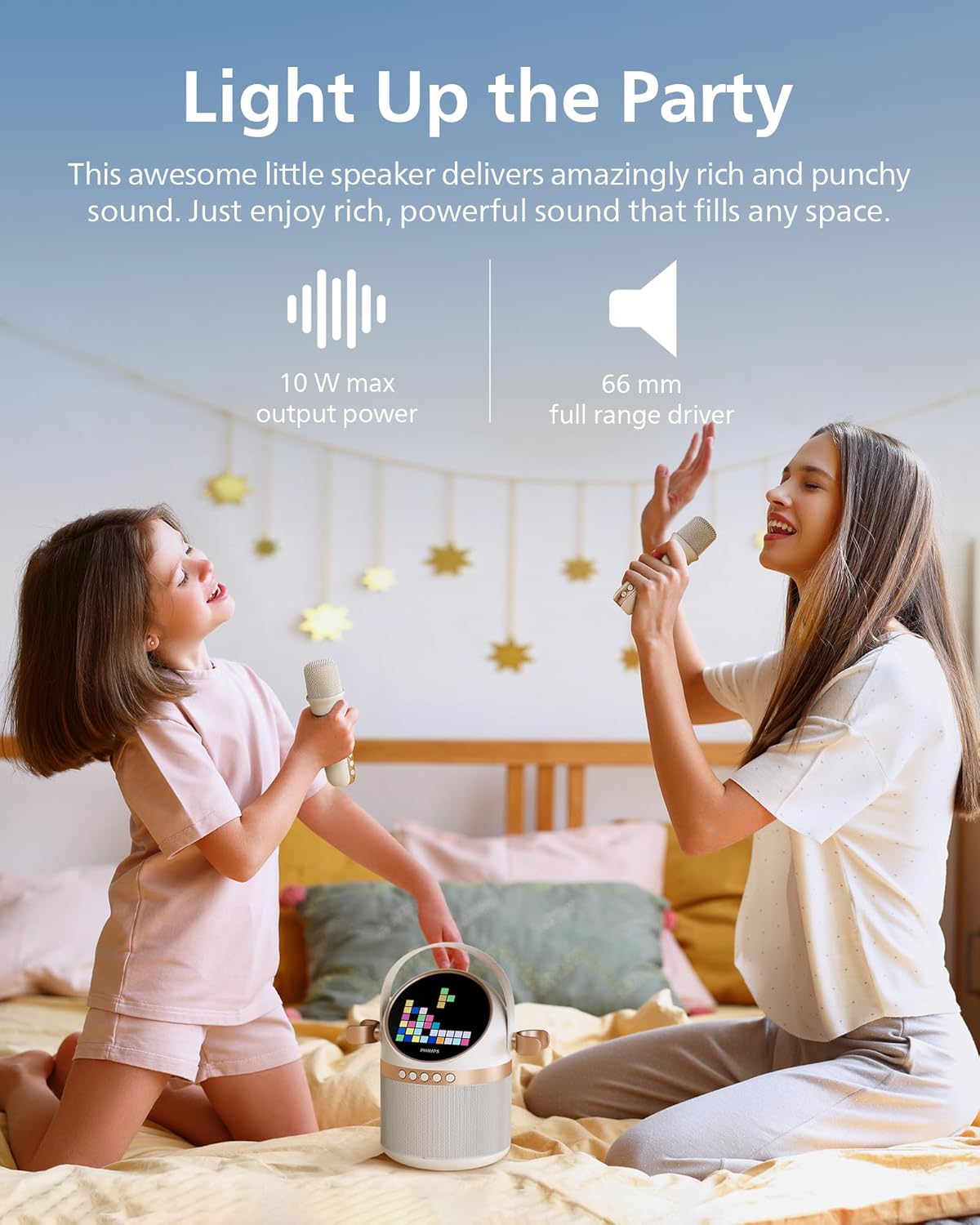
Figure 3: Rear panel with various input and charging ports.
- AUX אַרייַנשרייַב: פֿאַרבינדט עקסטערנע אַודיאָ דעוויסעס דורך אַ 3.5 מם קאַבל.
- טף קאַרד שפּעלטל: Play music directly from a TF (microSD) card.
- וסב פּאָרט: שפּיל מוזיק פֿון אַ וסב פאָר.
- DC 5V טשאַרדזשינג פּאָרט: For charging the main unit.
סעטאַפּ
1. טשאַרדזשינג די מיטל
Before first use, fully charge the karaoke machine and microphones.
- Connect the main unit to a 5V DC power source using the provided USB charging cable. The charging indicator will light up.
- Connect each microphone to a 5V DC power source using their respective USB charging cables. The indicator on the microphone will show charging status.
- A full charge provides up to 7 hours of playtime for the main unit.
2. מיקראָפאָן סעטאַפּ
The two wireless microphones are pre-paired with the main unit. Simply turn them on to connect.
- Press and hold the power button on each microphone until it turns on.
- The microphones will automatically connect to the main unit.
3. בלועטאָאָטה פּערינג
To play music from your mobile device, connect via Bluetooth:
- Turn on the Philips S2508 karaoke machine. It will automatically enter Bluetooth pairing mode.
- On your mobile device, go to Bluetooth settings and search for
פֿאַרבונדענע דאָקומענטן - S2508

פיליפּס TAX5000E באַלליץ סקעדזשולז ליעטאָטāja rokasgrāmata
דעטאַילס רעקווירעמענץ פון Philips TAX5000E טאַקס 5000E, מיט אַפּטאַמאַזיישאַן פון נעטוואָרקינג, סמאַרטפאָנעס, סאַווינגס (בלועטאָאָטה, טווס, אַוראַקאַסט, וסב), פונקציאָנירן, און פּראָגרעסיוולי.
פיליפּס TAX4000 פּאַרטיי רעדנער באַניצער מאַנואַל
א פולשטענדיגע באַניצער מאַנואַל פֿאַר די Philips TAX4000 פּאַרטיי רעדנער. לערנט ווי צו שטעלן אויף, פאַרבינדן דורך בלועטוט אָדער USB, נוצן Auracast, פאַרבינדן מיקראָפאָנען און גיטאַרן, קאָנטראָלירן פֿעיִקייטן מיט די Philips Entertainment אַפּ, פאַרריכטן פּראָבלעמען, און view פּראָדוקט ספּעסאַפאַקיישאַנז.
פיליפּס TAX4000 פּאַרטיי רעדנער באַניצער מאַנואַל
Comprehensive user manual for the Philips TAX4000 Party Speaker, covering setup, features, troubleshooting, and technical specifications. Learn how to connect devices, use Bluetooth, Auracast, microphones, guitars, and the Philips Entertainment app.
Philips TAX4000 Portable Bluetooth Speaker User Manual
This user manual provides comprehensive instructions for operating the Philips TAX4000 portable Bluetooth speaker. It covers safety precautions, setup, Bluetooth connectivity, TWS, Auracast, USB playback, microphone and guitar inputs, app integration, troubleshooting, technical specifications, and environmental information.
פיליפּס פּאַרטיי רעדנער TAX5000 באַניצער מאַנואַל
די באַניצער מאַנואַל גיט קאָמפּרעהענסיווע אינסטרוקציעס פֿאַר די Philips Party Speaker TAX5000, וואָס דעקן סעטאַפּ, אָפּעראַציע, פֿעיִקייטן ווי בלועטוט און Auracast, טראָובלעשווטינג, און פּראָדוקט ספּעסיפיקאַציעס.
פיליפּס TANX100 בלועטוט פּאַרטיי רעדנער שנעל אָנהייב גייד
א שנעלער אָנהייב גייד פֿאַר די Philips TANX100 בלועטוט פּאַרטיי רעדנער, וואָס דעקט סעטאַפּ, קאַנעקשאַנז, פֿעיִקייטן ווי לייטינג און וואָקאַל יפעקץ, און טראָובלעשווטינג.