1. הקדמה
This manual provides comprehensive instructions for the installation, operation, maintenance, and troubleshooting of your Sapphire Pulse AMD Radeon RX 9070 Gaming graphics card. Please read this manual thoroughly before installing and using your new graphics card to ensure proper functionality and to maximize its performance and lifespan.
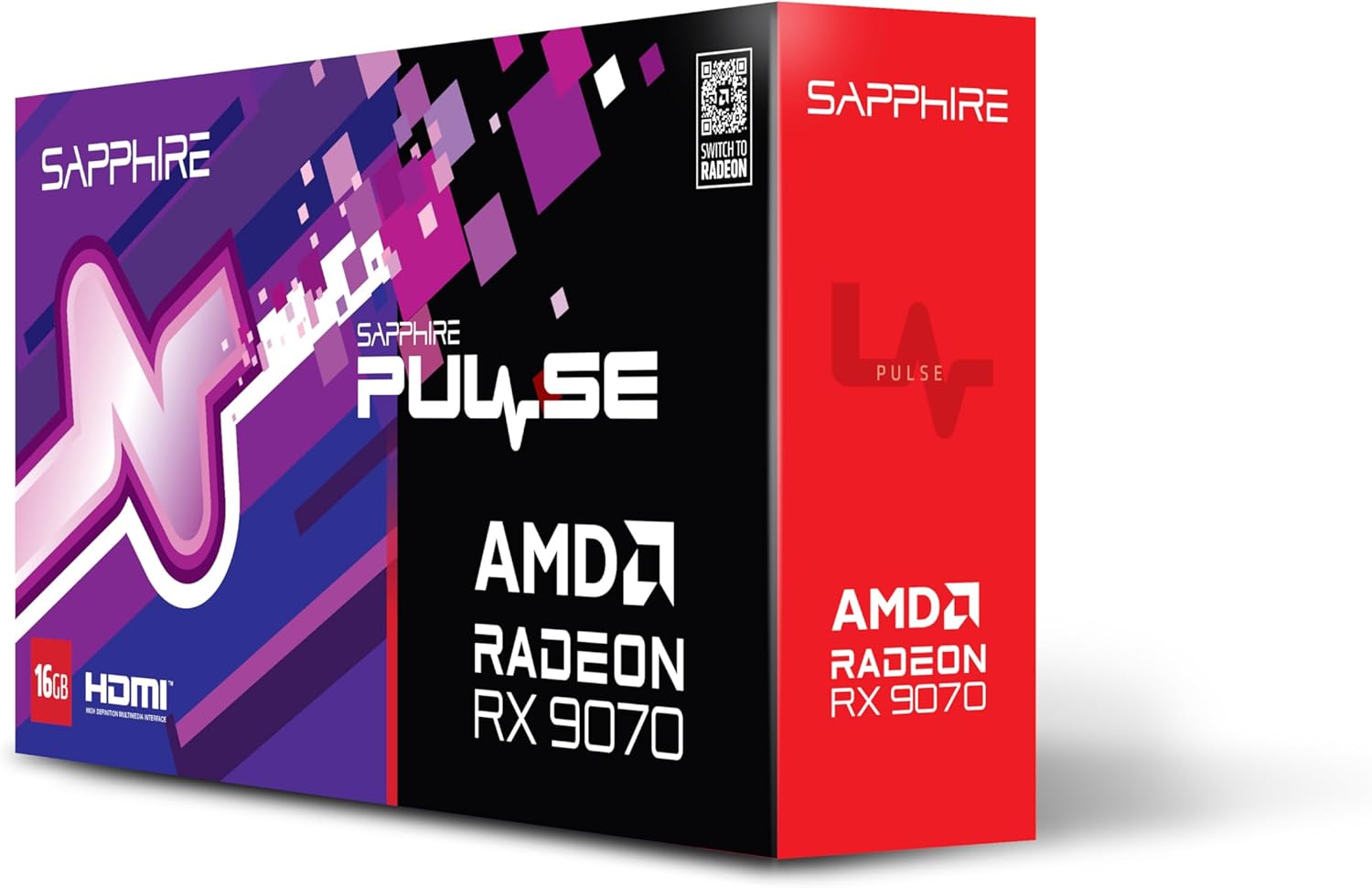
בילד 1.1: פראָנט view of the Sapphire Pulse AMD Radeon RX 9070 Gaming graphics card packaging, showcasing the product branding and model.
2. פּעקל אינהאַלט
Verify that all items are present in your package. If any items are missing or damaged, please contact your retailer or Sapphire support.
- Sapphire Pulse AMD Radeon RX 9070 Gaming Graphics Card
- Quick Installation Guide or Documentation
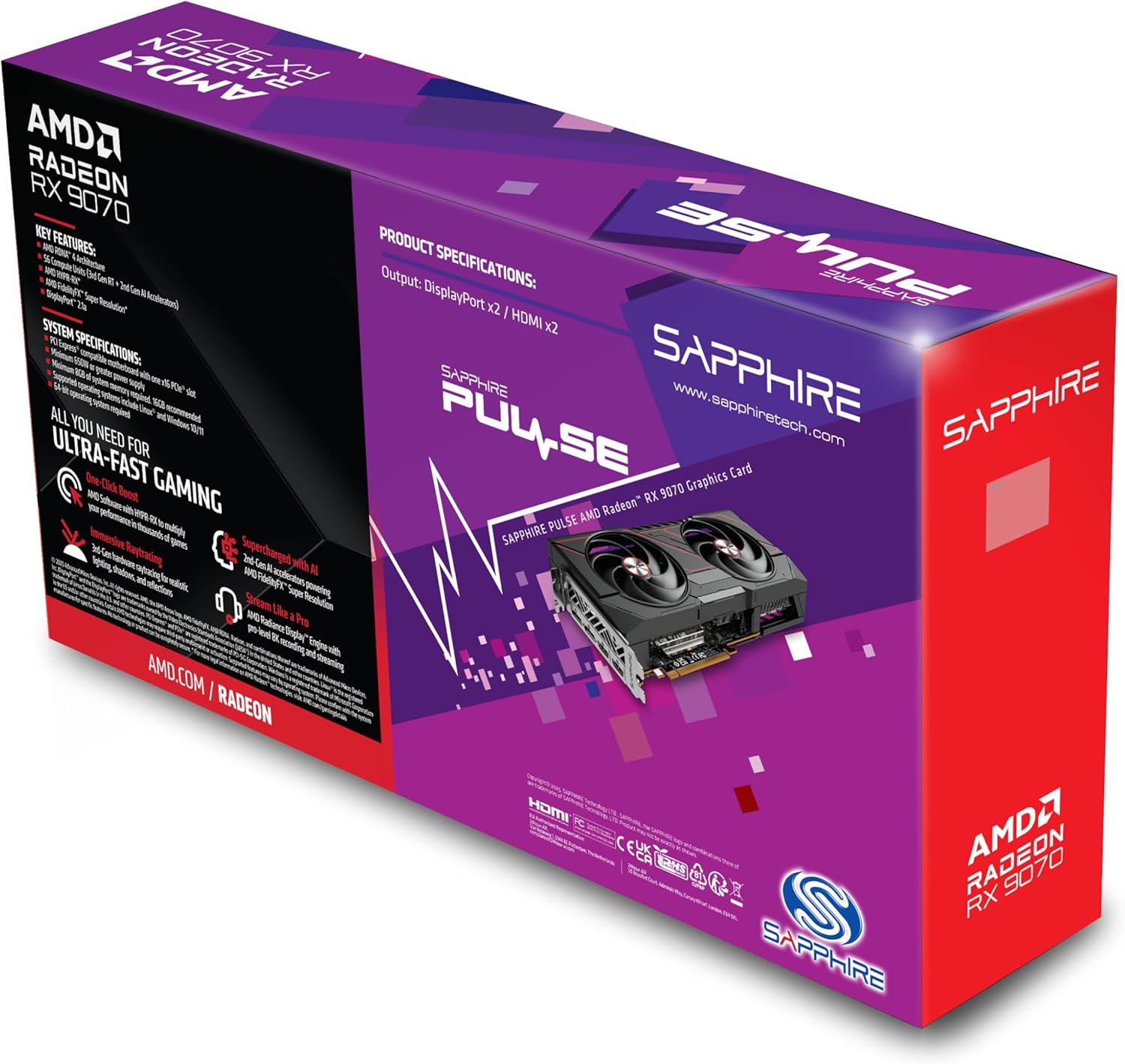
בילד 2.1: דערציען view of the Sapphire Pulse AMD Radeon RX 9070 Gaming graphics card packaging, displaying key features and specifications.
3. סיסטעם רעקווירעמענץ
איידער איר אינסטאלירט די גראַפיקס קאַרטל, זיכערט זיך אז אייער סיסטעם טרעפט די פאלגענדע מינימום באדערפענישן:
- PCI Express-compliant motherboard with one X16 graphics slot.
- Minimum 650W Power Supply Unit (PSU) with appropriate PCIe power connectors (e.g., 8-pin + 6-pin or dual 8-pin, depending on specific model). Refer to your PSU manual for details.
- Minimum 8GB System Memory (RAM); 16GB or more recommended for optimal performance.
- אַפּערייטינג סיסטעם: Windows 10/11 64-bit or Linux 64-bit.
- אינטערנעט קשר for driver installation and updates.
- ווייַז מאָניטאָר with DisplayPort or HDMI input.
4. ינסטאַלירונג
Follow these steps to install your Sapphire Pulse AMD Radeon RX 9070 Gaming graphics card:
- צוגרייטן אייער סיסטעם:
- מאַכט אויס דעם קאָמפּיוטער און טרענט אָפּ דעם עלעקטרישן קאַבל פֿון דער וואַנט אַוטלעט.
- עפענען דיין קאָמפּיוטער קאַסטן.
- Ground yourself by touching a metal part of the case to discharge static electricity.
- Remove Existing Graphics Card (if applicable):
- Disconnect any power cables from the old graphics card.
- Unscrew the retaining screw(s) holding the card to the case.
- Carefully unlatch the PCIe slot retention clip and gently pull the old card straight out of the slot.
- Install the New Graphics Card:
- געפינט אַ פאַראַן PCI Express x16 סלאָט אויף אייער מוטערבאָרד.
- Remove the metal bracket cover(s) from the back of your computer case corresponding to the slot.
- Align the graphics card with the PCIe slot and press it firmly until it is fully seated and the retention clip locks into place.
- Secure the graphics card to the case with the retaining screw(s).
- וויכטיק: This graphics card is substantial in weight. It is highly recommended to use a GPU support bracket to prevent sag and potential damage to the PCIe slot over time.
- פאַרבינדן מאַכט קאַבלעס:
- Connect the appropriate PCIe power cables from your power supply to the power connectors on the graphics card. Ensure all connectors are securely attached.
- פֿאַרמאַכן דעם קעסטל און פֿאַרבינדן פּעריפֿעראַלע אַפּאַראַטן:
- נאָענט דיין קאָמפּיוטער פאַל.
- Connect your monitor(s) to the DisplayPort or HDMI outputs on the graphics card.
- Reconnect the power cable to your computer and turn it on.
5. דרייווער ינסטאַלירונג
After physical installation, you need to install the latest drivers for your graphics card:
- דאַונלאָוד דרייווערס:
- באַזוכן די באַאַמטער אַמד webפּלאַץ (www.amd.com/en/support) or the Sapphire support page (www.sapphiretech.com/en/support).
- Navigate to the driver download section and select your graphics card model (AMD Radeon RX 9070).
- Download the latest recommended drivers for your operating system.
- ינסטאַלירן דריווערס:
- Run the downloaded driver installer.
- Follow the on-screen prompts to complete the installation. It is generally recommended to perform a "Clean Installation" to remove any previous driver remnants.
- Your screen may flicker or go black temporarily during the installation process. This is normal.
- ריסטאַרט סיסטעם:
- אַמאָל די ינסטאַלירונג איז געענדיקט, ריסטאַרט דיין קאָמפּיוטער.
- After restarting, your graphics card should be fully functional.
6. אפערירן די גראַפיקס קאַרטל
Once installed and drivers are updated, your graphics card will automatically handle graphics processing for your system. You can further optimize its performance and settings using the AMD Radeon Software.
- AMD Radeon Software: This utility allows you to monitor performance, adjust game settings, manage display configurations (including FreeSync), and update drivers. Access it via the system tray icon or by right-clicking on your desktop.
- ווייַז קאַנעקשאַנז: The card supports Dual HDMI and Dual DisplayPort outputs. Connect your monitors to the available ports. For multi-monitor setups, configure display arrangements within Windows Display Settings or AMD Radeon Software.
- רעזאלוציע: The card supports a maximum screen resolution of 7680x4320. Ensure your monitor and cables support the desired resolution and refresh rate.
7. וישאַלט
Proper maintenance helps ensure the longevity and optimal performance of your graphics card.
- באַזייַטיקונג פון שטויב: Periodically clean dust from the graphics card heatsink and fans using compressed air. Ensure the computer is powered off and unplugged before cleaning. Hold the fan blades gently to prevent over-spinning during cleaning.
- לופט לויפן: Ensure your computer case has adequate airflow to prevent overheating. Keep cables tidy and ensure intake and exhaust fans are clear.
- דרייווער דערהייַנטיקונגען: Regularly check for and install the latest graphics drivers from AMD or Sapphire to benefit from performance improvements, bug fixes, and new features.
8. טראָובלעשאָאָטינג
אויב איר טרעפט פּראָבלעמען מיט אייער גראַפיקס קאַרטל, זעט די פאלגענדע געוויינטלעכע טראָובלעשווטינג טריט:
- קיין אַרויסווייַז רעזולטאַט:
- Ensure the monitor is connected to the graphics card, not the motherboard's integrated graphics port.
- וועריפיצירט אז אלע מאכט קייבלס זענען זיכער פארבונדן צו דער גראַפיקס קאַרטל און מאכט צושטעל.
- לייג צוריק די גראַפיקס קאַרטל אין איר PCIe סלאָט.
- פּרובירט מיט אַן אַנדערן דיספּליי קאַבל אָדער מאָניטאָר אויב מעגלעך.
- סיסטעם אינסטאביליטעט אדער קראַשיז:
- זיכער מאַכן אַז אייער מאַכט צושטעלן אַפּאַראַט (PSU) טרעפט די מינימום וואַטtagE פאָדערונג.
- פירט אויס א ריינע אינסטאַלאַציע פון די לעצטע גראַפיקס דרייווערס.
- Monitor GPU temperatures using AMD Radeon Software to check for overheating.
- קוקט נאך בייאָס/UEFI דערהייַנטיקונגען פֿאַר אייער מאַדערבאָרד.
- שלעכטע פאָרשטעלונג אין שפּילן/אַפּליקאַציעס:
- זיכער מאַכן אַז די לעצטע גראַפיקס דרייווערס זענען אינסטאַלירט.
- Verify that the game/application is using the dedicated graphics card and not integrated graphics (if applicable).
- קוק די אין-שפּיל סעטטינגס; רעדוצירן די רעזאָלוציע אדער גראַפיק קוואַליטעט אויב נייטיק.
- Monitor GPU utilization and temperatures to identify bottlenecks or thermal throttling.
- פאָכער ראַש:
- הויכע ווענטילאַטאָר גיכקייטן זענען נאָרמאַל אונטער שווערער לאַסט צו האַלטן אָפּטימאַלע טעמפּעראַטורן.
- If fans are excessively loud at idle, check fan profiles in AMD Radeon Software.
- Ensure no cables or obstructions are interfering with fan rotation.
9. ספּעסאַפאַקיישאַנז
Key technical specifications for the Sapphire Pulse AMD Radeon RX 9070 Gaming graphics card:
| שטריך | דעטאַל |
|---|---|
| מאָדעל נומער | 11349-03-20 ג |
| גראַפיקס קאָופּראַסעסער | אַמד ראַדעאָן רקס 9070 |
| Video Memory (RAM) | 16 גיגאבייט GDDR6 |
| זכּרון ספּיד | 950 מהז |
| זייגער אָפטקייַט | 2520 MHz (as per card description) |
| מאַקסימום סקרין האַכלאָטע | 7680x4320 |
| וידאו רעזולטאַט צובינד | Dual DisplayPort, Dual HDMI |
| נומער דימענשאַנז (LxWxH) | 11.81 X 11.81 X 0.04 אינטשעס |
| פּונקט וואָג | 2.99 פונט |
| פאַבריקאַנט | סאַפייער |
10. וואָראַנטי און שטיצן
For warranty information, technical support, or service inquiries, please refer to the official Sapphire webזייטל אדער קאנטאקט זייער קאסטומער שטיצע גלייך.
- Sapphire Official Webפּלאַץ: www.sapphiretech.com
- שטיצן בלאַט: www.sapphiretech.com/en/support
- האַלטן דיין דערווייַז פון קויפן פֿאַר וואָראַנטי קליימז.


