1. הקדמה
The ZEBRONICS Pixigo A16 is a 15.6-inch portable monitor designed for enhanced productivity and entertainment on the go. Featuring a Full HD 1080p resolution, anti-glare screen, and versatile connectivity options, it serves as an ideal secondary display for laptops, smartphones, and gaming consoles. Its lightweight design and 180° adjustable stand ensure flexibility and ease of use in various environments.
2. פּעקל אינהאַלט
באַשטעטיקט אַז אַלע זאכן וואָס זענען אויסגערעכנט אונטן זענען אַרייַנגערעכנט אין אייער פּעקל:
- Monitor - 1 unit
- Mini HDMI Cable - 1 unit
- Type C DP Cable - 1 unit
- Power Adapter - 1 unit
- User Manual - 1 unit
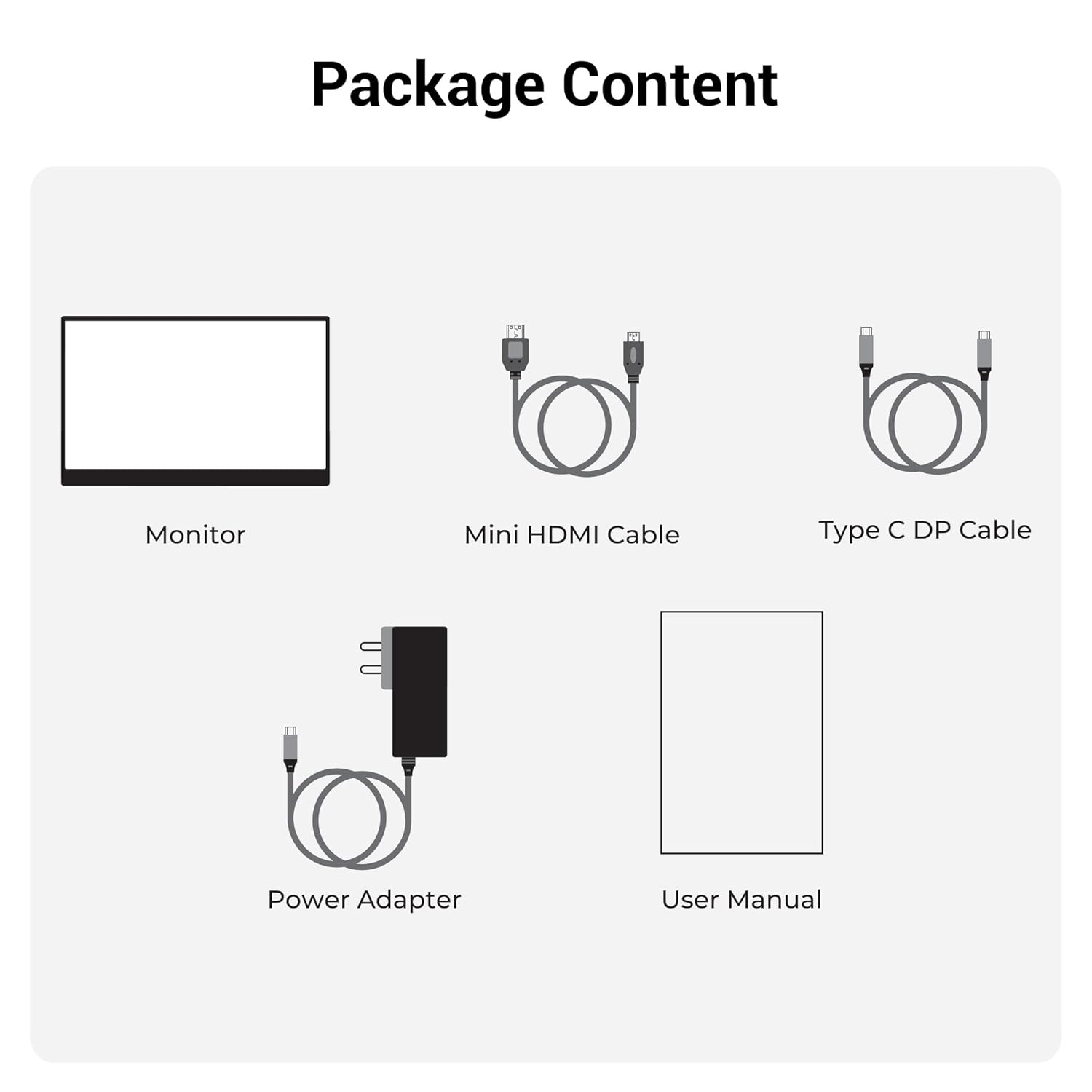
פיגורע 2.1: פּעקל אינהאַלט
3. פּראָדוקט איבערview
3.1 פּאָרטן און קאָנטראָלן
Familiarize yourself with the various ports and control buttons on your Pixigo A16 monitor:
- מיני HDMI פּאָרט: For video input from devices with HDMI output.
- Type C Port 2 (Power + Display): Supports both power delivery and display signal via a single Type-C cable.
- Type C Port 1 (Only Power): Dedicated for power input to the monitor.
- Power / Return Button: Used to power the monitor on/off and navigate back in the OSD menu.
- LED ינדיקאַטאָר: Shows the power status of the monitor.
- Roller Key / Menu: Used to access and navigate the On-Screen Display (OSD) menu and adjust settings.
- כעדפאָון דזשאַק: פֿאַר קאַנעקטינג פונדרויסנדיק אַודיאָ דעוויסעס.

Figure 3.1: Monitor Ports and Controls
3.2 שליסל פֿעיִקייטן
- 15.6-inch FHD 1080p Display: Delivers sharp and vivid visuals with a resolution of 1920x1080.
- אַנטי-גלער פאַרשטעלן: Minimizes reflections and eye strain for comfortable viewing.
- 180° אַדזשאַסטאַבאַל שטאַנד: Offers flexible positioning to achieve the optimal viewינג ווינקל.
- צווייענדיק אַרייַנשרייַב: Features 1x Type-C DP port and 1x Mini HDMI port for broad compatibility.
- געבויט-אין ספּיקערז: Provides integrated audio output.
- לייטווייט און פּאָרטאַטיוו: Compact design for easy transport and use in various locations.
- 300 ניץ ברייטנאַס: Ensures a bright and vibrant screen, even in well-lit environments.
- 16.7 מיליאָן קאָלאָרס: Supports accurate color reproduction.
- 16:9 Aspect Ratio: Ideal for media consumption and multitasking.
- וואַנט-מאָנטירבאר: Supports wall mounting for a clutter-free setup.

פיגור 3.2: דיספּליי פֿעיִקייטן
4. סעטאַפּ
Follow these steps to set up your ZEBRONICS Pixigo A16 portable monitor:
- ופשליסן די מאָניטאָר: נעמט פֿאָרזיכטיק אַרויס דעם מאָניטאָר און אַלע אַקסעסאָריעס פֿון דער פּאַקאַדזשינג.
- שטעלן דעם שטיין: Adjust the integrated 180° stand to your desired viewינג ווינקל.
- פאַרבינדן מאַכט: Connect the provided Power Adapter to the Type C Port 1 (Power Only) on the monitor and plug it into a power outlet.
- פאַרבינדן צו מיטל:
- For Type-C Devices (with DisplayPort Alt Mode): Use the Type C DP Cable to connect your device (laptop, smartphone) to Type C Port 2 (Power + Display) on the monitor. This single cable can provide both power and display signal.
- פֿאַר HDMI דעוויסעס: Use the Mini HDMI Cable to connect your device (laptop, gaming console) to the Mini HDMI Port on the monitor. Ensure the monitor is also powered via Type C Port 1.
- מאַכט אויף: Press the Power / Return Button to turn on the monitor.

Figure 4.1: Wide Compatibility with PC, Laptop, Mobile, and Gaming Console
5. אַפּערייטינג ינסטרוקטיאָנס
5.1 יקערדיק אָפּעראַציע
- מאַכט אויף / אַוועק: Press and hold the Power / Return Button for a few seconds.
- אַרייַנשרייַב מקור סעלעקציע: The monitor should automatically detect the input source. If not, access the OSD menu using the Roller Key and manually select the input.
- באַנד אַדזשאַסטמאַנט: Use the Roller Key to adjust the volume of the built-in speakers or connected headphones.
5.2 אויף-סקרין ווייַז (אָסד) מעניו
דאָס OSD מעניו דערמעגלעכט אײַך צו קאַסטאַמייזן פֿאַרשידענע דיספּליי סעטטינגס:
- Press the Roller Key to open the OSD menu.
- Roll the Roller Key up or down to navigate through menu options.
- Press the Roller Key to select an option or confirm a setting.
- Press the Power / Return Button to go back to the previous menu or exit the OSD.
5.3 צופּאַסן דעם שטאַנד
The integrated stand can be adjusted up to 180 degrees to find the most comfortable viewing angle for your needs. Simply pivot the monitor on its stand to tilt it forward or backward.

Figure 5.1: 180° Adjustable Stand
6. וישאַלט
כדי צו זיכער מאַכן די לאַנגלעבעניש און אָפּטימאַלע פאָרשטעלונג פון דיין מאָניטאָר, נאָכפאָלגן די וישאַלט גיידליינז:
- רייניקונג די פאַרשטעלן: ניצן אַ ווייך, לינט-פֿרייַ שטאָף אַ ביסל דampגעוואשן מיט וואַסער אָדער אַ נישט-אַברייזיוו פאַרשטעלן רייניגער. ויסמיידן שטרענגע כעמיקאַלן אָדער אַברייזיוו מאַטעריאַלס.
- רייניקונג פון די Casing: ווישט אויס דעם מאָניטאָר casinג מיט אַ ווייכן, טרוקענעם שטאָף.
- סטאָרידזש: ווען נישט אין באַנוץ, האַלט דעם מאָניטאָר אין אַ קיל, טרוקן אָרט, אַוועק פון דירעקט זונשייַן און עקסטרעמע טעמפּעראַטורן.
- האַנדלינג: Handle the monitor with care, especially when transporting it. Its lightweight design makes it portable, but it should still be protected from impacts.
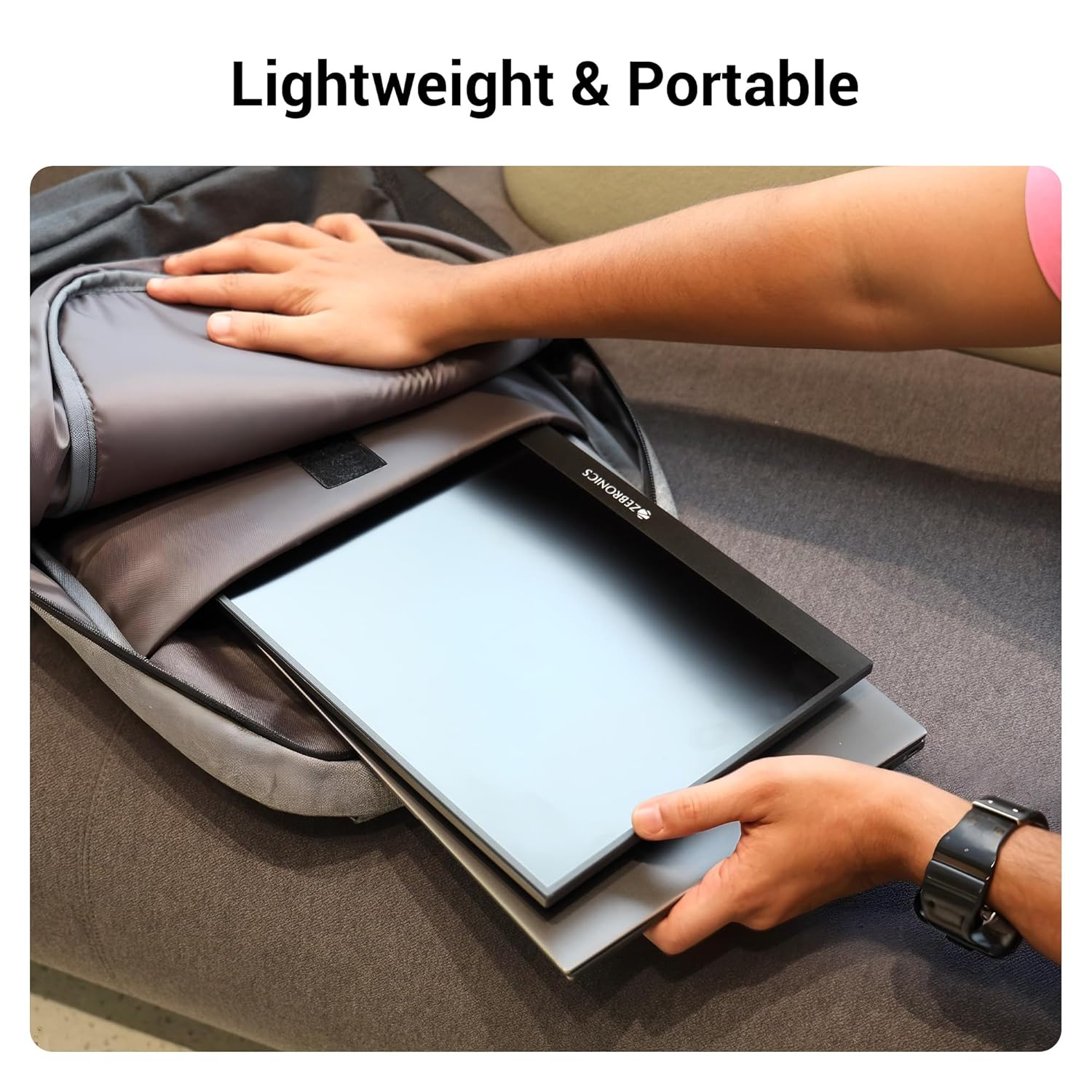
Figure 6.1: Lightweight and Portable Design
7. טראָובלעשאָאָטינג
אויב איר טרעפט פּראָבלעמען מיט אייער מאָניטאָר, זעט די פאלגענדע געוויינטלעכע פּראָבלעמען און לייזונגען:
| פּראָבלעם | מעגלעך סיבה | לייזונג |
|---|---|---|
| קיין אַרויסווייַזונג/קיין סיגנאַל | Incorrect input source selected; Loose cable connection; Insufficient power. | Check cable connections (HDMI/Type-C). Ensure the monitor is powered. Select the correct input source via the OSD menu. For Type-C, ensure your device supports DisplayPort Alt Mode. |
| פליקערנדיקער עקראַן | Faulty cable; Incompatible resolution/refresh rate; Power fluctuations. | Try a different cable. Adjust the resolution or refresh rate on your connected device. Ensure stable power supply. |
| קיין אַודיאָ | Volume too low/muted; Incorrect audio output selected on device. | Increase monitor volume using the Roller Key. Check audio settings on your connected device to ensure audio is routed to the monitor. |
| מאָניטאָר טוט זיך נישט אָן | No power; Power adapter issue. | Ensure the power adapter is securely connected to the monitor (Type C Port 1) and a working power outlet. |
8. ספּעסאַפאַקיישאַנז
Detailed technical specifications for the ZEBRONICS Pixigo A16 portable monitor:
- סאָרט: זעבראָניקס
- מאָדעל: Zeb-Pixigo A16
- פאַרשטעלן גרייס: 15.6 אינטשעס (39.6 סענטימעטער)
- פאַרשטעלן האַכלאָטע: 1920 x 1080 פּיקסעלס (FHD 1080p)
- אַספּעקט פאַרהעלטעניש: 16:9
- ברייטקייט: 300 ניץ
- קאָליר שטיצן: 16.7 מיליאָן קאָלאָרס
- באַשרייַבונג פון דער ייבערפלאַך פון דעם עקראַן: Matte (Anti-glare)
- קאַנעקטיוויטי: 1x Mini HDMI Port, 2x Type C Ports (1x Power + Display, 1x Power Only), Headphone Jack
- געבויט-אין ספּיקערז: יא
- נומער וואָג: 804 ג
- פּראָדוקט דימענשאַנז (LxWxH): 1.7 X 35.5 X 22.2 סענטימעטער
9. וואָראַנטי און שטיצן
For warranty information, technical support, or service inquiries, please refer to the warranty card included in your package or visit the official ZEBRONICS webזייטל. האַלט אייער קויף קוויטל ווי אַ באַווייַז פון קויפן פֿאַר וואָראַנטי קליימז.


