הקדמה
This manual provides instructions for the setup, operation, and maintenance of your Incase Wireless Mobile Mouse 1850. This compact and comfortable mouse is designed for both left and right-handed users and offers reliable wireless connectivity for various computing environments.
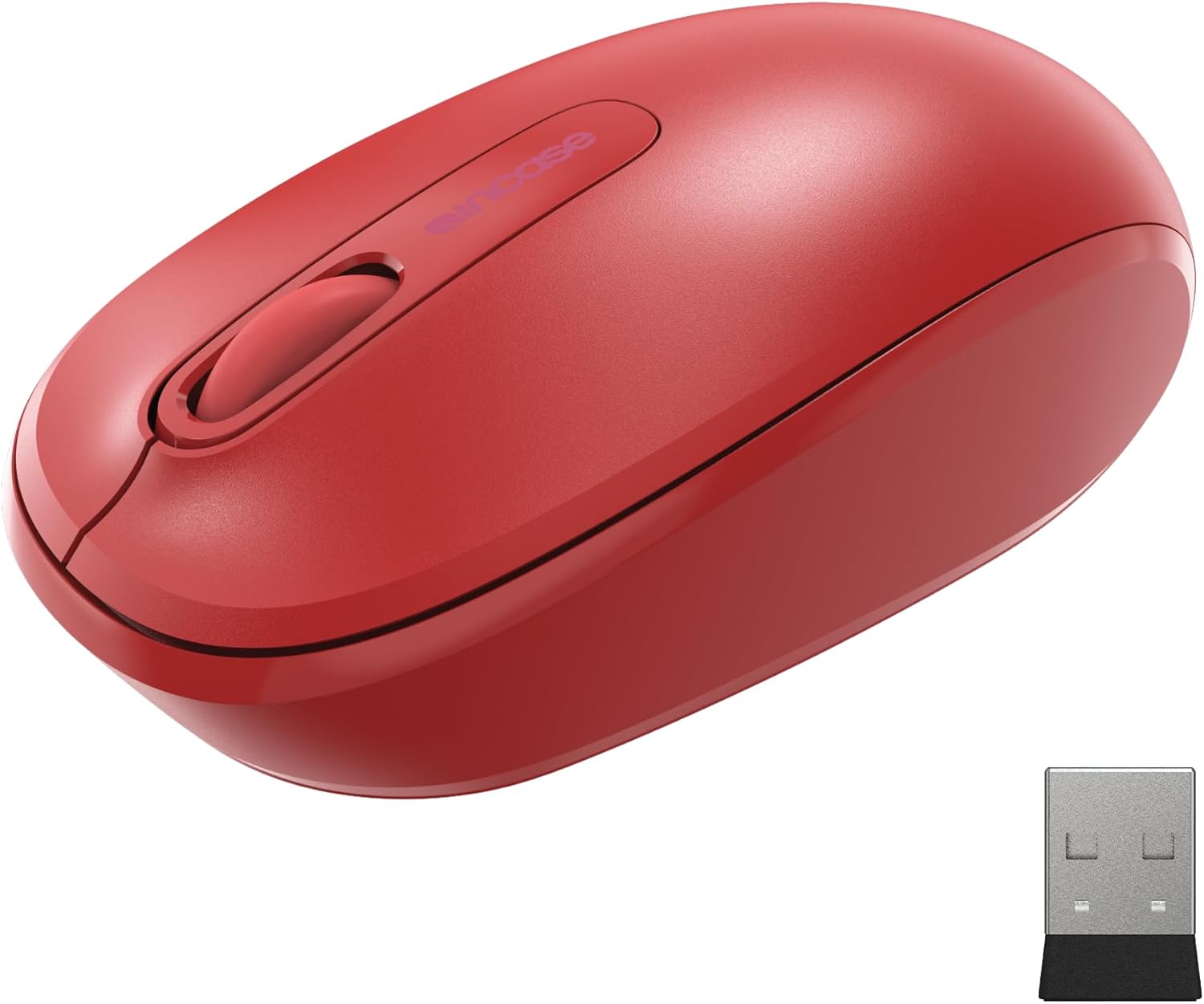
Image: The Incase Wireless Mobile Mouse 1850 in Flame Red, shown alongside its compact USB nano transceiver.
פּעקל אינהאַלט
זיכער מאַכן אַז אַלע זאכן זענען פאַראַן אין פּעקל:
- Incase Wireless Mobile Mouse 1850
- USB Nano Transceiver
- 1 אַאַ באַטערי
סעטאַפּ
1. ינסטאָלינג די באַטאַרייע
- געפינען די באַטאַרייע אָפּטייל אויף די אַנדערסייד פון די מויז.
- רוק די באַטאַרייע אָפּטייל דעקן עפענען.
- אַרײַנשטעלן די אַרײַנגעשלאָסענע AA באַטעריע, און זיכער מאַכן אַז די פּאָלאַריטעט איז ריכטיק (+/-).
- פאַרמאַכן די באַטאַרייע אָפּטייל דעקן סיקיורלי.

Image: The underside of the mouse, illustrating the battery compartment and the slot for storing the USB nano transceiver.
2. Connecting the USB Nano Transceiver
- Remove the USB nano transceiver from its storage slot on the underside of the mouse (if stored).
- Plug the USB nano transceiver into an available USB port on your computer (Mac or Windows 8/10/11).
- אייער קאָמפּיוטער זאָל אויטאָמאַטיש דעטעקטירן און אינסטאַלירן די נויטיקע דרייווערס. דאָס קען נעמען אַ פּאָר מינוט.
The nano transceiver is designed for "plug-and-go" convenience and can be left plugged into your computer or stored in the mouse when not in use.
אָפּעראַציע
מאַכט אויף / אַוועק
Locate the On/Off power switch on the underside of the mouse. Slide the switch to the "On" position to activate the mouse. Slide it to "Off" when not in use to conserve battery life.
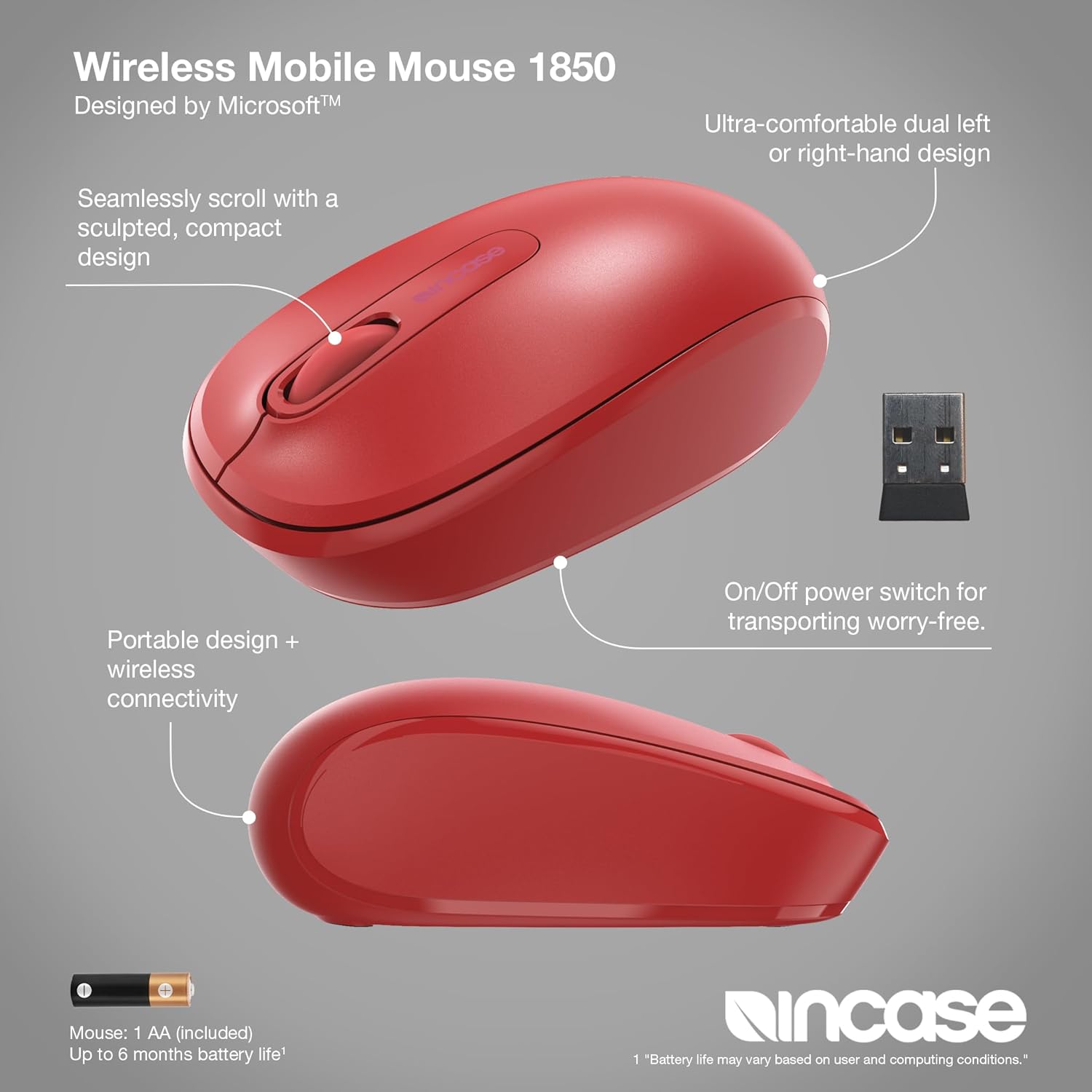
בילד: א דעטאַלירטע view of the mouse, pointing out its ambidextrous design, scroll wheel, and the location of the On/Off power switch.
יקערדיק פאַנגקשאַנז
- לינק קליקט: דריק דעם לינקן קנעפּל צו אויסקלייבן זאכן אדער אקטיוויזירן פונקציעס.
- רעכט גיט: Press the right button to access context menus.
- סקראָל ראָד: ראָלט דאָס סקראָל ראָד אַרויף אָדער אַראָפּ צו נאַוויגירן דורך דאָקומענטן און web pages. The scroll wheel can also be pressed for middle-click functionality, depending on your operating system settings.
אַמבידעקסטראָוס פּלאַן
The Incase Wireless Mobile Mouse 1850 features a symmetrical design, making it comfortable for both left-handed and right-handed users. No special configuration is required for ambidextrous use, though you may adjust primary button settings in your operating system's mouse preferences.
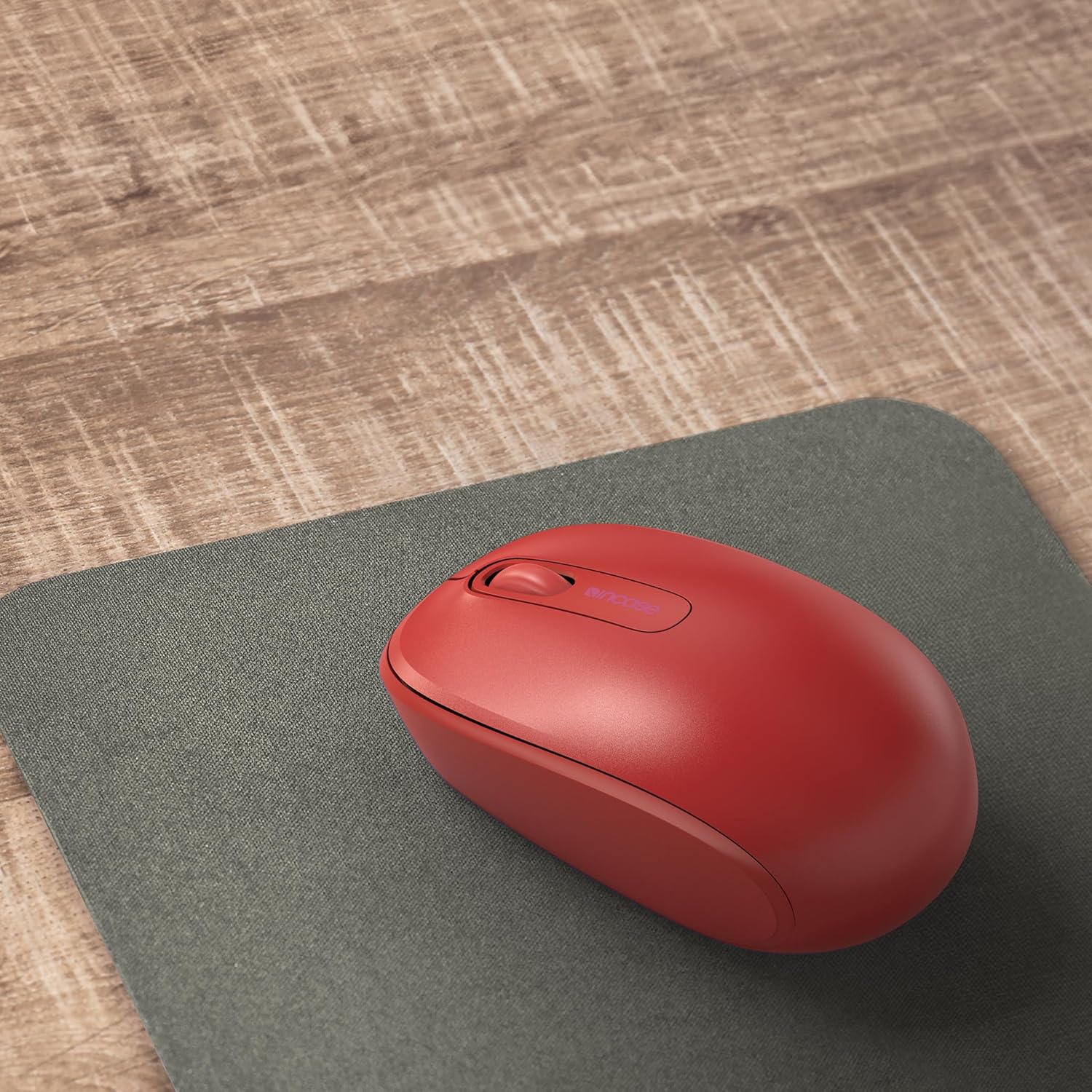
Image: The mouse positioned on a mousepad, demonstrating its ergonomic shape suitable for general use.
וישאַלט
רייניקונג
- ניצט אַ ווייכן, לינט-פֿרייע שטאָף צו ווישן די ייבערפלאַך פֿון דער מויז.
- פֿאַר שווערן שמוץ, אַ ביסל דampווייקט דעם שטאָף מיט וואַסער אָדער אַ מילדער רייניקונג לייזונג. פֿאַרמייַדט איבעריקע פֿײַכטקייט.
- ניצט נישט קיין שטרענגע כעמיקאלן, אברייסיוו רייניגער, אדער סאָלווענטן.
באַטערי פאַרבייַט
The mouse is designed for up to six months of battery life. When the mouse performance degrades or stops responding, replace the AA battery by following the "Installing the Battery" steps in the Setup section.
טראָובלעשאָאָטינג
| פּראָבלעם | לייזונג |
|---|---|
| מויז ניט ריספּאַנדינג |
|
| יראַטיק לויפֿער באַוועגונג |
|
| ווירעלעסס קשר ישוז |
|
ספּעסאַפאַקיישאַנז
- מאָדעל נומער: U7Z-00001
- קאַנעקטיוויטי: 2.4 GHz Wireless (USB Nano Transceiver)
- באַוועגונג דעטעקשאַן: אָפּטיש
- באַטערי טיפּ: 1 x AA (אַרייַנגערעכנט)
- באַטאַרייע לעבן: אַרויף צו 6 חדשים (טיפּיש נוצן)
- דימענשאַנז (L x W x H): בעערעך 4.0 X 2.3 X 1.5 אינטשעס
- וואָג: 3.2 אונסעס (מיט באַטאַרייע)
- קאַמפּאַטאַבילאַטי: Windows 8, Windows 10, Windows 11, Mac OS
- ספּעציעלע פֿעיִקייטן: Ambidextrous design, Portable, Lightweight, Nano Transceiver storage

Image: A visual representation of the mouse with its approximate length (4.0 in), width (2.3 in), and height (1.5 in) indicated.
וואָראַנטי און שטיצן
וואָראַנטי אינפֿאָרמאַציע
The Incase Wireless Mobile Mouse 1850 is backed by a 1-יאָר לימיטעד וואָראַנטי from the date of purchase. This warranty covers defects in materials and workmanship under normal use. It does not cover damage caused by accident, abuse, misuse, or unauthorized modification.
ביטע האַלטן דיין דערווייַז פון קויפן פֿאַר וואָראַנטי קליימז.
קונה שטיצן
For technical assistance, warranty claims, or further information, please visit the official Incase support website or contact their customer service department. Refer to the product packaging or the Incase webזייטל פֿאַר די מערסט אַקטועלע קאָנטאַקט דעטאַלן.
איר קענט אויך באַזוכן די יו Incase Store on Amazon פֿאַר נאָך פּראָדוקט אינפֿאָרמאַציע.


