1. הקדמה און איבערview
The Seasonic Focus GX 850W power supply is designed to deliver stable and efficient power to your computer system. This fully modular unit complies with ATX 3.1 and PCIe 5.1 standards, featuring a native 12V-2x6 connector for modern graphics cards. It is 80 PLUS Gold and Cybenetics Platinum certified, ensuring high energy efficiency. The OptiSink Design and 100% Japanese capacitors contribute to its reliable performance and quiet operation.
שליסל פֿעיִקייטן:
- ATX 3.1 / PCIe 5.1 ready with native 12V-2x6 connector.
- 80 PLUS Gold and Cybenetics Platinum certified for high efficiency.
- OptiSink Design for advanced heat dissipation.
- Supports NVIDIA RTX 5080 and AMD RX 9000 series graphics cards.
- Hybrid fan control with a 135 mm Fluid Dynamic Bearing (FDB) fan for quiet operation.
- Fully modular cabling for improved cable management.
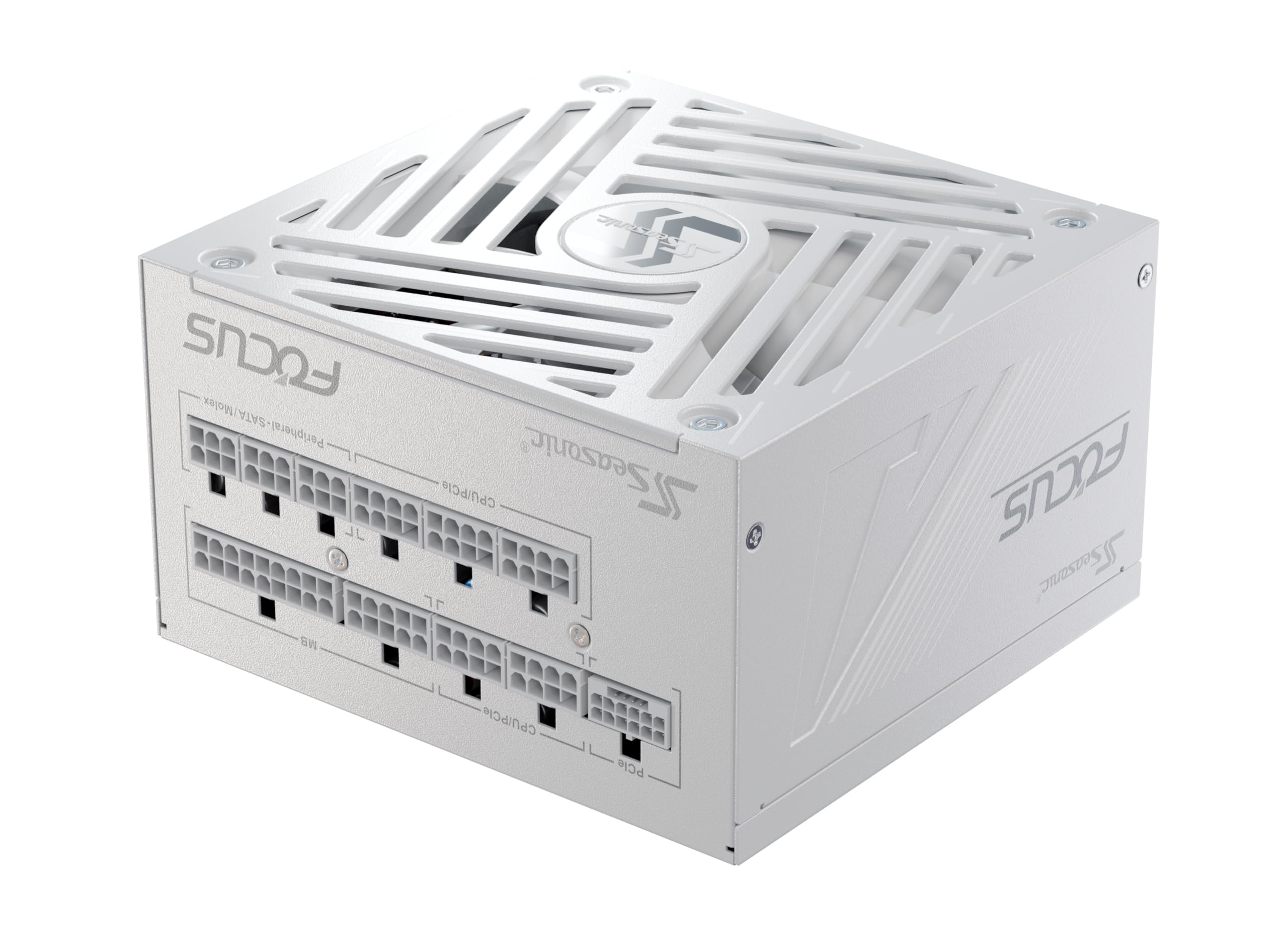
Image 1.1: The Seasonic Focus GX 850W White Power Supply, a fully modular unit designed for high performance.
2. סעטאַפּ און ייַנמאָנטירונג
Before installing your new power supply, ensure your computer system is completely powered off and unplugged from the wall outlet. Always handle components with care and consider wearing an anti-static wrist strap.
2.1 גשמיות ינסטאַלירונג
- Prepare your PC case: Remove the old power supply if present. Ensure there is adequate space for the new unit.
- Mount the power supply: Slide the Seasonic Focus GX 850W into the designated power supply bay in your PC case. Secure it with the provided screws.
- Connect the main motherboard cable: באַפעסטיקט דעם 24-פּין ATX קאַבל צו אייער מאַדערבאָרד.
- Connect CPU power cables: Connect the 4+4-pin CPU power cables to the appropriate headers on your motherboard.
- Connect graphics card power cables: For modern GPUs, use the native 12V-2x6 cable. For older or additional GPUs, use the 6+2-pin PCIe cables.
- Connect peripheral cables: Attach SATA cables for storage drives (SSDs, HDDs) and Molex cables for other peripherals as needed.
- Organize cables: Utilize the fully modular design to connect only necessary cables, reducing clutter and improving airflow within your case.
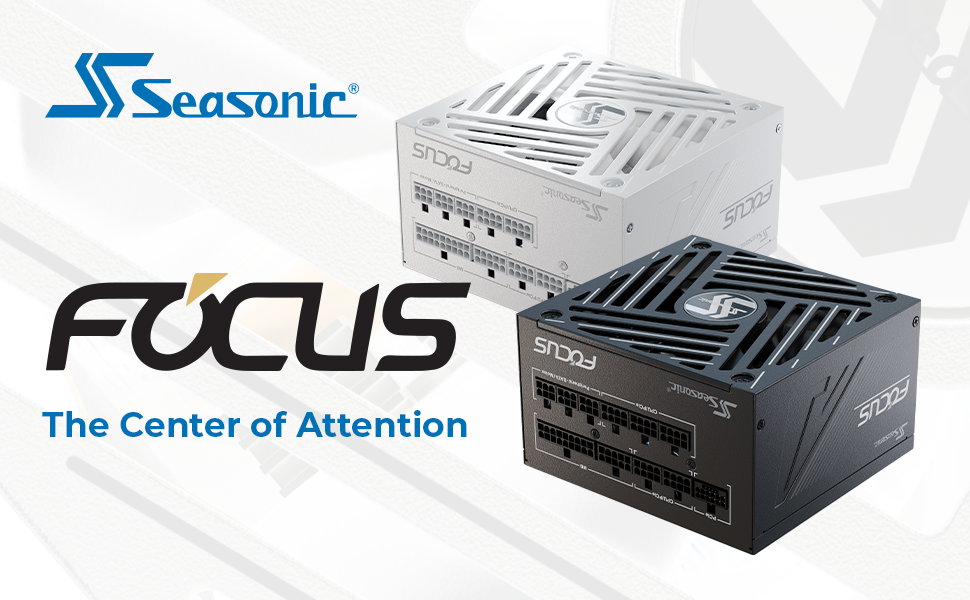
בילד 2.1: איבערview of the power supply's modular connectors and the included 12V-2x6 cable for ATX 3.1 and PCIe 5.1 compatibility.

Image 2.2: A diagram illustrating the types and lengths of fully modular cables included with the Focus GX 850 power supply.
2.2 Initial Power-On Test (Optional)
A PSU tester is included to verify basic functionality before full system integration.
- Connect the 24-pin ATX cable from the PSU to the PSU tester.
- Plug the power supply into a wall outlet and flip the main power switch on the PSU.
- The PSU fan should spin briefly, indicating basic functionality. If the fan does not spin, recheck connections or consult the troubleshooting section.

Image 2.3: The included PSU tester, used for a quick check of the power supply's operational status.
3. אַפּערייטינג ינסטרוקטיאָנס
The Seasonic Focus GX 850W features a Hybrid Fan Control system, allowing you to optimize between silent operation and maximum cooling.
3.1 Hybrid Fan Control
Located on the rear of the power supply, there is a switch for Hybrid Fan Control:
- Button Released (Fan stops at low loads): In this mode, the fan will remain off during low power consumption, providing silent operation. The fan will automatically activate when the load increases to maintain optimal temperatures.
- Button Pressed (Fan always on): In this mode, the fan operates continuously, regardless of the system load. This provides consistent cooling and may be preferred in high-performance systems or warmer environments.

Image 3.1: The Hybrid Fan Control switch, allowing users to select between silent operation at low loads or continuous fan operation.
3.2 OptiSink Design and Premium Components
The power supply incorporates Seasonic's OptiSink Design for advanced heat dissipation, ensuring stable performance even under heavy loads. High-quality Japanese capacitors are used throughout the unit for enhanced reliability and longevity.
Image 3.2: An illustration of the OptiSink Design, highlighting its role in advanced heat dissipation for improved performance and reliability.
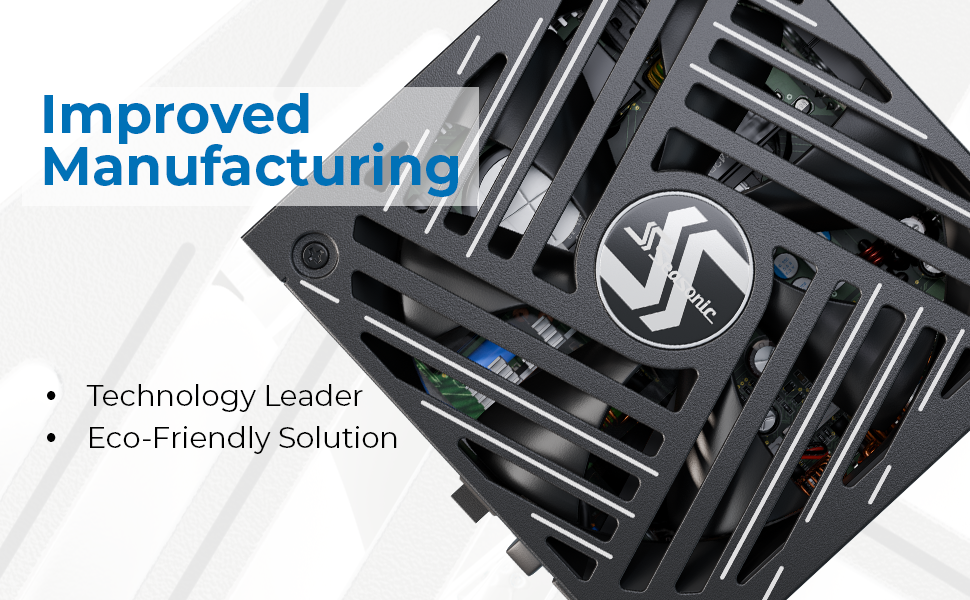
בילד 3.3: א נאָענטע בילד view of the internal components, showcasing the premium Japanese capacitors used in the power supply.
4. וישאַלט
געהעריקע אויפהאלטונג גאראנטירט די לאנגעוויטי און אפטימאלע פאָרשטעלונג פון אייער מאַכט צושטעל.
- האַלטן עס ריין: Periodically clean the exterior of the power supply and the fan grille to prevent dust buildup. Use compressed air to gently clear dust from the fan blades and internal heatsinks. Ensure the system is powered off and unplugged before cleaning.
- פאַרזיכערן די געהעריק לופט לויפן: Make sure the power supply's intake and exhaust vents are not obstructed. Good airflow is crucial for efficient cooling.
- Check cable connections: Occasionally, verify that all modular cables are securely seated in both the power supply and the connected components.
5. טראָובלעשאָאָטינג
If you encounter issues with your power supply, try the following troubleshooting steps:
- קיין מאַכט:
- Ensure the power cable is securely plugged into both the power supply and the wall outlet.
- Check that the main power switch on the back of the power supply is in the 'ON' position.
- Verify that all modular cables are correctly connected to the power supply and the system components.
- Test the power supply using the included PSU tester (refer to Section 2.2).
- סיסטעם אינסטאביליטעט/קראכן:
- זייט זיכער אז אייער סיסטעם'ס מאַכט רעקווייערמענץ טאָן נישט יקסיד די 850 וואט קאַפּאַציטעט פון די PSU.
- קוקט איבער פאר לויזע קאבלען פארבינדונגען, ספעציעל צום מוטערבאארד און גראפיקס קארטל.
- מאָניטאָר סיסטעם טעמפּעראַטורן צו ויסשליסן פּראָבלעמען מיט איבערהיצונג.
- פאָכער ראַש:
- If the fan is constantly running and you prefer quieter operation, ensure the Hybrid Fan Control switch is in the 'Button Released' position (refer to Section 3.1).
- Clean any dust buildup from the fan and vents.
If these steps do not resolve the issue, please contact Seasonic customer support.
6. ספּעסאַפאַקיישאַנז
Detailed technical specifications for the Seasonic Focus GX 850W Power Supply.
| שטריך | באַשרייַבונג |
|---|---|
| מאָדעל נאָמען | Focus GX-850 White ATX 3.1 |
| סאָרט | סיזאָניק |
| רעזולטאַט וואָסtage | 850 וואטס |
| פאָרם פאַקטאָר | אַטקס |
| קאַנעקטער טיפּ | ATX (Fully Modular) |
| קאָאָלינג אופֿן | לופט (135 מ״מ FDB ווענטילאַטאָר) |
| פּראָדוקט דימענשאַנז (L x W x H) | 5.5 X 5.9 X 3.4 אינטשעס (140 X 150 X 86 מם) |
| פּונקט וואָג | 3.5 פונט (1.59 קג) |
| עפעקטיווקייט סערטיפיקאציע | 80 פּלוס גאָלד, סיבענעטיקס פּלאַטינום |
| קאַמפּאַטאַבאַל דעוויסעס | Desktop Computer, Gaming PC |
| ספּעציעלע פֿעיִקייטן | ATX 3.1 / PCIe 5.1 Ready, Native 12V-2x6 Connector, Hybrid Fan Control, OptiSink Design, Japanese Capacitors |
7. וואָראַנטי און שטיצן
The Seasonic Focus GX 850W Power Supply comes with a comprehensive 10 יאָר וואָראַנטי, reflecting Seasonic's commitment to quality and reliability. This warranty covers defects in materials and workmanship under normal use.
For technical support, warranty claims, or further assistance, please visit the official Seasonic webזייטל אדער קאנטאקט זייער קאסטומער סערוויס דעפארטמענט. האלט אייער באווייז פון קויפן פאר גאראנטיע וואַלידאציע.
7.1 פּראָדוקט ווידעא
Video 7.1: An official product video demonstrating features and benefits of the Seasonic Focus GX power supply series.


