1. הקדמה
This manual provides detailed instructions for the Varmilo Sword68 Sakura 65% Hotswap Wireless RGB Mechanical Keyboard. Please read this manual thoroughly before using the product to ensure proper operation and to maximize its lifespan. This keyboard features a full 6063 aluminum CNC case, multiple connectivity options, hot-swappable switches, and customizable RGB lighting.
2. זיכערקייַט אינפֿאָרמאַציע
- האַלט די קלאַוויאַטור אַוועק פון פליסיקייטן און איבערגעטריבענע פייכטקייט צו פאַרמייַדן שעדיקן.
- ויסמיידן יקספּאָוזינג די קלאַוויאַטור צו עקסטרעם טעמפּעראַטורעס.
- Do not attempt to disassemble or modify the keyboard, as this may void the warranty and cause damage.
- Use only the provided USB-C cable for charging and wired connection.
- האַלטן אויס פון דערגרייכן פון קינדער.
3. פּעקל אינהאַלט
באַשטעטיקן אַז אַלע זאכן זענען פאַראַן אין פּעקל:
- Varmilo Sword68 Mechanical Keyboard
- וסב- C קאַבלע
- קלאַוויאַטור אויסציער (קען זיין אַרייַנגערעכנט)
- סוויטש פּולער (קען זיין אַרייַנגערעכנט)
4. סעטאַפּ
4.1 ערשט טשאַרדזשינג
Before first use, connect the keyboard to a USB power source using the provided USB-C cable. The keyboard features a 4000mAh rechargeable battery. A full charge is recommended for optimal wireless performance.
4.2 קאָנעקטיוויטי אָפּציעס
The Varmilo Sword68 supports three connection modes:
- מיט אַ דראָט (USB-C): Connect the keyboard directly to your computer using the USB-C cable. The keyboard will automatically switch to wired mode.
- בלועטאָאָטה 5.0:
- Turn on the keyboard and switch to Bluetooth mode (refer to the keyboard's function keys for mode switching).
- אויף אייער דעווייס (קאָמפּיוטער, לאַפּטאָפּ, סמאַרטפאָון, טאַבלעט), אַקטיווירט בלועטוט און זוכט פֿאַר נײַע דעווייסעס.
- Select 'Varmilo Sword68' from the list of available devices to pair.
- 2.4 גיגאהערץ ווירעלעס:
- Insert the 2.4 GHz USB receiver into an available USB port on your computer.
- Switch the keyboard to 2.4 GHz wireless mode (refer to the keyboard's function keys for mode switching). The keyboard should automatically connect to the receiver.
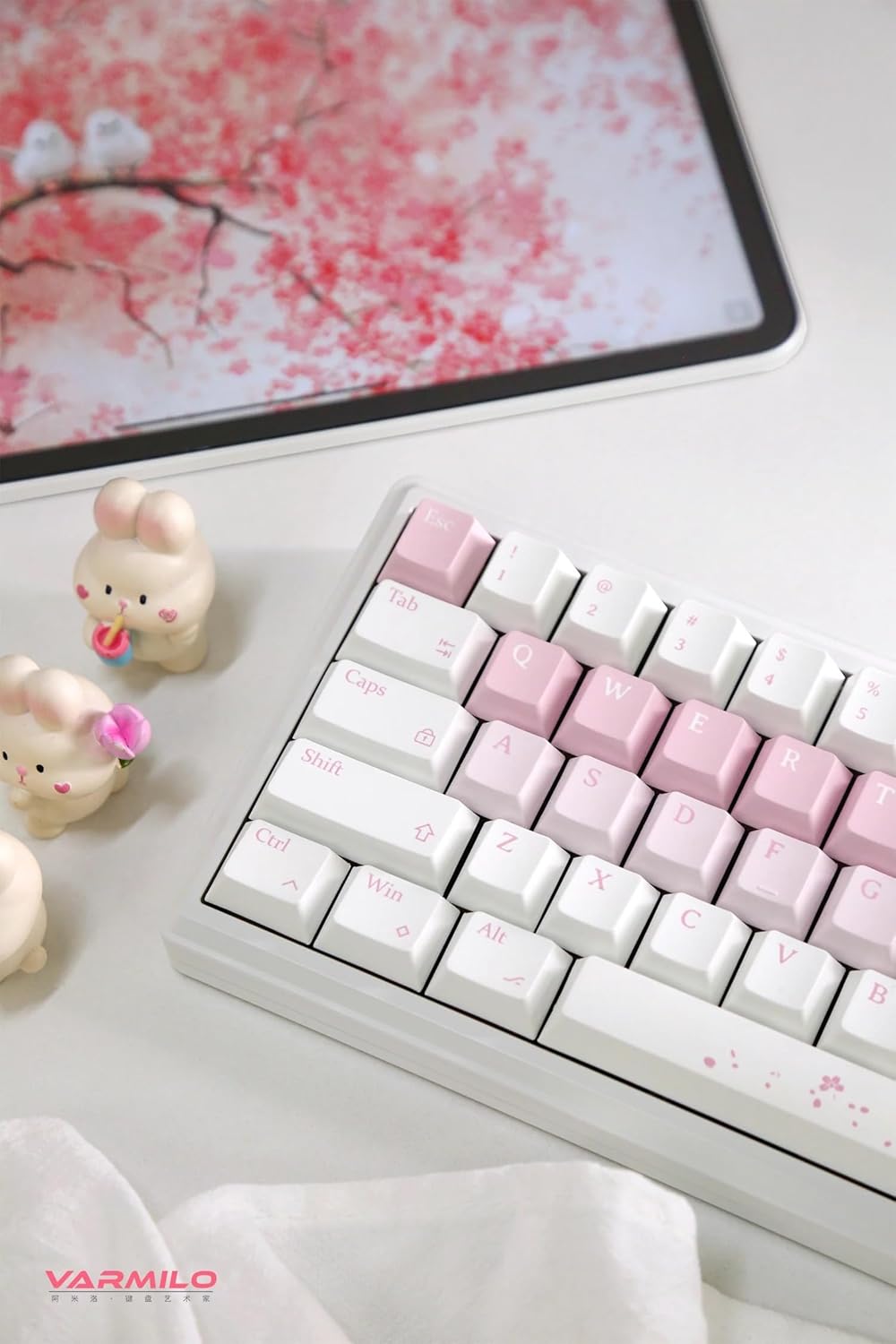
Image: The Varmilo Sword68 keyboard set up on a desk, demonstrating its compact size and aesthetic design alongside a tablet.
5. אָפּערייטינג
5.1 גרונטלעכע קלאַוויאַטור פונקציעס
The Varmilo Sword68 functions as a standard 65% mechanical keyboard. All keys perform their labeled functions. For secondary functions (accessed via the Fn key), refer to the keycap legends or the custom software.

בילד: א דעטאַלירטע view of the Varmilo Sword68 keyboard's right side, highlighting the white and pink keycaps and the Sakura-themed spacebar and escape key.
5.2 רגב באַקקליגהטינג
The keyboard features RGB backlighting. Lighting effects and colors can be customized using the dedicated software. Refer to the software's instructions for detailed customization options.
5.3 Custom Layout Control
The Varmilo Sword68 supports custom layout control through its software. This allows users to remap keys, create macros, and personalize the keyboard's functionality to suit their workflow or gaming preferences.
5.4 הייס-סוואַפּאַבל סוויטשיז
The PCB is hot-swappable, allowing users to change mechanical switches without soldering. This feature supports both plate mount and PCB mount stabilizers. To replace a switch:
- Gently remove the keycap using a keycap puller.
- Use a switch puller to carefully extract the switch from the PCB.
- גלייכט אויס די שטיפטלעך פון דעם נייעם סוויטש מיט די לעכער אויפן פּקב און דריקט פעסט ביז עס קליקט אריין אין פלאץ. מאַכט זיכער אַז די שטיפטלעך זענען נישט געבויגן.

בילד: א נאָענטע בילד view of the Varmilo Sword68 keyboard, showcasing the arrangement of its white and pink keycaps and the decorative spacebar.
6. וישאַלט
6.1 רייניקן די קלאַוויאַטור
כדי צו אויפהאלטן די קלאַוויאַטור'ס אויסזען און פונקציאָנאַליטעט:
- טרענט אפ די קלאַוויאַטור פון אַלע מאַכט קוועלער איידער רייניקונג.
- ניצן אַ ווייך, לינט-פֿרייַ שטאָף אַ ביסל דampened with water or a mild cleaning solution to wipe the keycaps and case.
- פֿאַר שטויב און שמוץ צווישן די קלאַוויאַטורן, ניצט קאָמפּרעסירטע לופט אָדער אַ קליין באַרשט.
- ויסמיידן ניצן האַרב קעמיקאַלז אָדער אַברייסיוו מאַטעריאַלס.
6.2 Keycap and Switch Care
The Double Shot ABS keycaps are durable. If removing keycaps or switches, do so gently to avoid damaging the components or the PCB.
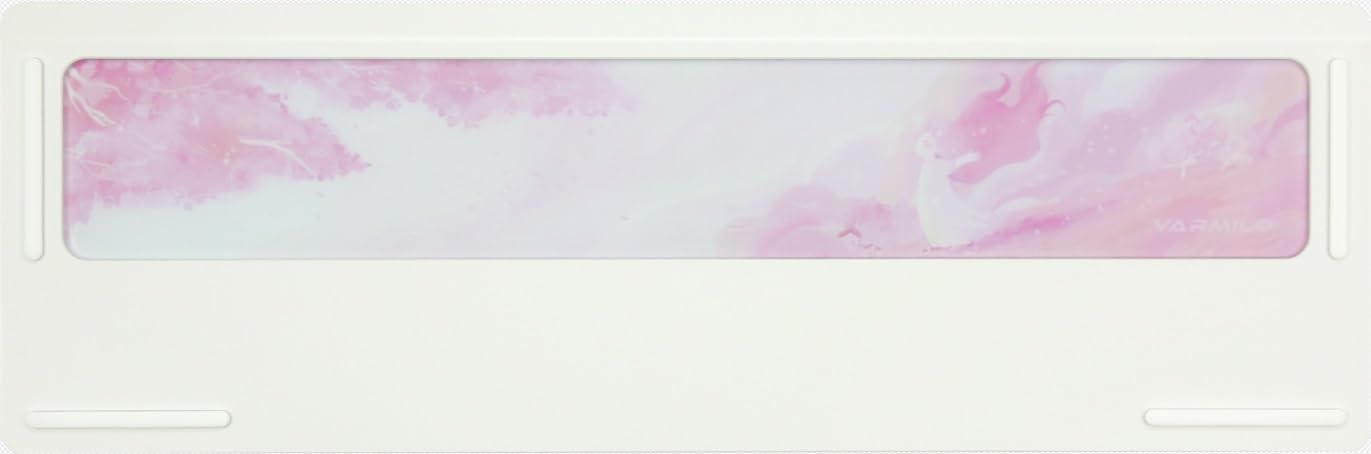
Image: The underside of the Varmilo Sword68 keyboard, revealing the frosted glass weight and rubber feet for stability.
7. טראָובלעשאָאָטינג
- קלאַוויאַטור רעאַגירט נישט: Ensure the USB-C cable is securely connected or that the wireless receiver is properly inserted and the keyboard is in the correct mode (wired, Bluetooth, 2.4 GHz). Check battery level if in wireless mode.
- בלוטוט פּאָרינג פּראָבלעמען: Ensure the keyboard is in pairing mode and your device's Bluetooth is enabled. Try removing previous pairings and re-pairing.
- RGB לייטינג ארבעט נישט: Check the software settings for RGB control. Ensure the keyboard is not in a low-power mode that disables lighting.
- שליסלען רעגיסטרירט זיך נישט: For hot-swappable switches, ensure the switch is fully seated and its pins are not bent. Try replacing the switch if the issue persists.
- Intermittent wireless connection: Ensure the keyboard is within range of the receiver/device and there are no significant obstructions or interference sources.
8. ספּעסאַפאַקיישאַנז
| סאָרט | וואַרמילאָ |
| מאָדעל | Sword68 |
| ASIN | B0DMXL67WS |
| קאַנעקטיוויטי טעכנאָלאָגיע | בלועטאָאָטה, וסב-C |
| קלאַוויאַטור באַשרייַבונג | מעטשאַניקאַל |
| ספּעציעלע פֿעיִקייטן | באַקלייט, הייס-סוואַפּאַבאַל, ריטשאַרדזשאַבאַל |
| קלאַוויאַטור באַקלייטינג קאָליר סופּפּאָרט | RGB |
| מאַטעריאַל | אַלומינום, פּאָליקאַרבאָנאַטע |
| באַטאַרייע קאַפּאַציטעט | 4000 מאַה |
| קייקאַפּס | Double Shot ABS |
| געזונט אַבזאָרפּשאַן | 3x Poron foam, 2x PET foam, 1x IXPE foam |
| קאַסע מאַטעריאַל | 6063 Aluminum CNC with electrophoresis finish |
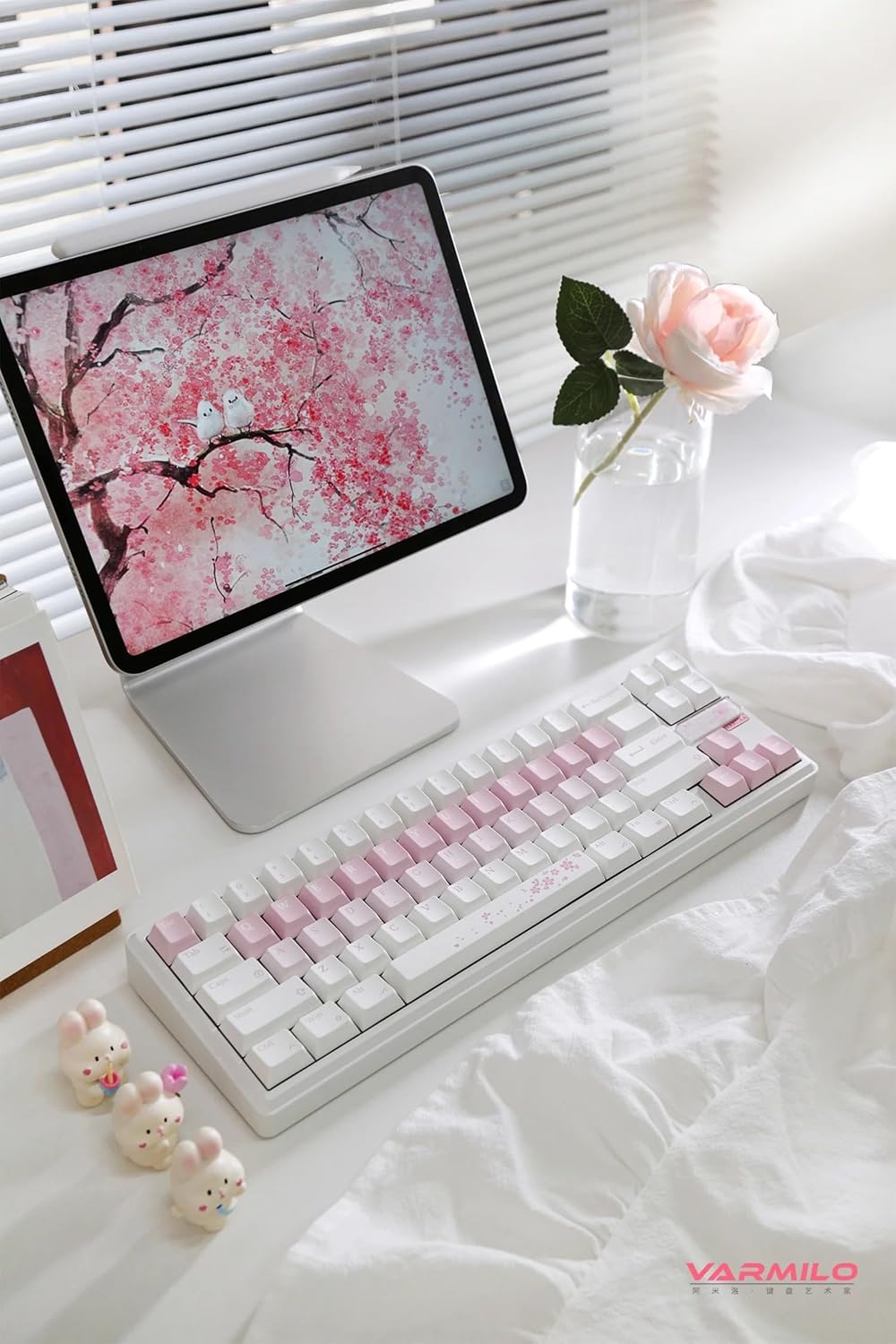
בילד: א פולשטענדיגע view of the Varmilo Sword68 keyboard in a desk setup, showcasinג זײַן עלעגאַנטן דיזײַן און קאָמפּאַקטן פֿאָרעם פֿאַקטאָר.
9. וואָראַנטי און שטיצן
For warranty information, technical support, or service inquiries, please refer to the official Varmilo webזייטל אדער קאנטאקט זייער קאסטומער שטיצע גלייך. האלט אייער קויף קוויטל פאר גאראנטיע קליימס.


