הקדמה
Thank you for choosing the Haomuren K1 Mini Portable Bluetooth Karaoke Machine. This manual provides essential information for the safe and efficient operation of your new device. Please read it thoroughly before use and retain it for future reference.
וואָס איז אין די קעסטל
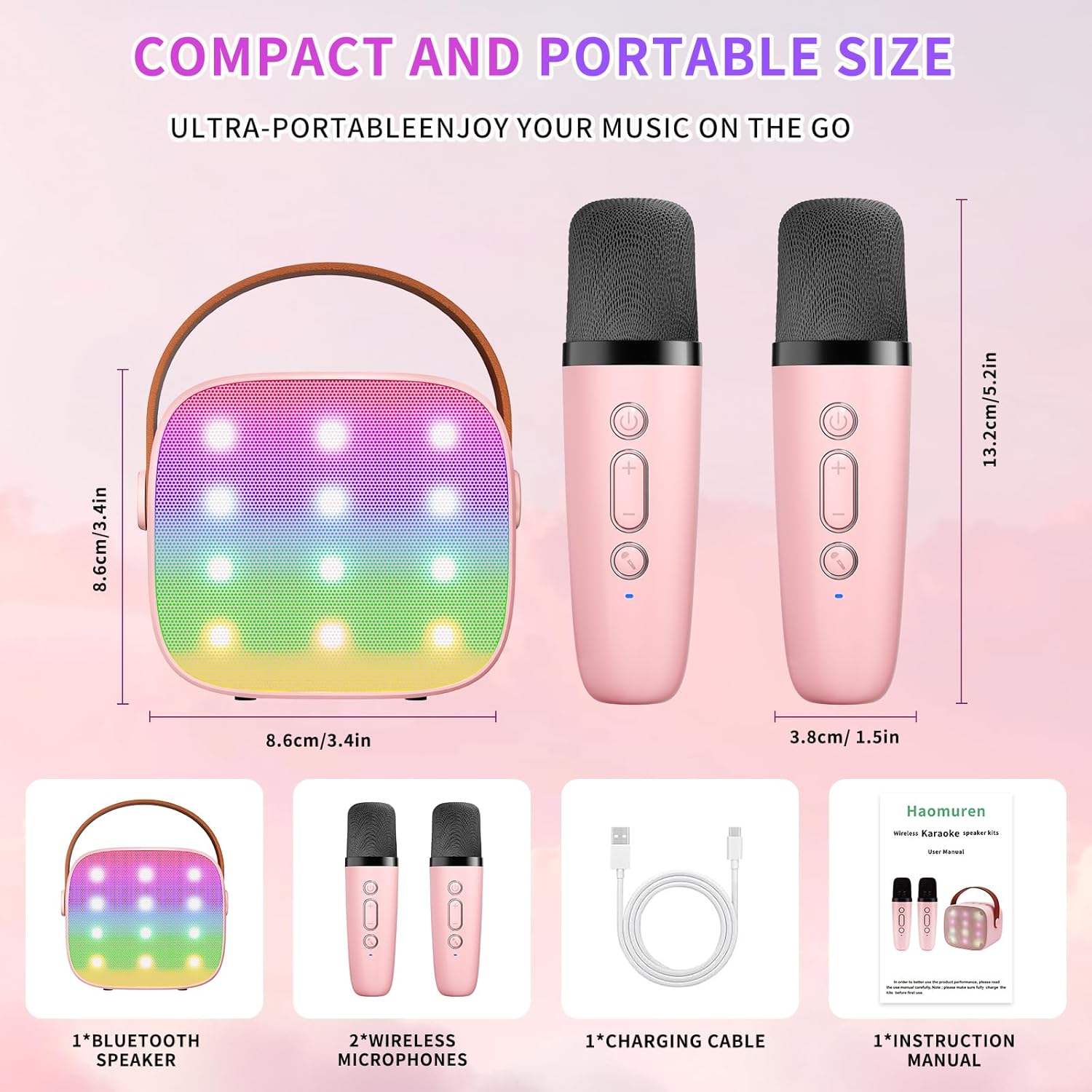
- Karaoke Machine (Speaker) x 1
- ווירעלעסס מיקראָפאָן X 2
- טיפּ-C טשאַרדזשינג קאַבלע X 1
- באַניצער מאַנואַל x 1
סעטאַפּ
1. טשאַרדזשינג די מיטל
Before initial use, fully charge the karaoke machine and both microphones. Use the provided Type-C charging cable.
- רעדנער: Connect the Type-C cable to the speaker's charging port. The speaker has an 1800mAh battery and typically charges in 1-2 hours.
- מיקראָפאָן: Connect the Type-C cable to the charging port at the bottom of each microphone. Each microphone has a 600mAh battery.

2. מאַכט אויף / אויסגעלאשן
- רעדנער: Press and hold the power button on the top panel of the speaker until the LED lights illuminate.
- מיקראָפאָן: Press and hold the power button on each microphone until the blue indicator light turns on.
3. בלועטאָאָטה פּערינג
The speaker and microphones are designed for instant pairing. Once both are powered on, they should automatically connect. To connect the speaker to an external device (smartphone, tablet, PC):
- Ensure the karaoke machine speaker is powered on and in Bluetooth mode (indicated by a voice prompt).
- אויף אייער עקסטערנעם מיטל, אַקטיוויזירט בלועטוט און זוכט פֿאַר פֿאַראַן דעוויסעס.
- Select "K1" (or similar model name) from the list to pair. A confirmation sound will indicate successful pairing.

אַפּערייטינג ינסטראַקשאַנז
1. רעדנער קאָנטראָלס
דער רעדנער פֿאַרמאָגט אינטואיטיווע קנעפּלעך אויף זײַן אויבערשטן פּאַנעל:
- באַנד אַראָפּ (-): Decreases the speaker volume.
- מאַכט/שפּיל/פּאָז: Short press to play/pause music. Long press to power on/off the speaker.
- באַנד אַרויף (+): Increases the speaker volume.
- מאָדע (M): Switches between different input modes (Bluetooth, TF Card).
- געפירט ליכט קאָנטראָל: Short press to cycle through 6 different LED lighting modes.
- Original Vocal/Accompaniment: Press this button to remove or restore original vocals from a song, allowing you to sing along to the instrumental track.

2. מיקראָפאָן קאָנטראָלס
Each wireless microphone has the following controls:
- מאַכט קנעפּל: Press and hold to power on/off the microphone.
- באַנד אַרויף (+): Increases microphone volume.
- באַנד אַראָפּ (-): Decreases microphone volume.
- קול טשאַנגער קנעפּל: Short press to cycle through 5 different voice effects.

3. Voice Changing Modes
The microphones offer 5 unique voice effects to enhance your karaoke experience:
- אָריגינעל קול
- ווייַבלעך קול
- זכר קול
- בעיבי קול
- פאַרזעעניש קול
4. געפירט לייץ
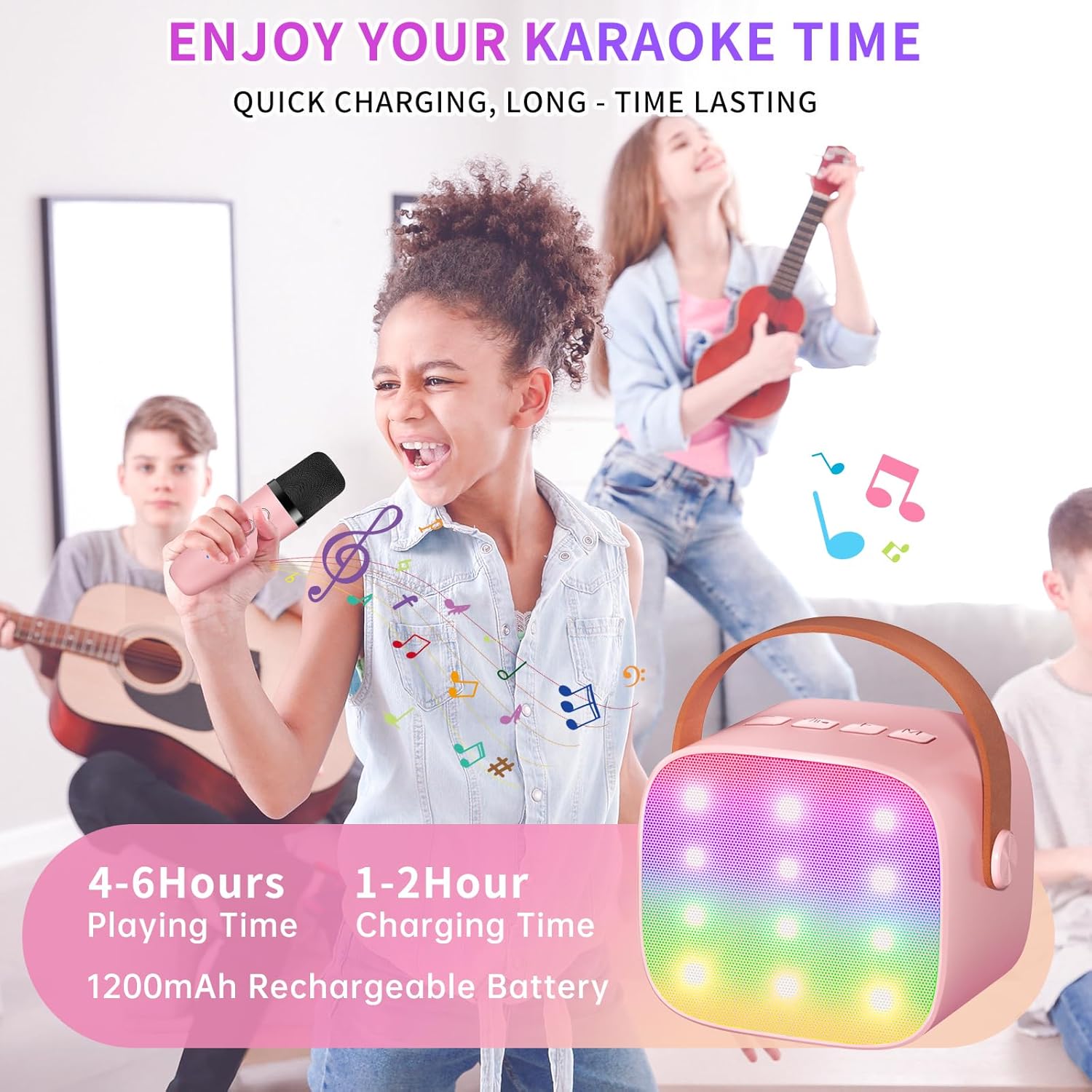
The speaker features built-in LED lights with 6 dynamic modes that synchronize with the music, creating an immersive atmosphere. Use the dedicated LED Light Control button on the speaker to cycle through these modes.

5. Music Playback Options
The Haomuren K1 supports various music playback methods:
- בלועטאָאָטה: Connect wirelessly to your smartphone, tablet, or PC.
- TF קאָרט: Insert a TF (MicroSD) card into the designated slot on the back of the speaker to play stored music files.
- כעדפאָון רעזולטאַט: Use the 3.5mm headphone jack for private listening.
וישאַלט
- רייניקונג: Use a soft, dry cloth to clean the exterior of the speaker and microphones. Do not use liquid cleaners or abrasive materials.
- סטאָרידזש: האַלט דעם אַפּאַראַט אין אַ קיל, טרוקן אָרט אַוועק פון דירעקט זונשייַן און עקסטרעמע טעמפּעראַטורן.
- באַטערי זאָרגן: כדי צו פארלענגערן די לעבן פון די באַטעריע, זאָלט איר נישט אָפט אויסלאָדן דאָס אַפּאַראַט. לאָדט דאָס אַפּאַראַט רעגולער אויף, אפילו אויב עס ווערט נישט גענוצט פאר לענגערע צייטן.
טראָובלעשאָאָטינג
- קיין קלאַנג פֿון רעדנער:
- Ensure the speaker is powered on and charged.
- Check the speaker's volume level.
- Verify that the speaker is correctly paired via Bluetooth to your device.
- If using a TF card, ensure it is inserted correctly and contains compatible audio files.
- מיקראָפאָן איז נישט ארבעטן:
- Ensure the microphone is powered on and charged.
- Check the microphone's volume level.
- Confirm the microphone is automatically paired with the speaker.
- בלועטאָאָטה דיסקאַנעקשאַן:
- Ensure the speaker and your device are within the effective Bluetooth range (typically 10 meters).
- Turn off and restart both the speaker and your device, then attempt to re-pair.
- קוקט איבער פֿאַר קיין שטערונג פֿון אַנדערע וויירלעסע דעוויסעס.
- פאַרקרימט סאָונד:
- Lower the volume on both the speaker and your connected device.
- Ensure the microphones are not too close to the speaker to avoid feedback.
- קאָנטראָלירט די אַודיאָ מקור פֿאַר קוואַליטעט פּראָבלעמען.
ספּעסאַפאַקיישאַנז
| שטריך | באַשרייַבונג |
|---|---|
| סאָרט | האמורען |
| מאָדעל נומער | K1 |
| מאַונטינג טיפּ | טאַבלעטאָפּ |
| מאַכט מקור | באַטאַרייע פּאַוערד |
| קאַנעקטער טיפּ | 3.5mm headphone, Type-C Charging |
| מאַטעריאַל | אַקרילאָניטרילע בוטאַדיענע סטירענע (אַבס) |
| פּונקט וואָג | 14.9 אונסעס |
| נומער פון טשאַנאַלז | 2 |
| אַודיאָ אַרייַנשרייַב | ווירעלעסס מיקראָפאָנעס |
| אָפטקייַט ענטפער | 10 KHz |
| פּראָדוקט דימענשאַנז | 3.7 X 4.1 X 4.3 אינטשעס |
| באַטעריז | 1 AAA באַטעריז פארלאנגט (אַרייַנגערעכנט) |
| קאַנעקטיוויטי טעכנאָלאָגיע | Bluetooth, USB, Wireless |
וואָראַנטי און שטיצן
Haomuren is committed to providing high-quality audio products. Your K1 Mini Portable Bluetooth Karaoke Machine comes with the following:
- פריי פאַרבייַט: In case of product defects.
- 365 טאָג וואָראַנטי: דעקן פאַבריקאַציע חסרונות און מאַלפאַנגקשאַנז.
- טעכניש שטיצן: Dedicated support is available for any operational questions or issues.
For further assistance, please contact Haomuren customer service through your purchase platform or visit the official Haomuren webפּלאַץ.


