1. הקדמה
Thank you for choosing the CZEview ZY-Q6 2K Outdoor Battery Surveillance Camera. This manual provides essential information for the proper installation, operation, and maintenance of your device. This robust security camera is designed for outdoor use, featuring a waterproof construction suitable for various weather conditions. It offers versatile installation options, including magnetic mounting, and provides clear surveillance with 2K resolution, 300° horizontal PTZ, motion detection, and night vision capabilities.
For optimal performance and safety, please read this manual thoroughly before using the camera and retain it for future reference.
2. פּראָדוקט קאַמפּאָונאַנץ
דער פּעקל כולל די פאלגענדע זאכן:
- CZEview ZY-Q6 2K Outdoor Battery Surveillance Camera
- טשאַרדזשינג קאַבלע
- מאָונטינג קלאַמער
- ינסטראַקשאַנז מאַנואַל
Unboxing Videos
ווידעא באַשרייַבונג: This video demonstrates the unboxing process for a JSX Electronics camera, showing the contents typically found in the package, including the camera, mounting accessories, and cables.
ווידעא באַשרייַבונג: This unboxing video for the ieGeek S2 camera (a similar model) showcases the camera and its accessories, providing a visual guide to what to expect in your package.
3. סעטאַפּ און ייַנמאָנטירונג
3.1 גשמיות ינסטאַלירונג
די CZEview ZY-Q6 camera offers versatile installation options, including magnetic mounting for easy placement on metallic surfaces or screw mounting for more permanent fixtures.
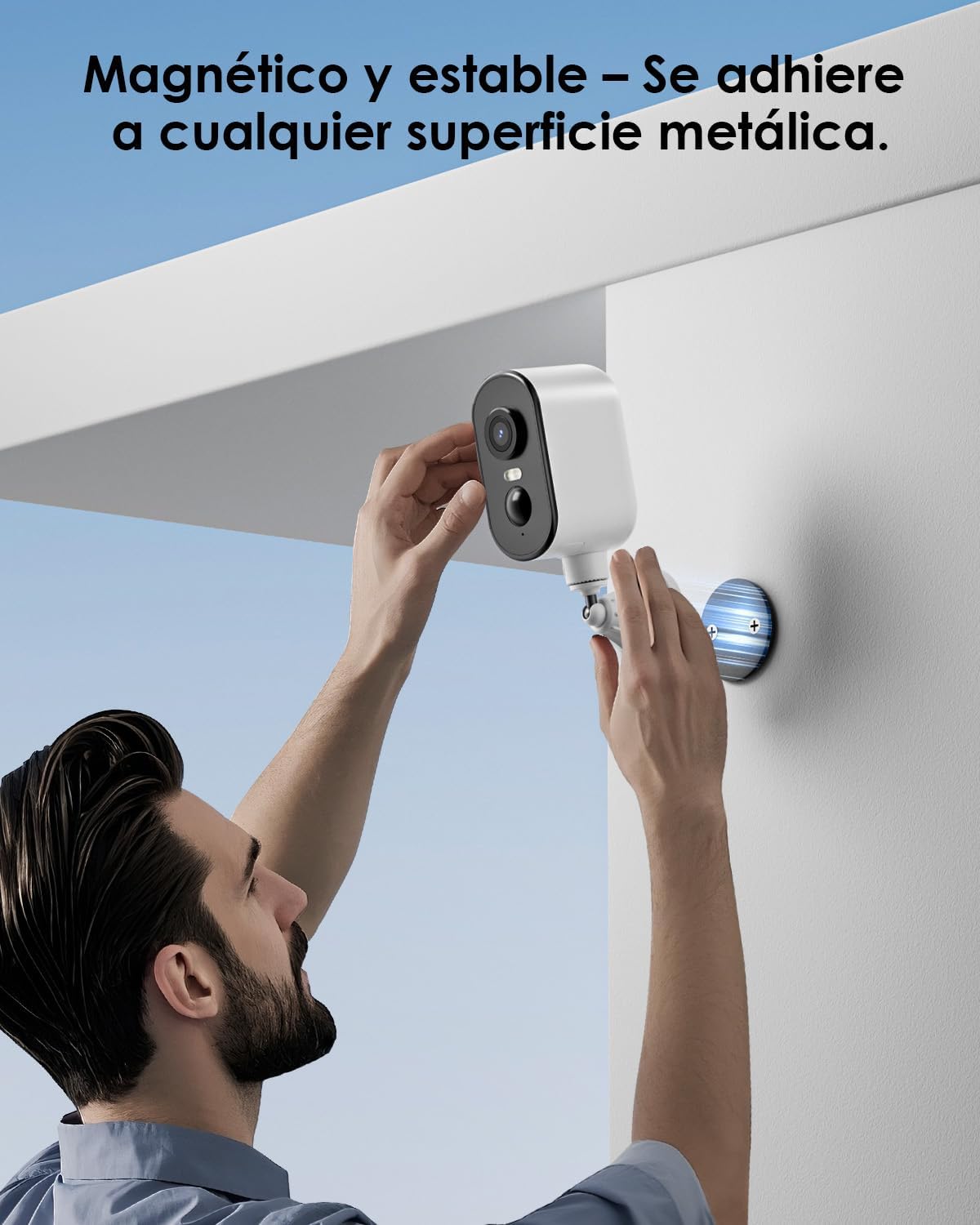
בילד באַשרייַבונג: A man is shown easily attaching the CZEview ZY-Q6 camera to a metallic surface on a wall using its magnetic base, highlighting its stable and convenient mounting.
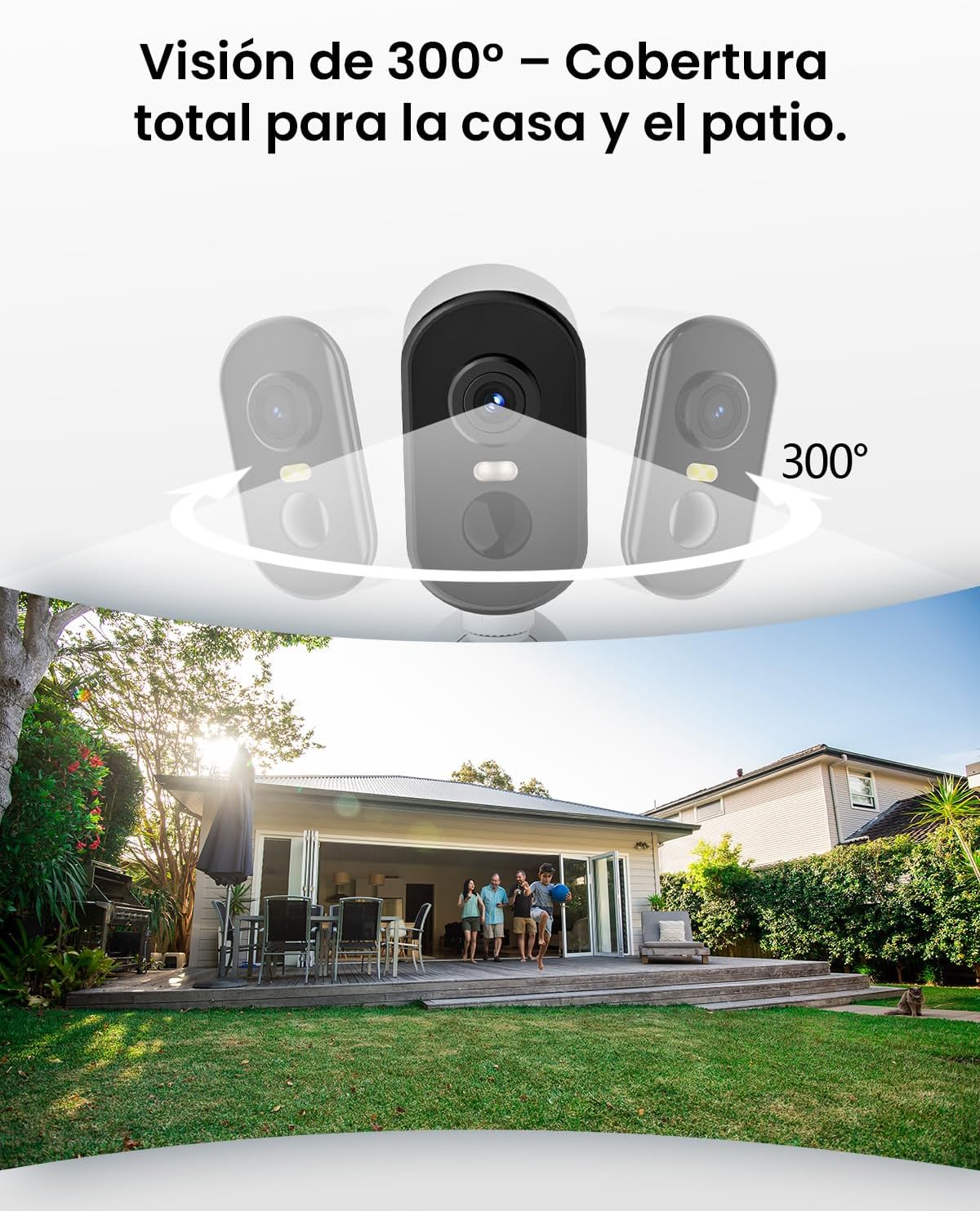
בילד באַשרייַבונג: This image illustrates the camera's 300-degree horizontal PTZ (Pan-Tilt-Zoom) capability, showing how multiple cameras can provide total coverage for a house and patio area.
3.2 אַפּ קאַנעקשאַן
To connect your camera to your smartphone, follow the instructions in the app. Ensure your phone is connected to a 2.4G WiFi network.
ווידעא באַשרייַבונג: This video provides a step-by-step guide on how to connect your outdoor WiFi battery surveillance camera to your smartphone application, covering initial setup and pairing.
ווידעא באַשרייַבונג: This video demonstrates the setup process for an outdoor WiFi battery camera, including app configuration and initial connection steps for remote monitoring.
ווידעא באַשרייַבונג: This video illustrates the installation process for a portable 4G camera. While this model is 2.4G WiFi, the physical mounting steps may offer general guidance.
4. אַפּערייטינג ינסטרוקטיאָנס
4.1 באַוועגונג דעטעקציע און וואָרענונגען
The camera features automatic activation upon detecting motion, recording important events. It can differentiate between people, animals, vehicles, and packages to reduce false alarms.

בילד באַשרייַבונג: This image shows the camera's automatic activation feature, detecting and recording important events triggered by people, animals, vehicles, and packages.
4.2 Night Vision and Security Features
In night mode, upon detecting motion, the camera illuminates and emits an audible alarm, enhancing security during low-light conditions. The infrared illumination system provides clear and sharp surveillance even in total darkness.
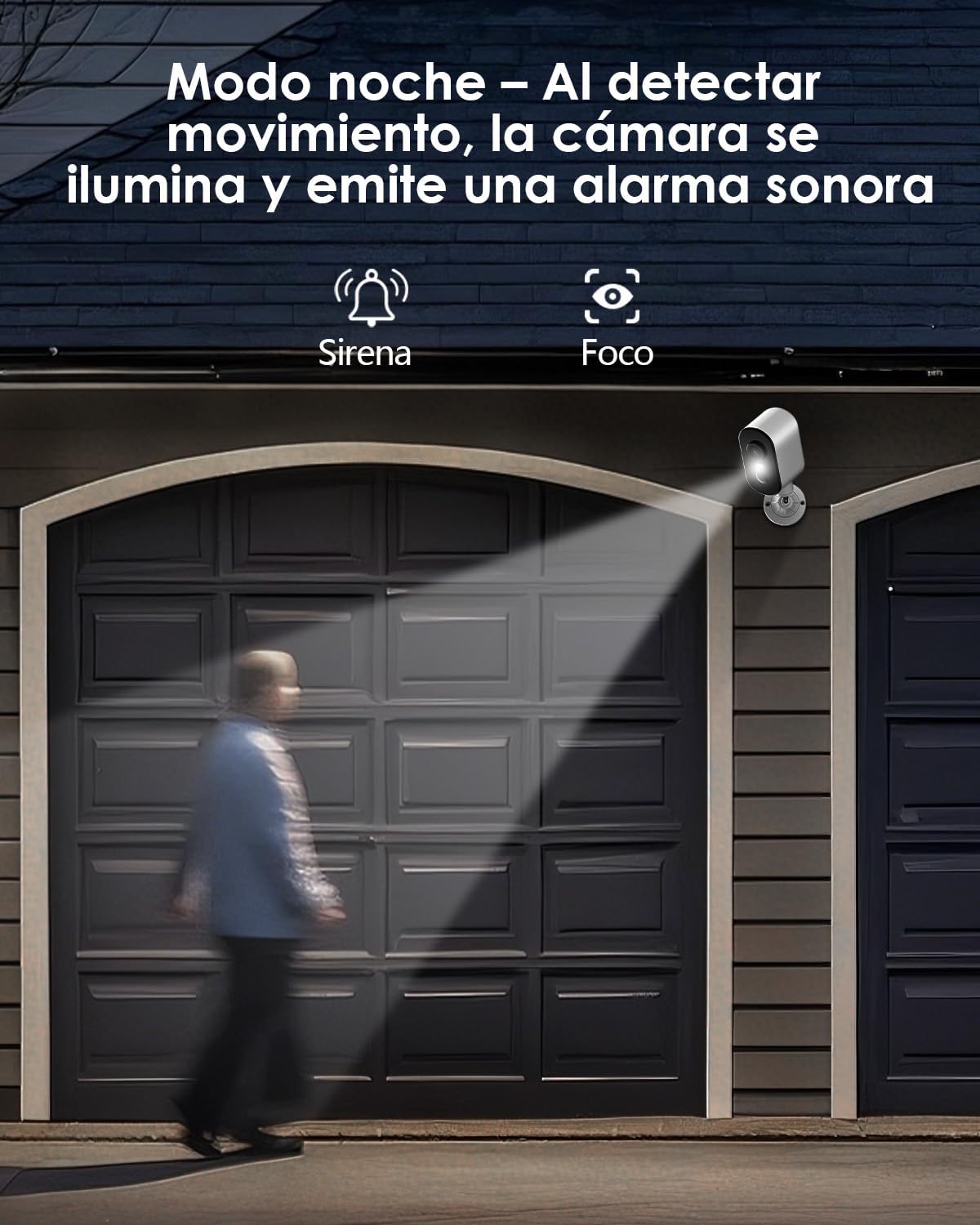
בילד באַשרייַבונג: The camera is depicted in night mode, with its spotlight and siren activating upon motion detection to deter intruders and provide clear visibility.
4.3 Remote Monitoring and Multi-User Access
The camera supports remote monitoring, allowing real-time video streaming access from your smartphone. Multiple users can simultaneously access the camera feed.
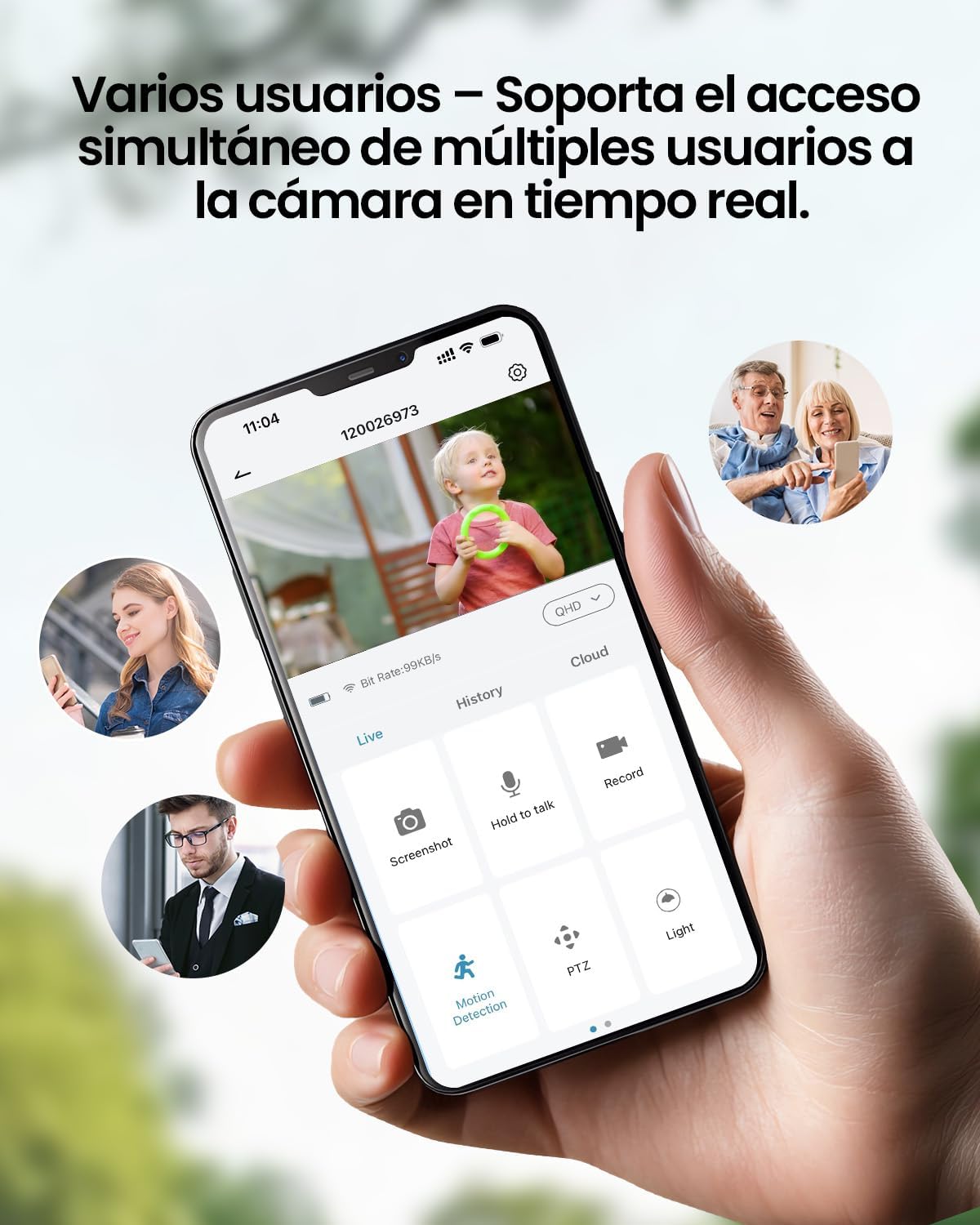
בילד באַשרייַבונג: A smartphone displays the live feed from the camera, with icons indicating support for simultaneous access by multiple users, enabling shared monitoring.
5. וועטער קעגנשטעל
די CZEview ZY-Q6 camera is designed to withstand various outdoor conditions. Its fully dustproof and waterproof construction ensures continuous surveillance in any climate, from heavy rain to direct sun exposure.

בילד באַשרייַבונג: די CZEview ZY-Q6 camera is shown mounted outdoors during rainfall, demonstrating its fully dustproof and waterproof design, ideal for continuous outdoor use.
6. ספּעסאַפאַקיישאַנז
| שטריך | דעטאַל |
|---|---|
| פאַבריקאַנט | CZEview |
| פּראָדוקט דימענשאַנז | 6 רענטגענ 6.5 רענטגענ 12 סענטימעטער; 530 ג |
| באַטעריז | 1 9V battery required, included |
| מאָדעל נומער | ZY-Q6 |
| קאָליר | ווייַס |
| מאַטעריאַל | אַבס פּלאַסטיק |
| מאַכט מקור | באַטערי |
| Voltage | 12 וואלטס |
| עלעקטריקאַל מאַכט | 5 וואטס |
| ייַנמאָנטירונג אופֿן | וואנט בארג |
| ציבעלע טיפּ | ינפרערעד געפירט |
| מאַונטינג טיפּ | טיש בארג |
| ספּעציעלע פֿעיִקייטן | Motion Detection, Night Vision |
| רעקאָממענדעד ניצט | Property Monitoring, Home Security, Outdoor Surveillance |
| פּראָדוקט וואָג | 530 ג |
| מאַקסימום קייט | 20 מעטער |
| קאַמפּאַטאַבאַל דעוויסעס | סמאַרטפאָנע |
7. וישאַלט
- רייניקונג: ווישט רעגולער אויס די קאַמעראַ לינז און קערפּער מיט אַ ווייכן, דamp שטאָף צו באַזייַטיקן שטויב און שמוץ. ויסמיידן ניצן האַרב קעמיקאַלז וואָס קען שעדיקן די ייבערפלאַך.
- באַטערי פאַרוואַלטונג: Monitor the battery level through the app. Recharge the camera promptly when the battery is low to ensure continuous operation.
- Firmware דערהייַנטיקונגען: Check for and install any available firmware updates through the companion app to ensure optimal performance and security.
- מאָונטינג טשעק: Periodically inspect the mounting bracket and ensure the camera is securely attached, especially after severe weather conditions.
8. טראָובלעשאָאָטינג
- קאַמעראַ פֿאַרבינדט זיך נישט צו WiFi:
- Ensure your router is broadcasting a 2.4GHz WiFi signal. The camera does not support 5GHz networks.
- באַשטעטיקן אַז די WiFi פּאַראָל וואָס איז אַרייַנגעגעבן געוואָרן אין דער אַפּ איז ריכטיק.
- Place the camera closer to the WiFi router during the initial setup process.
- Reset the camera by pressing the reset button for 5 seconds and attempt to reconnect.
- נעבעך ווידעא קוואַליטעט:
- Check your WiFi signal strength. A weak signal can affect video quality.
- Clean the camera lens to ensure it is free from dirt or smudges.
- זיכער מאַכן אַז עס זענען נישטאָ קיין שטערונגען וואָס בלאָקירן די קאַמעראַ'ס view.
- באַוועגונג דעטעקשאַן ניט ארבעטן:
- Verify that motion detection is enabled in the camera's app settings.
- אַדזשאַסטירן די באַוועגונג דעטעקשאַן סענסיטיוויטי סעטטינגס.
- זיכער מאַכן אַז די קאַמעראַ'ס פעלד פון view דעקט די געוואונטשענע מאָניטאָרינג געגנט.
- די באַטערי דריינז געשווינד:
- אָפטע באַוועגונג דעטעקציע געשעענישן אָדער לעבן viewing can consume more battery power. Adjust sensitivity or reduce live viewצייט.
- Ensure the camera is installed in an area with optimal WiFi signal to avoid excessive power consumption from searching for a connection.
- עקסטרעמע טעמפּעראַטורן קענען אַפעקטירן די באַטאַרייע פאָרשטעלונג.
9. זיכערקייַט אינפֿאָרמאַציע
- פרובירט נישט צו צענעמען אדער מאדיפיצירן די קאמערא. דאס קען בטל מאכן די גאראנטיע און שאפן שאדן.
- Use only the provided charging cable or a compatible certified cable for charging.
- Keep the camera away from extreme heat sources, open flames, or corrosive substances.
- Ensure the camera is securely mounted to prevent it from falling and causing injury or damage.
- אַוועקוואַרפן באַטעריעס לויט די לאָקאַלע רעגולאַציעס. נישט אַוועקוואַרפן באַטעריעס אין פייער.
10. וואָראַנטי און שטיצן
For warranty information, technical support, or any inquiries regarding your CZEview ZY-Q6 camera, please refer to the contact details provided in the product packaging or visit the official CZEview webפּלאַץ.
ביטע באַהאַלטן אייער קויף קוויטל ווי אַ באַווייַז פון קויפן פֿאַר וואָראַנטי קליימז.


