הקדמה
דאנק איר פֿאַר טשוזינג די שווארצעview AirBuds 7 Wireless Earbuds. This manual provides essential information for setting up, operating, and maintaining your earbuds. Please read it carefully before use to ensure optimal performance and longevity of your device.
פּעקל אינהאַלט
באַשטעטיקט אַז אַלע זאכן וואָס זענען אויסגערעכנט אונטן זענען אַרייַנגערעכנט אין אייער פּעקל:
- שוואַרץview AirBuds 7 Earbuds (Left and Right)
- טשאַרדזשינג קאַסע
- וסב טשאַרדזשינג קאַבלע
- באַניצער מאַנואַל
ווידעא: אויספּאַקן און ווייטערview of the Blackview AirBuds 7, showing the package contents including the earbuds, charging case, USB cable, and user manual.
פּראָדוקט איבערview
די שווארצעview AirBuds 7 feature a compact design with a charging case that includes an LED display for battery status. The earbuds are designed for comfortable in-ear fit and deliver clear audio.
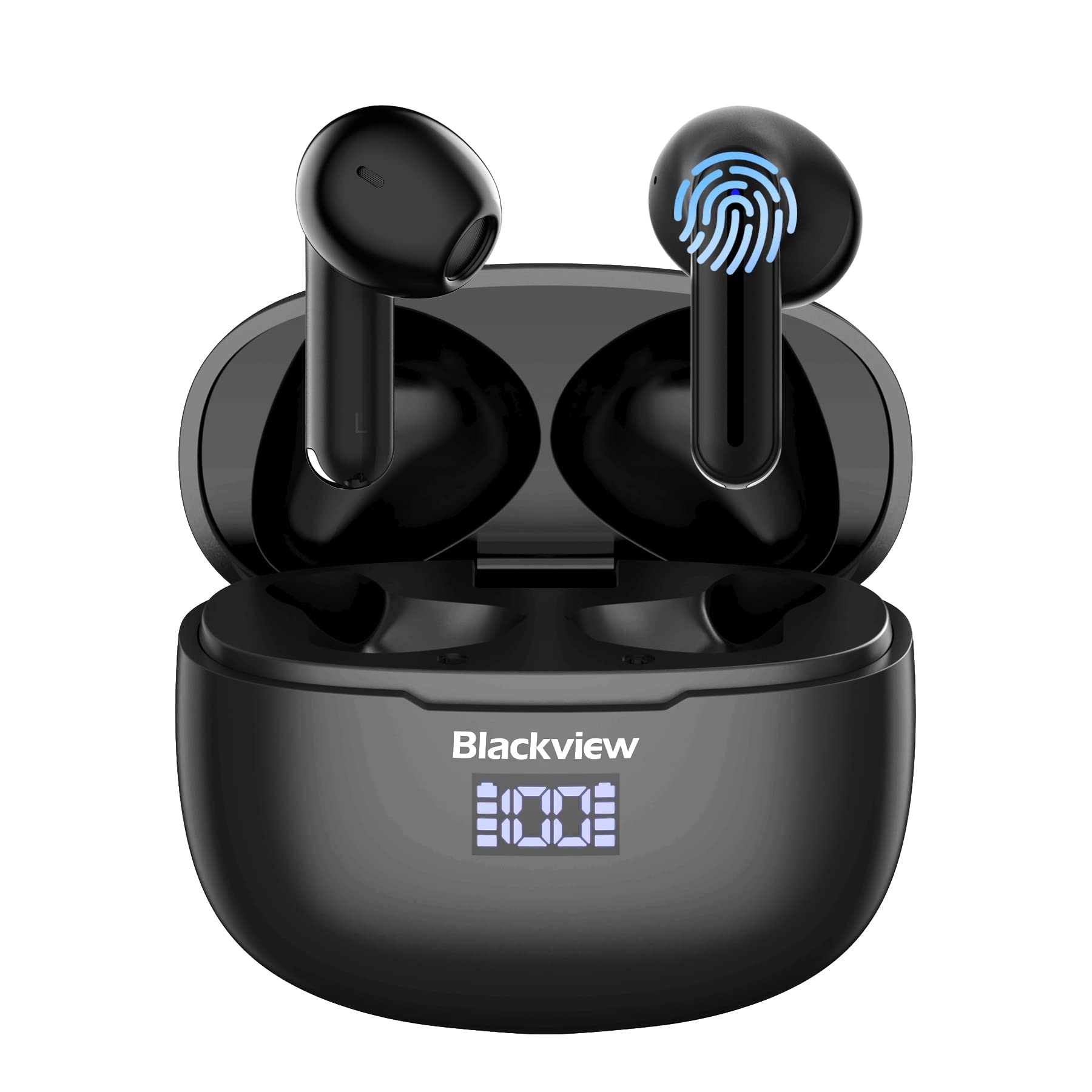
בילד: שוואַרץview AirBuds 7 wireless earbuds and their charging case, showcasing the digital power display.

בילד: Close-up of the Blackview AirBuds 7 charging case, highlighting the digital LED power display for both the case and individual earbuds.
סעטאַפּ און פּערינג
Follow these steps to connect your AirBuds 7 to your device:
- אויפלאָדן אויערקנעפּלעך: פאַרזיכערן אַז די עאַרבודז און טשאַרדזשינג פאַל זענען גאָר באפוילן איידער ערשטער נוצן.
- אַקטאַווייט פּערינג מאָדע: עפֿנט דעם טשאַרדזשינג קעסטל און נעמט אַרויס ביידע אויערקנעפּלעך. זיי וועלן אויטאָמאַטיש אַרײַן אין פּערינג מאָדע.
- געבן בלועטאָאָטה: אויף אייער סמאַרטפאָון אָדער אַנדער בלוטוט-ענייבאַלד מיטל, גייט צו די בלוטוט סעטטינגס.
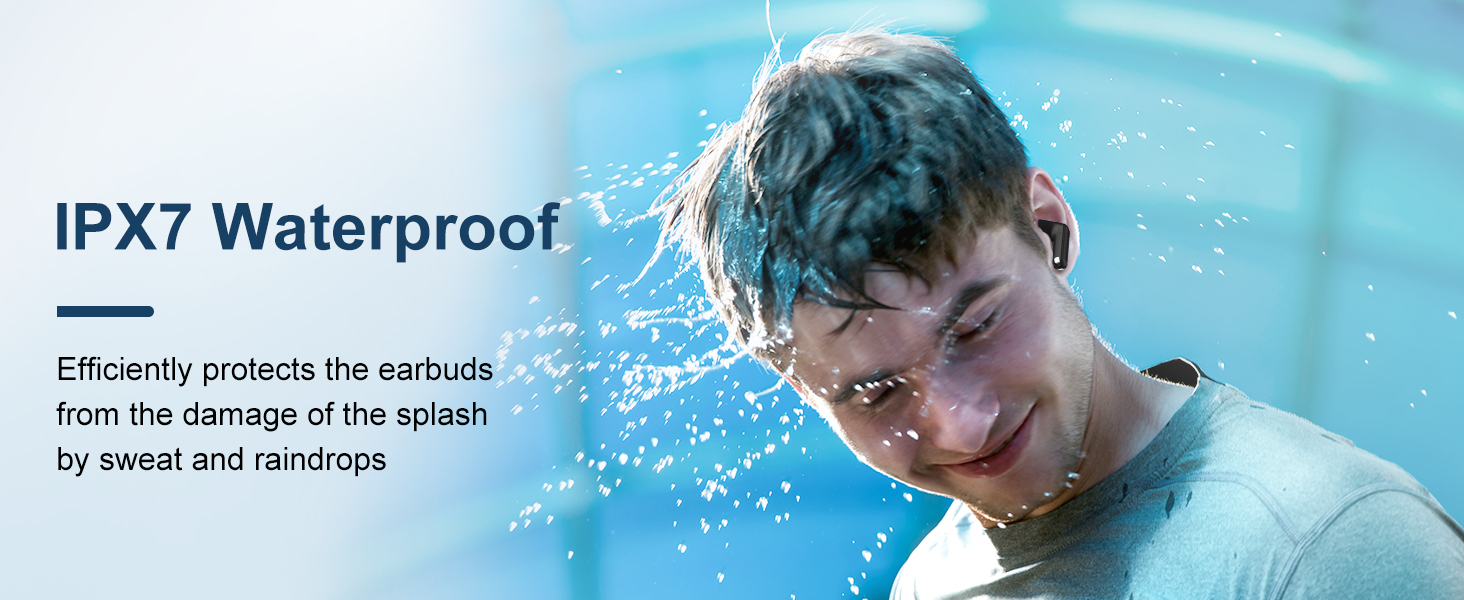
- זוכן און קאָננעקט: זוכן פֿאַר available devices and select "AirBuds 7" from the list.
- באַשטעטיקונג: אַמאָל פארבונדן, וועט איר הערן אַן אַודיאָ פּראָמפּט, און די אויערקנעפּלעך וועלן זיין גרייט פֿאַר נוצן.
After the initial pairing, the earbuds will automatically connect to your device when removed from the charging case, provided Bluetooth is enabled on your device.

בילד: A smartphone displaying its Bluetooth settings, showing a successful connection to 'AirBuds 7', with the charging case and earbuds nearby.
טשאַרדזשינג
The AirBuds 7 charging case features both USB-C and wireless charging capabilities. The LED display on the case indicates the battery level of both the case and the earbuds.
- טשאַרדזשינג עאַרבוד: לייגט די אויערקנעפּלעך צוריק אין די טשאַרדזשינג קעסטל. זיי וועלן אויטאָמאַטיש אָנהייבן טשאַרדזשינג.
- Case Charging (USB-C): Connect the provided USB charging cable to the USB-C port on the charging case and to a power source.
- Case Charging (Wireless): שטעלט דעם טשאַרדזשינג קעסטל אויף אַ קאָמפּאַטיבלע וויירלעס טשאַרדזשינג פּאַד.
A full charge for the earbuds provides up to 6 hours of music playback. The charging case provides an additional 4-5 charges, extending total playtime to approximately 30 hours. The charging time for the case is approximately 75 minutes.

בילד: די שווארצעview AirBuds 7 charging case being charged wirelessly on a pad, also showing the option for USB-C cable charging.
אַפּערייטינג ינסטראַקשאַנז
סמאַרט ריר קאָנטראָלס
The AirBuds 7 feature intuitive touch controls on each earbud. Refer to the diagram below for specific functions:

בילד: A visual guide to the touch controls on the Blackview AirBuds 7, detailing actions for music playback, calls, and volume.
- שפּיל / פּויזע: Double tap Left (L) or Right (R) earbud.
- ענטפֿערן / הענגען אַרויף רופן: Double tap Left (L) or Right (R) earbud.
- פֿריִער ליד: Triple tap Left (L) earbud.
- ווייַטער ליד: Triple tap Right (R) earbud.
- פאַרגרעסערן באַנד: Single tap Right (R) earbud.
- פאַרמינערן באנד: Single tap Left (L) earbud.
וואַסער קעגנשטעל (IPX7)
די שווארצעview AirBuds 7 are rated IPX7 waterproof, meaning they can withstand immersion in water up to 1 meter for 30 minutes. This protection makes them suitable for use during workouts or in light rain. However, the charging case is not waterproof. Avoid exposing the charging case to water.
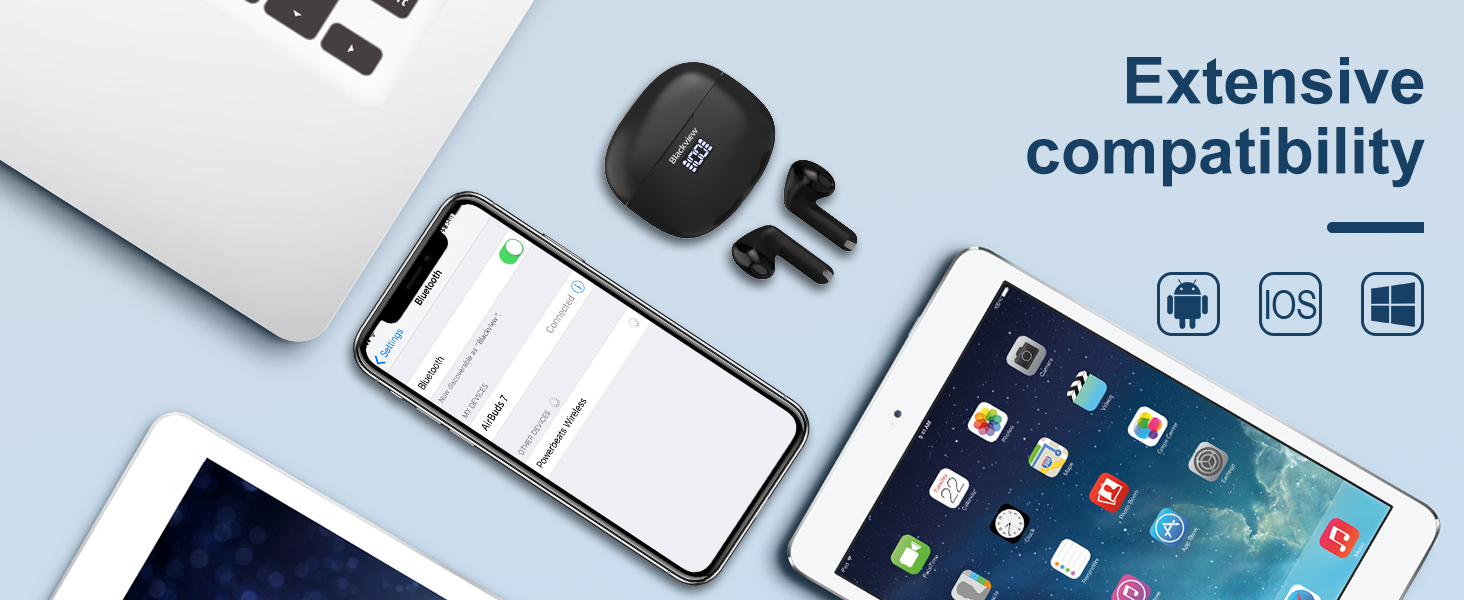
בילד: A person being splashed with water, demonstrating the IPX7 waterproof capability of the AirBuds 7 earbuds, protecting them from sweat and raindrops.
ענוויראָנמענטאַל ראַש קאַנסאַליישאַן (ENC)
The AirBuds 7 incorporate Dual-Mic Environmental Noise Cancellation (ENC) technology and a Dialogue Noise Cancellation (DNS) algorithm. This system automatically activates during calls to reduce background noise, ensuring clearer conversations even in noisy environments like public transport or busy streets.
בילד: A graph illustrating the effectiveness of environmental noise cancellation, showing how noise is suppressed while vocal clarity is maintained.
וישאַלט
- רייניקונג: רייניקט רעגולער די אויערקנעפּלעך און די טשאַרדזשינג קעסטל מיט אַ ווייכן, טרוקענעם, לינט-פֿרייע שטאָף. ניצט נישט קיין שאַרפע כעמיקאַלן אדער אַברייסיוו מאַטעריאַלן.
- אויער עצות: Ensure ear tips are clean and free of earwax buildup for optimal sound quality and hygiene.
- סטאָרידזש: ווען נישט אין באַנוץ, לייגט די אויערן-קנעפּלעך אין זייער טשאַרדזשינג קעסטל צו באַשיצן זיי און האַלטן זיי טשאַרדזשד.
- ויסמיידן עקסטרעמע טנאָים: שטעלט נישט אויס די אויערן-קנעפּלעך אדער קעסטל צו עקסטרעמע טעמפּעראַטורן, הומידיטי, אדער דירעקטע זון פאר לענגערע צייטן.
טראָובלעשאָאָטינג
| פּראָבלעם | לייזונג |
|---|---|
| עאַרבודס נישט פּערינג | Ensure earbuds are charged. Turn off and on Bluetooth on your device. Forget "AirBuds 7" in Bluetooth settings and re-pair. |
| בלויז איין עאַרבוד אַרבעט | Place both earbuds back in the case, close it, then open and remove them again. Check battery levels for both earbuds. |
| נידעריקע באַנד אָדער שלעכטע געזונט קוואַליטעט | Clean earbud tips and speaker mesh. Adjust volume on your device. Ensure earbuds are properly seated in your ears. |
| טשאַרדזשינג פאַל ניט טשאַרדזשינג | Check USB cable connection and power source. Ensure wireless charging pad is active and case is correctly placed. |
ספּעסאַפאַקיישאַנז
| שטריך | דעטאַל |
|---|---|
| מאָדעל נאָמען | Airbuds 7 |
| סאָרט | שוואַרץview |
| קאַנעקטיוויטי טעכנאָלאָגיע | ווירעלעס (בלוטוט 5.3) |
| אַודיאָ דרייווער טיפּ | דינאַמיש דרייווער |
| אַודיאָ דרייווער גרייס | 13 מילאַמיטערז |
| באַטעריע לעבן (אויערקנעפּלעך) | אַרויף צו 6 שעה |
| גאַנץ שפּילצייט (מיט קעסטל) | אַרויף צו 30 שעה |
| טשאַרדזשינג צייט (קאַסע) | קסנומקס מינוט |
| וואַסער קעגנשטעל מדרגה | IPX7 (בלויז עאַרבודז) |
| ראַש קאָנטראָל | Adaptive Noise Cancellation (ENC) |
| מיקראָפאָן | אַרייַנגערעכנט |
| טשאַרדזשינג צובינד | יו-עס-בי-סי, ווייערלעס טשאַרדזשינג |
| מאַטעריאַל | פּלאַסטיק, פּאָליורעטאַן (PU) |
| פּונקט וואָג | 5.3 אונסעס |
| UPC | 810175522289 |
זיכערקייַט אינפֿאָרמאַציע
- נישט צענעמען אדער מאדיפיצירן די אויערפאנען אדער די טשאַרדזשינג קעיס.
- האַלטן אויס פון דערגרייכן פון קינדער און פּעץ.
- ויסמיידן צוגעהערט אין הויך וואַליומז פֿאַר עקסטענדעד פּיריאַדז צו פאַרמייַדן געהער שעדיקן.
- Do not use the earbuds in situations where you need to hear your surroundings, such as driving or cycling.
- אָפּזאָגן דעם פּראָדוקט ריספּאַנסאַבלי לויט די היגע רעגיאַליישאַנז.
וואָראַנטי און שטיצן
שוואַרץview products come with a standard manufacturer's warranty. For detailed warranty information, technical support, or service inquiries, please refer to the warranty card included in your package or visit the official Blackview webזייטל. ביטע באַהאַלטן אייער קויפן באַווייַז פֿאַר וואָראַנטי קליימז.
Official Blackview Webפּלאַץ: וווווו.שוואַרץview.הק