1. הקדמה
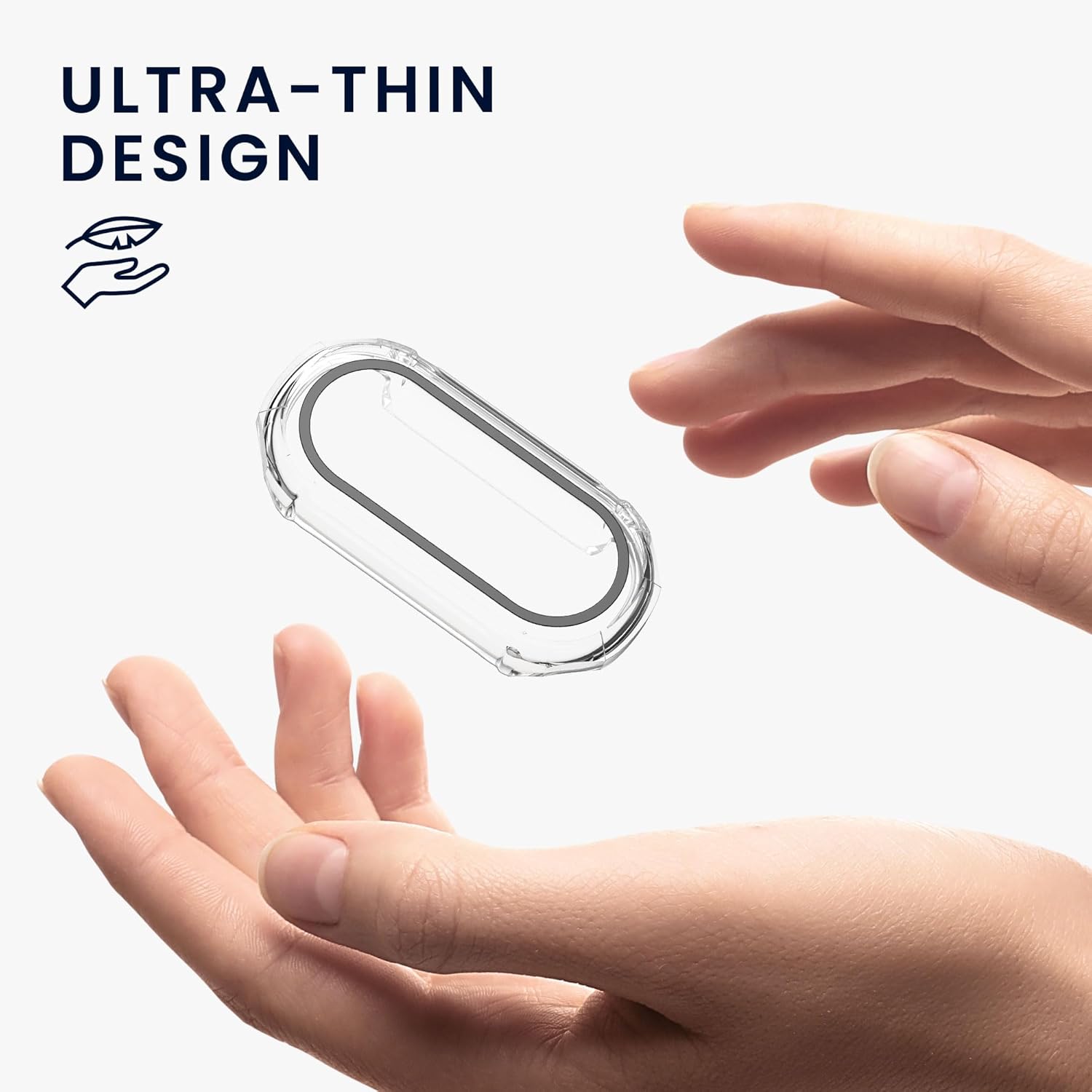
This manual provides essential information for the proper installation, use, and maintenance of your kwmobile Tempered Glass Cover for the Xiaomi Mi Band 9. This product is designed to offer comprehensive protection for your device's screen and body.
פּעקל אינהאַלט: You will receive two (2) kwmobile Tempered Glass Covers with Plastic Frame.

2. ינסטאַלירונג אינסטרוקציעס
Follow these steps carefully to install the protective cover on your Xiaomi Mi Band 9. Incorrect installation may lead to damage or improper fit.
- רייניק דיין מיטל: Before installation, ensure your Xiaomi Mi Band 9 is clean and free of dust, smudges, or moisture. Use a soft, lint-free cloth to wipe the device thoroughly.
- אויסגלייַכן דעם דעקל: Carefully align the tempered glass cover with your Mi Band 9. Ensure the cutouts for buttons and sensors match the device's features.
- Slide On the Cover: Gently slide the cover onto your Mi Band 9. Do not attempt to snap it on forcefully, as this may cause damage to the cover or the device. The cover is designed to slide smoothly into place.
- קוק פּאַסיק: Once installed, ensure the cover is securely seated and there are no gaps. Lightly press around the edges to confirm a snug fit.
3. באַניץ נאָטעס
- ריר סענסיטיוויטי: Moisture between the screen and the cover may reduce touch sensitivity. If this occurs, remove the cover and use a dry cloth to clean both surfaces before re-installing.
- טשאַרדזשינג: For optimal charging and to prevent potential issues, it is recommended to remove the cover from your Xiaomi Mi Band 9 before placing it on a charger.
- Additional Screen Protectors: Using this cover in combination with a film screen protector may interfere with screen operation and touch response. This cover provides integrated screen protection.

4. קער און וישאַלט
- רייניקונג: To clean the cover, gently wipe it with a soft, dry, lint-free cloth. For stubborn smudges, a slightly damp שטאָף קען גענוצט ווערן, און דערנאָך זאָל עס גלייך טרוקנט ווערן.
- ויסמיידן קעמיקאַלז: Do not use harsh chemicals, abrasive cleaners, or solvents, as these can damage the material and finish of the cover.
- סטאָרידזש: ווען נישט אין באַנוץ, האַלט די דעקל אין אַ ריינעם, טרוקענעם אָרט אַוועק פון דירעקטער זון און עקסטרעמע טעמפּעראַטורן.
5. טראָובלעשאָאָטינג
- פארקלענערטע ריר סענסיטיוויטי: If you experience reduced touch sensitivity, remove the cover and check for any moisture or debris between the cover and the Mi Band 9 screen. Clean both surfaces thoroughly with a dry cloth and re-install.
- שוועריקייט צו ינסטאַלירן: Ensure you are sliding the cover onto the device rather than attempting to snap it on. Verify correct alignment with the device's shape and ports.
6. פּראָדוקט ספּעסאַפאַקיישאַנז
| שטריך | דעטאַל |
|---|---|
| קאַמפּאַטאַבילאַטי | Xiaomi Mi Band 9 |
| מאַטעריאַל | Tempered Glass, Plastic Frame |
| קאָליר | טראַנספּעראַנט |
| דימענשאַנז | 2.05 X 0.98 X 0.39 אינטשעס (בעערעך) |
| פּונקט וואָג | 0.353 אונסעס (אומגעפער) |
| ספּעציעלע פֿעיִקייטן | Full-body protection, Screen Protector, Easy Access to buttons/ports |
7. וואָראַנטי און שטיצן
kwmobile products are manufactured with attention to quality. If you encounter any issues or have questions regarding your product, please contact kwmobile customer support for assistance.
For more information and support, you may visit the official kwmobile Store.


