1. הקדמה
This manual provides essential information for setting up, operating, and maintaining your DOOGEE N55PLUS Unlocked Cell Phone. Please read it carefully to ensure proper use and to maximize the device's capabilities. The DOOGEE N55PLUS is an Android 14 smartphone featuring a 6.56-inch HD+ 90Hz display, an Octa-Core processor, 20GB RAM (8GB physical + 12GB virtual), 128GB internal storage expandable up to 1TB, a 5150mAh battery, and a 13MP AI main camera.
2. וואָס איז אין דער קעסטל
- 1 x DOOGEE N55PLUS Cell Phone
- 1 רענטגענ טשאַרדזשער
- 1 x Type-C Port Cable
- 1 x TP Protective film (pre-applied)
- 1 x TPU Protective case
3. סעטאַפּ
3.1 סים קאַרטל און TF קאַרטל אינסטאַלאַציע
- געפינט די סים קארטל טאַץ אויף דער זייט פון אייער טעלעפאָן.
- שטעקט אריין דעם סים קארטל ארויסווארפער (אויב עס איז צוגעשטעלט) אין דעם קליינעם לאך לעבן דעם טרעי און דריקט לײַכט ביז דער טרעי קומט ארויס.
- Place your Nano-SIM card(s) and/or TF card into the designated slots on the tray. Ensure the gold contacts are facing down. The phone supports dual 4G SIM cards (nano SIM1 + nano SIM2) or one nano SIM and one TF card for storage expansion.
- פֿאָרזיכטיק צוריקשטעלט דעם טאַץ אין דעם טעלעפֿאָן ביז עס קליקט אַרײַן אין פּלאַץ.

3.2 פּאַוערינג אויף / אַוועק
- צו מאַכט אויף: דריק און האלט דעם פּאַוער קנעפּל (געפינט זיך אויף דער רעכטער זייט) ביז דער DOOGEE לאָגאָ דערשיינט.
- צו מאַכט אַוועק: דריק און האלט דעם פּאַוער קנעפּל ביז די פּאַוער אָפּציעס מעניו דערשיינט. צאַפּ 'אויסשאַלטן' און באַשטעטיקן.
- צו ריסטאַרט: From the power options menu, tap 'Restart' and confirm.
3.3 ערשט סעטאַפּ
Upon first power-on, follow the on-screen prompts to complete the initial setup. This includes selecting your language, connecting to Wi-Fi, setting up your Google account, and configuring security features like Face Unlock.
4. אפערירן דיין טעלעפאָן
4.1 אַרויסווייַזונג און נאַוויגאַציע
The DOOGEE N55PLUS features a 6.56-inch HD+ Waterdrop screen with a 90Hz refresh rate, providing a smooth visual experience. Navigate the interface using touch gestures: tap to select, swipe to scroll, pinch to zoom.

4.2 קאַמעראַ פונקציעס
The phone is equipped with a 13MP AI main camera and an 8MP front camera. Open the Camera app to capture photos and videos. Various modes such as Portrait, Pro Mode, Beauty, Night mode, and Panorama are available to enhance your photography.

4.3 פאָרשטעלונג און סטאָרידזש
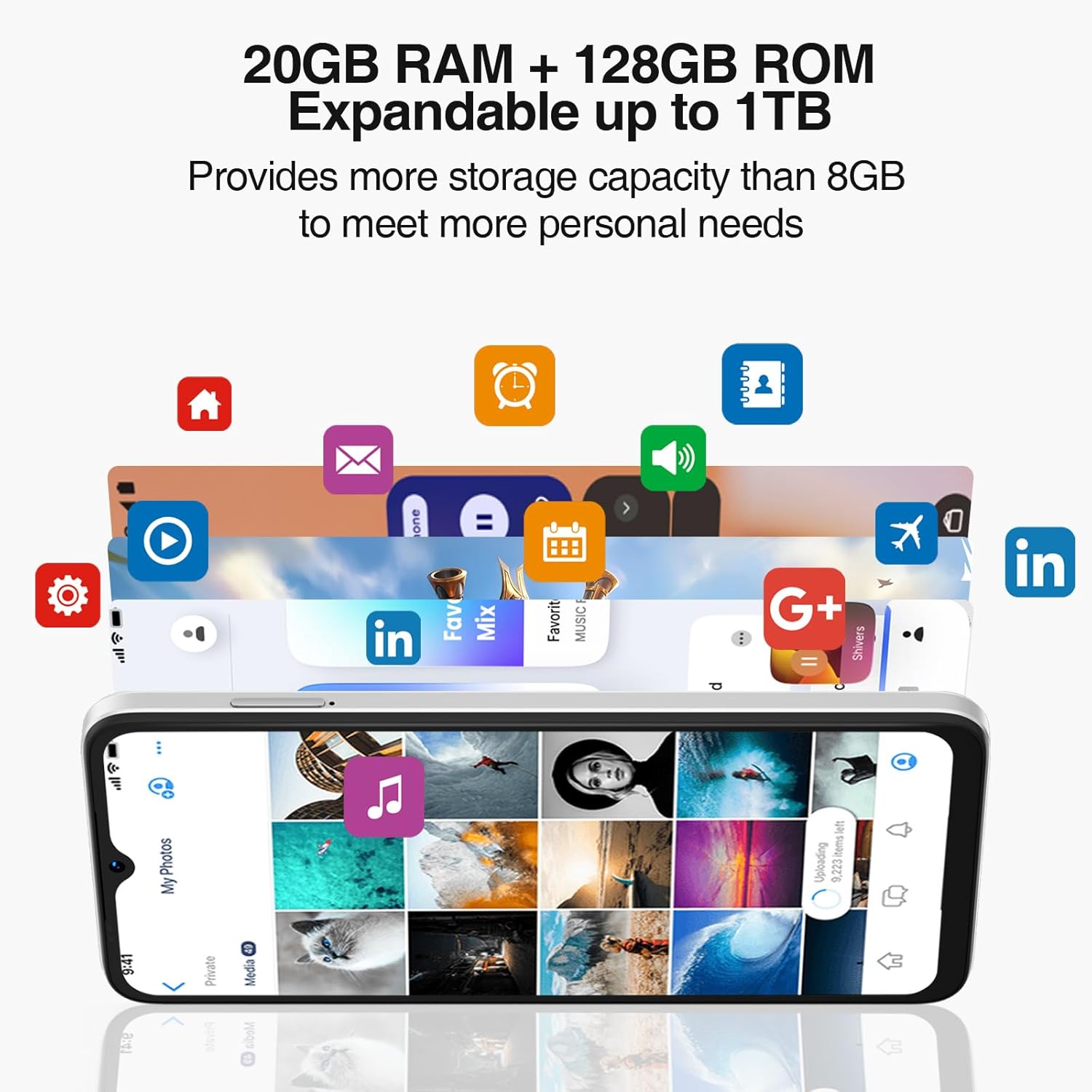
Powered by an Octa-Core processor and 20GB RAM (8GB physical + 12GB virtual), the N55PLUS ensures smooth multitasking and app performance. It comes with 128GB of internal storage, expandable up to 1TB using a TF card, providing ampאַ פּלאַץ פֿאַר דיין files, photos, and applications.
4.4 באַטערי מאַנאַגעמענט
The 5150mAh large battery provides extended usage time. To optimize battery life, manage background app usage, adjust screen brightness, and enable power-saving modes when needed. The phone supports OTG reverse charging, allowing it to charge other devices.

5. קאַנעקטיוויטי
- נעץ: Supports 4G global network bands (GSM, WCDMA, TDD, FDD). Ensure your SIM card is compatible with the phone's supported bands for optimal service.
- ווי-פי: פֿאַרבינדט זיך צו פֿאַראַן Wi-Fi נעטוואָרקס פֿאַר אינטערנעט אַקסעס.
- בלועטאָאָטה: Pair with Bluetooth devices such as headphones, speakers, or car systems.
- גפּס: אינטעגרירטע דזשי-פי-עס, גלאנאס, גאלילעא, און ביידו פאר גענויע נאַוויגאַציע.
- וסב טיפּ-C: פֿאַר טשאַרדזשינג און דאַטן אַריבערפירן.
6. וישאַלט
6.1 ווייכווארג דערהייַנטיקונגען
קאָנטראָלירט און אינסטאַלירט רעגולער ווייכווארג דערהייַנטיקונגען צו זיכער מאַכן אַז אייער טעלעפאָן האט די לעצטע פֿעיִקייטן, זיכערהייט פּאַטשאַז און פאָרשטעלונג פֿאַרבעסערונגען. גייט צו סעטטינגס > סיסטעם > סיסטעם דערהייַנטיקונג.
6.2 רייניקן דיין דעווייס
ניצט אַ ווייכע, לינט-פֿרייע שטאָף צו רייניקן דעם עקראַן און קערפּער פֿון אייער טעלעפֿאָן. פֿאַרמייַדט ניצן שטרענגע כעמיקאַלן אָדער אַברייסיוו מאַטעריאַלן וואָס קענען שאַטן דעם מיטל.
6.3 סטאָרידזש פאַרוואַלטונג
כּדי צו האַלטן די אָפּטימאַלע פאָרשטעלונג, זאָל מען פּעריִאָדיש אויסרייניקן נישט-נייטיקע מאַטעריאַלן. files, uninstall unused apps, and transfer large media files to external storage or cloud services. Go to סעטטינגס> סטאָרידזש to manage your device's storage.
7. טראָובלעשאָאָטינג
- טעלעפאָן טוט זיך נישט אָן: זיכער מאַכן אַז די באַטאַרייע איז אויפגעלאָדן. פֿאַרבינדט דעם טעלעפאָן צום טשאַרדזשער און וואַרט אַ פּאָר מינוט איידער איר פּרוּווט עס ווידער אָנצוצינדן.
- אַפּפּס קראַשן אָדער פרירן: Close and restart the app. If the issue persists, clear the app's cache (Settings > Apps > [App Name] > Storage > Clear cache) or uninstall and reinstall the app.
- שלעכט נעץ סיגנאַל: קאָנטראָלירט צי אייער סים קאַרטל איז ריכטיק אַרײַנגעשטעלט. גייט צו אַ געגנט מיט בעסערע נעץ קאַווערידזש. קאָנטאַקט אייער סערוויס פּראַוויידער אויב די פּראָבלעם בלייבט.
- די באַטאַרייע פליסן געשווינד: Reduce screen brightness, disable unused features like Wi-Fi or Bluetooth, and close background apps. Check battery usage in Settings to identify power-hungry apps.
- פּנים אַנלאַק אַרבעט נישט: Ensure your face is well-lit and clearly visible to the front camera. Re-register your face data in Settings > Security > Face Unlock.
8. ספּעסאַפאַקיישאַנז
| שטריך | באַשרייַבונג |
|---|---|
| מאָדעל נאָמען | N55 פּלוס |
| אָפּערייטינג סיסטעם | אַנדרויד 14 |
| פּראַסעסער | Octa-Core (Mediatek Dimensity 1100, 3.2 GHz) |
| באַראַן | 8 GB (expandable to 20 GB with virtual RAM) |
| אינערלעכער סטאָרידזש | 128 גיגאבייט |
| יקספּאַנדאַבאַל סטאָרידזש | ביז 1 טב דורך TF קאַרטל |
| פאַרשטעלן גרייס | 6.56 אינטשעס |
| ווייַז טיפּ | HD+ IPS וואַסערטראָפּן פאַרשטעלן |
| האַכלאָטע | 1612 X 720 |
| דערפרישן קורס | 90 הז |
| הויפּט אַפּאַראַט | 13 מעגאַפּיקסעל קינסטלעכע אינטעליגענץ קאַמעראַ |
| פראָנט אַפּאַראַט | 8 מפּ |
| באַטאַרייע קאַפּאַציטעט | 5150 מאַה ליטהיום יאָן |
| קאַנעקטיוויטי | 4G LTE, Wi-Fi, Bluetooth, USB Type-C |
| נאַוויגאַציע | דזשי-פי-עס, גלאָנאַס, גאַלילעאָ, ביידו |
| ספּעציעלע פֿעיִקייטן | Dual SIM, Expandable Memory, Face Unlock, Widevine L1, OTG |
| דימענשאַנז | 6.45 x 2.98 x 0.34 אינטשעס (8.6 מ״מ גרעב) |
| וואָג | 6.6 אונסעס (186 גראַם) |
9. וואָראַנטי און שטיצן
All DOOGEE unlocked phones purchased from our official channels are covered by a 12-month warranty. If you encounter any issues during use, please contact our customer support for assistance. For further support, visit the official DOOGEE webזייטל אדער זעט די קאנטאקט אינפארמאציע וואס איז צוגעשטעלט געווארן מיט אייער קויפן.


