הקדמה
Thank you for choosing FEYA Helmet Speakers. This user manual provides detailed instructions for the setup, operation, and maintenance of your FEYA-H360 helmet speakers. Designed for outdoor sports enthusiasts, these wireless earbuds offer high-fidelity audio and convenient controls for an enhanced experience while skiing, motorcycling, or climbing.
ביטע ליינט דעם מאַנואַל גרינטלעך איידער איר ניצט דעם פּראָדוקט צו ענשור געהעריק פאַנגקשאַנאַליטי און זיכערקייט.
פּראָדוקט איבערview
וואָס איז אין די קעסטל
- Headset (2 units)
- טשאַרדזשינג קעסטל (1 איינהייט)
- ווייַט קאָנטראָללער (1 אַפּאַראַט)
- טיפ-C קאַבל (1 איינהייט)
- באַניצער מאַנואַל (דעם דאָקומענט)
The image below illustrates the main components included with your FEYA Helmet Speakers.

Image: FEYA Helmet Speakers, including the two speaker units, the charging case, and the dedicated remote control.
שליסל פֿעיִקייטן
- True Wireless Connectivity: Equipped with Wireless 5.3 chip for stable and uninterrupted audio.
- Dedicated Remote Control: Easily adjust volume, switch songs, and manage calls without accessing your phone.
- אַקטיוו ראַש קאַנסאַליישאַן: Effectively suppresses wind noise for clear audio during high-speed activities.
- הויך-פאַדעליטי סאָונד: Delivers rich, high-definition audio for an immersive listening experience.
- עקסטענדעד שפּיל צייט: Up to 50 hours of total battery life with the 1450mAh charging case.
- אוניווערסאַל העלם קאָמפּאַטאַביליטי: Slim and lightweight design ensures comfortable and secure fit in various helmet types.
- געפירט דיגיטאַל ווייַז: Charging case features an LED display to show battery levels.
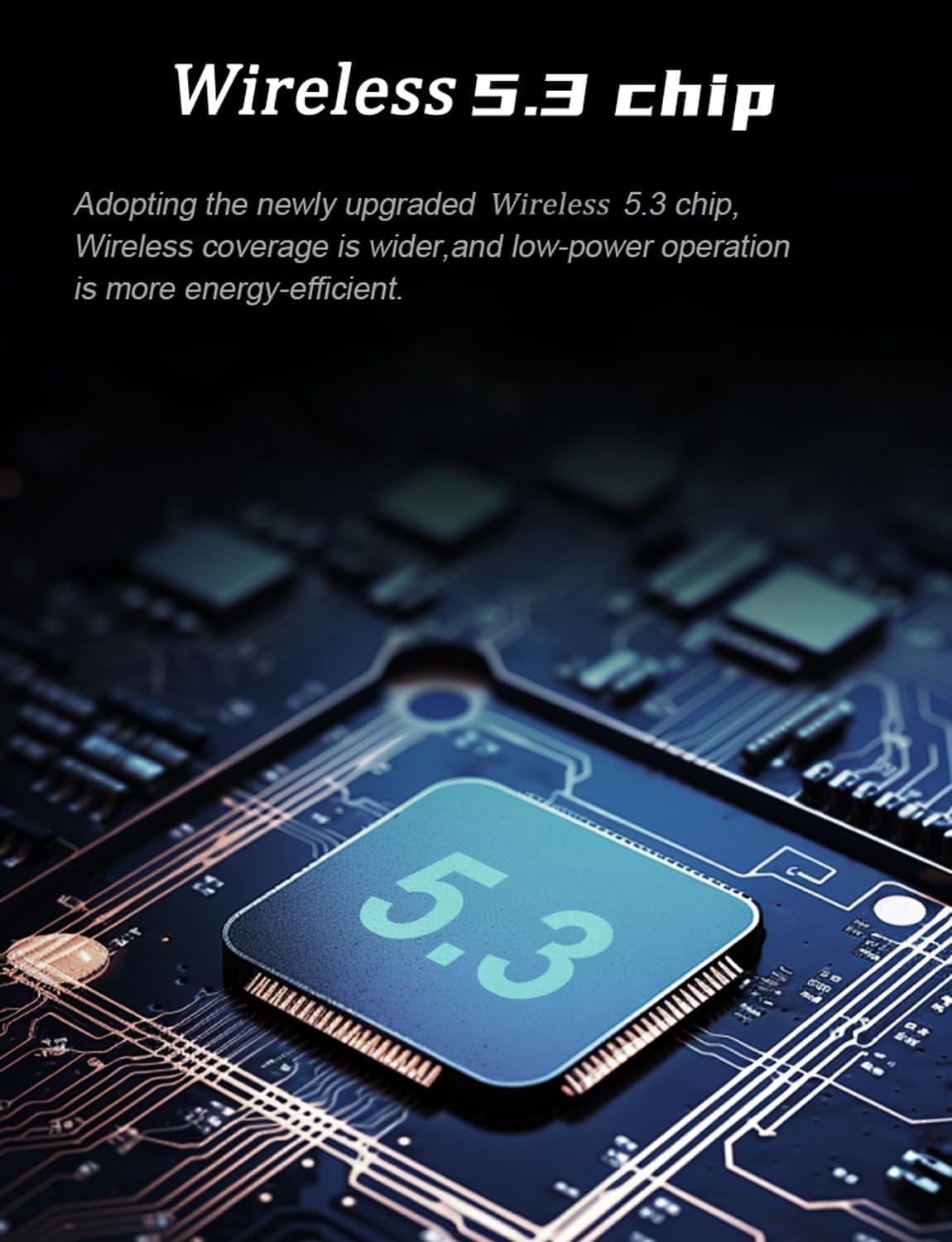
Image: Illustration of the Wireless 5.3 chip, highlighting its role in providing stable and energy-efficient wireless connectivity.

Image: Diagram showing a helmet with sound waves indicating active noise reduction technology, designed to suppress wind noise for clear calls and audio.
סעטאַפּ און ינסטאַלירונג
Follow these steps to properly install the FEYA Helmet Speakers into your helmet.
- Prepare the Velcro: Tear open the release paper from the adhesive side of the provided Velcro pads.
- Attach Velcro to Headphones: Securely attach one Velcro pad to the back of each FEYA helmet speaker unit. Ensure the adhesive side is firmly pressed onto the speaker.
- Attach Velcro to Helmet: Identify the ear position inside your helmet. Attach the corresponding Velcro pad to this area. Ensure the surface is clean and dry for optimal adhesion.
- Mount Headphones: Gently press each helmet speaker onto the Velcro pad inside the helmet. Ensure they are positioned comfortably and securely over your ears.

Image: A visual guide demonstrating the four steps for installing the FEYA helmet speakers: preparing Velcro, attaching Velcro to speakers, attaching Velcro inside the helmet, and finally sticking the speakers into place.
אַפּערייטינג ינסטראַקשאַנז
Charging the Speakers and Case
The FEYA Helmet Speakers come with a charging case that provides extended battery life. Use the included Type-C cable to charge the case.
- Connect the Type-C cable to the charging port on the case and the other end to a USB power source (e.g., computer, wall adapter).
- Place the helmet speakers into their respective slots in the charging case.
- The LED digital display on the charging case will indicate the battery level of the case and the individual speakers (L for left, R for right).
- A full charge provides over 7 hours of continuous music playback for the speakers, with the case offering up to 50 hours of total standby time.

Image: The FEYA Helmet Speakers charging case open, showing the LED digital display which indicates the battery levels for the left and right earphones, and the overall charging compartment battery.

Image: The FEYA Helmet Speakers and their charging case, illustrating the compact design and the extended endurance provided by the charging case.
פּערינג און קאַנעקטיוויטי
The speakers will automatically enter pairing mode when taken out of the charging case. Look for "FEYA-H360" in your device's Bluetooth settings.
- Ensure your mobile device's Bluetooth is enabled.
- Remove both FEYA helmet speakers from the charging case. They will automatically power on and enter pairing mode.
- On your device, search for available Bluetooth devices and select "FEYA-H360" to connect.
- אַמאָל פארבונדן, וועט אַ קול פּראָמפּט באַשטעטיקן די געראָטן פּאָרינג.
ניצן די רימאָוט קאָנטראָללער
The dedicated remote controller allows for easy management of audio and calls without needing to access your phone.

Image: Close-up of the FEYA Helmet Speakers dedicated remote controller, showing its three main buttons and their functions: Increase Volume/Previous Track, Play/Pause, and Decrease Volume/Next Track.
| קנעפּל | פונקציע (קורץ דריקן) | פֿונקציע (לאנג דרוק) |
|---|---|---|
| ▲ (ארויף פײַל) | פאַרגרעסערן באַנד | פֿריִערדיקע שפּירט |
| ● (Circle) | שפּילן/פּויזירן מוזיק, ענטפֿערן/ענדיגן רוף | אָפּוואַרפן רופן |
| ▼ (אַראָפּ פײַל) | פאַרמינערן די באַנד | ווייַטער שפּור |
וישאַלט
- רייניקונג: Use a soft, dry cloth to clean the speakers, charging case, and remote controller. Do not use abrasive cleaners or solvents.
- סטאָרידזש: When not in use for extended periods, store the speakers in their charging case in a cool, dry place.
- באַטערי זאָרגן: כדי צו פארלענגערן די לעבן פון די באַטעריע, זאָלט איר נישט אָפט אויסלאָדן די באַטעריע. לאָדט דאָס אַפּאַראַט רעגולער אויף, אפילו אויב איר ניצט עס נישט קעסיידער.
- וואַסער ויסשטעלן: While designed for outdoor use, avoid submerging the devices in water. Wipe off any moisture immediately.
טראָובלעשאָאָטינג
| פּראָבלעם | מעגלעך סיבה | לייזונג |
|---|---|---|
| קיין געזונט פון ספּיקערז. | Speakers not powered on, not paired, or low battery. | Ensure speakers are charged. Re-pair with your device. Check device volume. |
| קען נישט צופּאַסן מיטן דעווייס. | Speakers not in pairing mode, device Bluetooth off, or too many paired devices. | Remove speakers from case to enter pairing mode. Ensure Bluetooth is on. Forget previous pairings on your device and try again. |
| Remote controller not responding. | Remote battery low or not properly connected. | Ensure the remote controller has power (if applicable, check for indicator light). Re-establish connection if possible (usually automatic). |
| Poor sound quality / static. | אריינמישונג, דיסטאַנץ פֿון מיטל, אָדער נידעריקע באַטאַרייע. | Move closer to your device. Avoid strong electromagnetic interference. Charge speakers. |
ספּעסאַפאַקיישאַנז
The following table outlines the technical specifications for the FEYA Helmet Speakers (Model: FEYA-H360).

Image: Diagram illustrating the dimensions of the FEYA Helmet Speakers, charging case, and remote controller, along with a list of included components.
| שטריך | דעטאַל |
|---|---|
| מאָדעל נאָמען | FEYA-H360 |
| סאָרט | FEYA |
| קאַנעקטיוויטי טעכנאָלאָגיע | ווירעלעס (בלוטוט 5.3) |
| באַטערי לעבן | ביז 50 שעה (מיט טשאַרדזשינג קעסטל) |
| טשאַרדזשינג קאַסע קאַפּאַציטעט | 1450 מאַה |
| קאָנטראָל טיפּ | Dedicated Remote Control |
| ראַש קאָנטראָל | אַקטיוו ראַש קאַנסאַליישאַן |
| מאַטעריאַל | פּלאַסטיק |
| רעקאָממענדעד ניצט | Cycling, Motorcycling, Snowboarding |
| אַרייַנגערעכנט קאַמפּאָונאַנץ | Headset (x2), Charging Case (x1), Remote Controller (x1), Type-C Cable (x1), User Manual |
וואָראַנטי און שטיצן
FEYA products are designed for durability and performance. For warranty information and technical support, please refer to the official FEYA webזייטל אדער קאנטאקט קאסטומער סערוויס דורך אייער קויפן-פונקט.
ביטע באַהאַלטן אייער קויפן-באַווייַז פֿאַר יעדע וואָראַנטי-פאָדערונג.
פֿאַר ווייטערדיקע הילף, קענט איר באַזוכן די FEYA Store on Amazon.


