1. הקדמה
The IMIKI SF1 Smart Watch is a sophisticated wearable device designed to enhance your daily life with advanced health monitoring, smart connectivity, and a durable, stylish design. Featuring a vibrant AMOLED display and a comfortable magnetic strap, the SF1 offers a seamless user experience for tracking fitness, managing calls, and staying informed.
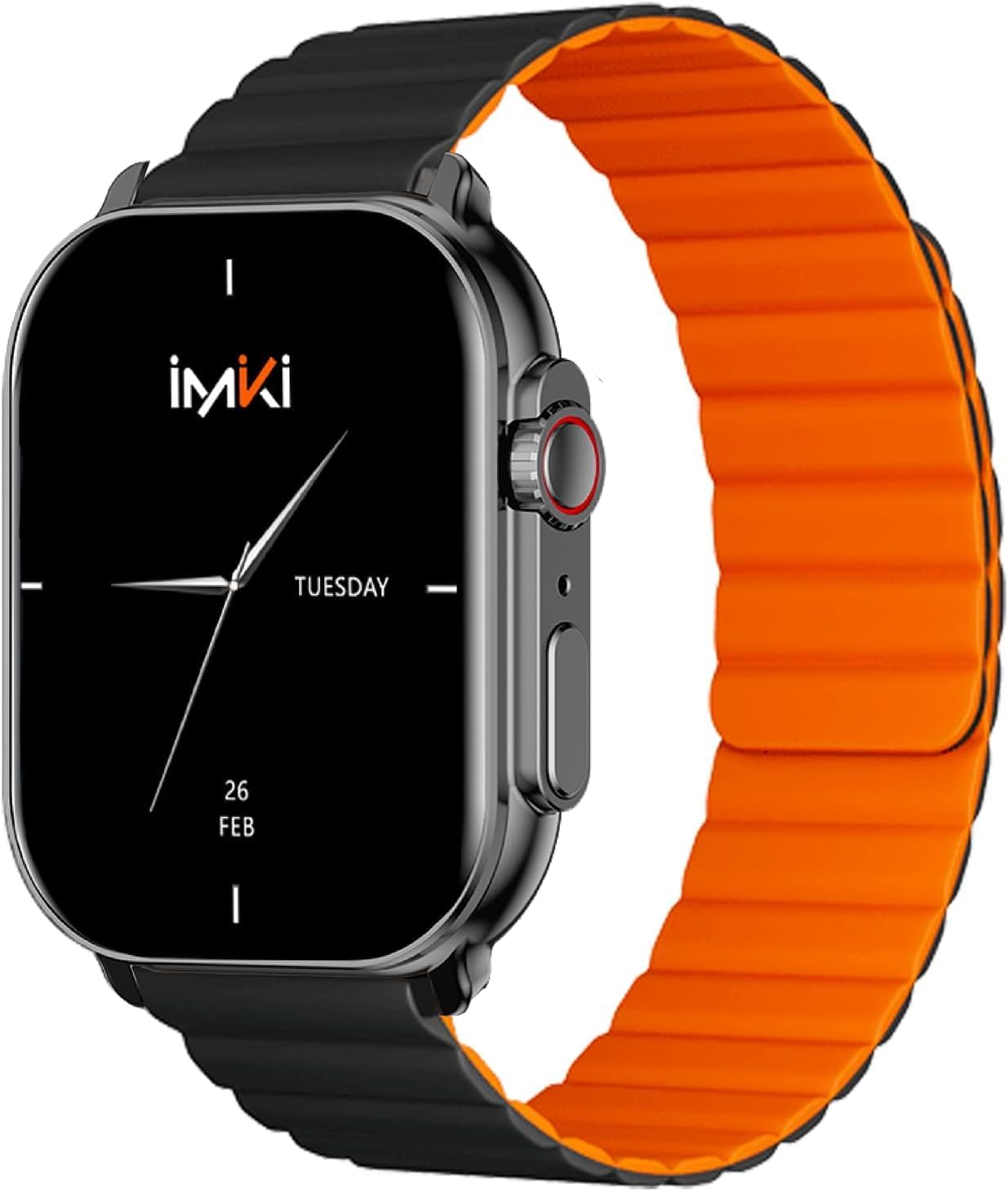
Image: The IMIKI SF1 Smart Watch, showcasing its sleek design and magnetic strap.
2. וואָס איז אין דער קעסטל
- IMIKI SF1 Smart Watch (with magnetic strap)
- טשאַרדזשינג קאַבלע
- באַניצער מאַנואַל
3. סעטאַפּ
3.1 טשאַרדזשינג די מיטל
Before first use, fully charge your IMIKI SF1 Smart Watch. Connect the magnetic charging cable to the charging points on the back of the watch and plug the USB end into a compatible power adapter (5V/1A recommended). A full charge typically takes approximately 2 hours.
3.2 דאַונלאָודינג די באַגלייטער אַפּ
To unlock the full functionality of your IMIKI SF1, download the official companion app on your smartphone. זוכן פֿאַר "IMIKI" in the Apple App Store (for iOS devices) or Google Play Store (for Android devices).
3.3 פארבינדן מיט אייער סמאַרטפאָון
- מאַכן זיכער אַז בלועטאָאָטה איז ענייבאַלד אויף דיין סמאַרטפאָנע.
- Open the IMIKI companion app.
- Follow the on-screen instructions within the app to search for and connect to your SF1 Smart Watch. The watch will typically appear as "IMIKI SF1" in the list of available devices.
- באַשטעטיקן די פּאָרינג בעטן אויף ביידע דיין זייגער און סמאַרטפאָון אויב געבעטן.
3.4 Adjusting the Magnetic Strap
The IMIKI SF1 features a convenient magnetic silicone strap. To adjust, simply wrap the strap around your wrist and allow the magnetic ends to secure themselves for a comfortable and snug fit. Ensure the watch is not too tight or too loose for accurate health monitoring.

Image: The magnetic strap of the IMIKI SF1 Smart Watch, illustrating its adjustable and secure design.
4. אַפּערייטינג ינסטרוקטיאָנס
4.1 יקערדיק נאַוויגאַציע
- טאָוטשסקרעען: סווייפּ אַרויף, אַראָפּ, לינקס, אָדער רעכטס צו נאַוויגירן דורך מעניוז און נאָוטאַפאַקיישאַנז. צאַפּן צו סעלעקטירן זאכן.
- Mechanical Feedback Crown: Rotate the crown to scroll through lists, adjust volume, or change brightness. Press the crown to return to the home screen or confirm selections.

בילד: זייט view of the IMIKI SF1 Smart Watch, highlighting the mechanical feedback crown for navigation.
4.2 Smartphone Connection and Calls
The IMIKI SF1 supports Bluetooth 5.3 for stable and efficient connection to your smartphone. You can manage calls directly from your watch, including answering, rejecting, and making calls, even with hands-free functionality. The adaptive noise cancellation feature helps ensure clear audio during calls.
4.3 Customizing Dials and Features
Utilize the companion app to customize your watch faces and access various functions. The app allows you to personalize the display to suit your style and preferences.
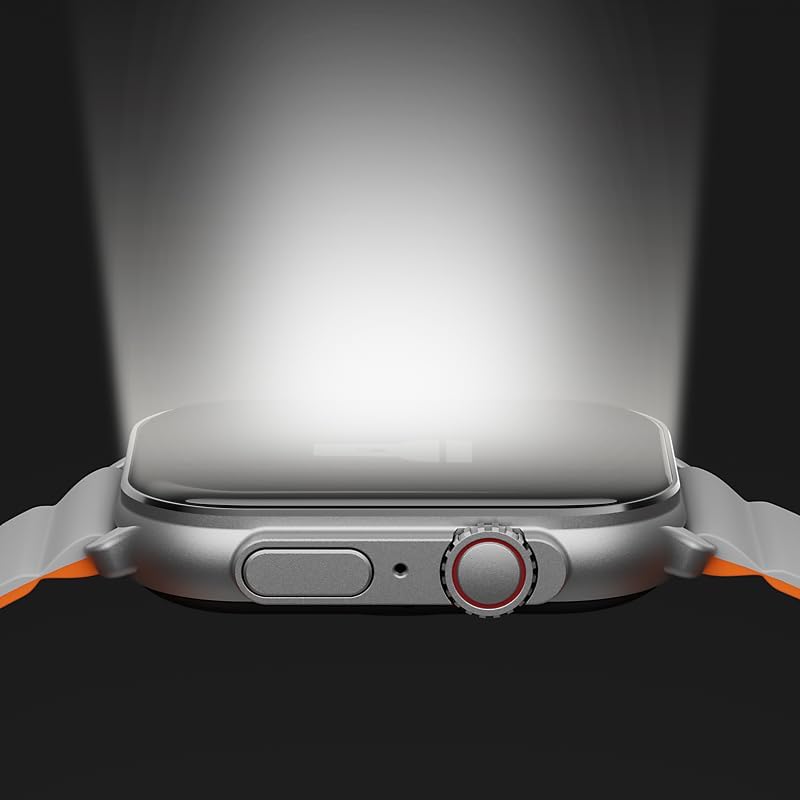
Image: The IMIKI SF1 Smart Watch display, illustrating various app icons and data screens for daily activities, heart rate, and stress monitoring.
5. געזונט און פיטנעס מאָניטאָרינג
The IMIKI SF1 is equipped with an optical sensor for comprehensive health tracking. It supports 105 training modes to accurately record your exercise statistics. Key health features include:
- האַרץ קורס מעזשערמאַנט: קעסיידער מאָניטאָרט דיין האַרץ טעמפּאָ איבערן טאָג.
- בלוט זויערשטאָף זעטיקונג (SpO2) דעטעקציע: Measures the oxygen levels in your blood.
- אַקטיוויטעט טראַקינג: רעקאָרדירט טריט, דיסטאַנץ, קאַלאָריעס פארברענט און אַקטיווע מינוטן.
- שלאָף מאָניטאָרינג: Analyzes sleep patterns to help you understand your sleep quality.

Image: The back of the IMIKI SF1 Smart Watch, showing the optical sensors used for heart rate and blood oxygen measurement.
6. וואַסער קעגנשטעל
The IMIKI SF1 Smart Watch has an IP68 וואָטערפּרוף שאַץ, meaning it is resistant to dust and can withstand immersion in water up to 1.5 meters for 30 minutes. This makes it suitable for daily use, including hand washing, rain, and shallow water activities. Avoid hot water, steam, or prolonged immersion in deep water.
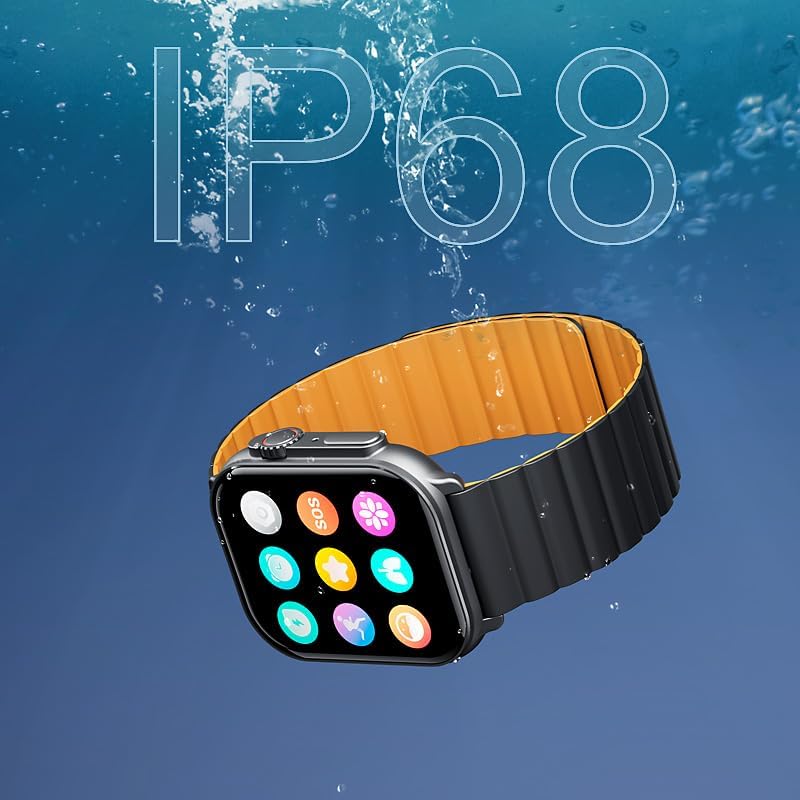
Image: The IMIKI SF1 Smart Watch submerged in water, illustrating its IP68 water resistance rating.
7. באַטאַרייע לעבן
The IMIKI SF1 is equipped with a 280mAh battery, offering impressive autonomy:
- טיפּיש נוצן: אַרויף צו 15 טעג פון באַטאַרייע לעבן.
- אינטענסיווע נוצן: אַרויף צו 7 טעג פון באַטאַרייע לעבן.
The device fully charges in approximately 2 hours.
8. וישאַלט
- רייניקונג: ווישט רעגולער אויס דעם זייגער־עקראַן און רימען מיט אַ ווייכן, טרוקענעם שטאָף. פֿאַר שווערן שמוץ, ניצט אַ ביסלamp שטאָף קען גענוצט ווערן, און דערנאָך טרוקענען.
- טשאַרדזשינג קאָנטאַקטן: Ensure the charging contacts on the back of the watch are clean and free of debris to maintain efficient charging.
- סטאָרידזש: ווען נישט אין באַנוץ פֿאַר לענגערע פּעריאָדן, האַלט די זייגער אין אַ קיל, טרוקן אָרט.
- ויסמיידן קעמיקאַלז: ניצט נישט קיין שארף כעמיקאלן, רייניקונגס-סאָלווענטן, אדער שטאַרקע דיטערדזשענטן צו רייניקן די זייגער, ווייל זיי קענען שעדיקן די ענדיקונג אדער אינערלעכע קאָמפּאָנענטן.
9. טראָובלעשאָאָטינג
- זייגער טוט זיך נישט אן: Ensure the watch is fully charged. If it still doesn't turn on, try pressing and holding the crown button for 10-15 seconds to force a restart.
- קען נישט צוזאמענשטעלן מיט סמאַרטפאָון:
- זיכער מאַכן אַז בלועטוט איז ענייבאַלד אויף דיין טעלעפאָן און די זייגער.
- זייט זיכער אז די זייגער איז אינעם בלוטוט ראַנגע פון אייער טעלעפאָן.
- ריסטאַרט ביידע די זייגער און דיין טעלעפאָן.
- ויסמעקן די בלועטוט קעש אויף אייער טעלעפאָן (אויב אָנווענדלעך) און פּרוּווט ווידער צו פאַרבינדן.
- נישט פּינקטלעכע געזונטהייט מעסטונגען: Ensure the watch is worn snugly on your wrist, not too loose or too tight. Clean the optical sensor on the back of the watch.
- קורץ באַטאַרייע לעבן: Reduce screen brightness, disable unnecessary notifications, or limit continuous health monitoring features to extend battery life.
10. ספּעסאַפאַקיישאַנז
| שטריך | באַשרייַבונג |
|---|---|
| מאָדעל | SF1 |
| ווייַז | 2.01 Inch AMOLED Display |
| קאַנעקטיוויטי | בלועטאָאָטה 5.3 |
| באַטאַרייע קאַפּאַציטעט | 280 מאַה ליטהיום יאָן |
| טיפּיש באַטערי לעבן | אַרויף צו 15 טעג |
| Intensive Battery Life | אַרויף צו 7 טעג |
| טשאַרדזשינג צייט | בעערעך. 2 שעה |
| וואַסער קעגנשטעל | IP68 |
| דימענשאַנז | 45.8 X 37 X 10.2 מם |
| וואָג | 39.8 ג |
| שטיצט שפּראַכן | ענגליש, פראנצויזיש, דייַטש, איטאַליעניש, שפּאַניש |
11. וואָראַנטי און שטיצן
The IMIKI SF1 Smart Watch comes with a standard manufacturer's warranty. For detailed warranty information, please refer to the warranty card included in your product packaging or visit the official IMIKI website. For technical support, troubleshooting assistance, or service inquiries, please contact IMIKI customer support through the contact information provided on the official website or within the companion app.


