הקדמה
Thank you for choosing the Baseus Bowie MA10S Wireless Earbuds. This manual provides detailed instructions on how to set up, operate, and maintain your earbuds to ensure optimal performance and longevity. Please read this manual thoroughly before using the product.

Image: The Baseus Bowie MA10S Wireless Earbuds, showing both earbuds and their open charging case with a digital battery display.
פּעקל אינהאַלט
זיכער מאַכן אַז אַלע זאכן זענען פאַראַן אין פּעקל:
- Baseus Bowie MA10S Wireless Earbuds (Left and Right)
- טשאַרדזשינג קאַסע
- S/M/L Eartips (Left and Right pairs)
- S/M/L Earwings (Left and Right pairs)
- וסב-C טשאַרדזשינג קאַבלע
- באַניצער מאַנואַל (דעם דאָקומענט)

Image: All components included in the Baseus Bowie MA10S package: the earbuds in their charging case, a USB-C charging cable, and various sizes of ear tips and ear wings.
סעטאַפּ
1. ערשטע אויפלאָדונג
Before first use, fully charge the earbuds and the charging case. Connect the USB-C charging cable to the charging case and a power source. The digital display on the case will show the battery percentagה. די אויערקנעפּלעך וועלן זיך אויטאָמאַטיש אויפלאָדן ווען מען לייגט זיי אריין אין דעם קעסטל.

Image: The Baseus Bowie MA10S charging case demonstrating both USB-C wired charging and wireless charging capabilities, with a clear view of the digital power display showing "100%".
The charging case supports both wired USB-C charging and wireless charging. A full charge provides up to 38 hours of total playtime with the charging case, and 8 hours on a single charge for the earbuds.
2. בלועטאָאָטה פּערינג
- עפֿנט דעם טשאַרדזשינג קעסטל. די אויערקנעפּלעך וועלן אויטאָמאַטיש אַרײַן אין פּערינג מאָדע.
- אויף אייער דעווייס (סמאַרטפאָן, טאַבלעט, לאַפּטאָפּ), אַקטיווירט בלועטוט.
- זוכן פֿאַר "Baseus Bowie MA10S" in the list of available Bluetooth devices.
- Select "Baseus Bowie MA10S" to connect. Once connected, a voice prompt will confirm the successful pairing.
The earbuds feature Bluetooth 5.3 for instant pairing, stable connection, and better interference resistance. They also support multipoint connection, allowing seamless pairing to two devices simultaneously.

Image: A visual representation of the Bluetooth 5.3 chip, highlighting its role in providing instant pairing and stable connections.

Image: A man seamlessly connected to both a smartphone and a laptop with the Baseus Bowie MA10S earbuds, illustrating the multipoint connection feature.
3. באַזעוס אַפּ ינסטאַלירונג
For enhanced features and customization, download the official Baseus App from your device's app store. The app allows you to:
- Adjust Noise Cancelling levels (10 levels available)
- Select from 12 Preset Equalizers (EQs) or create custom ones
- Customize touch gestures for controls

Image: Screenshots of the Baseus App interface, demonstrating options for ambient sound control, equalizer presets, and custom gesture settings.
אַפּערייטינג ינסטראַקשאַנז
ריר קאָנטראָלס
The Baseus Bowie MA10S earbuds feature intuitive touch controls. Refer to the following table for default functions. Custom gestures can be configured via the Baseus App.
| קאַמף | פֿונקציע | הערות |
|---|---|---|
| Put on / Take off | שפּיל & פּויזע | אָטאַמאַטיק דיטעקשאַן |
| Single Tap (L or R) | Toggle Track / Adjust Volume | Customizable in App |
| Long Press (1.5s, L or R) | Noise Cancellation Cycle | ANC > Normal > Transparency mode (default) |
| Long Press (1.5s, L or R) | Spatial Audio Cycle | Music > Theater > Normal (default) |
| Long Press (1.5s, L or R) | אָפּוואַרפן רופן | |
| Single Tap (L or R) | Answer / Hangup Call |

Image: A visual guide to the easy tap controls on the Baseus Bowie MA10S earbuds, showing functions like play/pause, track/volume adjustment, call management, and mode cycling.
Active Noise Cancellation (ANC) & Transparency Modes
The earbuds feature Hybrid Active Noise Cancelling technology, reducing disturbing noise by up to 95% (-48dB). Long press either earbud to cycle through ANC, Normal, and Transparency modes.
- ANC מאָדע: Ideal for noisy environments like travel or office, blocking out ambient sound.
- נאָרמאַל מאָדע: Standard audio experience without noise cancellation.
- דורכזעיקייַט מאָדע: Allows you to hear your surroundings while listening to audio, useful for safety or conversations.

Image: A man wearing the Baseus Bowie MA10S earbuds, with a visual overlay indicating the -48dB Hybrid Active Noise Cancellation feature, suggesting a quiet listening experience.

Image: A man walking outdoors while wearing the Baseus Bowie MA10S earbuds, illustrating the Transparent Mode feature which allows awareness of surroundings.
Audio Modes & Spatial Audio
The Bowie MA10S offers three tailored audio modes and immersive spatial audio:
- באַס מאָדע: Enhanced bass for sports or music genres that benefit from powerful low frequencies.
- מוזיק מאָדע: Balanced audio for daily immersive listening.
- שפּיל מאָדע: Low-latency audio (0.038s) for synchronized audio and video during gaming.
Activate the Dual Channel Low-Latency (DCLL) mode for gaming to ensure audio and video are in full sync.

Image: The Baseus Bowie MA10S earbuds positioned next to a smartphone displaying a racing game, emphasizing the 0.038s low-latency feature for smooth and seamless gaming.
Experience Baseus Immersive Spatial Audio (BISA) which creates a virtual soundscape, keeping you at the center of the sound. Long press either earbud to cycle through Spatial Audio modes (Music > Theater > Normal).
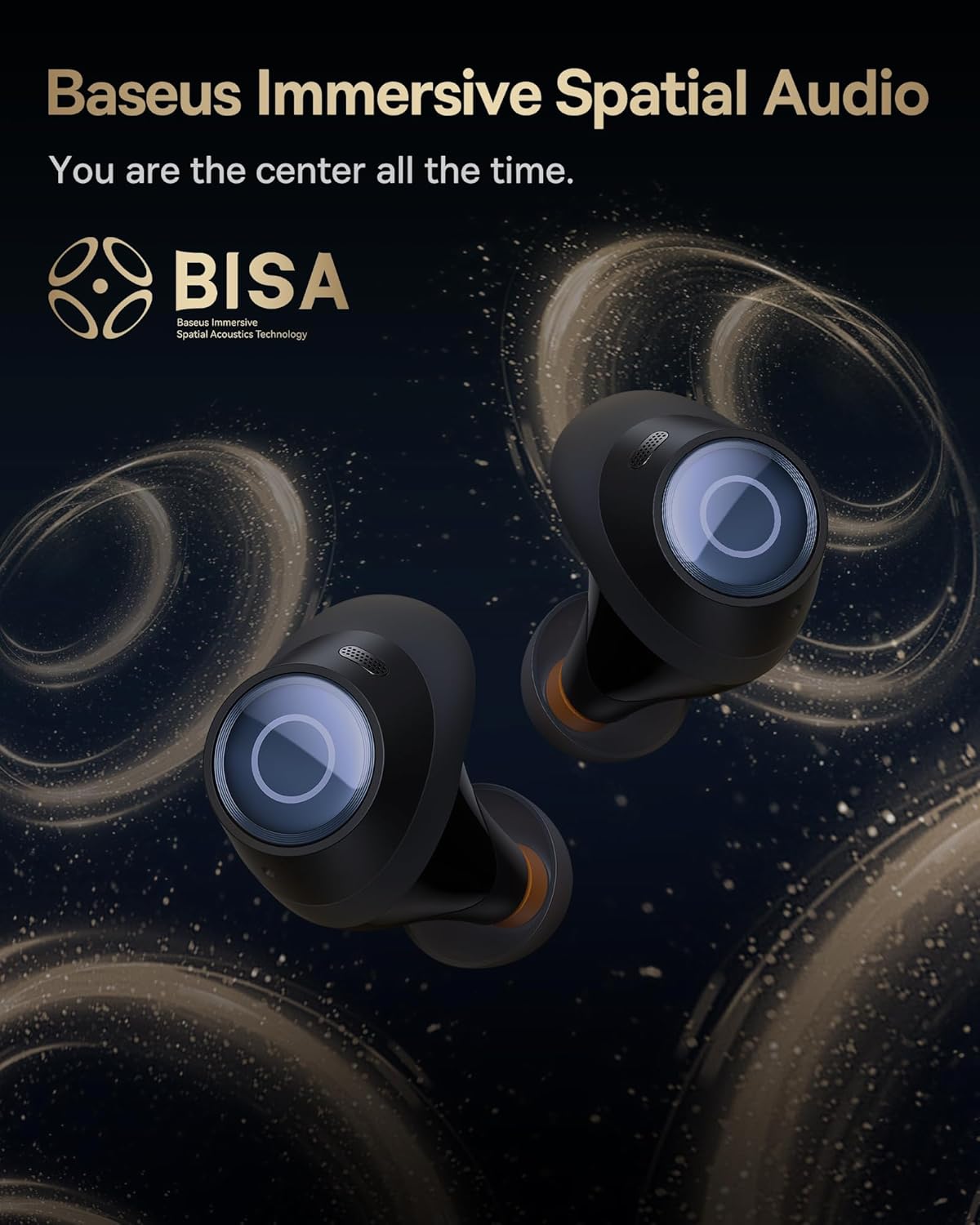
Image: The Baseus Bowie MA10S earbuds highlighted with the "BISA" (Baseus Immersive Spatial Audio) logo, indicating their advanced audio positioning capabilities.
קלאָר קאַללס
The earbuds are equipped with 4 Environmental Noise Cancelling (ENC) microphones. These mics capture ambient noise, and an AI algorithm cancels it, ensuring crystal-clear call quality even in noisy environments.

Image: An X-ray like view of the Baseus Bowie MA10S earbuds, illustrating the placement of the 4 Environmental Noise Cancelling (ENC) microphones designed for crystal-clear phone calls.
טשאַרדזשינג
עאַרבוד טשאַרדזשינג
Place the earbuds into the charging case. They will automatically begin charging. The case's digital display will show the charging status and battery level.
Case Charging (Wired & Wireless)
- ווייערד טשאַרדזשינג: Connect the provided USB-C cable to the charging port on the case and a USB power adapter.
- ווירעלעסס טשאַרדזשינג: Simply place the charging case on a compatible wireless charging pad.
The case features a smart power display, showing the exact battery percentagאויף א בליק.

בילד: א נאָענטע בילד view of the Baseus Bowie MA10S charging case's built-in digital display, clearly showing "100%", indicating a full charge.
A quick 10-minute wired charge can provide up to 2 hours of playtime.

Image: The Baseus Bowie MA10S charging case connected for fast wired charging, with a graphic indicating "10m = 2H", signifying 10 minutes of charge provides 2 hours of playtime.
וישאַלט
רייניקונג
- רייניקט רעגולער די אויערקנעפּלעך, ספּעציעל די אויער שפּיץ און טשאַרדזשינג קאָנטאַקטן, מיט אַ ווייכן, טרוקענעם, לינט-פֿרייע שטאָף.
- Remove ear tips and clean any earwax or debris from the earbud nozzles using a small brush or cotton swab.
- Clean the charging case with a soft, dry cloth.
- ניצט נישט קיין שרײַבנדיקע רייניגער, אַלקאָהאָל, אדער כעמישע סאָלווענטן.
סטאָרידזש
ווען נישט אין באַנוץ, לייגט די אויערן-קנעפּלעך אין זייער טשאַרדזשינג קעסטל צו באַשיצן זיי און האַלטן זיי טשאַרדזשד. לייגט די קעסטל אין אַ קיל, טרוקן אָרט אַוועק פון עקסטרעמע טעמפּעראַטורן.
וואַסער קעגנשטעל (IPX4)
The Baseus Bowie MA10S earbuds are IPX4 waterproof, meaning they are resistant to splashing water from any direction. This makes them suitable for workouts and light rain. However, they are not designed for swimming or submersion in water. Do not expose them to pressurized water or high-velocity water, such as showering or bathing.

Image: The Baseus Bowie MA10S earbuds shown with water splashing over them, indicating their IPX4 waterproof rating, suitable for sweat and light rain.
טראָובלעשאָאָטינג
If you encounter issues with your Baseus Bowie MA10S earbuds, please refer to the following common solutions:
- אויערקנעפּלעך נישט פּערינג:
- מאַכן זיכער אַז די עאַרבודז זענען באפוילן.
- אויסלעשן און אנשטעלן בלועטוט אויף אייער דעווייס.
- לייגט צוריק די אויערן-קנעפּלעך אין דעם קעסטל, מאַכט צו דעם דעקל, וואַרט אַ פּאָר סעקונדעס, און עפֿנט ווידער צו ווידער אַרייַן אין פּערינג מאָדע.
- Forget "Baseus Bowie MA10S" from your device's Bluetooth list and try pairing again.
- קיין קלאַנג אָדער נידעריקע באַנד:
- קאָנטראָלירט דעם וואָלומען אויף ביידע אייער דעווייס און די אויערקנעפּלעך.
- Ensure earbuds are properly seated in your ears and the ear tips provide a good seal.
- רייניקט יעדן דעבריס פון די אויערקנעפל נאַזאַלז.
- Try resetting the earbuds (refer to Baseus App or online resources for specific reset instructions if needed).
- טשאַרדזשינג ישוז:
- זיכער מאַכן אַז דער USB-C קאַבל איז זיכער פארבונדן צו ביידע דעם קעסטל און דער מאַכט מקור.
- פּרוּווט אַ אַנדערש וסב-C קאַבלע אָדער מאַכט אַדאַפּטער.
- For wireless charging, ensure the case is correctly placed on the wireless charging pad.
- רייניקט די טשאַרדזשינג קאָנטאַקטן אויף ביידע די אויערקנעפּלעך און אינעווייניק פון די קעסטל.
- ANC נישט עפעקטיוו:
- Ensure ANC mode is activated (long press earbud).
- Check that the ear tips provide a proper seal in your ear canal. Try different sizes of ear tips for a better fit.
פֿאַר ווייטערדיקע הילף, ביטע זעט די אפיציעלע Baseus שטיצע קאַנאַלן.
ספּעסאַפאַקיישאַנז
| שטריך | דעטאַל |
|---|---|
| מאָדעל נאָמען | Baseus Bowie MA10S |
| קאַנעקטיוויטי טעכנאָלאָגיע | ווירעלעס (בלוטוט 5.3) |
| בלועטאָאָטה קייט | 10 מעטער |
| ראַש קאָנטראָל | היבריד אַקטיוו ראַש קאַנסאַליישאַן (ביז -48dB) |
| מיקראָפאָנעס | 4 ENC Mics for Clear Calls |
| אַודיאָ דרייווער טיפּ | Dynamic Driver (Titanium-plated PU composite diaphragm) |
| אָפטקייַט ראַנגע | 20 הערץ - 20,000 הערץ |
| באַטעריע לעבן (אויערקנעפּלעך) | 8 שעה (איינציקע אָפּצאָל) |
| באַטעריע לעבן (גאַנץ מיט קעסטל) | 38 שעה |
| טשאַרדזשינג | USB-C Wired, Wireless Charging |
| אַודיאָ לייטאַנס | 38 מיליסעקונדעס (שפּיל מאָדע) |
| וואַסער קעגנשטעל | IPX4 וואָטערפּרוף |
| קאָנטראָל מעטאָד | ריר, אַפּ |
| קאַמפּאַטאַבאַל דעוויסעס | סעלפאָונז, דעוויסעס מיט בלועטוט אַודיאָ קייפּאַבילאַטי (iOS, אַנדרויד, ווינדאָוז, מעק אָ.עס., סוויטש), לאַפּטאַפּס, טאַבלעטן |
| פּונקט וואָג | 4.6 אונסעס |
| UPC | 850060076268 |
וואָראַנטי און שטיצן
For information regarding product warranty, returns, or technical support, please visit the official Baseus webזייטל אדער קאנטאקט זייער קאסטומער סערוויס גלייך. האלט אייער קויף קוויטל אלס באווייז פון קויפן פאר יעדע גאראנטיע טענות.
אפיציעלע באסעוס קראָם: באַסעוס אַמאַזאָן סטאָר


