הקדמה
The Logitech Signature M550 L Wireless Mouse is designed for enhanced comfort and productivity, especially for users with larger hands. It features an adaptive SmartWheel for precise or hyper-fast scrolling, SilentTouch technology for quiet clicks, and versatile connectivity options. This manual provides detailed instructions for setup, operation, and maintenance of your device.
פּעקל אינהאַלט
- Logitech Signature M550 L Wireless Mouse
- 1 AA Battery (pre-installed or included)
- Logi Bolt USB Receiver (may be stored inside the mouse battery compartment)
- באַניצער דאָקומענטאַציע (דיזער מאַנואַל)
פּראָדוקט איבערview
Familiarize yourself with the key components of your Logitech Signature M550 L mouse.

בילד: אויבן און זייט view of the Logitech Signature M550 L mouse, highlighting its features including the SmartWheel, silent clicking buttons, Bluetooth connectivity, ergonomic shape, and 24-month battery life.
- לינקס/רעכטס קליק קנעפלעך: Feature SilentTouch technology for reduced clicking noise.
- סמאַרטוויל: Adaptive scroll wheel for line-by-line precision or super-fast free-spin scrolling.
- LED ינדיקאַטאָר: Shows battery status and connection mode.
- אָנ / אַוועק באַשטימען: Located on the bottom of the mouse.
- באַטערי אָפּטייל: Houses the AA battery and Logi Bolt USB receiver.
- ערגאָנאָמיק פּלאַן: Contoured shape with soft thumb area and rubber side grips for comfort.
סעטאַפּ
1. ינסטאַלירן באַטערי
- עפֿנט דעם דעקל פֿונעם באַטעריע־אָפּטייל אויף דער אונטערשטער זײַט פֿון דער מויז.
- אַרײַנשטעלן די אַרײַנגעשלאָסענע AA באַטעריע, און זיכער מאַכן אַז די פּאָלאַריטעט איז ריכטיק (+/-).
- Close the battery compartment cover. The LED indicator on the mouse may flash briefly.
2. פֿאַרבינד זיך צו דיין מיטל
The Signature M550 L offers two connection methods: Logi Bolt USB Receiver or Bluetooth Low Energy.
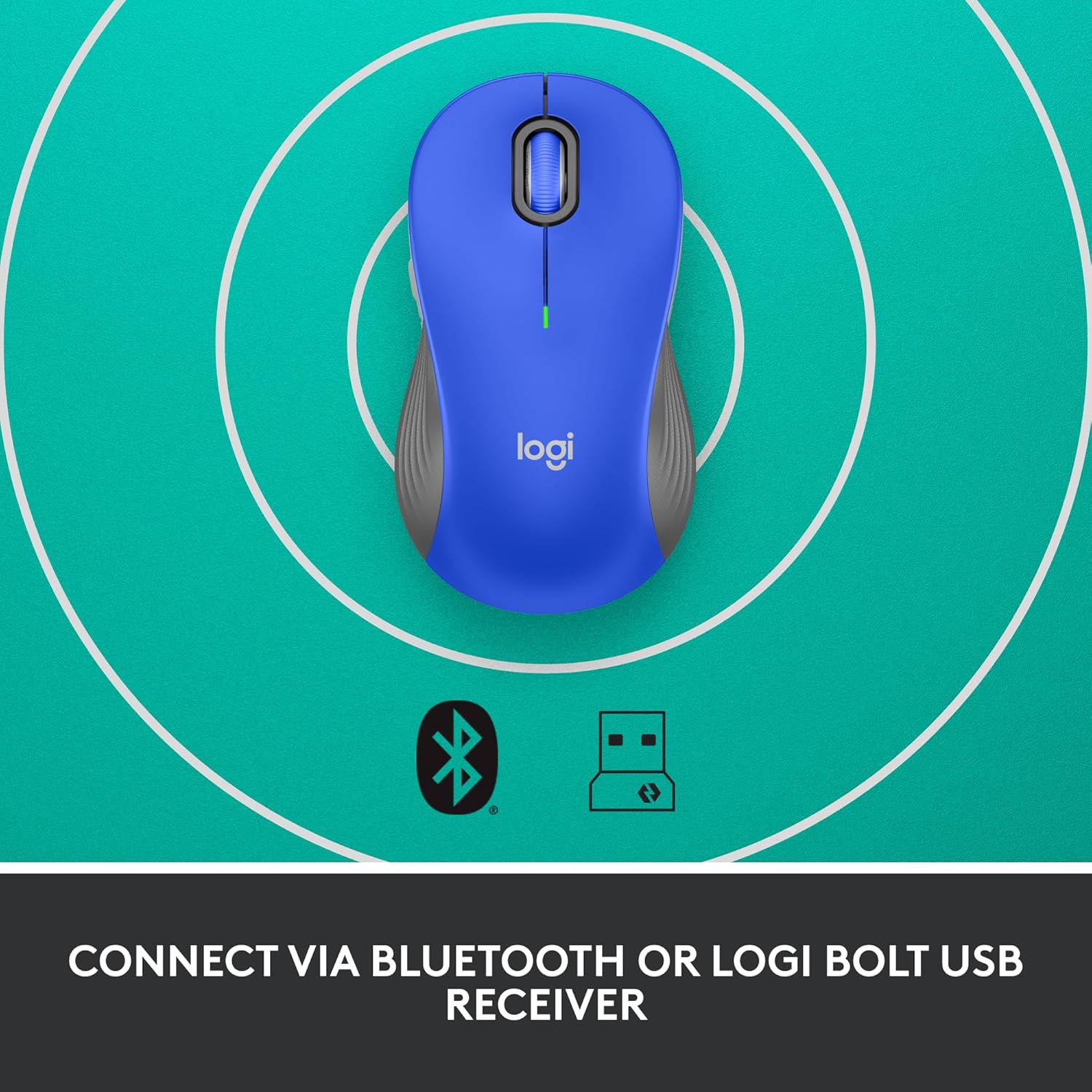
Image: The Logitech Signature M550 L mouse shown with icons representing Bluetooth and Logi Bolt USB receiver connectivity options.
Option A: Logi Bolt USB Receiver
- Locate the Logi Bolt USB receiver, typically stored inside the mouse's battery compartment.
- שטעקט אריין דעם לאָגי באָלט USB ריסיווער אין אַ פאַראַן USB פּאָרט אויף אייער קאָמפּיוטער.
- Turn on the mouse using the On/Off switch on the bottom. Your computer should automatically detect the mouse.
Option B: Bluetooth Low Energy
- Turn on the mouse using the On/Off switch on the bottom.
- Press and hold the Easy-Switch button (usually on the bottom or side, refer to product diagram if available) for 3 seconds until the LED indicator starts blinking rapidly. This indicates pairing mode.
- אויף אייער קאָמפּיוטער אָדער מיטל, עפֿנט די בלועטוט סעטטינגס.
- Select "Logitech M550 L" from the list of available devices and follow any on-screen prompts to complete pairing.
The mouse is compatible with Windows, macOS, Linux, Chrome OS, iPadOS, and Android operating systems.
אַפּערייטינג ינסטראַקשאַנז
SmartWheel Scrolling
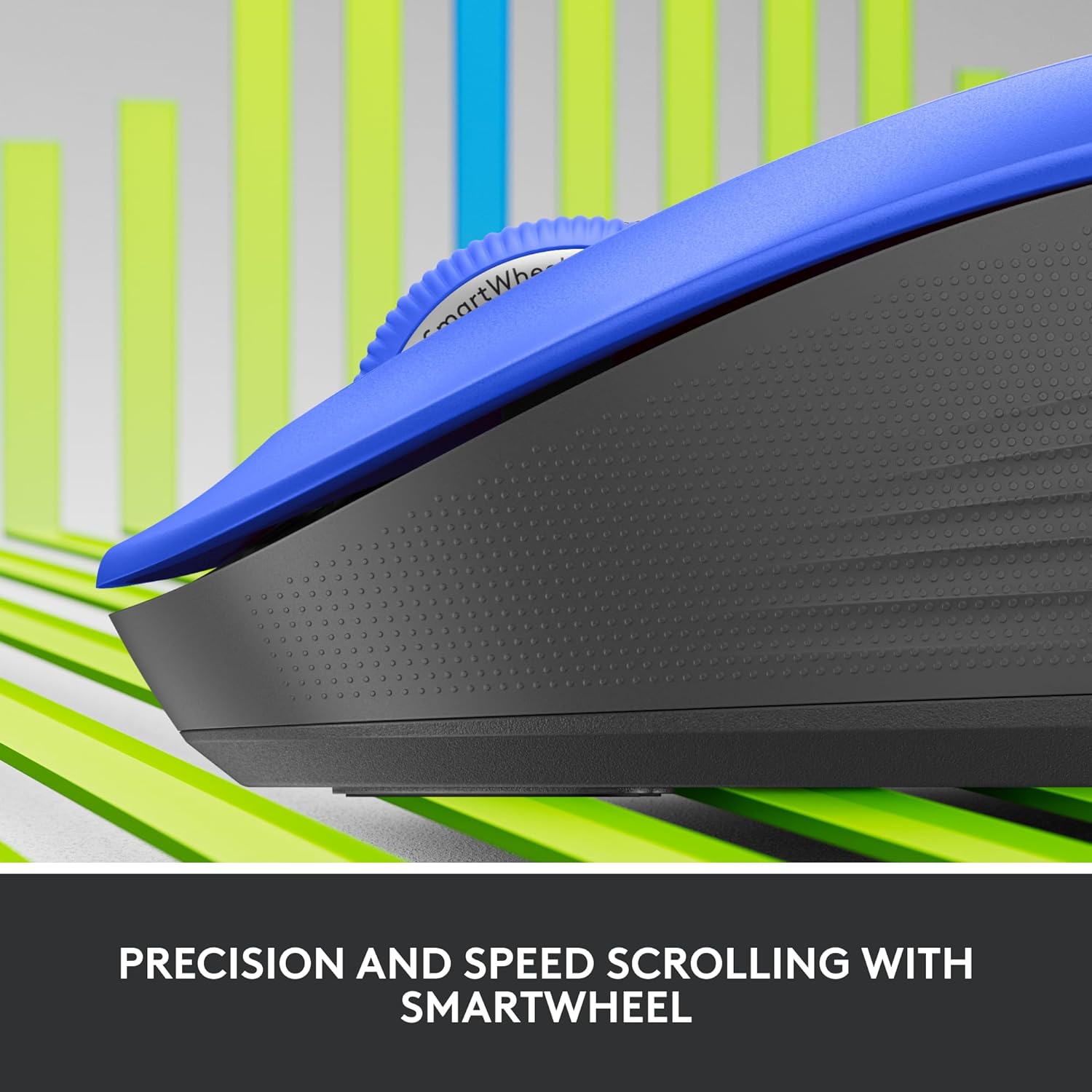
בילד: א נאָענטע בילד view of the Logitech SmartWheel, demonstrating its precision and speed scrolling capabilities.
The SmartWheel automatically switches between two modes:
- Line-by-Line Precision: Ideal for detailed work and navigating documents. Scroll slowly for precise control.
- Super-Fast Free-Spin: For quickly navigating long web pages or documents. Flick the wheel to activate.
שטילע קליקן

Image: A person using the Logitech Signature M550 L mouse at a desk, illustrating the benefit of 90% less clicking noise for a focused work environment.
The mouse features Logitech's SilentTouch technology, reducing click noise by over 90% compared to traditional mice. This allows for a quieter work environment without compromising click feel.
קאָמפּאַטיביליטי פון מולטי מיטל
The Signature M550 L can be paired with multiple devices and switched between them using the Easy-Switch button. This feature is ideal for users who work across several computers or tablets.
וישאַלט
באַטערי פאַרבייַט
The mouse operates on a single AA battery, offering up to 24 months of battery life depending on usage. When the battery is low, the LED indicator will turn red. To replace:
- קער אַוועק די מויז.
- Open the battery compartment cover on the underside.
- Remove the old AA battery and insert a new one, observing correct polarity.
- Close the cover and turn the mouse back on.
רייניקונג
To clean your mouse, use a soft, lint-free cloth lightly dampגעוואשן מיט וואַסער אָדער אַ מילדער רייניקונג לייזונג. פֿאַרמייַדן שטרענגע כעמיקאַלן אָדער אַברייסיוו מאַטעריאַלס. זיכער מאַכן אַז קיין פליסיקייט גייט נישט אַרײַן אין די עפענונגען פון דער מויז.
טראָובלעשאָאָטינג
- מויז ענטפערט נישט:
- מאַכן זיכער אַז די מויז איז אויסגעדרייט אויף.
- קאָנטראָלירן די באַטאַרייע מדרגה און פאַרבייַטן אויב נייטיק.
- If using the Logi Bolt receiver, try plugging it into a different USB port or a different computer to rule out port issues.
- If using Bluetooth, ensure Bluetooth is enabled on your device and the mouse is properly paired. Try re-pairing the mouse.
- Move the mouse closer to the receiver or Bluetooth-enabled device to ensure it's within range.
- אומשטענדלעכע קורסאָר באַוועגונג:
- רייניקט דעם אָפּטישן סענסאָר אויף דער אונטערשטער טייל פֿון דער מויז.
- זייט זיכער אז איר ניצט די מויז אויף א פאסיגע אויבערפלאך. פארמיידט שטארק רעפלעקטיווע אדער דורכזיכטיקע אויבערפלאכן.
- Connectivity issues after system update:
- ריסטאַרט דיין קאָמפּיוטער.
- Check for updated drivers for your mouse or Bluetooth adapter.
ספּעסאַפאַקיישאַנז
| סאָרט | Logitech |
| מאָדעל נומער | 910-006794 |
| קאַנעקטיוויטי טעכנאָלאָגיע | בלועטוט נידעריק ענערגיע, לאָגי באָלט USB ריסיווער |
| באַוועגונג דעטעקטיאָן | אָפּטיש |
| ספּעציעלע פֿעיִקייטן | Lightweight, Portable, Silent Clicks (SilentTouch), SmartWheel, Wireless |
| באַטערי טיפּ | 1 אַאַ באַטערי |
| באַטערי לעבן | ביז 24 חדשים (קען זיין אַנדערש לויט באַניץ) |
| אַפּערייטינג סיסטעם קאַמפּאַטאַבילאַטי | Windows, macOS, Linux, Chrome OS, iPadOS, Android |
| פּונקט וואָג | 3.92 אונסעס |
| קאָליר | בלוי (פֿאַר דעם וואַריאַנט) |
וואָראַנטי אינפֿאָרמאַציע
Logitech products are manufactured to high quality standards and are covered by a limited hardware warranty. For specific warranty terms and conditions applicable to your region and product, please refer to the official Logitech webוועבזייטל אדער די וואָראַנטי קאַרטל וואָס איז אַרייַנגערעכנט מיט אייער קויפן.
שטיצן
For further assistance, technical support, or to download the latest software and drivers for your Logitech Signature M550 L Wireless Mouse, please visit the official Logitech support webפּלאַץ:
איר קענט אויך געפֿינען אָפֿט געשטעלטע פֿראַגעס און קהילה פֿאָרומס אויף דער שטיצע זייטל.


