1. געטינג סטאַרטעד
1.1. פּעקל אינהאַלט
Verify that all items are present in your OnePlus Pad Go package:
- OnePlus Pad Go Tablet
- וסב קאַבלע
- שנעל אָנהייב גייד
1.2. דיווייס איבערview
מאַכט זיך באַקאַנט מיט די גשמיות קאָמפּאָנענטן פון אייער טאַבלעט.

פיגורע 1: פראָנט view of the OnePlus Pad Go tablet.
1.3. ערשט סעטאַפּ
- מאַכט אויף: Press and hold the power button located on the side of the tablet until the OnePlus logo appears.
- שפּראַך סעלעקציע: פֿאָלגט די אינסטרוקציעס אויף דעם עקראַן צו אויסקלײַבן אײַער בילכער שפּראַך.
- Wi-Fi קאַנעקשאַן: Connect to a Wi-Fi network to access the internet and complete the setup process.
- גוגל אקאונט: לאָג אַרײַן מיט אײַער גוגל אַקאַונט אָדער שאַפֿט אַ נײַעם צו צוקומען צו גוגל סערוויסעס און דעם פּלייַ סטאָר.
- SIM Card Insertion (LTE Models): For models with 4G LTE connectivity, carefully insert your Nano-SIM card into the designated tray using the provided SIM ejector tool. Ensure the tablet is powered off before inserting or removing the SIM card.
2. Operating Your OnePlus Pad Go
2.1. ווייַז פֿעיִקייטן
The OnePlus Pad Go features an 11.35-inch (28.85cm) 2.4K (2408x1720 pixels) LCD display with a 7:5 ReadFit ratio and 400 nits brightness. It incorporates eye care technologies such as Low Blue Light (TÜV Rheinland Certified), intelligent brightness adjustment, DC Dimming, and Bedtime Mode to reduce eye strain.
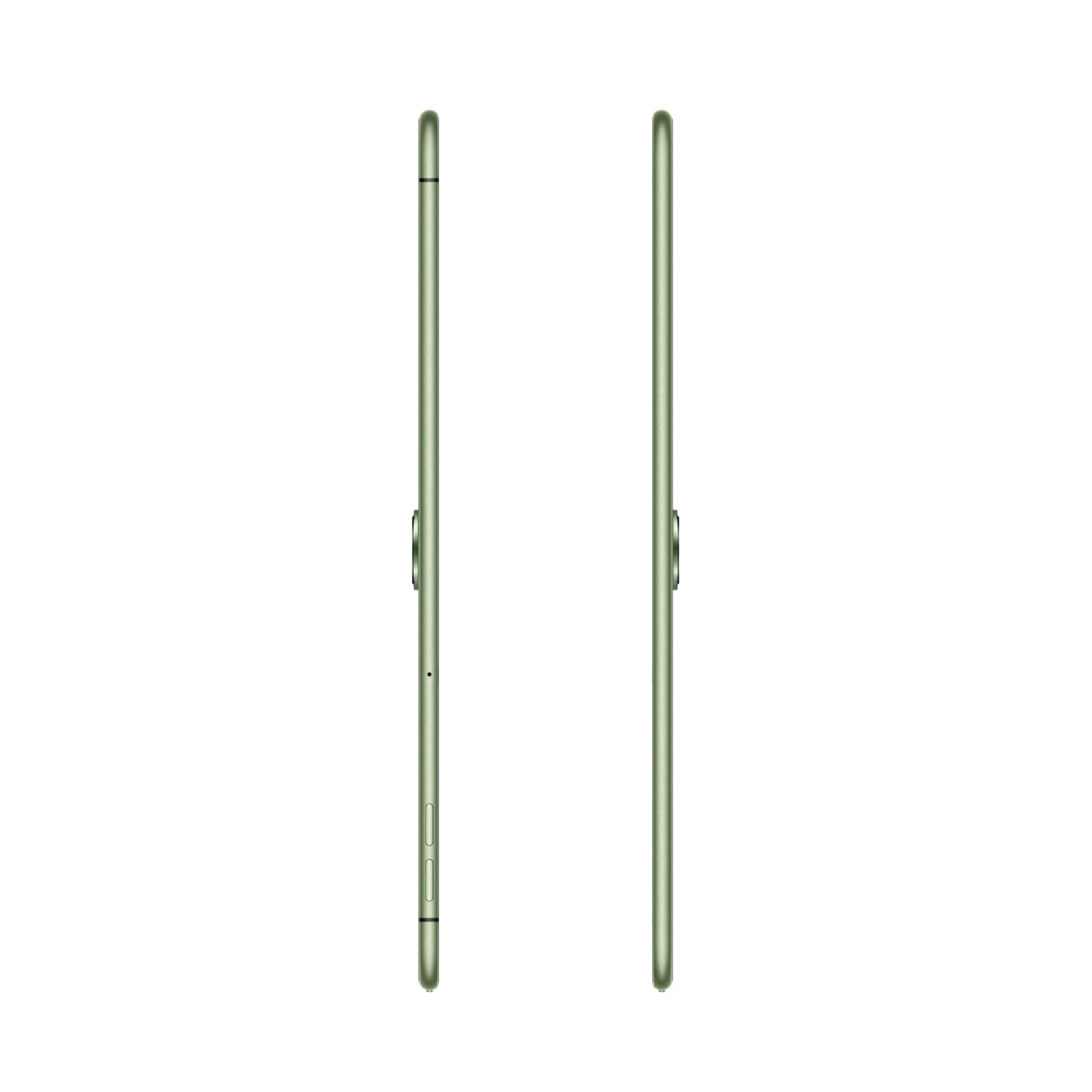
Figure 2: The 2.4K ReadFit Eye Care LCD Display in use.
ווידעא 1: איבערview of OnePlus Pad Go features, including display quality, portability, and audio capabilities.
2.2. אַודיאָ דערפאַרונג
Experience immersive sound with the OnePlus Pad Go's Dolby Atmos Quad Speakers. The omnibearing sound field delivers rich and clear audio for all your media consumption.
Video 2: Detailed look at the OnePlus Pad Go's specifications, including RAM, storage, display, audio, and connectivity options.
2.3. קאַנעקטיוויטי
The tablet supports both Wi-Fi (802.11ac) and 4G LTE connectivity, including calling functionality. Features like Auto Connect, Cross-screen Connection, and Screen Mirroring allow for seamless interaction with other devices.

Figure 3: Demonstrating cross-screen connection between the tablet and a smartphone.
2.4. פאָרשטעלונג און סטאָרידזש
Powered by the MediaTek Helio G99 processor and running OxygenOS 13.2, the tablet offers smooth performance. It comes with 8GB of RAM and 256GB of internal storage, expandable up to 1TB via a microSD card.

Figure 4: Visual representation of the tablet's RAM and expandable storage capacity.
2.5. אַפּאַראַט
The OnePlus Pad Go is equipped with an 8MP primary camera and an 8MP front-facing camera. It supports video capture resolutions of 1080p and 720p.

פיגור 5: זייט פּראָfile of the tablet, indicating the camera placement.
2.6. באַטאַרייע און טשאַרדזשינג
The tablet features an 8000 mAh battery, providing extended usage times. It supports 33W SUPERVOOC fast charging, allowing for quick recharges. Expect up to 514 hours of standby time, 14 hours of video playback, and 40 hours of music playback.

Figure 6: The tablet connected to a charger, emphasizing battery capacity and charging speed.
3. קער און וישאַלט
3.1. רייניקן אייער טאַבלעט
To clean your OnePlus Pad Go, use a soft, lint-free cloth. For stubborn smudges, slightly dampen the cloth with water or a screen cleaner specifically designed for electronics. Avoid using harsh chemicals, abrasive materials, or aerosol sprays directly on the tablet.
3.2. באַטעריע לאַנגלעבעדיקייט
To maximize battery life, consider the following:
- שטעל די ליכטיקייט פון דעם עקראַן צו אַ באַקוועמען לעוועל.
- שליסט נישט גענוצטע אַפּליקאַציעס וואָס לויפן אין הינטערגרונט.
- Disable Wi-Fi, Bluetooth, or LTE when not in use.
- ויסמיידן עקסטרעם טעמפּעראַטורעס.
4. טראָובלעשאָאָטינג פּראָסט ישוז
This section addresses common issues you might encounter with your OnePlus Pad Go.
4.1. טאַבלעט גייט נישט אָן
- Ensure the battery is charged. Connect the tablet to the 33W SUPERVOOC charger and wait a few minutes before attempting to power it on again.
- דריק און האלט דעם מאַכט קנעפּל פֿאַר לפּחות 10-15 סעקונדעס צו צווינגען אַ ריסטאַרט.
4.2. פּראָבלעמען מיטן אַרויסווייַזן
- If the screen is unresponsive, try restarting the tablet.
- Check for system updates, as software glitches can sometimes affect display performance.
4.3. Connectivity Problems (Wi-Fi/LTE)
- ווי-פי: ריסטאַרט דיין Wi-Fi ראַוטער. אויף דער טאַבלעט, פֿאַרגעס די נעץ און פֿאַרבינד זיך ווידער.
- LTE: Ensure your SIM card is correctly inserted and activated. Check your mobile data plan. Restart the tablet.
4.4. Performance Lags
- נאָענט ומנייטיק הינטערגרונט אַפּלאַקיישאַנז.
- Clear cache for apps that are frequently used or causing issues.
- זיכער מאַכן אַז גענוג סטאָרידזש פּלאַץ איז בנימצא.
- Consider a factory reset as a last resort (back up your data first).
5. טעכניש ספּעסאַפאַקיישאַנז
| שטריך | באַשרייַבונג |
|---|---|
| סאָרט | אָנעפּלוס |
| מאָדעל נאָמען | OnePlus Pad GO |
| מאָדעל נומער | OPD2304 |
| ווייַז גרייס | 28.85 Centimetres (11.35 inches) |
| ווייַז טיפּ | לקד |
| פאַרשטעלן האַכלאָטע | 2408 x 1720 פּיקסעלס (2.4K) |
| באַראַן גרייס | 8 גיגאבייט |
| זכּרון סטאָרידזש קאַפּאַסיטי | 256 גיגאבייט (אויסברייטבאר ביז 1 טב) |
| אָפּערייטינג סיסטעם | OxygenOS 13.2 |
| פּראַסעסער סאָרט | MediaTek |
| Processor Model Number | Helio G99 |
| סעליאַלער טעכנאָלאָגיע | 4G |
| ווירעלעסס טיפּ | 801.11ac |
| באַטאַרייע קאַפּאַציטעט | 8000 מאַה |
| ספּעציעלע פֿעיִקייטן | שנעל טשאַרדזשינג |
| פּונקט וואָג | 532 ג |
| פּראָדוקט דימענשאַנז | 6.6 X 22.2 X 33.2 סענטימעטער |
6. וואָראַנטי און שטיצן
6.1. פאַבריקאַנט וואָראַנטי
The OnePlus Pad Go is covered by a manufacturer's warranty. Please refer to the warranty card included in your product packaging for specific terms, conditions, and duration.
6.2. פארלענגערטע שוץ פלענער
נאָך שוץ פּלענער קען מען קויפן:
- 1 Year Extended warranty by Acko
- 1 year Total Protection Plan by Acko
For details on these plans, please consult the respective providers or your retailer.
6.3. קונה שטיצן
פֿאַר ווייטערדיקע הילף, טעכנישע שטיצע, אָדער סערוויס פֿראַגעס, ביטע באַזוכט די אָפֿיציעלע OnePlus שטיצע website or contact their customer service. Contact information can typically be found on the OnePlus webוועבזייטל אדער אין אייער פּראָדוקט דאָקומענטאַציע.


