הקדמה
Thank you for choosing the EMOS EMILY Rechargeable LED Desk Lampדיזער מאַנואַל גיט וויכטיקע אינפֿאָרמאַציע פֿאַר זיכערן און עפֿעקטיוון באַנוץ פֿון אייער נייעם לamp. The EMILY lamp features a flexible gooseneck, continuous dimming, and a built-in rechargeable battery, making it ideal for various applications.
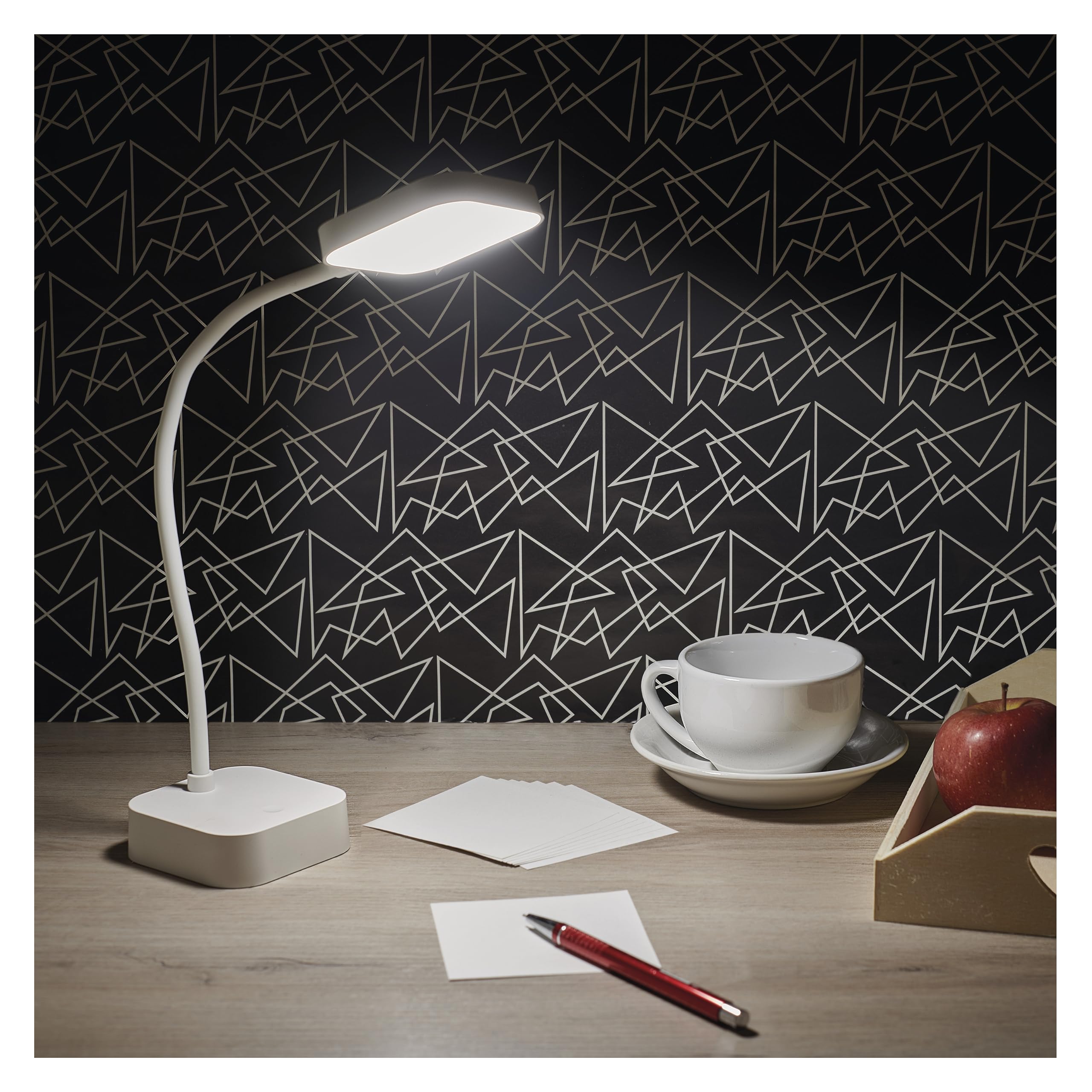
Image: The EMOS EMILY LED Desk Lamp in white, featuring a square base and lamp head connected by a flexible gooseneck.
סעטאַפּ
- אָפּלייגן די לamp: קערפאַלי אַראָפּנעמען די לamp and all accessories from the packaging. Ensure all components listed in the specifications are present.
- ערשט אָפּצאָל: פארן ערשטן באניץ, לאדנט גוט אויף דעם לamp. Connect the supplied 1-meter USB charging cable to the lamp's charging port and to a suitable USB power adapter (not included). The charging indicator light will show the charging status.

Image: Close-up of the lamp's base showing the ON/OFF slide switch and the DC 5V charging port, with a charging cable being inserted.
- אַקטאַווייט די לamp: Locate the slide switch on the back of the lamp's base. Slide it from the "OFF" position to the "ON" position to enable the lamp'ס פונקציעס.
אַפּערייטינג ינסטראַקשאַנז
- מאַכט אויף / אַוועק: מיט די לamp activated (switch in "ON" position), lightly touch the touch button located on the lamp'ס באַזע צו אנצינדן אדער אויסלעשן די ליכט.
- אַדזשאַסטירן העלקייט (דימינג): To adjust the light intensity, press and hold the touch button. The brightness will continuously cycle between 10% and 100%. Release the button when the desired brightness is reached.
- שטעלע די לamp: די לamp features a flexible gooseneck. Bend and rotate the gooseneck to direct the light precisely where needed.

Image: Three EMOS EMILY lamps shown from different angles, highlighting the flexibility of their gooseneck arms.
וישאַלט
- רייניקונג: דיסקאַנעקט די לamp from any power source before cleaning. Use a soft, dry cloth to wipe the lamp's surface. Do not use abrasive cleaners or solvents.
- סטאָרידזש: אויב סטאָרינג די לamp for an extended period, ensure it is fully charged and then turn the slide switch to the "OFF" position. Store in a cool, dry place.
- באַטערי זאָרגן: To prolong battery life, avoid completely discharging the battery frequently. Recharge the lamp ווען די ליכט-אויסגאבע ווערט באמערקבאר פארמינערט.
טראָובלעשאָאָטינג
| פּראָבלעם | מעגלעך סיבה | לייזונג |
|---|---|---|
| Lamp טוט נישט קער אויף. | באַטערי איז דיסטשאַרדזשד. מאַכט באַשטימען איז אַוועק. Touch button not responding. | באַשולדיקן די לamp. Slide the power switch to "ON". Ensure the touch button is clean and try again. |
| ליכט איז שוואַך אָדער פליקערט. | נידעריק באַטאַרייע. Dimming setting is too low. | ריטשאַרדזש די לamp גאָר. Press and hold the touch button to increase brightness. |
| Lamp טוט נישט באַשולדיקן. | USB cable or adapter faulty. טשאַרדזשינג פּאָרט פאַרשטאָפּט. | Try a different USB cable and adapter. קאָנטראָלירן די טשאַרדזשינג פּאָרט פֿאַר דעבריס. |
ספּעסאַפאַקיישאַנז
- מאָדעל נומער: ז7627
- סאָרט: EMOS
- מאַכט: 2 וו
- ליכט פלאַקס: מאַקסימום 100 לם
- קאָליר טעמפּעראַטור: 5000 קעלווין (נייטראל ווייס)
- דימינג: Continuous (10-100%)
- באַטאַרייע לעבן: Up to 96 hours (depending on brightness setting)
- באַטערי טיפּ: 1 ליטהיום-יאָן באַטאַרייע (אַרייַנגערעכנט)
- טשאַרדזשינג: USB (1m cable included, adapter not included)
- מאַטעריאַל: פּלאַסטיק
- פּראָדוקט דימענשאַנז: 8 x 8 x 30 ס״מ (אומגעפער 3.15 x 3.15 x 11.8 אינטשעס)
- וואָג: 340 גראַם (אומגעפער 0.75 פונט)
- קאַמפּאָונאַנץ אַרייַנגערעכנט: 1 דעסק לamp, 1 USB Charging Cable

Image: Technical drawing illustrating the dimensions of the EMOS EMILY LED Desk Lamp, including height, base diameter, and lamp קאָפּ גרייס.
וואָראַנטי אינפֿאָרמאַציע
Specific warranty details for the EMOS EMILY LED Desk Lamp may vary by region and retailer. Please refer to the warranty card included with your purchase or contact your point of sale for detailed information regarding warranty coverage and terms.
קונה שטיצן
For further assistance, technical support, or inquiries regarding your EMOS EMILY LED Desk Lamp, please contact the retailer from whom you purchased the product. You may also visit the official EMOS webזייטל פֿאַר אַלגעמיינע פּראָדוקט אינפֿאָרמאַציע און שטיצע רעסורסן.


