הקדמה
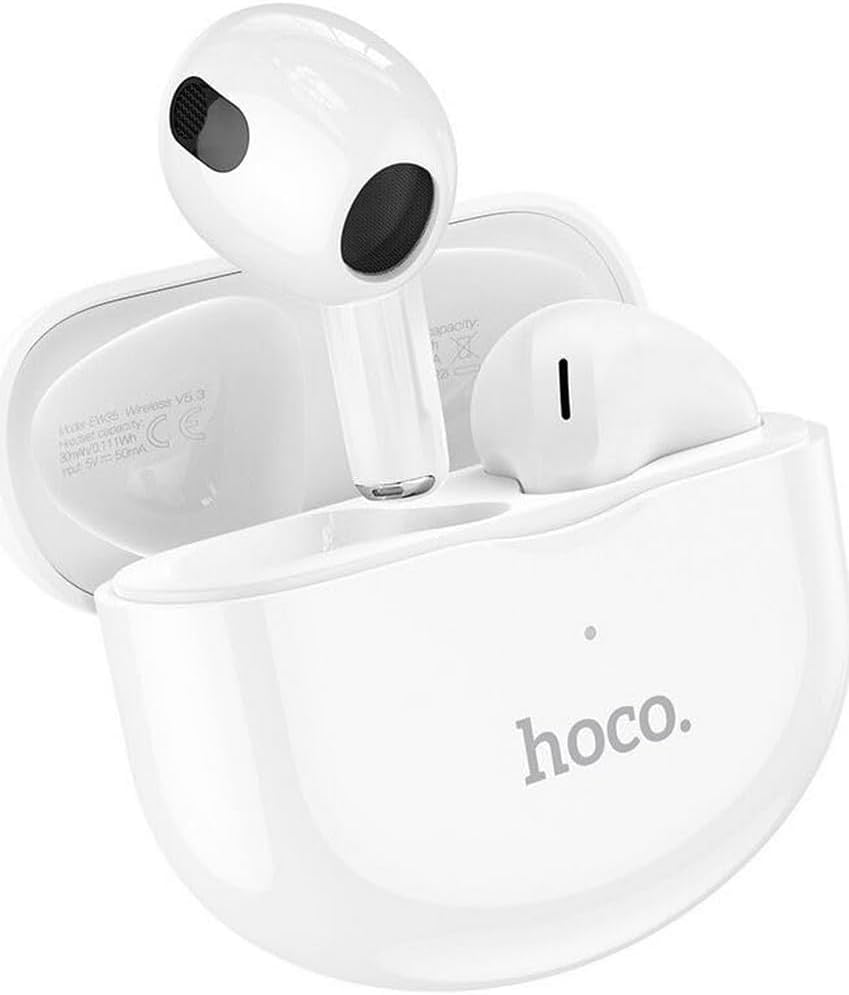
Thank you for choosing the Hoco EW35 Wireless Bluetooth Earphones. These earphones are designed to provide a high-quality audio experience with the convenience of wireless connectivity. Featuring Bluetooth 5.3, touch controls, and an integrated voice assistant, the EW35 offers seamless interaction with your compatible devices. This manual will guide you through the setup, operation, and maintenance of your earphones.
פּעקל אינהאַלט
ביטע טשעק די פּאַקעט פֿאַר די פאלגענדע זאכן:
- Hoco EW35 Wireless Bluetooth Earphones (Left and Right)
- טשאַרדזשינג קאַסע
- באַניצער מאַנואַל
- פּראַטעקטיוו קאַסע

סעטאַפּ
1. אויפלאָדן די אויערפאָונז און קעסטל
Before first use, ensure both the earphones and the charging case are fully charged. The charging case holds multiple charges for the earphones, extending their usage time.
- Place the earphones into the charging case. Ensure they are correctly seated in their respective slots.
- פֿאַרבינדט דעם טשאַרדזשינג קעסטל צו אַ מאַכט מקור מיט אַ קאָמפּאַטיבלע USB קאַבל.
- The indicator light on the charging case will show the charging status. Refer to the product's specific LED indicators for full charge notification.

2. פּערינג מיט אַ בלועטאָאָטה דיווייס
The Hoco EW35 earphones use Bluetooth 5.3 for a stable and efficient connection.
- Open the charging case. The earphones will automatically enter pairing mode (indicated by a flashing LED on the earphones).
- On your device (smartphone, tablet, laptop, etc.), go to the Bluetooth settings.
- זוכן פֿאַר available devices and select "Hoco EW35" from the list.
- Once connected, the earphones will indicate a successful pairing (e.g., a voice prompt or solid LED light).
- די אויערפאָונז וועלן זיך אויטאָמאַטיש ווידער פֿאַרבינדן צום לעצטן פֿאַרבונדענעם מיטל ווען מען נעמט זיי אַרויס פֿון קעסטל, אויב בלועטוט איז אַקטיוויזירט אויפֿן מיטל.
אַפּערייטינג ינסטראַקשאַנז
ריר קאָנטראָלס
The Hoco EW35 earphones feature intuitive touch controls on each earbud. The specific functions may vary slightly depending on your device and application.
- שפּיל / פּויזע: איין צאַפּן אויף יעדער עאַרבוד.
- ווייַטער שפּור: צאַפּ צוויי מאָל אויף די רעכטע אויערקנעפּל.
- פֿריִערדיקע שפּור: צאַפּ צוויי מאָל אויף די לינקע אויערקנעפּל.
- ענטפֿערן / סוף רופן: איין צאַפּ אויף יעדן אויערקנעפּל בעת אַן אינקאַמינג רוף אָדער אַקטיוון רוף.
- אָפּוואַרפן רופן: דריק און האלט איינע פון די אויערקנעפל פאר 2 סעקונדעס בעת אן אנקומענדיקן רוף.
- אַקטאַווייט קול אַססיסטאַנט: טרייפאַך צאַפּן אויף יעדן אויערקנעפּעל.
קול אַססיסטאַנט
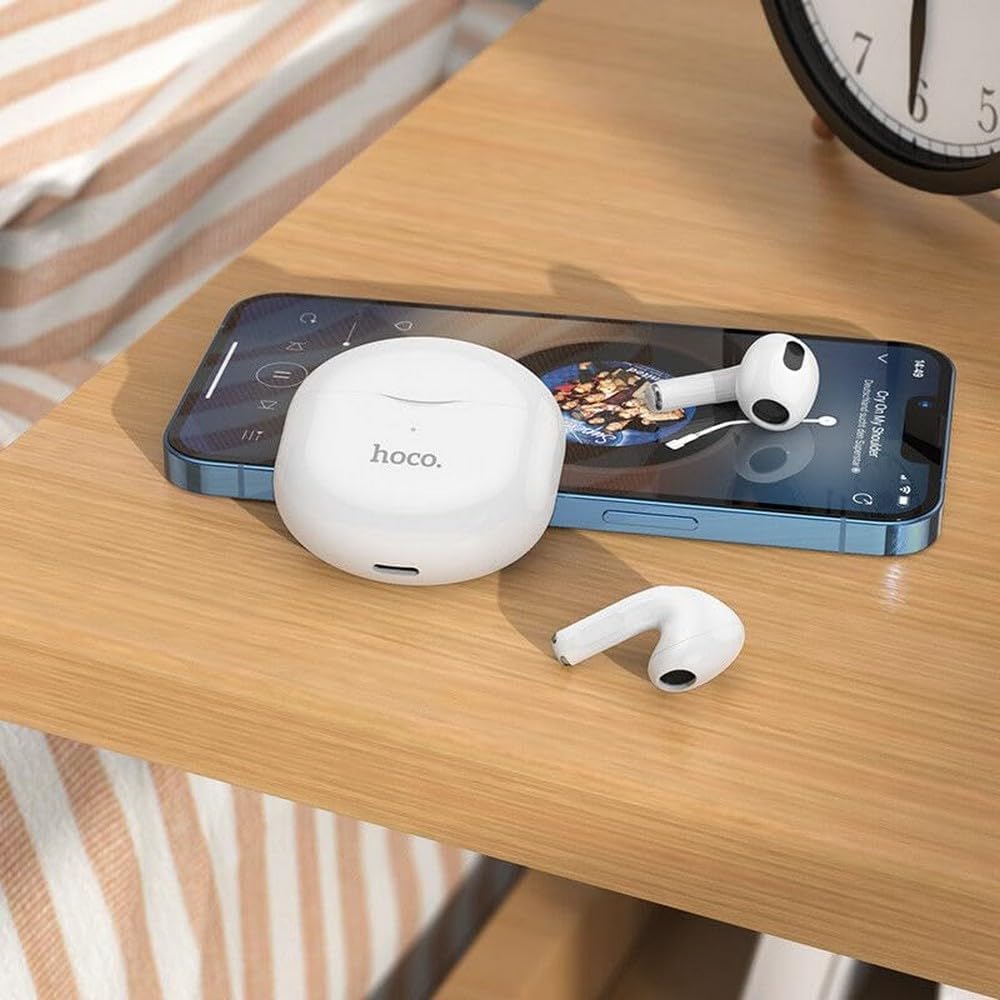
The integrated voice assistant allows you to control your device using voice commands. Triple tap either earbud to activate your device's voice assistant (e.g., Siri, Google Assistant).
וישאַלט
רייניקונג
רעגולערע רייניקונג העלפט אויפהאלטן קלאַנג קוואַליטעט און היגיענע.
- ניצט אַ ווייכן, טרוקענעם, לינט-פֿרייע שטאָף צו ווישן די אויערפֿאָנען און די טשאַרדזשינג קעסטל.
- פֿאַר שווערן שמוץ, אַ ביסל דampen the cloth with water or a mild, non-abrasive cleaner. Avoid getting liquid into openings.
- ניצט נישט קיין שארף כעמיקאלן, אלקאהאל, אדער אברייסיוו מאטעריאלן.
- Gently clean the ear tips and speaker mesh to remove earwax or debris.
סטאָרידזש
ווען נישט אין באַנוץ, לייגט די אויערפאָונז אין זייער טשאַרדזשינג קעסטל צו באַשיצן זיי און האַלטן זיי טשאַרדזשד.
- קראָם אין אַ קיל, טרוקן אָרט, אַוועק פון דירעקט זונשייַן און עקסטרעם טעמפּעראַטורעס.
- Avoid exposing the earphones or case to excessive moisture. While the earphones are rated as waterproof, prolonged exposure or submersion is not recommended.
טראָובלעשאָאָטינג
If you encounter issues with your Hoco EW35 earphones, try the following solutions:
- אויערפאָונז נישט פּערינג:
- זיכער מאַכן אַז ביידע אויערפאָונז זענען אויפגעלאָדן.
- אויסלעשן בלועטוט אויף אייער דעווייס און עס ווידער אנצינדן.
- Forget "Hoco EW35" from your device's Bluetooth list and attempt to pair again.
- Place earphones back in the case, close it, wait a few seconds, then open it again to re-enter pairing mode.
- No sound from one or both earphones:
- קאָנטראָלירט דעם באַנד לעוועל אויף אייער פֿאַרבונדענעם מיטל.
- זייט זיכער אַז די אויערפאָונז זענען ריכטיק אַרײַנגעזעצט אין אייערע אויערן.
- פֿאַרבינדט ווידער די אויערפֿאָנען צו אייער דעווייס.
- רייניקט יעדן דעבריס פון די רעדנער מעש.
- טשאַרדזשינג ישוז:
- זיכער מאַכן אַז דער טשאַרדזשינג קאַבל איז זיכער פארבונדן צו ביידע דעם קעסטל און די מאַכט מקור.
- פרובירט אן אנדערן טשאַרדזשינג קאַבל אדער מאַכט אַדאַפּטער.
- רייניקט די טשאַרדזשינג קאָנטאַקטן אויף ביידע די אויערפאָונז און די קעסטל.
- ריר קאָנטראָלס רעאַגירן נישט:
- זיכער מאַכן אַז אייערע פינגער זענען ריין און טרוקן.
- Try restarting the earphones by placing them in the case and taking them out again.
ספּעסאַפאַקיישאַנז
| שטריך | דעטאַל |
|---|---|
| מאָדעל נאָמען | עוו 35 |
| סאָרט | Hoco |
| קאַנעקטיוויטי טעכנאָלאָגיע | ווירעלעס (בלוטוט 5.3) |
| אויער פּלייסמאַנט | אין אויער |
| פאָרם פאַקטאָר | אין אויער |
| מאַטעריאַל | פּלאַסטיק |
| פּלייַבאַקק צייט | Up to 4 hours (per earbud) |
| קאָנטראָל מעטאָד | ריר, שטימע קאנטראל |
| ספּעציעלע פֿעיִקייטן | Integrated Voice Assistant, Touch Control |
| וואַסער קעגנשטעל מדרגה | וואָטערפּרוף |
| ראַש קאַנסאַליישאַן | קיינער |
| קאַמפּאַטאַבאַל דעוויסעס | Smartphones, Tablets, Laptops, Desktops, Smart Speakers, Game Consoles |
| באַטערי | 1 ליטיום-יאָן (אַרייַנגערעכנט) |
| קריקאָנלאָדלעך באַטערי | יא |

זיכערקייַט אינפֿאָרמאַציע
ביטע לייענט און פאלגט די זיכערהייט גיידליינז צו פאַרמייַדן שעדיקן צו אייער מיטל אָדער שאָדן צו זיך:
- ויסמיידן צוגעהערט אין הויך באַנד לעוועלס פֿאַר עקסטענדעד פּיריאַדז צו פאַרמייַדן געהער שעדיקן.
- ניצט נישט די אויערפאָונז אין סיטואַציעס וואו די אוממעגלעכקייט צו הערן אַרומיקע קלאַנגען קען זיין געפערלעך (למשל, דרייווינג, וועלאָסיפּעד, גיין אין פאַרקער).
- Keep the earphones and charging case away from extreme temperatures, direct sunlight, and open flames.
- Do not attempt to disassemble, repair, or modify the product. This may void the warranty and cause damage.
- האַלטן אַוועק פון קינדער און חיות. קליינע טיילן קענען זיין אַ דערשטיקונגס געפאַר.
- Dispose of the product and its battery responsibly, following local regulations.
וואָראַנטי און שטיצן
For detailed warranty information, please refer to the warranty card included in your product packaging. If you require further assistance or have questions not covered in this manual, please visit the official Hoco webזייטל אדער קאנטאקט זייער קאסטומער שטיצע גלייך.
איר קענט געפֿינען מער אינפֿאָרמאַציע און שטיצע רעסורסן ביי: www.hoco.com


