הקדמה
The Beyerdynamic MC 950 is a high-quality true condenser microphone designed for professional audio applications. Featuring a supercardioid polar pattern, it excels at isolating sound sources and minimizing off-axis noise, making it ideal for studio recording, live sound, and broadcast. Its robust construction and advanced features ensure reliable performance and exceptional sound reproduction.
This manual provides detailed instructions for the proper setup, operation, and maintenance of your MC 950 microphone to ensure optimal performance and longevity.
זיכערקייַט אינפֿאָרמאַציע
- Always handle the microphone with care to prevent damage to the capsule or electronics.
- Do not expose the microphone to extreme temperatures, humidity, or direct sunlight.
- Ensure proper phantom power (11-52V) is supplied by your audio interface or mixer. Incorrect voltagעס קען שעדיקן די מיקראָפאָן.
- פֿאַרמײַדט צו לאָזן פֿאַלן דעם מיקראָפֿאָן אָדער אים אויסשטעלן צו שטאַרקע קלאַפּן.
- האַלטן די מיקראָפאָן אַוועק פון שטאַרק מאַגנעטיק פעלדער.
- Do not attempt to disassemble or modify the microphone. This will void the warranty.
פּעקל אינהאַלט
ביטע קאָנטראָלירט אַז אַלע זאכן וואָס זענען ליסטעד אונטן זענען אַרייַנגערעכנט אין דיין פּעקל:
- Beyerdynamic MC 950 True Condenser Microphone
- מיקראָפאָן קלamp (MA-CL 21)
- Microphone Case

Image: Contents of the Beyerdynamic MC 950 package, showing the microphone, its clamp, and the protective case.
סעטאַפּ
- Attach the Microphone Clamp: Securely attach the provided MA-CL 21 microphone clamp צו אַ נאָרמאַלן מיקראָפאָן שטאַנד.
- אָנקלאַפּן די מיקראָפאָן: Carefully insert the Beyerdynamic MC 950 microphone into the clamp. Ensure it is firmly seated but do not overtighten.
- פאַרבינדן XLR קאַבל: Connect a balanced XLR cable to the microphone's XLR output.
- פאַרבינדן צו אַודיאָ מיטל: פֿאַרבינדט דעם אַנדערן עק פֿון XLR קאַבל צו אַן אַרײַנגאַנג אויף אײַער אַודיאָ אינטערפֿייס, מיקסער, אָדער פּרע-פּרעמיער.amplifier that provides 11-52V phantom power.
- Activate Phantom Power: Turn on the phantom power on your audio device. The MC 950 requires phantom power to operate.
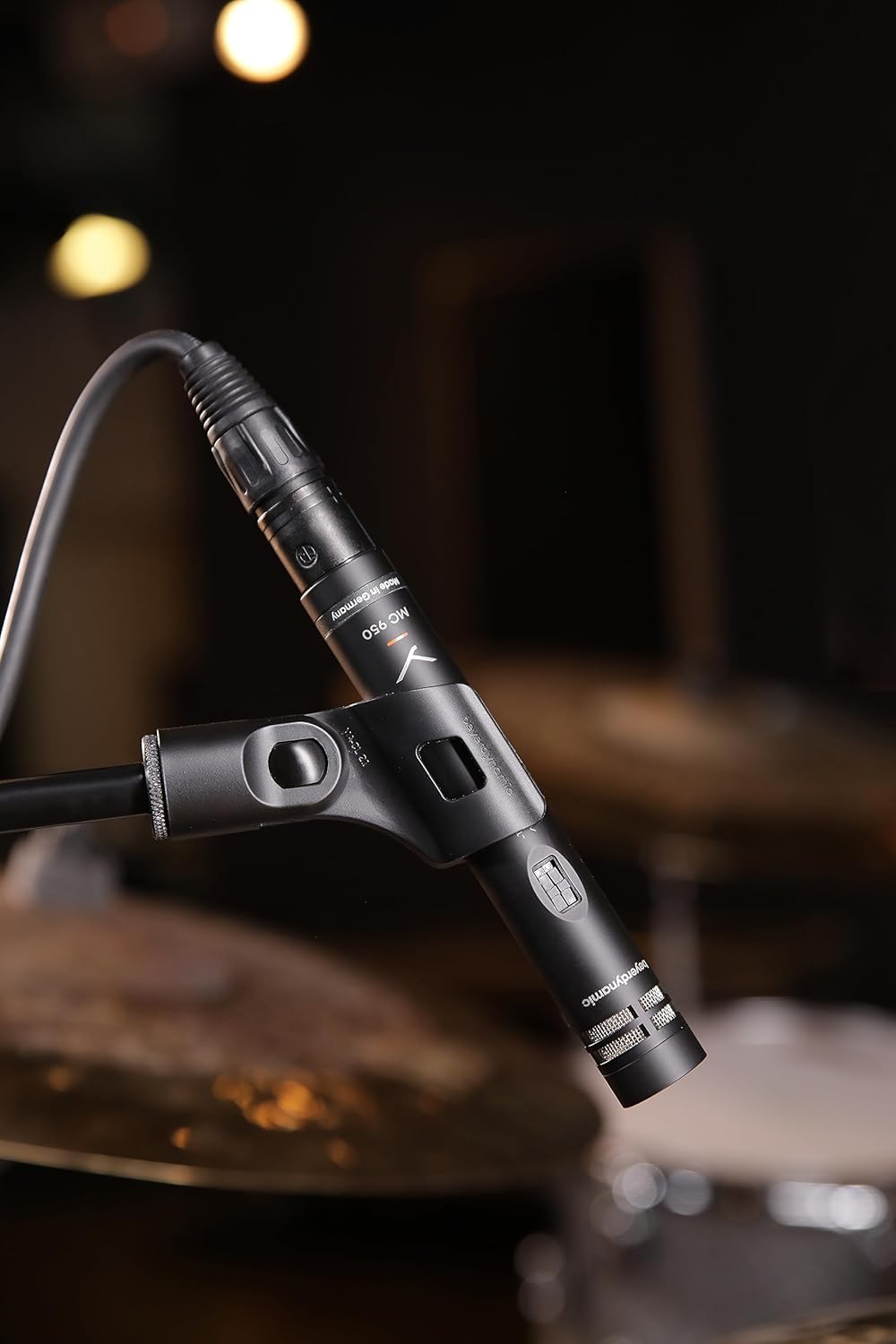
Image: The Beyerdynamic MC 950 microphone properly mounted on a stand and connected via an XLR cable, ready for use.
Operating the MC 950
The MC 950 features a supercardioid polar pattern, which provides excellent off-axis rejection, making it highly effective for isolating sound sources in noisy environments or when multiple instruments are present.
פֿעיִקייטן:
- נידעריק-קאַט פילטער: The microphone includes a switchable -6dB-per-octave low-cut filter at 250Hz. This filter helps to attenuate unwanted low-frequency rumble, proximity effect, or stage noise. To activate, locate the switch on the microphone body and slide it to the "on" position.
- -15dB Pad: For very loud sound sources, the MC 950 is equipped with a switchable -15dB pad. This pad reduces the input signal level before it reaches the microphone's internal electronics, preventing distortion. To activate, locate the switch on the microphone body and slide it to the "on" position.

בילד: א דעטאַלירטע view of the Beyerdynamic MC 950 microphone, highlighting the switches for the -15dB pad and the low-cut filter.
פּלייסמאַנט עצות:
- For acoustic instruments like guitars, position the microphone a few inches from the soundhole or bridge for a balanced sound. Experiment with distance and angle to achieve the desired tone.
- When miking drums, the supercardioid pattern helps in isolating individual drums or cymbals, reducing bleed from other sources.
- For vocals, maintain a consistent distance from the microphone to avoid variations in level and tone.

Image: The Beyerdynamic MC 950 microphone positioned to capture the sound of an acoustic guitar, demonstrating typical usage.
וישאַלט
- רייניקונג: ניצט אַ ווייכע, טרוקענע שטאָף צו ווישן דעם מיקראָפאָן קערפּער. ניצט נישט פליסיקע רייניקונגס־מיטלען אדער סאָלווענטן, ווייל זיי קענען שאַטן די ענדיקונג אדער אינעווייניקסטע קאָמפּאָנענטן.
- סטאָרידזש: When not in use, store the microphone in its protective case to shield it from dust, moisture, and physical damage.
- האַנדלינג: Always handle the microphone by its body, not by the cable or connector.
טראָובלעשאָאָטינג
| פּראָבלעם | מעגלעך סיבה | לייזונג |
|---|---|---|
| קיין סאָונד רעזולטאַט | No phantom power; Faulty XLR cable; Incorrect input selection on mixer/interface. | Ensure phantom power is activated (11-52V); Try a different XLR cable; Verify correct input is selected and gain is up. |
| פאַרקרימט סאָונד | Input signal too hot; Pad not engaged for loud sources. | Engage the -15dB pad switch; Reduce gain on your audio device; Increase distance from sound source. |
| Excessive Bass/Rumble | Proximity effect; Low-frequency noise from stage/environment. | Engage the low-cut filter switch; Increase distance from sound source; Use a shock mount. |
| ינטערמיטאַנט געזונט | לויזער קאַבל פֿאַרבינדונג; געשעדיגטער קאַבל. | Check all cable connections; Try a different XLR cable. |
ספּעסאַפאַקיישאַנז
| שטריך | דעטאַל |
|---|---|
| מיקראָפאָן טיפּ | אמת קאַנדענסער |
| פּאָליאַר מוסטער | סופּערקאַרדיאָיד |
| אָפטקייַט ענטפער | 40 הערץ - 20 קילאָהרץ |
| נידעריק-קאַט פילטער | Switchable -6dB/octave at 250Hz |
| פּאַד | Switchable -15dB |
| פאַנטאָם מאַכט | 11-52 וו דק |
| קאַנעקטיוויטי | XLR |
| פּונקט וואָג | 7 אונס (0.2 קילאָגראַמס) |
| דימענסיעס (L X W X H) | 9.4 X 6.45 X 3.45 אינטשעס |
| פאַבריקאַנט | בייערדינאַמיק |
וואָראַנטי און שטיצן
Beyerdynamic products are manufactured to the highest quality standards. For information regarding warranty coverage and terms, please refer to the warranty card included with your product or visit the official Beyerdynamic webפּלאַץ.
For technical support, service, or spare parts, please contact Beyerdynamic customer service or an authorized service center in your region. Contact information can typically be found on the Beyerdynamic webפּלאַץ אָדער אין די פּראָדוקט פּאַקקאַגינג.
אָנליין רעסורסן: For additional resources, FAQs, and product registration, please visit: www.beyerdynamic.com


