1. פּראָדוקט איבערview
Thank you for choosing the PDP AIRLITE GLOW Wired Headset. This headset is designed to provide an immersive audio experience and clear communication for gaming on Xbox Series X|S, Xbox One, and Windows 10/11 PC. Its lightweight design and comfortable earcups ensure extended use without discomfort.
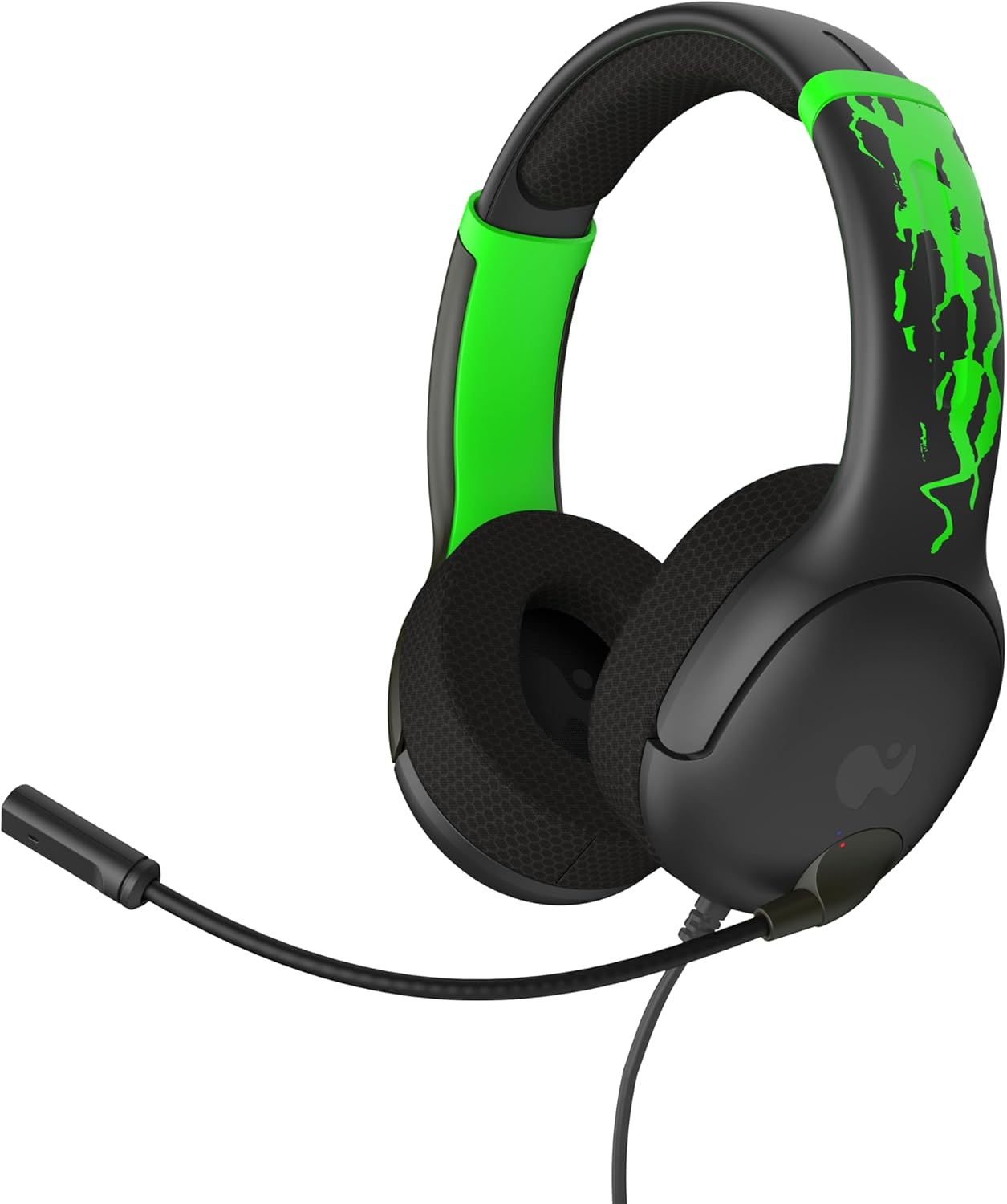
פיגורע 1: פראָנט view of the PDP AIRLITE GLOW Wired Headset.
שליסל פֿעיִקייטן:
- Unique design glows in the dark after exposure to light (for best results use UV light).
- Lightweight construction (7 oz) and soft padded earcups for all-day comfort.
- 40mm drivers with fine-tuned audio for immersive gameplay.
- Sleek, noise-canceling mic with flip-to-mute feature.
- Officially licensed by Xbox.
2. סעטאַפּ אינסטרוקציעס
The PDP AIRLITE GLOW Wired Headset connects directly to your gaming controller or compatible device via a 3.5mm audio jack.
Connecting to an Xbox Controller:
- Ensure your Xbox console and controller are powered on.
- Locate the 3.5mm audio jack port on the bottom of your Xbox controller.
- Insert the 3.5mm audio plug from the headset firmly into the controller's audio jack.
- The headset should now be connected and ready for use. You may need to adjust audio settings on your Xbox console or controller for optimal sound and microphone levels.
Connecting to PC (Windows 10/11):
- Locate the 3.5mm audio jack on your PC. If your PC has separate ports for microphone and headphones, you may need a 3.5mm splitter (not included).
- Insert the 3.5mm audio plug from the headset into the combined audio jack or the appropriate headphone/microphone jacks.
- Access your PC's sound settings to ensure the headset is selected as the default input and output device. Adjust volume and microphone levels as needed.
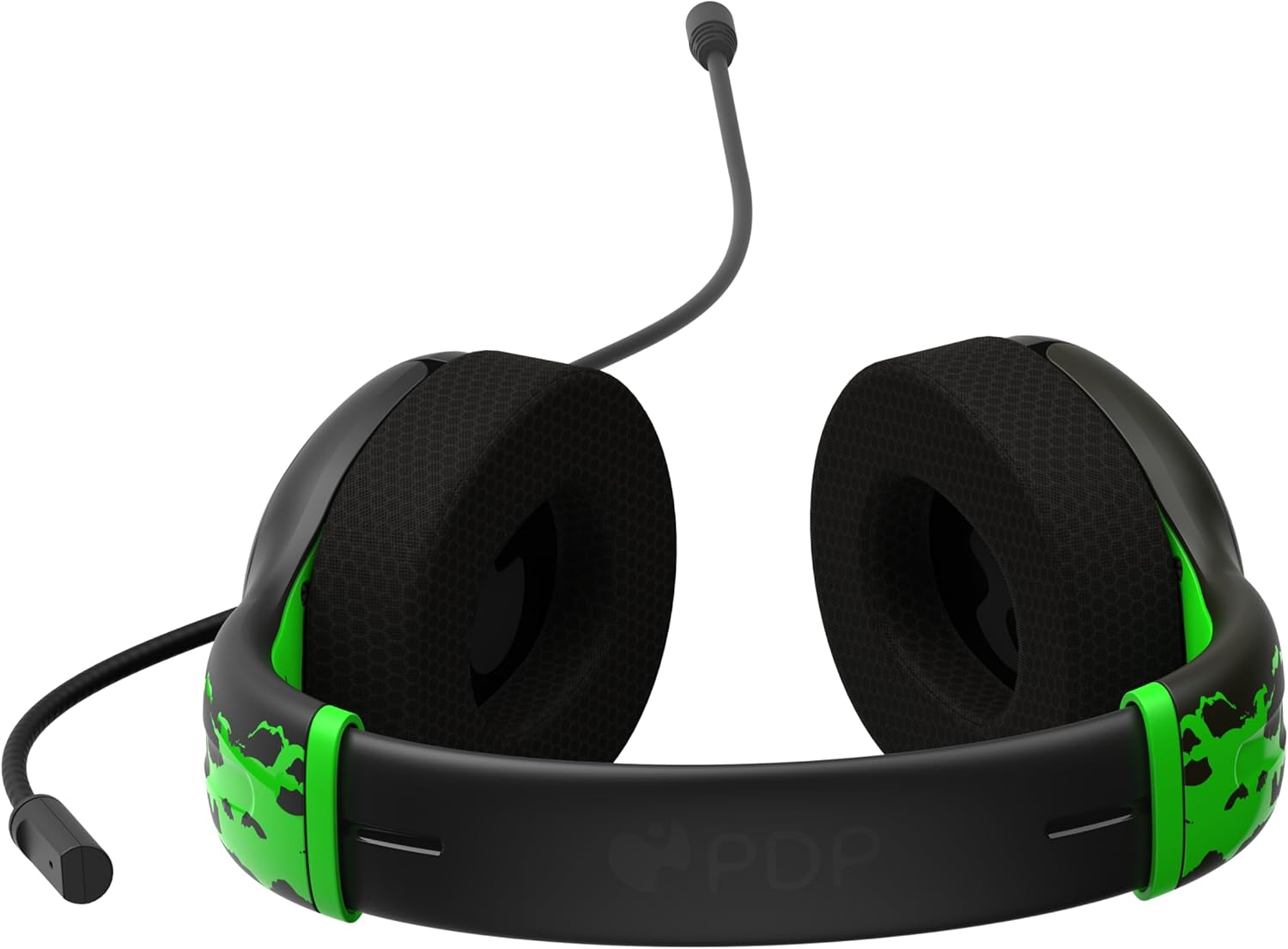
Figure 2: The 3.5mm audio jack for connecting the headset.
3. אַפּערייטינג ינסטרוקטיאָנס
מיקראָפאָן פאַנגקשאַנאַליטי:
- Flip-to-Mute: The headset features a convenient flip-to-mute microphone. To mute your microphone, simply flip the microphone boom arm upwards until it clicks into the vertical position. To unmute, flip the microphone boom arm back down to the speaking position.
- אַדזשאַסטאַבאַל מיקראָפאָן: The microphone arm is flexible and can be adjusted to your preferred speaking distance for optimal voice clarity.
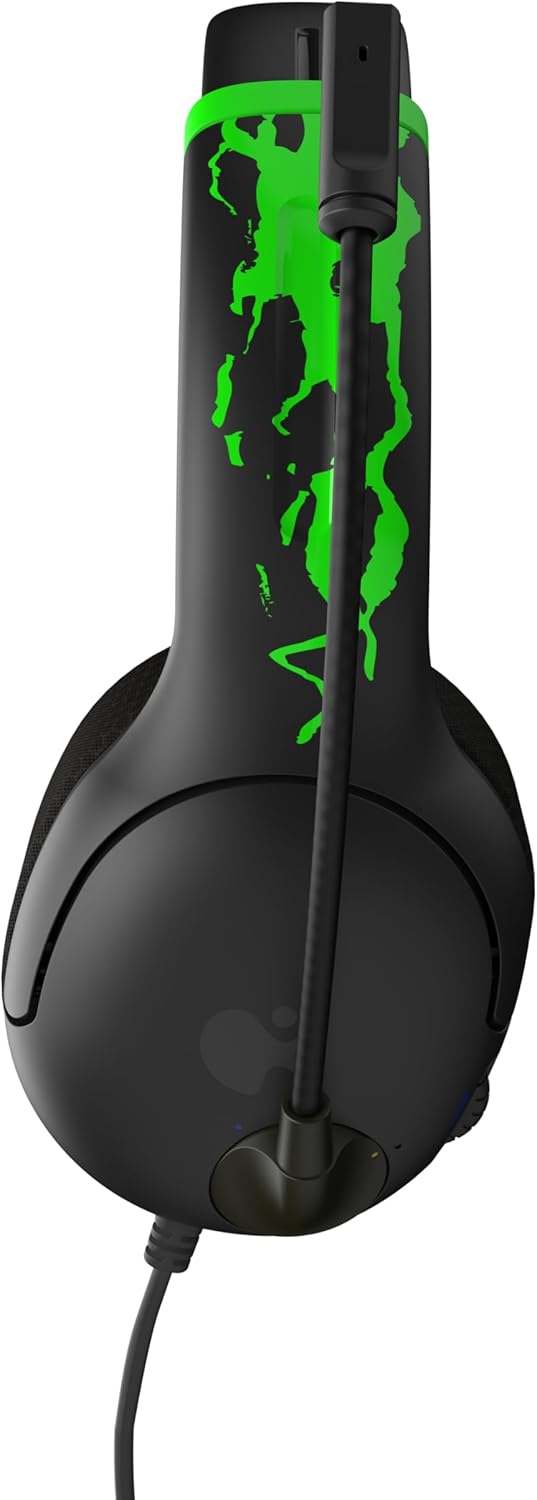
Figure 3: Microphone in the muted (upright) position.
באַנד קאָנטראָל:
- The headset includes an on-ear volume control dial. Rotate the dial to increase or decrease the audio volume to your desired level.

Figure 4: Volume control dial located on the earcup.
Adjusting Headset Fit:
- The headband is adjustable. Gently slide the earcups up or down to find a comfortable and secure fit on your head.

Figure 5: Adjustable headband for a personalized fit.
4. קער און וישאַלט
- רייניקונג: ניצט אַ ווייכע, טרוקענע שטאָף צו רייניקן די כעדסעט. פֿאַרמייַדט ניצן שטרענגע כעמיקאַלן אָדער שרײַבנדיקע מאַטעריאַלן.
- סטאָרידזש: האַלט די כעדסעט אין אַ קיל, טרוקן אָרט אַוועק פון דירעקט זונשייַן און עקסטרעמע טעמפּעראַטורן.
- קאַבלע זאָרגן: Avoid sharply bending or twisting the cable to prevent internal damage.
- Glow Feature: For optimal glow effect, expose the headset's glow-in-the-dark elements to a light source (preferably UV light) before use in dark environments.
5. טראָובלעשאָאָטינג
| פּראָבלעם | לייזונג |
|---|---|
| קיין געזונט פון כעדסעט. |
|
| מיקראָפאָן טוט נישט אַרבעטן. |
|
| Headset feels uncomfortable. |
|
6. פּראָדוקט ספּעסאַפאַקיישאַנז
| שטריך | דעטאַל |
|---|---|
| מאָדעל נאָמען | AIRLITE GLOW |
| מאָדעל נומער | 049-015-JGR |
| סאָרט | PDP |
| קאַנעקטיוויטי טעכנאָלאָגיע | מיט אַ דראָט (3.5 מ״מ דזשעק) |
| קאַמפּאַטאַבאַל דעוויסעס | Xbox Series X|S, Xbox One, Windows 10/11 PC, Gaming Consoles, Desktops, Laptops |
| אַודיאָ דרייווער טיפּ | דינאַמישער דרייווער (40 מ״מ) |
| מיקראָפאָן | Noise-canceling, Flip-to-mute |
| קאָנטראָל טיפּ | Volume Control (on-ear dial) |
| פּונקט וואָג | 0.018 ounces (approximately 7 oz as per feature bullet) |
| מאַטעריאַל | פּלאַסטיק |
| ספּעציעלע שטריך | Lightweight, Glow-in-the-dark design |
7. וואָראַנטי און שטיצן
For warranty information and customer support, please refer to the official PDP webזייטל אדער קאנטאקט זייער קאסטומער סערוויס גלייך. האלט אייער באווייז פון קויפן פאר יעדע גאראנטיע טענות.
אָנליין שטיצן: באַזוכן די פּי-די-פּי קראָם אויף עמעזאָן פֿאַר מער פּראָדוקט אינפֿאָרמאַציע און שטיצע רעסורסן.
8. פּראָדוקט ווידעאָס
AIRLITE GLOW Wired Headset for Xbox: Jolt Green 3D Video
This video provides a 3D view of the PDP AIRLITE GLOW Wired Headset in Jolt Green, showcasing its design and features. Note: This is a short preview ווידעא.
פּי-די-פּי לייסענסד גיימינג אַקסעסאָריעס קסבאָקס נינטענדאָ פּלייסטיישאַן
אַן איבערview ווידעא שאָוasing various PDP licensed gaming accessories for Xbox, Nintendo, and PlayStation, including the AIRLITE GLOW headset.


