הקדמה
This manual provides comprehensive instructions for the setup, operation, and maintenance of your HOCO Smart Watch Y5. Designed for seamless integration into your daily life, the Y5 Smart Watch offers advanced features for connectivity, health monitoring, and convenience.

פיגורע 1: פראָנט view of the HOCO Smart Watch Y5 with its display showing health metrics and time.
וואָס איז אין די קעסטל
ביים עפענען דעם פּעקל, ביטע זיכער מאַכן אַז אַלע קאָמפּאָנענטן זענען פאַראַן און אין גוטן צושטאַנד.
- 1 x HOCO Smart Watch Y5 Main Unit
- 1 x טשאַרדזשינג קאַבלע
- 1 x באַניצער מאַנואַל (דאָס דאָקומענט)
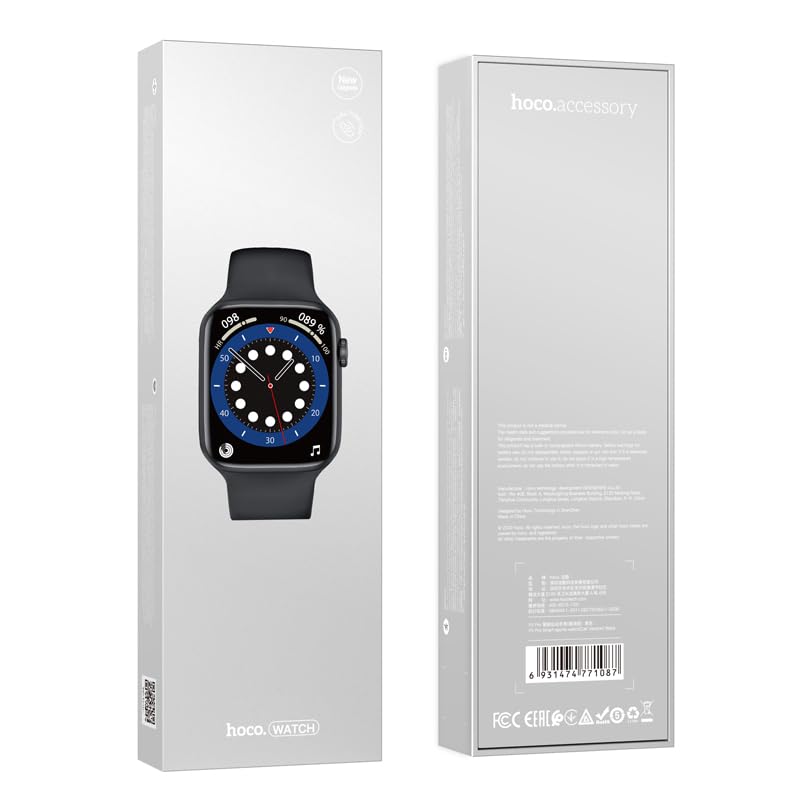
Figure 2: The retail packaging of the HOCO Smart Watch Y5, indicating the product inside.
סעטאַפּ גייד
1. טשאַרדזשינג די מיטל
Before initial use, fully charge your HOCO Smart Watch Y5. Connect the provided charging cable to the charging port on the back of the watch and to a USB power source. A full charge takes approximately 1 hour.
The watch boasts a 240mAh battery, providing up to 7 days of usage in single Bluetooth mode or 3-4 days with dual Bluetooth enabled.
2. אַפּ אינסטאַלאַציע און פּערינג
To unlock the full potential of your smartwatch, download the companion application on your smartphone. The HOCO Smart Watch Y5 is compatible with both iOS and Android devices.
- Scan the QR code in the watch's settings or search for the official HOCO smartwatch app in your device's app store (App Store for iOS, Google Play Store for Android).
- ינסטאַלירן די אַפּלאַקיישאַן און עפענען עס.
- מאַכן זיכער אַז בלועטאָאָטה איז ענייבאַלד אויף דיין סמאַרטפאָנע.
- Follow the in-app instructions to search for and pair with your HOCO Smart Watch Y5. The watch will typically appear as "HOCO Y5" or similar in the Bluetooth device list.
- באַשטעטיקן די פּאָרינג בעטן אויף ביידע דיין זייגער און סמאַרטפאָון.
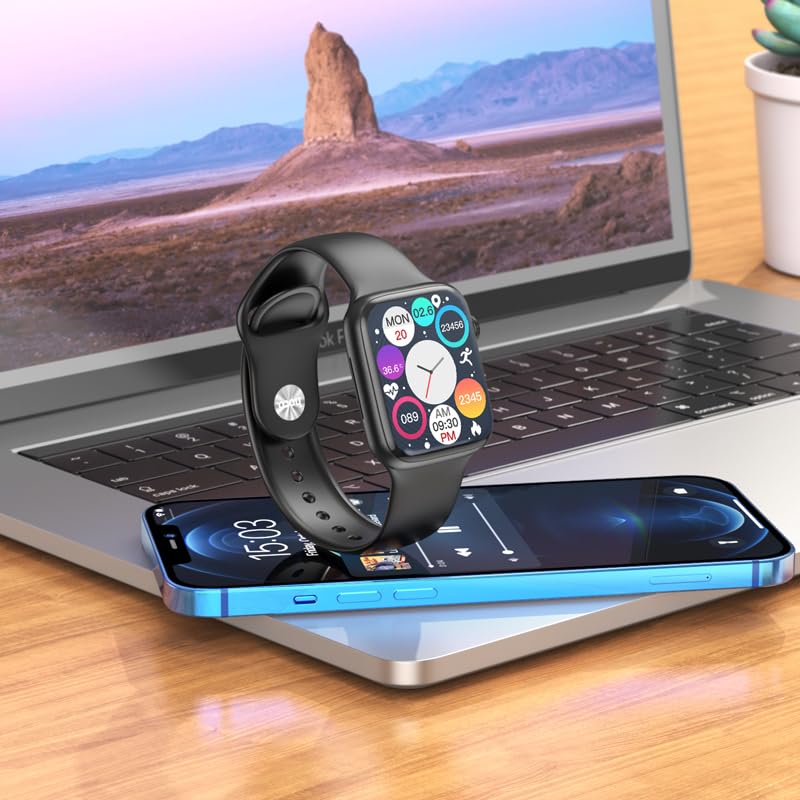
Figure 3: The HOCO Smart Watch Y5 positioned near a laptop and smartphone, demonstrating its compatibility and connectivity with other devices.
אַפּערייטינג ינסטראַקשאַנז
יקערדיק קאָנטראָלס
- טאָוטשסקרעען: Navigate menus, select options, and interact with apps by swiping and tapping the 1.96-inch AMOLED display.
- Side Button/Dial: Press to wake/sleep the screen, return to the home screen, or access the app menu. Rotate the dial for scrolling through lists or adjusting settings.
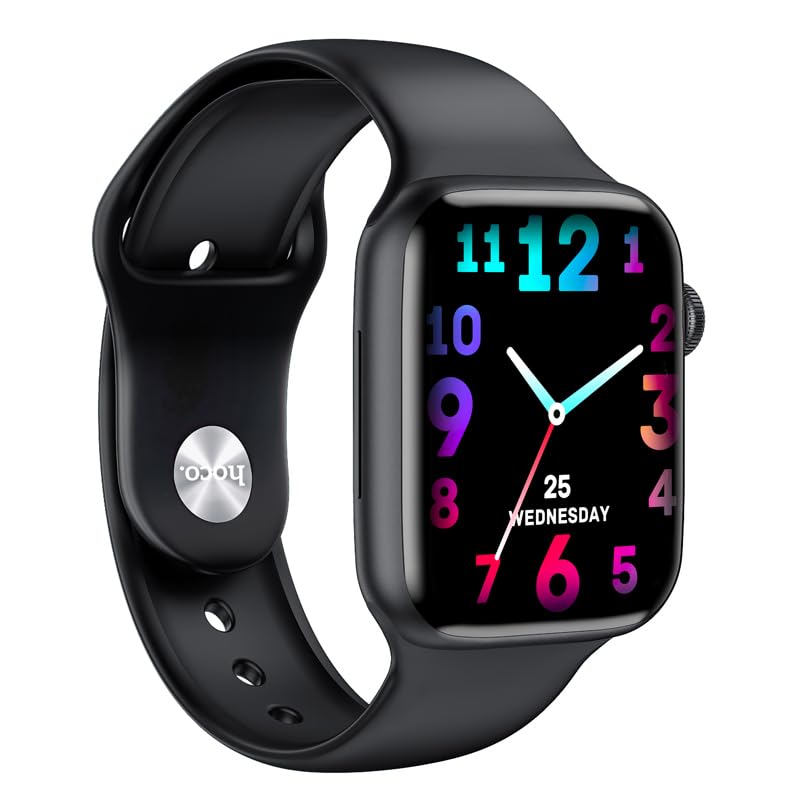
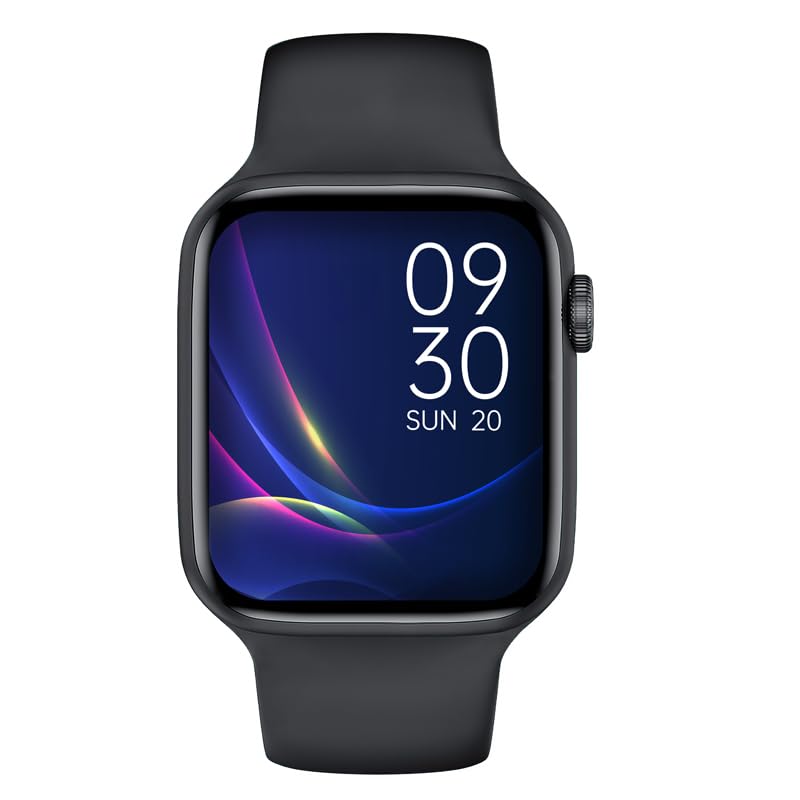
פיגורע 4: עקסamples of customizable watch faces on the HOCO Smart Watch Y5, including digital and analog styles.
שליסל פֿעיִקייטן און פאַנגקשאַנז
- געזונט טראַקינג: Monitor your heart rate, blood oxygen levels, steps taken, calories burned, and sleep patterns. Access detailed reports via the companion app.
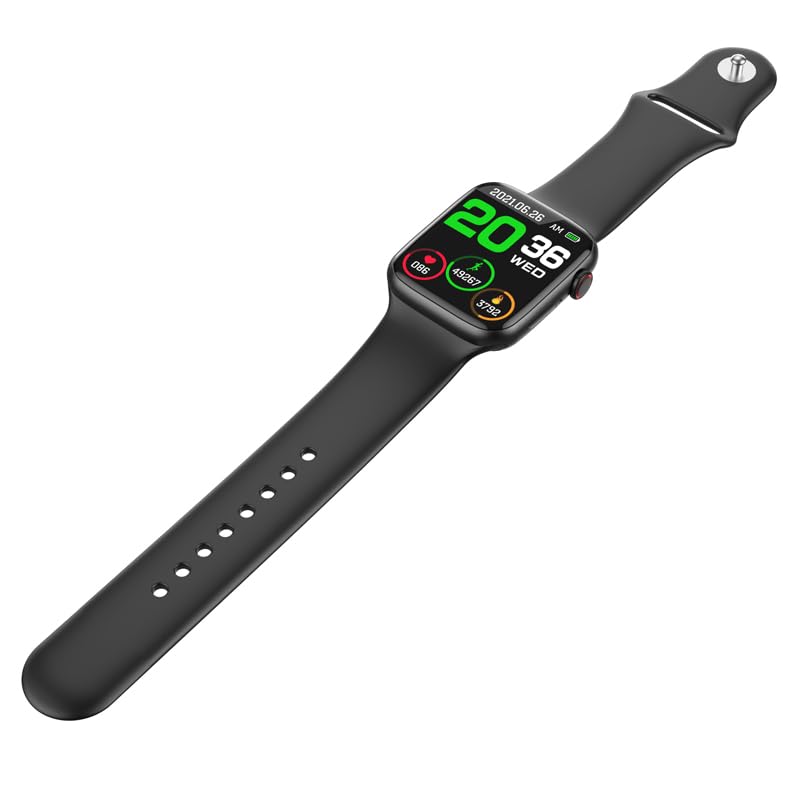
Figure 5: The HOCO Smart Watch Y5 displaying various health metrics, including heart rate and step count.
- עטלעכע ספּאָרט מאָדעס: Select from various sports modes to accurately track your workouts, including running, walking, cycling, and more.
- סמאַרט נאָוטאַפאַקיישאַנז: Receive real-time alerts for incoming calls, messages, and social media notifications directly on your wrist.
- ווייַט פאָטאָגראַפיע: ניצט אייער זייגער ווי אַ ווייַט לאָדן פֿאַר אייער סמאַרטפאָון קאַמעראַ.
- שפּאַלטן סקרין אַרויסווייַזונג: Access frequently used functions quickly with the split-screen feature.
- וועטער אינפארמאציע: Get current weather updates directly on your watch.
- Voice Assistant שטיצן: Interact with Siri or Google Assistant through your watch (requires smartphone connection).
- פערזענליכען וואך פנימער: Customize your watch's appearance by choosing from a variety of pre-installed watch faces or downloading new ones via the app.
וישאַלט
רייניקן דיין סמאַרט וואַך
Regularly clean your watch to ensure optimal performance and hygiene. Use a soft, lint-free cloth to wipe the screen and body. For stubborn dirt, slightly dampשווענק דעם שטאָף מיט וואַסער. פֿאַרמייַדט ניצן שאַרפע כעמיקאַלן אָדער אַברייסיוו מאַטעריאַלן.
וואַסער און שווייס קעגנשטעל (IP68)
The HOCO Smart Watch Y5 is IP68 rated, meaning it is resistant to dust and can withstand immersion in water up to 1.5 meters for 30 minutes. It is suitable for swimming and showering. However, it is not recommended for diving or high-pressure water activities. Always dry the watch thoroughly after exposure to water, especially the charging contacts.
באַטערי קער
- פֿאַרמײַדט אויסשטעלן די זייגער צו עקסטרעמע טעמפּעראַטורן (הייס אָדער קאַלט) ווײַל דאָס קען פֿאַרערגערן די לעבן פֿון דער באַטעריע.
- לאָדט אויף די זייגער נאָר ניצנדיק דעם צוגעשטעלטן לאָד־קאַבל.
- Do not leave the watch uncharged for extended periods.
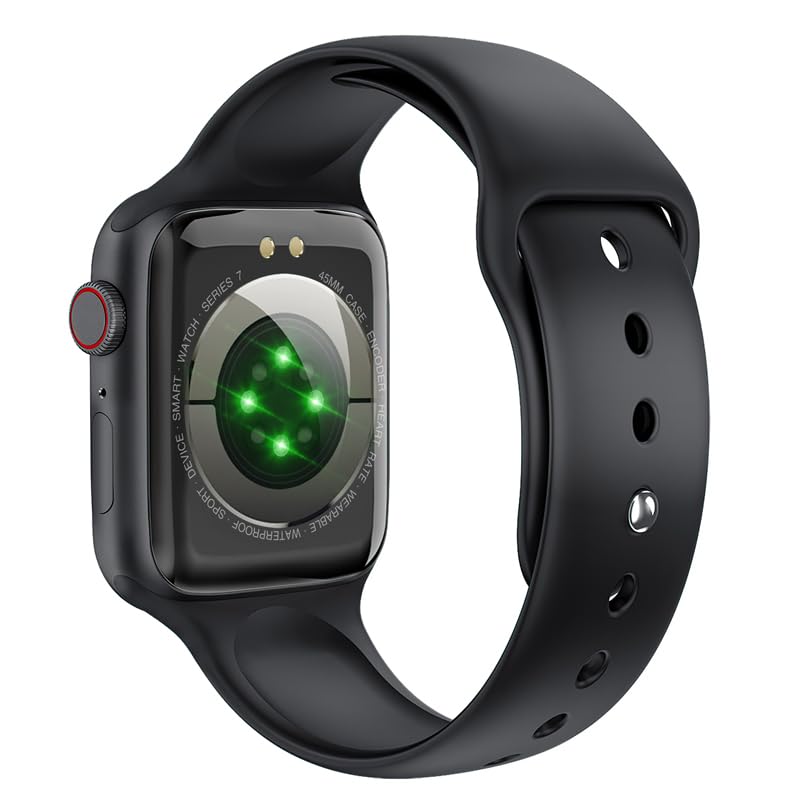
פיגור 6: די הינטערשטע view of the HOCO Smart Watch Y5, highlighting the optical heart rate sensors and charging contacts.
טראָובלעשאָאָטינג
| פּראָבלעם | מעגלעך לייזונג |
|---|---|
| די זייגער טוט זיך נישט אן. | זיכער מאַכן אַז די זייגער איז גאָר אויפגעלאָדן. פֿאַרבינדט עס צום טשאַרדזשער פֿאַר לפּחות 15 מינוט. |
| קען נישט פאַרבינדן מיטן סמאַרטפאָן. |
|
| נאָוטאַפאַקיישאַנז זענען נישט באקומען. |
|
| Heart rate/blood oxygen readings are inaccurate. |
|
ספּעסאַפאַקיישאַנז
| סאָרט | HOCO |
| מאָדעל | Y5 SMART WATCH |
| ווייַז | 1.96 אינטשעס אַמאָלעד, 240 x 240 רעזאָלוציע |
| קאַנעקטיוויטי | בלועטאָאָטה 5.3 |
| באַטאַרייע קאַפּאַציטעט | 240 מאַה |
| באַטערי לעבן | Up to 7 days (single Bluetooth), 3-4 days (dual Bluetooth) |
| טשאַרדזשינג צייט | בעערעך 1 שעה |
| וואַסער קעגנשטעל | IP68 |
| קאַמפּאַטאַבאַל אַס | יאָס, אַנדרויד |
| זכּרון סטאָרידזש קאַפּאַסיטי | 128 מב |
| פּונקט וואָג | 100 ג |
| פּראָדוקט דימענשאַנז | 20 X 5 X 3 סענטימעטער |
וואָראַנטי און שטיצן
Your HOCO Smart Watch Y5 comes with a standard manufacturer's warranty. Please refer to the warranty policy provided at the time of purchase for specific terms and conditions. For technical support, troubleshooting assistance, or warranty claims, please contact HOCO customer service through their official webפּלאַץ אָדער די קאָנטאַקט אינפֿאָרמאַציע צוגעשטעלט מיט דיין קויפן.
For more information, visit the official HOCO webפּלאַץ: www.hoco.hk


