1. הקדמה
The JZAQ A13 Bluetooth Helmet Speakers and Intercom System provides wireless communication and audio playback for motorcycle riders, skiers, cyclists, and other sports enthusiasts. This system features Bluetooth 5.3 connectivity, two-way intercom functionality, noise cancellation, and a waterproof design for reliable performance in various conditions.

Image 1.1: JZAQ A13 Bluetooth Helmet Headset overview.
2. פּעקל אינהאַלט
איידער די אינסטאַלאַציע, ביטע באַשטעטיקן אַז אַלע די זאכן וואָס זענען ליסטעד אונטן זענען פאַראַן אין דיין פּעקל:
- JZAQ A13 Headphone Host
- Hard Earbuds
- Soft Earbuds
- קליפּ באַזע
- Paste Base
- Horn Velcro
- טיפּ-C טשאַרדזשינג קאַבלע
- Hard and Soft Velcro Pads
- באַניצער מאַנואַל

Image 2.1: All components included in the JZAQ A13 package.
3. פּראָדוקט איבערview
Familiarize yourself with the main unit and its controls:
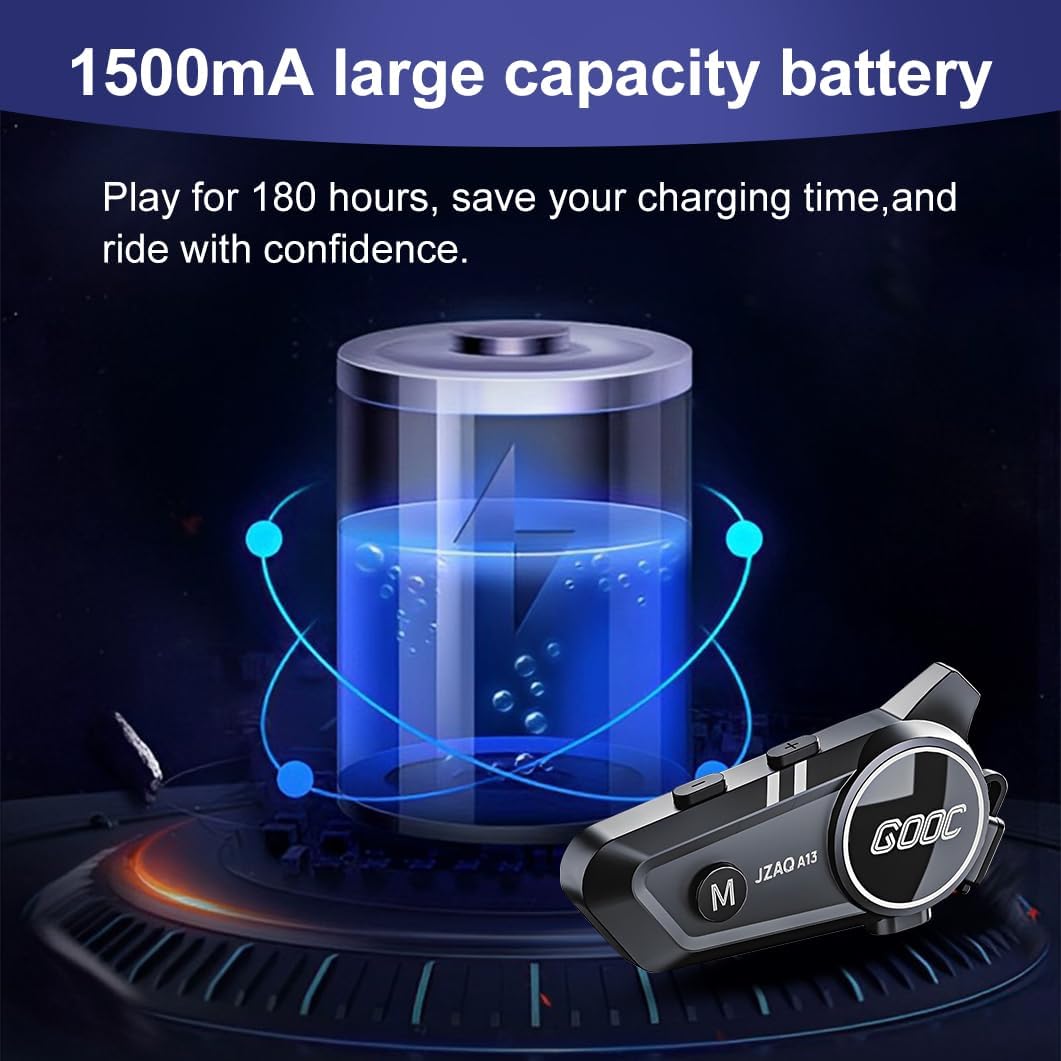
Image 3.1: Diagram illustrating the button functions and ports on the JZAQ A13 unit.
- Power On/Off/Pause/Play/Connect Button: Controls power, music playback, and Bluetooth connection.
- Volume Up/Next Song Button: Increases volume and skips to the next track.
- Volume Down/Previous Song/Voice Assistant Button: Decreases volume, goes to the previous track, and activates the voice assistant.
- טשאַרדזשינג פּאָרט: USB טיפּ-C פּאָרט פֿאַר טשאַרדזשינג די מיטל.
- כעדפאָון דזשאַק: פֿאַרבינדט די רעדנערס און מיקראָפֿאָן.
4. סעטאַפּ און ייַנמאָנטירונג
4.1 טשאַרדזשינג די מיטל
Before first use, fully charge the JZAQ A13 unit. Connect the provided TYPE-C charging cable to the charging port on the unit and a USB power source. A full charge typically takes approximately 2 hours. The device features a 1500mAh battery, providing up to 180 hours of continuous play time.

Image 4.1: Illustration of the 1500mAh large capacity battery.
4.2 העלם ינסטאַלירונג
The JZAQ A13 is designed to be compatible with various helmet types. The speakers are ultra-thin (10mm) to ensure comfort and avoid ear pressure.

בילד 4.2: עקס.amples of various helmet types compatible with the JZAQ A13.
Follow these steps to install the system in your helmet:
- רעדנער אָרט: Identify suitable locations within your helmet for the speakers, typically in the ear recesses. Use the provided Velcro pads to secure the speakers.
- מיקראָפאָן אַטאַטשמענט: Choose between the hard or soft earbuds (microphones) based on your helmet type and preference. Attach the microphone using Velcro in a position that allows clear voice pickup without obstructing your vision or comfort.
- Main Unit Mounting: Use either the clip base or the paste base to attach the main JZAQ A13 unit to the side of your helmet. Ensure it is securely fastened and easily accessible for operation.
- קאַבלע פאַרוואַלטונג: לייגט אַלע קייבלס אָרדנטלעך אין די העלם פּאַדינג צו פאַרמייַדן ומבאַקוועמקייט אָדער שטערונג.

Image 4.3: Step-by-step visual guide for installing the JZAQ A13 system into a helmet.
5. אַפּערייטינג ינסטרוקטיאָנס
5.1 מאַכט אויף / אַוועק
- מאַכט אויף: דריק און האלט דעם פּאַוער קנעפּל פֿאַר אַרום 3 סעקונדעס ביז די אינדיקאַטאָר ליכט צינדט זיך אָן.
- מאַכט אַוועק: דריק און האלט דעם פּאַוער קנעפּל פֿאַר אַרום 3 סעקונדעס ביז די אינדיקאַטאָר ליכט גייט אויס.
5.2 בלועטאָאָטה פּערינג
The JZAQ A13 uses Bluetooth 5.3 for stable wireless connectivity.
- מאַכן זיכער אַז די מיטל איז פּאַוערד אַוועק.
- דריק און האלט דעם פּאַוער קנעפּל פֿאַר אַרום 5-7 סעקונדעס ביז די אינדיקאַטאָר ליכט בלינקט אָלטערנאַטיוו רויט און בלוי, וואָס ווײַזט אויף פּערינג מאָדע.
- On your mobile phone or Bluetooth-enabled device, search for "JZAQ A13" in the Bluetooth settings.
- Select "JZAQ A13" to connect. Once paired, the indicator light will flash blue slowly.
5.3 מוזיק פּלייבאַק
After successful Bluetooth pairing, you can play music from your connected device. The system features Hi-Fi stereo sound and DSP noise reduction technology for clear audio.

Image 5.1: The JZAQ A13 provides clear music playback with noise reduction.
- שפּיל / פּויזע: דריקן די מאַכט קנעפּל אַמאָל.
- באַנד אַרויף: דריק דעם באַנד אַרויף (+) קנעפּל.
- באַנד אַראָפּ: דריק דעם באַנד אַראָפּ (-) קנעפּל.
- ווייַטער ליד: דריק און האלט דעם באַנד אַרויף (+) קנעפּל.
- פֿריִער ליד: דריק און האלט דעם באַנד אַראָפּ (-) קנעפּל.
5.4 צוויי-וועג ינטערקאַם
The JZAQ A13 supports two-way intercom communication between two riders within a range of up to 200 meters. The universal pairing function allows connection with other compatible intercom systems.

Image 5.2: Illustration of two-way intercom communication between riders.
- אָנהייבן אינטערקאָם: Consult the specific instructions for initiating intercom with another JZAQ A13 unit or a universally paired device.
- ענדע אינטערקאם: Press the Power button once during an active intercom call.
5.5 טעלעפאָן רופן
The system supports hands-free calling with automatic answering and DSP noise reduction for clear voice communication.
- ענטפער רופן: The system will automatically answer incoming calls after a few rings.
- סוף רופן: דריקן די מאַכט קנעפּל אַמאָל.
- אָפּוואַרפן רופן: דריקן און האַלטן די מאַכט קנעפּל פֿאַר 2 סעקונדעס.
5.6 ווויס אַססיסטאַנט
Activate your smartphone's voice assistant (e.g., Siri) directly from the JZAQ A13.
- אַקטאַווייט קול אַססיסטאַנט: Press the Volume Down (-) button twice quickly.
6. וישאַלט
6.1 וואַסערפּרוף
The JZAQ A13 features IPX67 deep waterproof technology with Nano coating, making it suitable for use in rainy or snowy conditions and capable of operating in temperatures as low as -20°F.
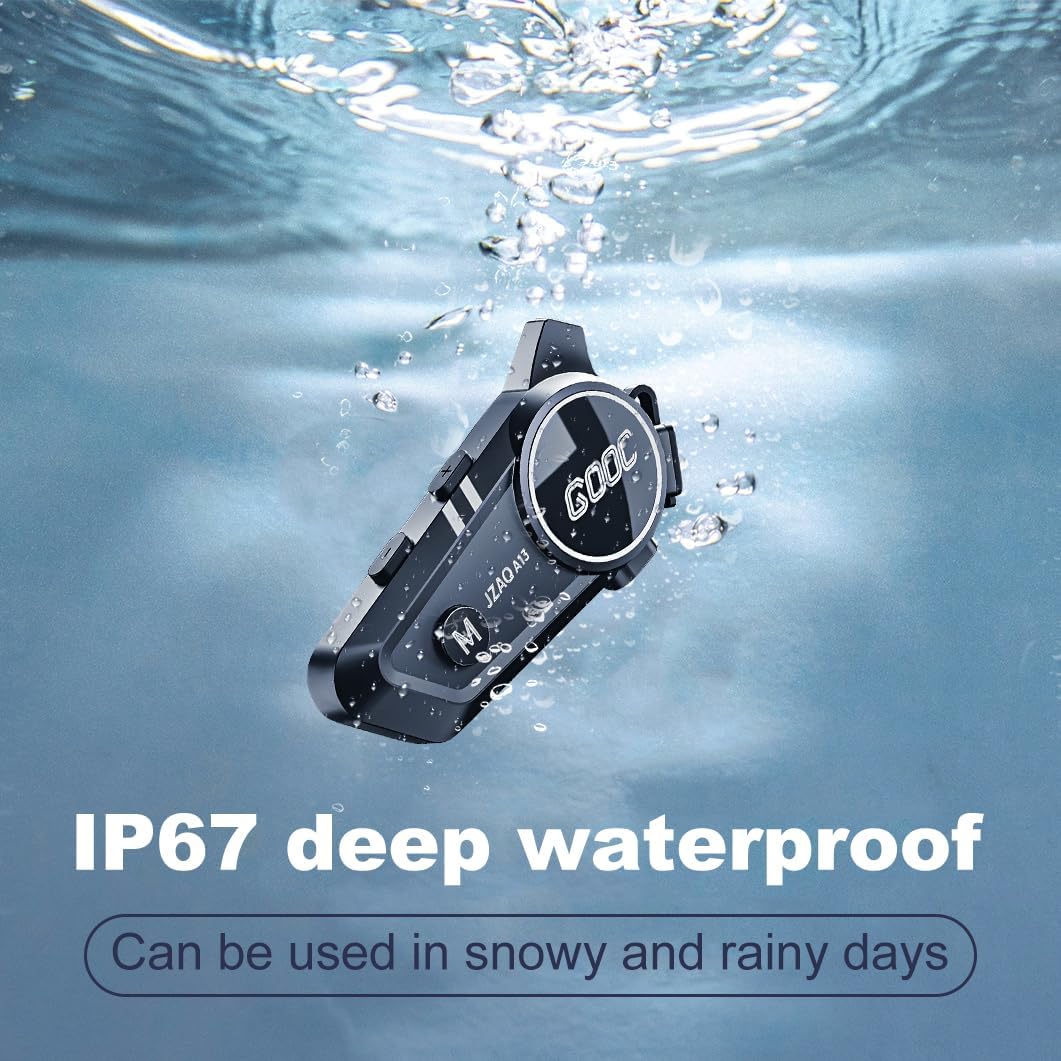
Image 6.1: The JZAQ A13 demonstrating its IP67 deep waterproof capability.
6.2 רייניקונג און סטאָרידזש
- ווישן די אַפּאַראַט מיט אַ ווייך, דamp שטאָף. ויסמיידן ניצן האַרב קעמיקאַלז אָדער אַברייסיוו קלינערז.
- Ensure the charging port cover is securely closed to maintain water resistance.
- סטאָר די מיטל אין אַ קיל, טרוקן אָרט ווען ניט אין נוצן.
7. טראָובלעשאָאָטינג
If you encounter issues with your JZAQ A13, refer to the following common problems and solutions:
| פּראָבלעם | מעגלעך סיבה | לייזונג |
|---|---|---|
| די מיטל טוט נישט מאַכט אויף | נידעריגע באַטעריע; אַפּאַראַט פֿאַרפֿרוירן | Charge the device fully; Perform a hard reset (if applicable, refer to manufacturer for specific steps). |
| קען נישט צוזאמענשטעלן מיטן טעלעפאן | Not in pairing mode; Bluetooth off on phone; Device already paired | Ensure device is in pairing mode (flashing red/blue); Turn on phone's Bluetooth; Forget previous connections on phone and re-pair. |
| קיין געזונט פון ספּיקערז | Volume too low; Speakers disconnected; Faulty connection | Increase volume on device and phone; Check speaker connections; Try re-plugging speakers into the main unit. |
| אינטערקאם פארבינדט זיך נישט | Out of range; Incorrect pairing procedure | Ensure riders are within 200m range; Repeat intercom pairing steps for both units. |
| Poor voice quality during calls/intercom | Microphone position; Excessive wind noise | Adjust microphone closer to mouth; Ensure microphone is shielded from direct wind. |
8. ספּעסאַפאַקיישאַנז
Key technical specifications for the JZAQ A13 Bluetooth Helmet Speakers & Intercom System:
| שטריך | באַשרייַבונג |
|---|---|
| מאָדעל נאָמען | A13 |
| סאָרט | JZAQ |
| קאַנעקטיוויטי טעכנאָלאָגיע | ווירעלעסס (בלועטאָאָטה) |
| בלועטאָאָטה ווערסיע | 5.3 |
| באַטאַרייע קאַפּאַציטעט | 1500 מאַה |
| באַטעריע לעבן (שפּיל צייט) | אַרויף צו 180 שעה |
| טשאַרדזשינג צייט | 2 שעה |
| ינטערקאָם קייט | Up to 200 meters (two-way) |
| וואַסער קעגנשטעל מדרגה | IPX67 (וואָטערפּרוף) |
| ראַש קאָנטראָל | Sound Isolation, DSP Noise Reduction |
| ספּעציעלע פֿעיִקייטן | Built-In Voice Assistant, Fast Charging, Includes microphone, Lightweight |
| פּונקט וואָג | 7.4 אונס (0.21 קילאָגראַמס) |
| אַפּערייטינג טעמפּעראַטור | -20°F to (unspecified upper limit) |
9. וואָראַנטי און שטיצן
The JZAQ A13 Bluetooth Helmet Speakers & Intercom System comes with a 2 יאָר וואָראַנטי. For any product-related inquiries, technical assistance, or warranty claims, please contact JZAQ customer service through the Amazon Buyer Center. Our customer service team is available to assist you.


